
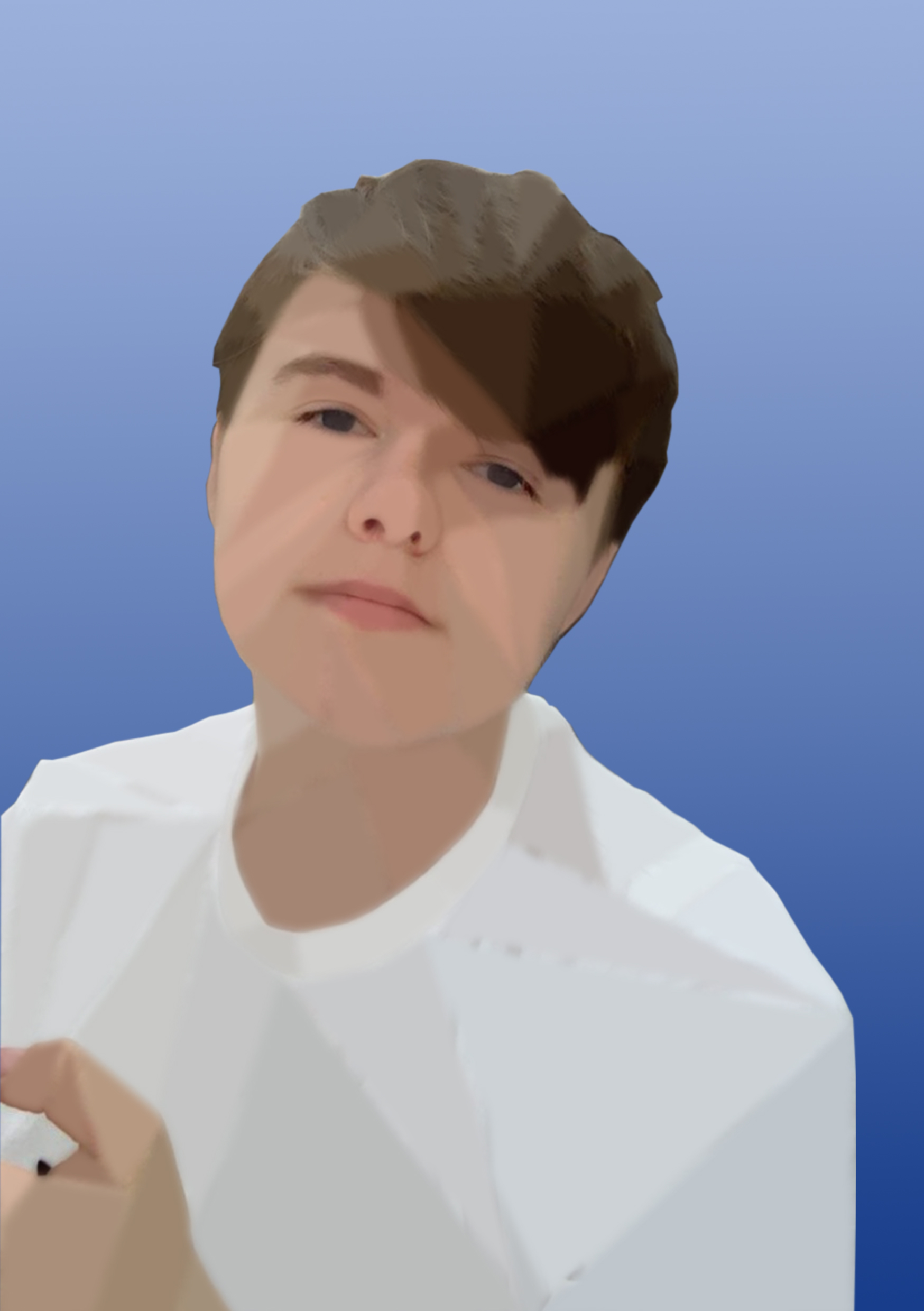
This is my first Photoshop self portrait. I have created a low-poly style portrait, which forms lots of flat toned, triangular shapes on my face. The shapes create a more three-dimensional appearance and add depth and tone to the image.
I purposely left out some areas to create a combination of digital art and photography. I left my eyes, nose and lips so it didn’t look too uncanny and unrealistic as I wanted it to still look like a photograph at first glance. The result is almost futuristic and artificial, which represents how technology is quickly progressing and it is getting harder and harder to differentiate between what is real and what is fake. I am interested to see how technology developing will affect graphic design in the future and I am excited to incorporate it into my work.
For the background, I have created a gradient from dark to light blue, the colours are chromatic looking and add to the strange, futuristic feeling in the portrait. I have added such an emphasis on the future in this design because I am optimistic and excited to explore new technology and techniques, evolving as a designer and adapting to new trends.
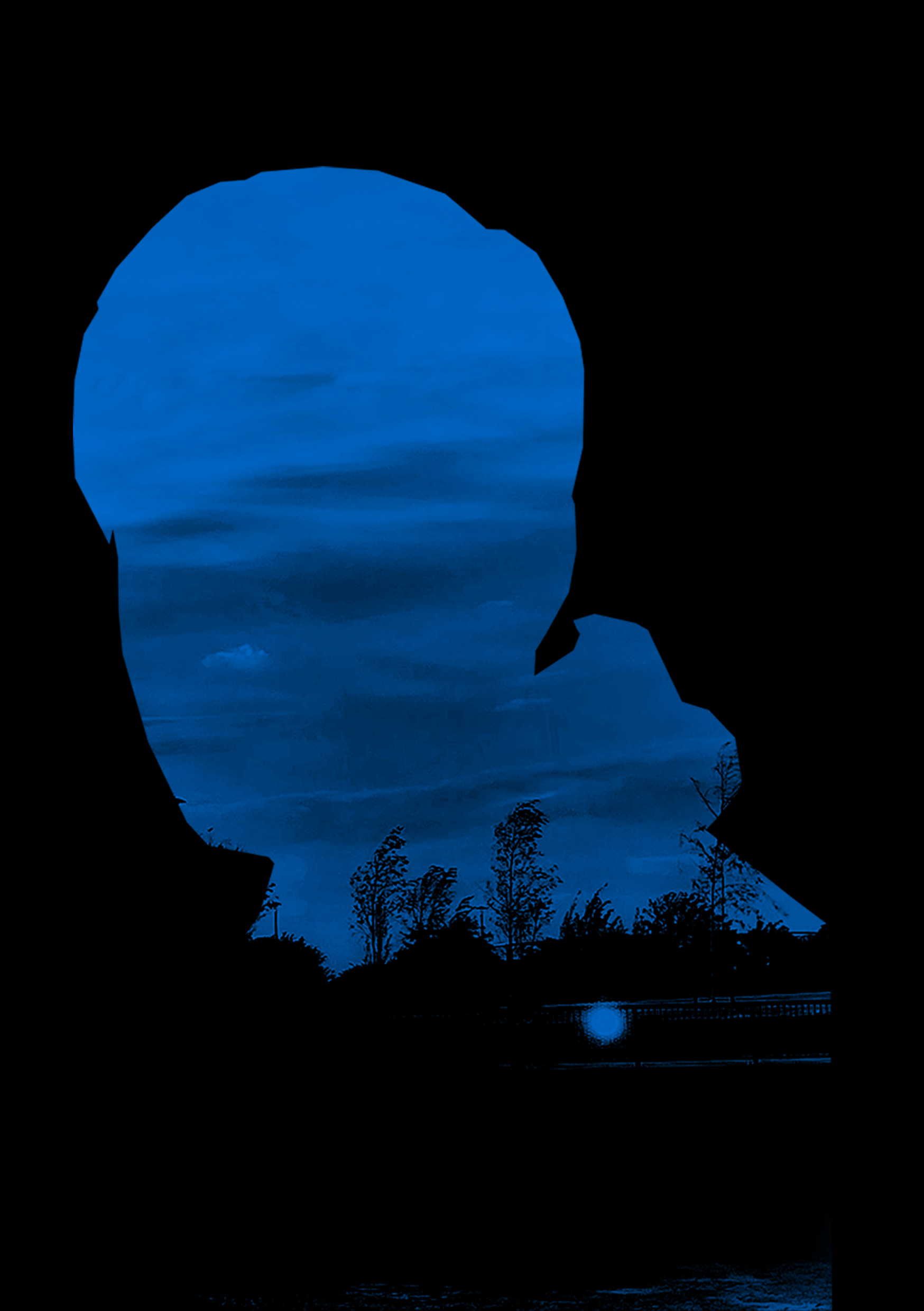
My second self portrait is more anonymous, with an air of mystery surrounding it.
I decided it would be interesting to show my silhouette, therefore creating somewhat of a representation of myself, but not showing myself entirely. The image used was a photo taken at a 3/4 angle. I felt that a side view would work better as you can distinguish features more than a straight ahead image. Here, you can see areas of my hood, my neck, and my hair, which create an interesting shape to work in.
I masked another image within the outline of myself. This is a photograph that I took at Victoria Dock. I added a blue hue to the image, my favourite colour, and intensified the shadows in the image. The result was duskish and slightly haunting since it made the scene look like apocalyptic. The eerie tone intensifies the whole mysterious feel.
For more contrast, I placed the mask onto a black background. The trees blend into the background too, so the transition between the background and the image is seamless. The contrast between black and blue works effectively, creating a twilight atmosphere.