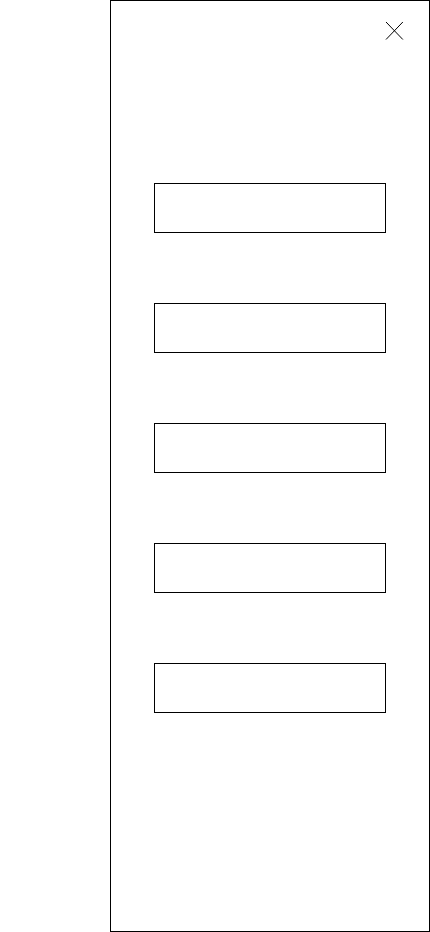
When designing for UX and UI, wireframes are used to plan and map out the layout of a website or mobile app. They are one of the earliest stages of creating an interface and are very important because they act as a baseline for your ideas to branch from.
“Designing digital experiences involves continual iteration, exploration and testing to ensure the solution you’re designing is solving the needs of your target audience. Due to the dynamic nature of this process, the early stages of the design process are focused on research and concepting ideas before finer details are brought into the mix. As part of that early process, wireframes can be an invaluable tool in visualising a user journey or flow and testing it to ensure the designed approach will address user needs.” (Rae, 2021)
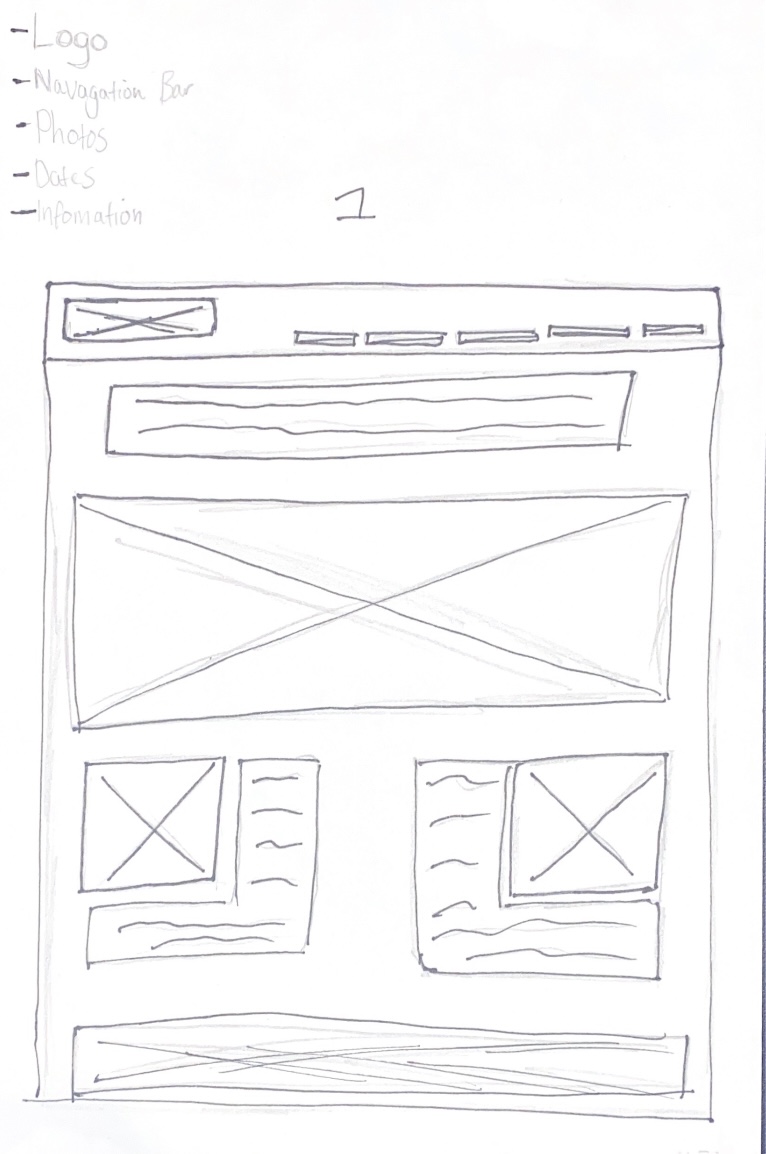
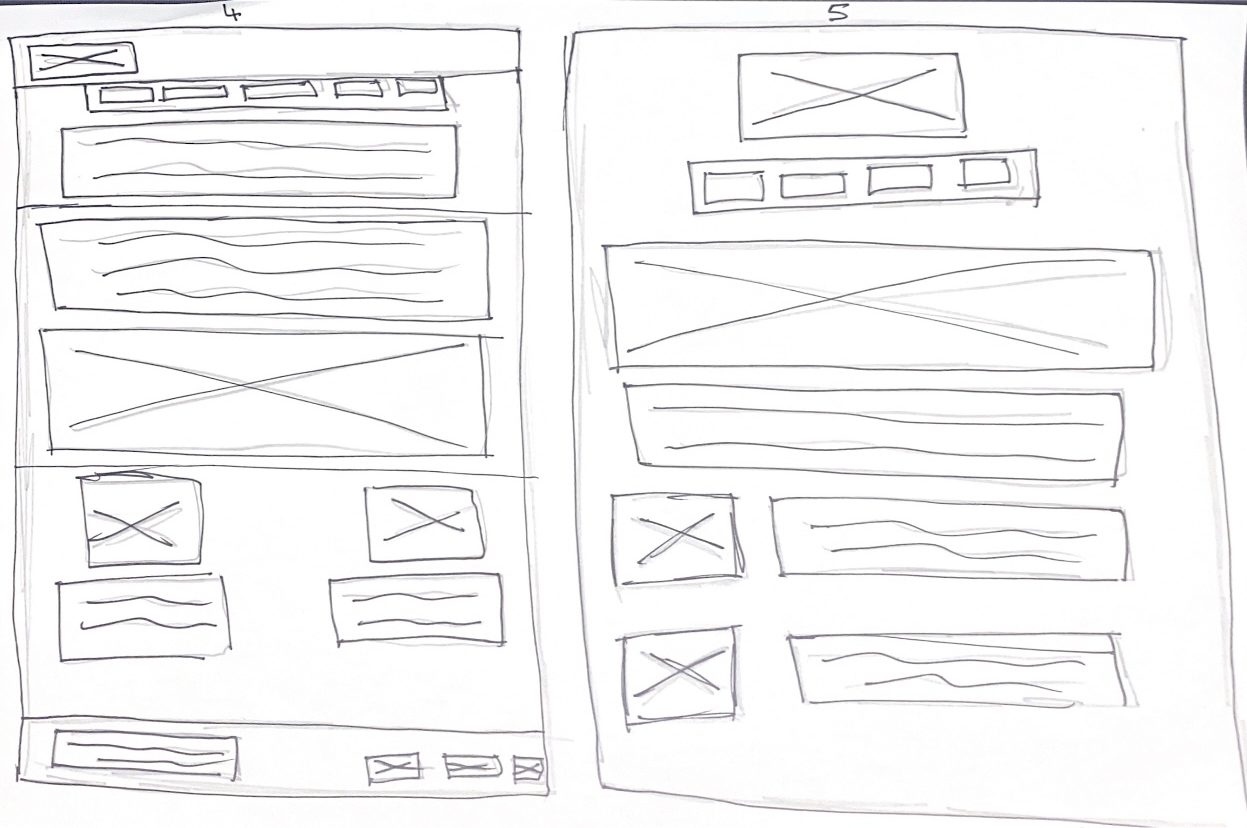
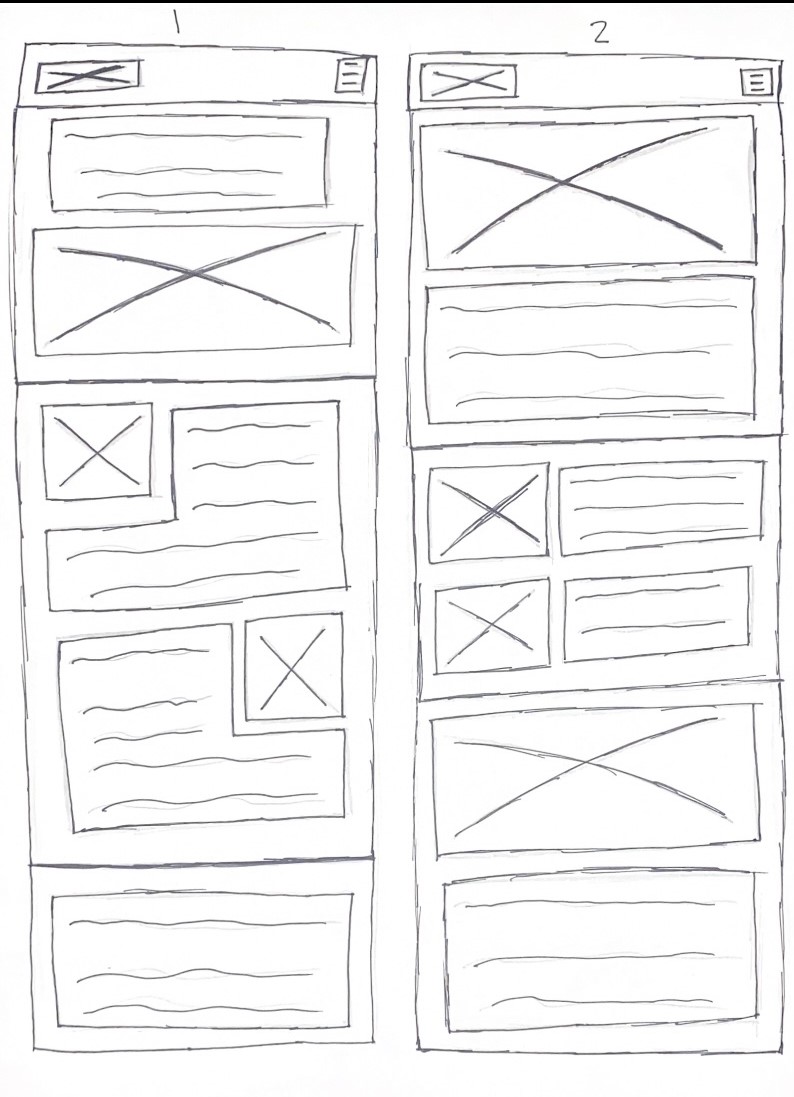
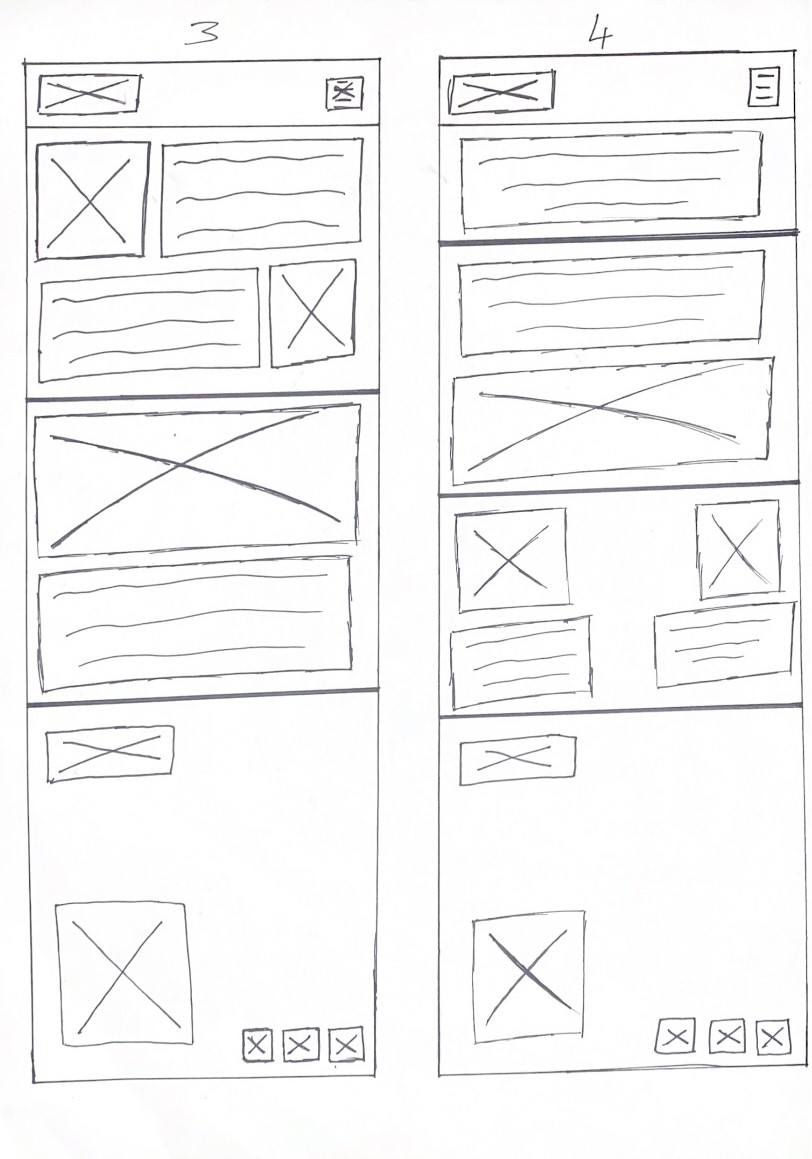
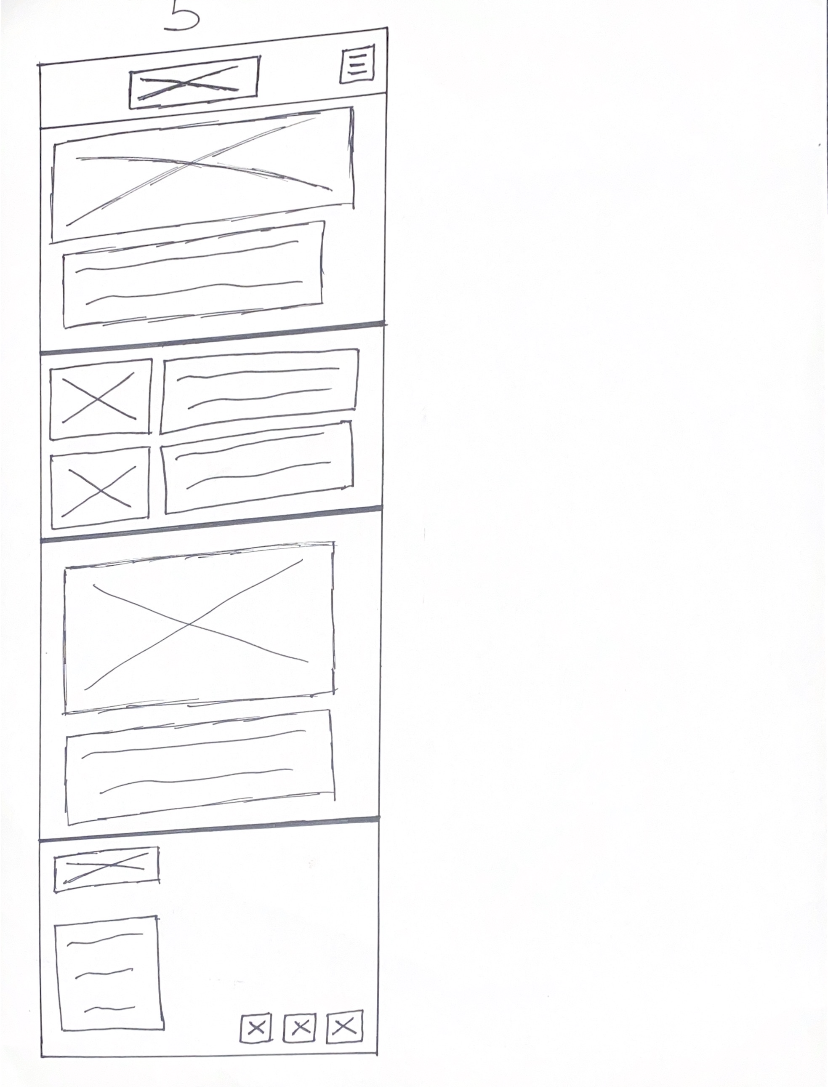
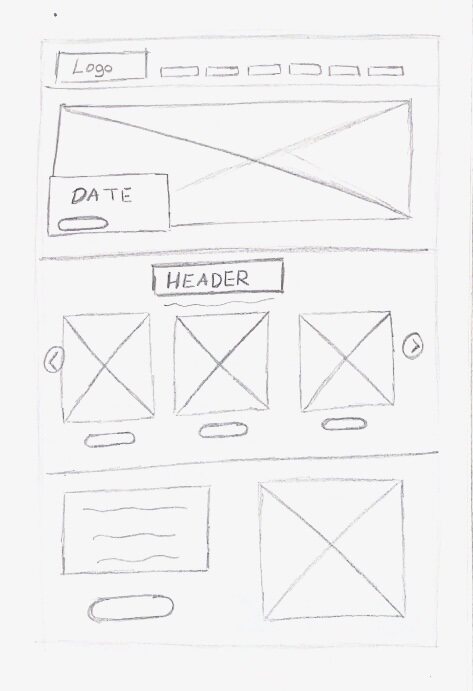
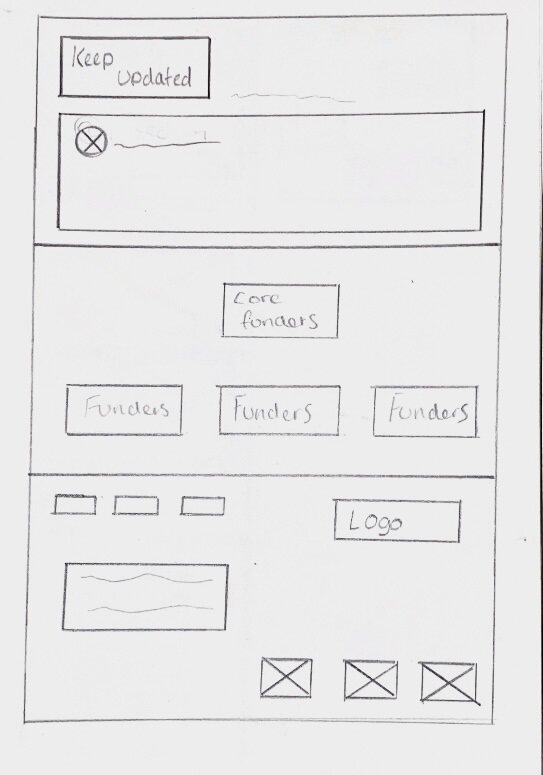
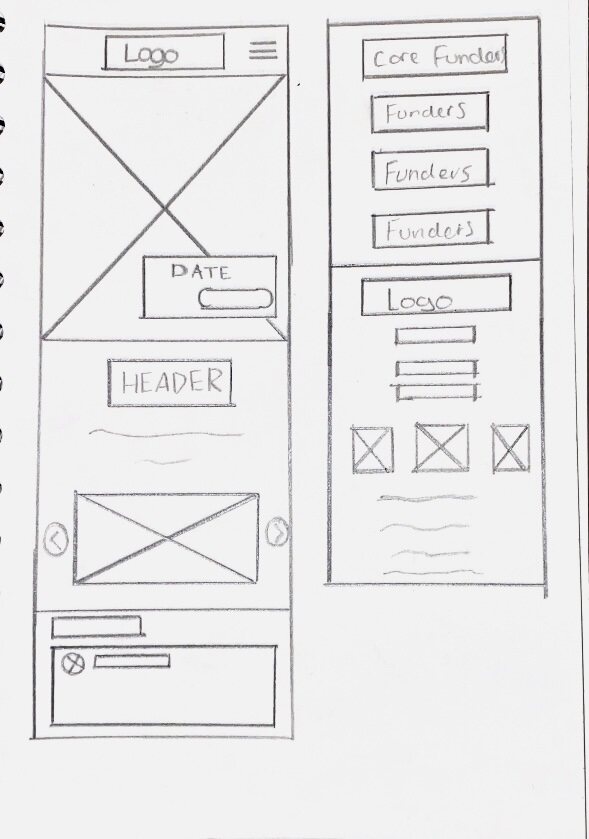
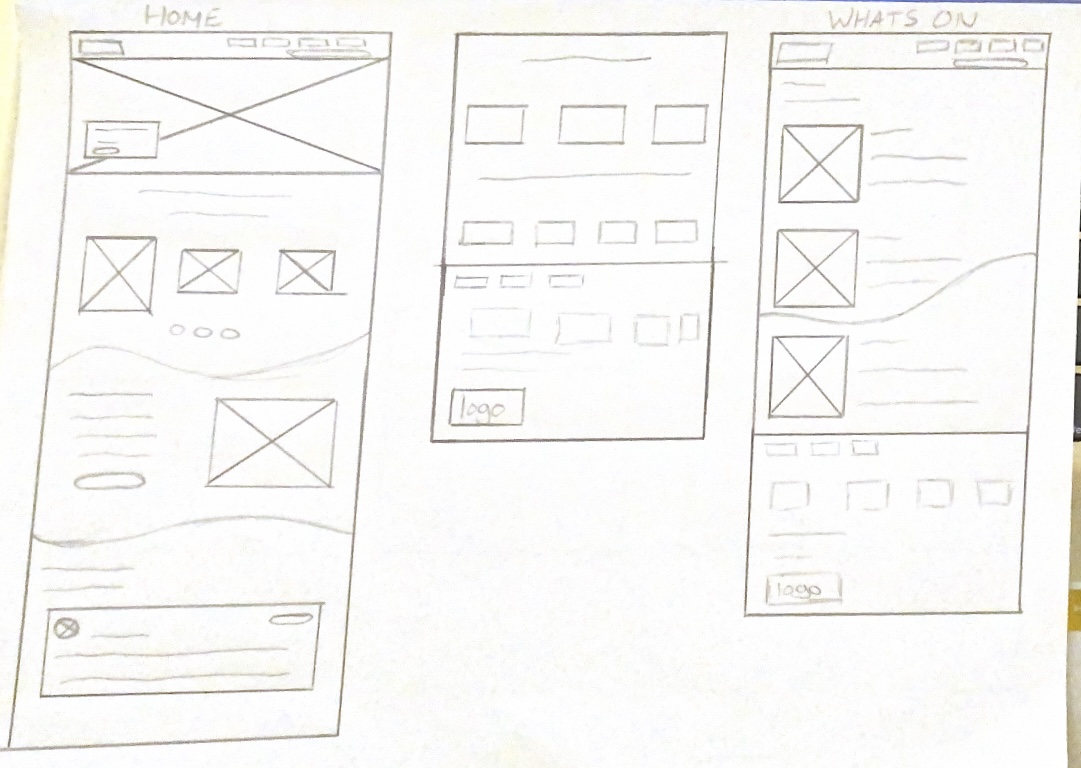
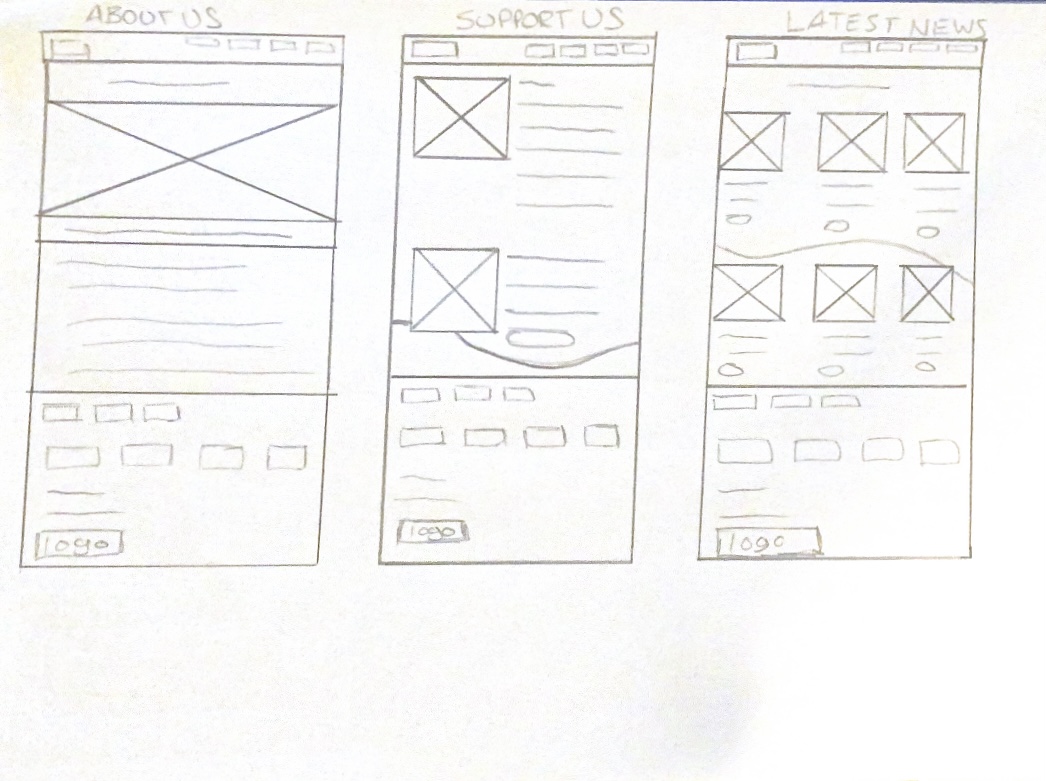
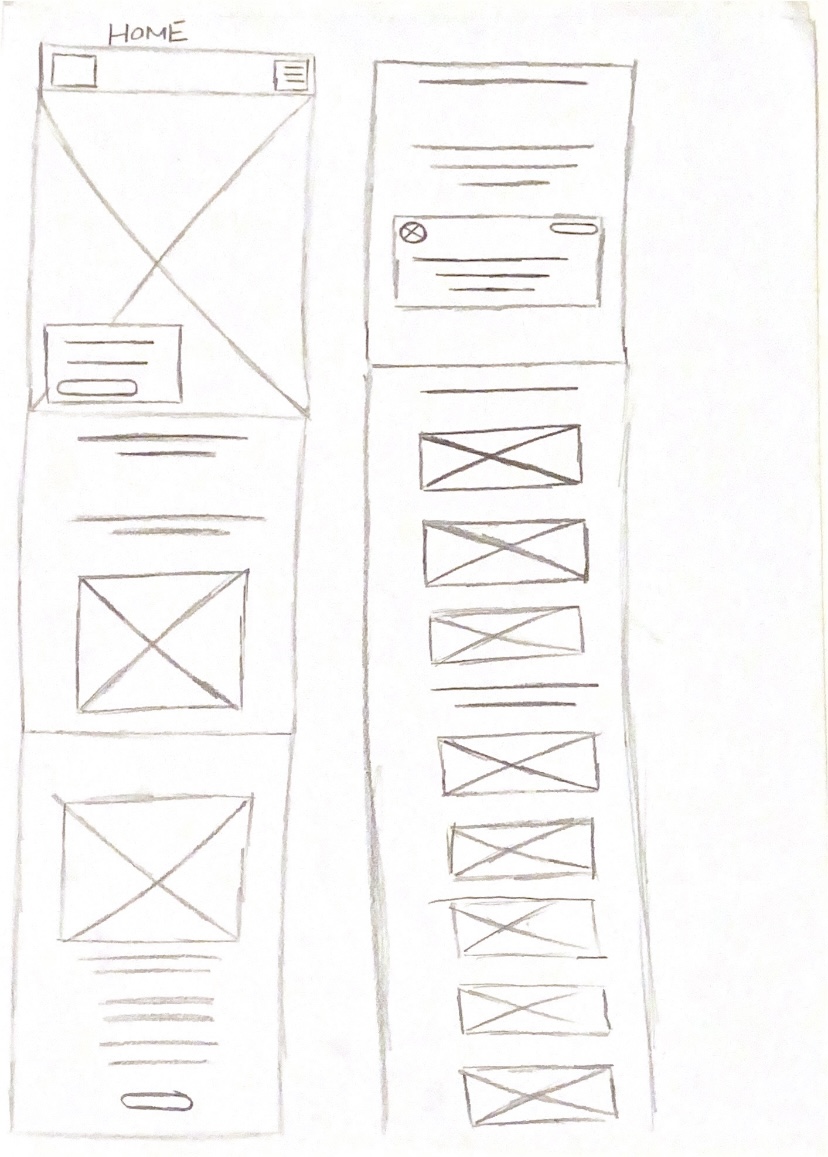
I have started off by creating mobile and web wireframes on paper for the Freedom Festival. Paper wireframing is a quick and sketchy method which can be used to quickly process ideas and get them down without having to worry about detail and precision.
Web Paper Wireframe 1
Web Paper Wireframe 2 and 3
Web Paper Wireframe 4 and 5
App Paper Wireframe 1 and 2
App Paper Wireframe 3 and 4
App Paper Wireframe 5
These were my first set ideas for the interface of the Freedom Festival website. You can see I explored different layouts and tried different compositions. I included every idea, even ones that weren’t as strong because it could still be developed into a stronger idea. It is important to consider everything at this stage because ideas tend to change quickly and morph into new concepts.
I made corresponding app wireframes, where I took the website wireframe and made them more accustomed to a smaller screen size. This meant that some elements had to become stacked or flex into new positions to become responsive on mobile.
Web Wireframe 1
Web Wireframe 2
Web Wireframe 3
Web Wireframe 4
Web Wireframe 5
App Wireframe 1
App Wireframe 2
App Wireframe 3
App Wireframe 4
App Wireframe 5
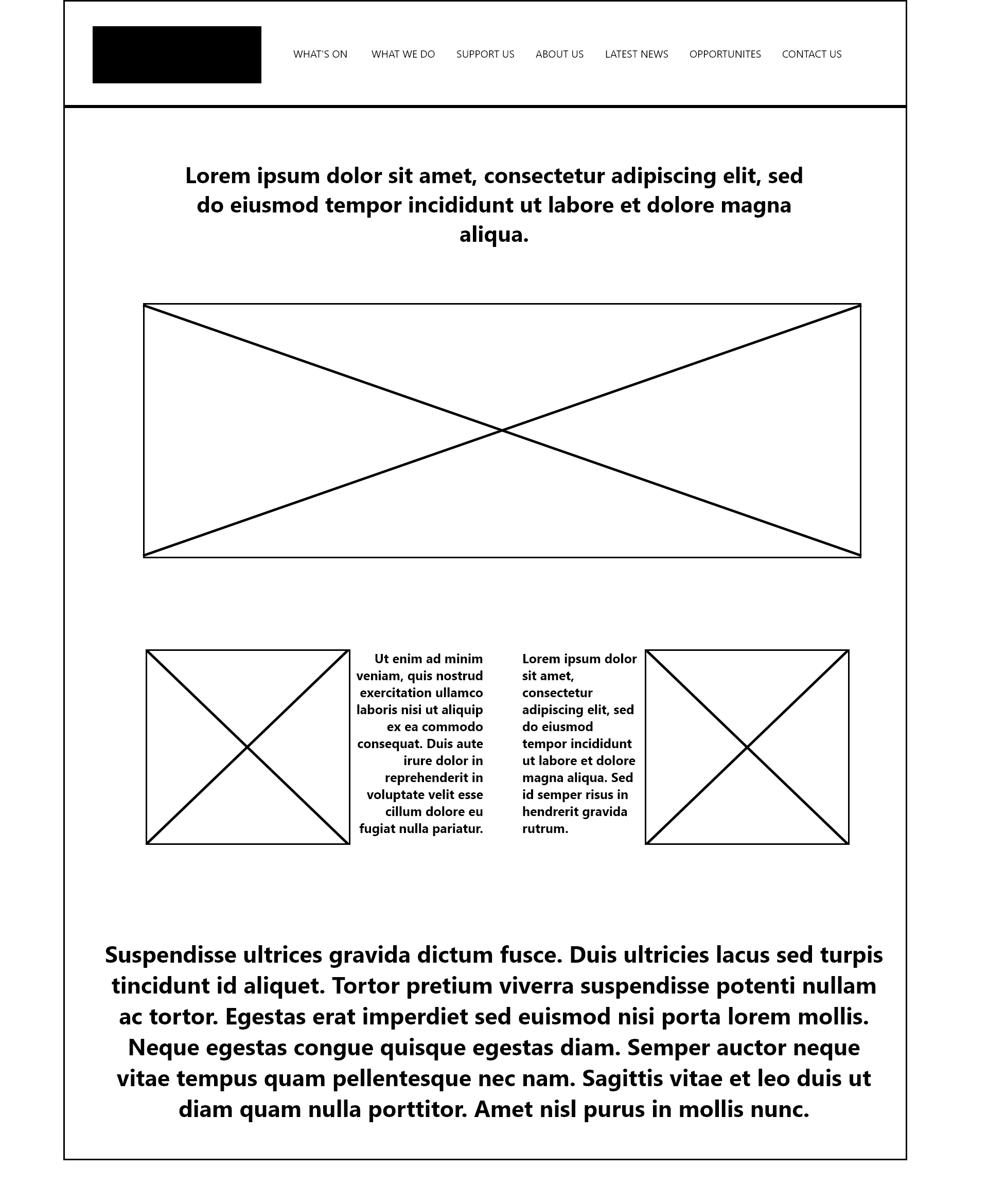
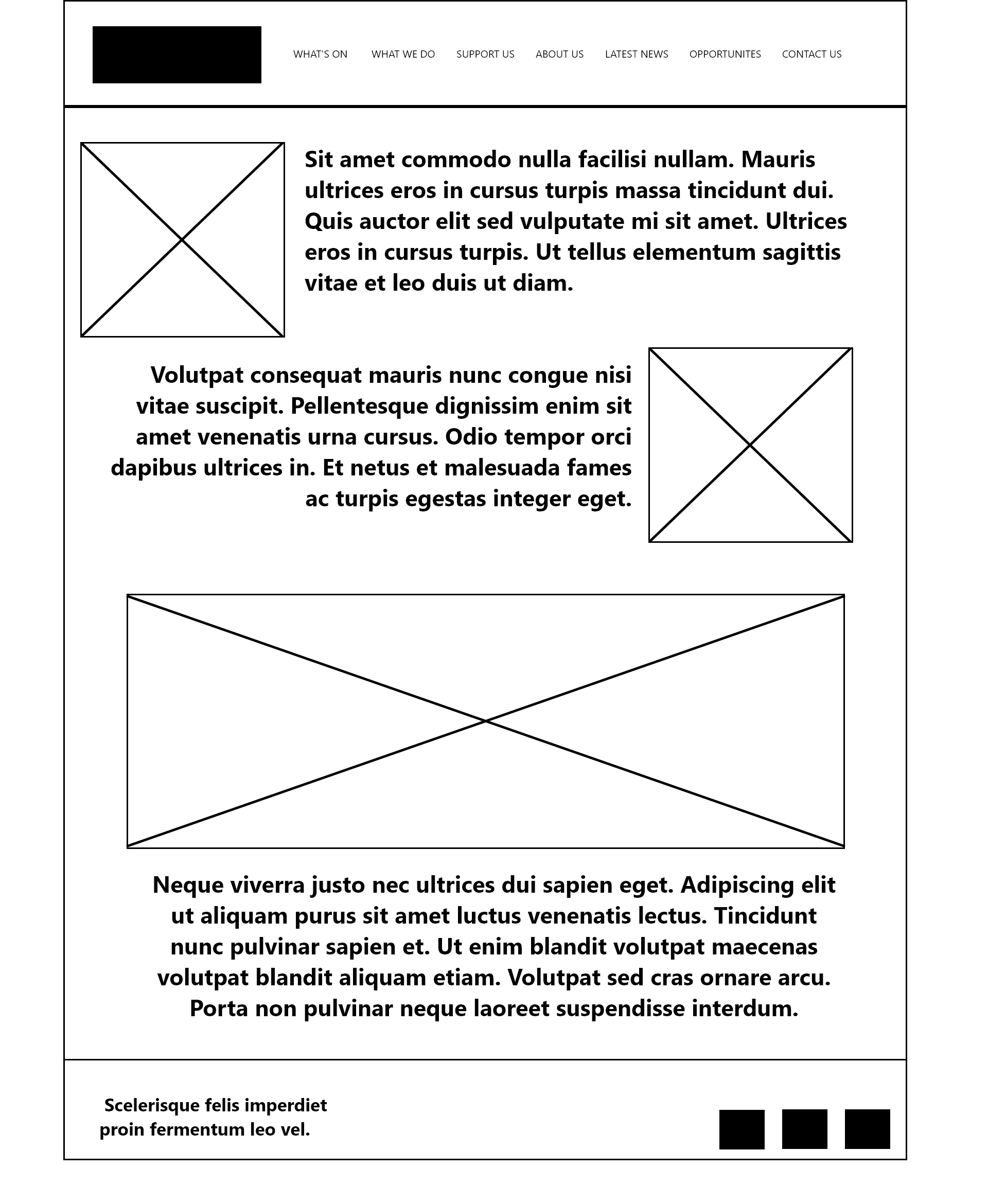
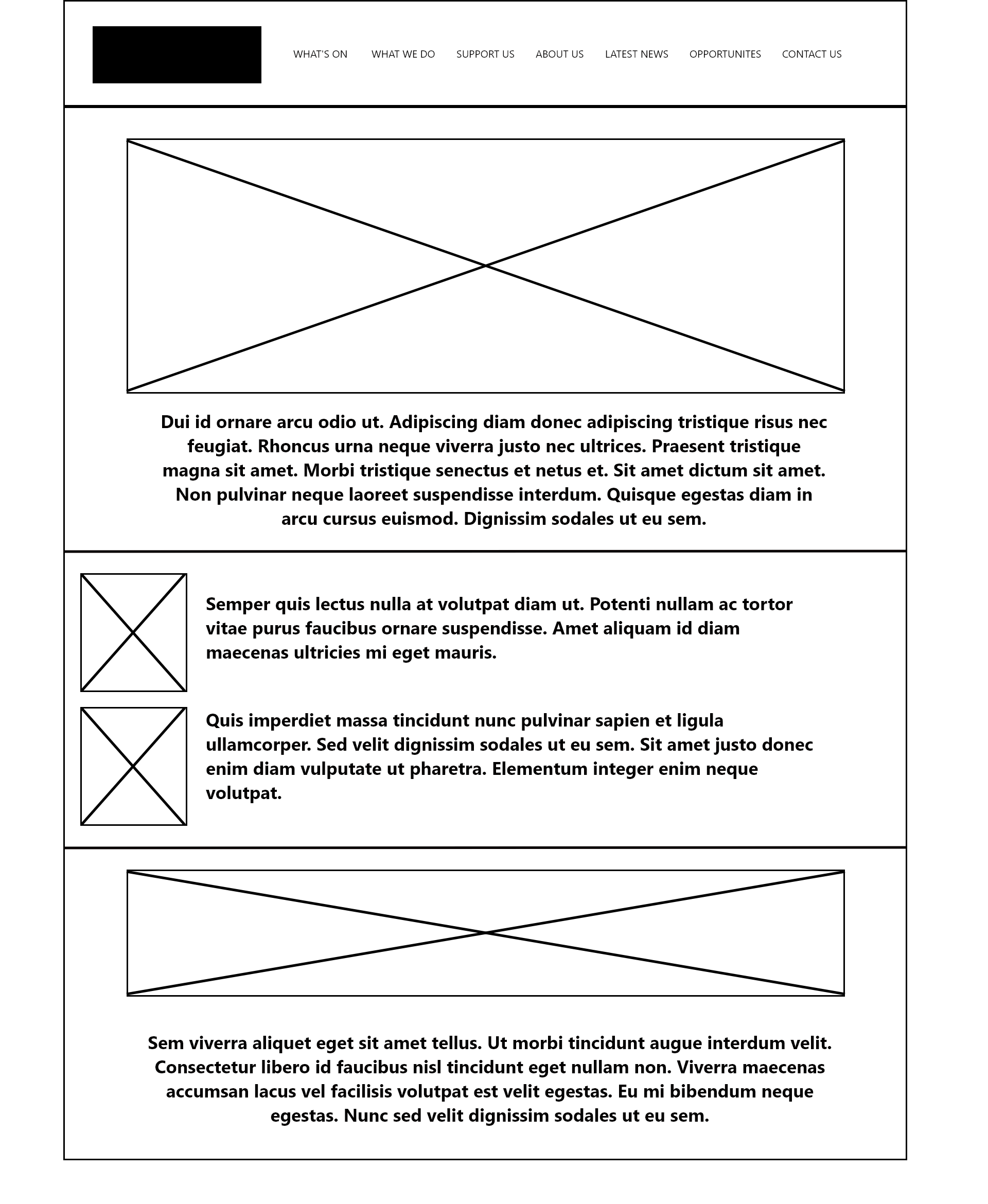
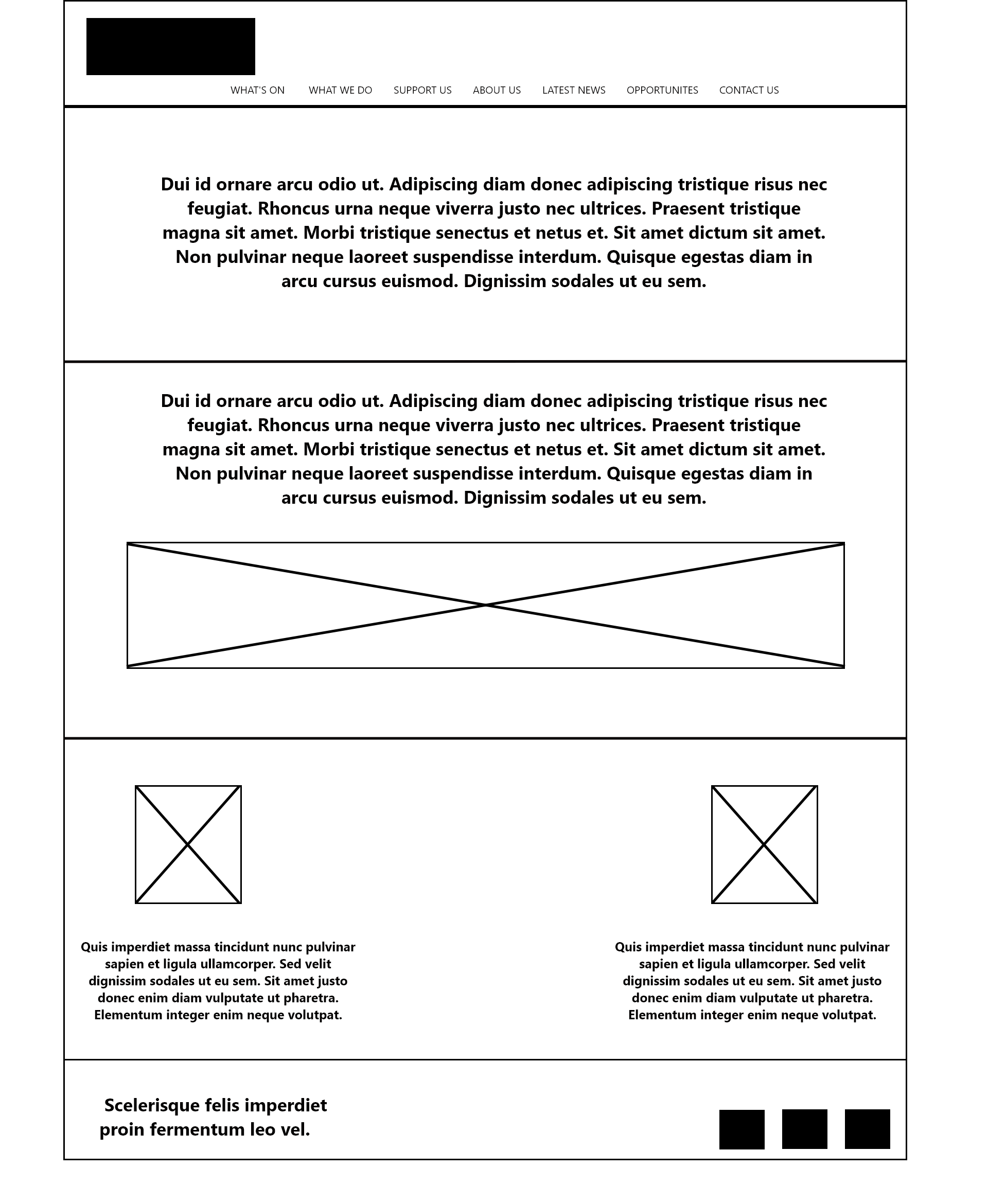
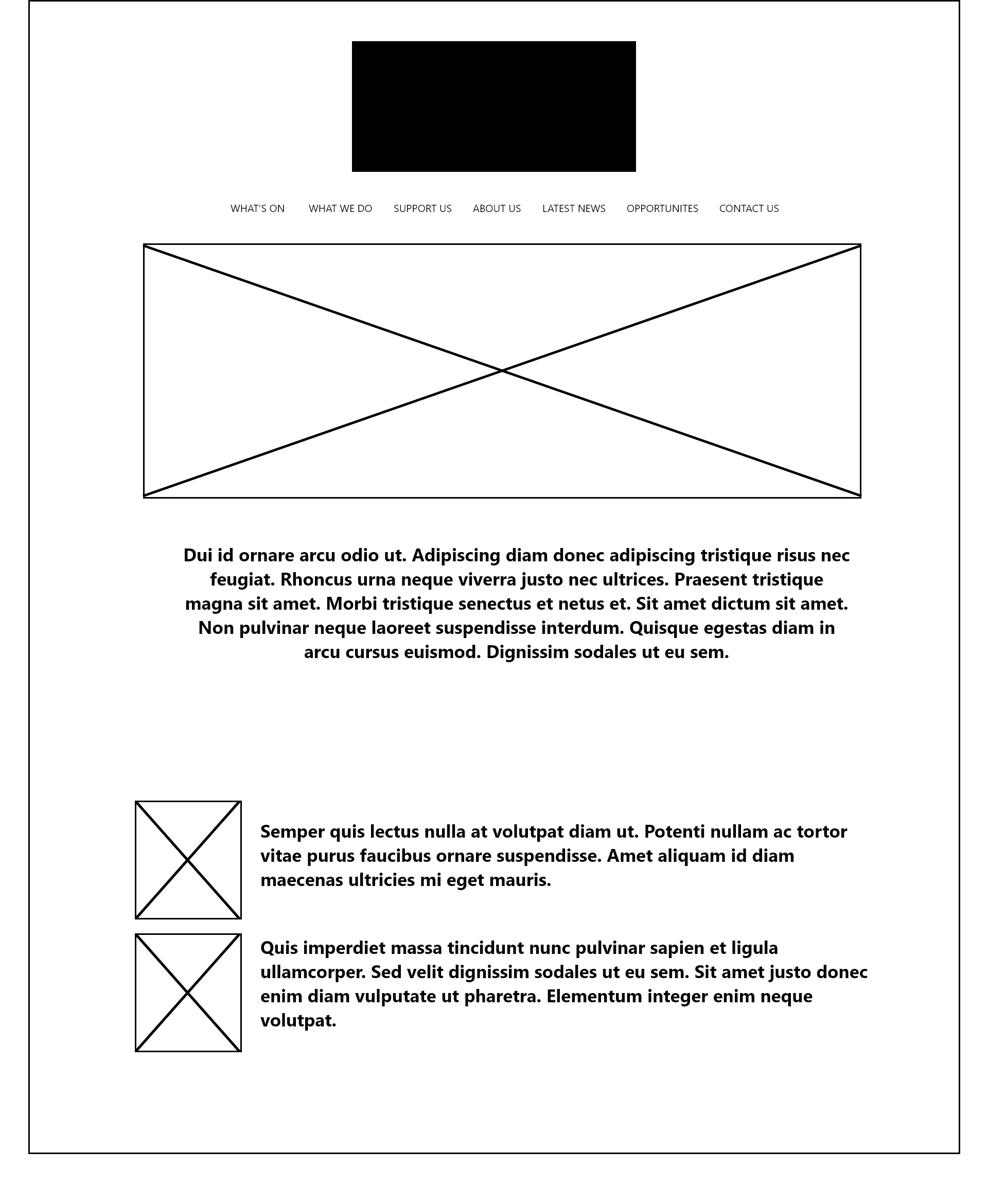
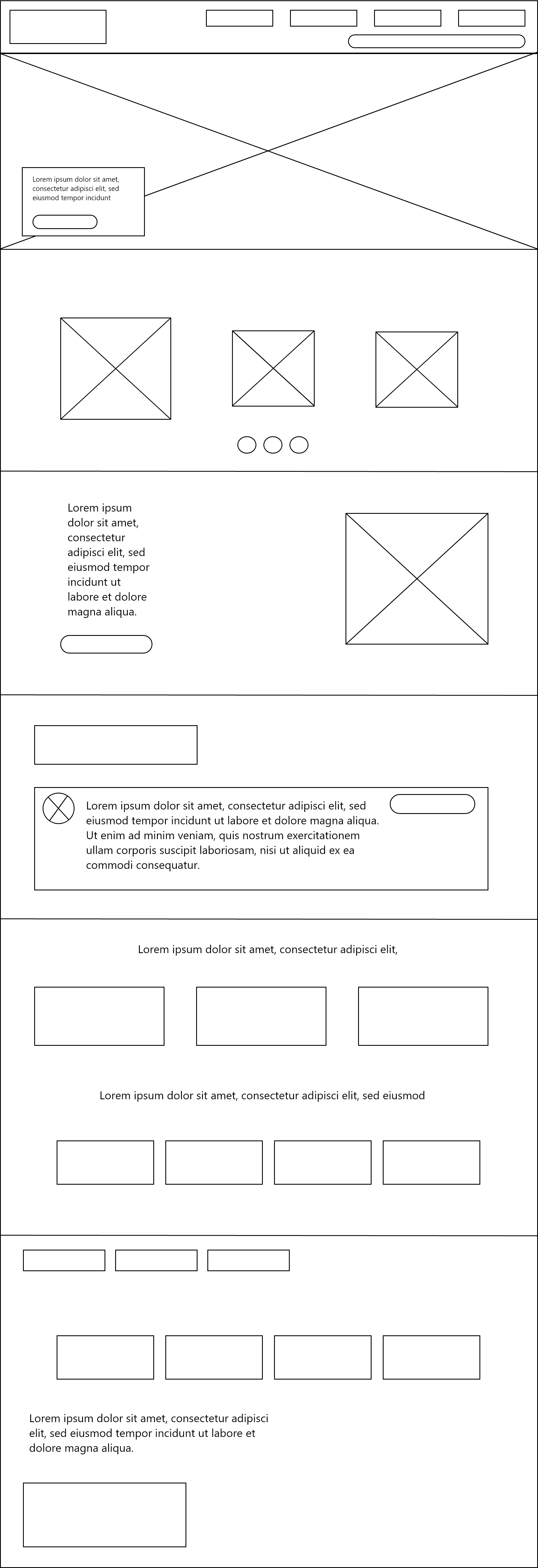
I then moved into Adobe XD, where I began to create neater, more detailed versions of the paper wireframes. Using Adobe XD to create digital wireframes allows you to use artboards specified to web and mobile, so you can preview your wireframes realistically. I replaced my text lines with lorem ipsum as a way of previewing text size, though I didn’t add imagery or colour at this stage as I had yet to consider them.
Paper wireframe for web
Paper wireframe for web continued
Paper wireframe for mobile
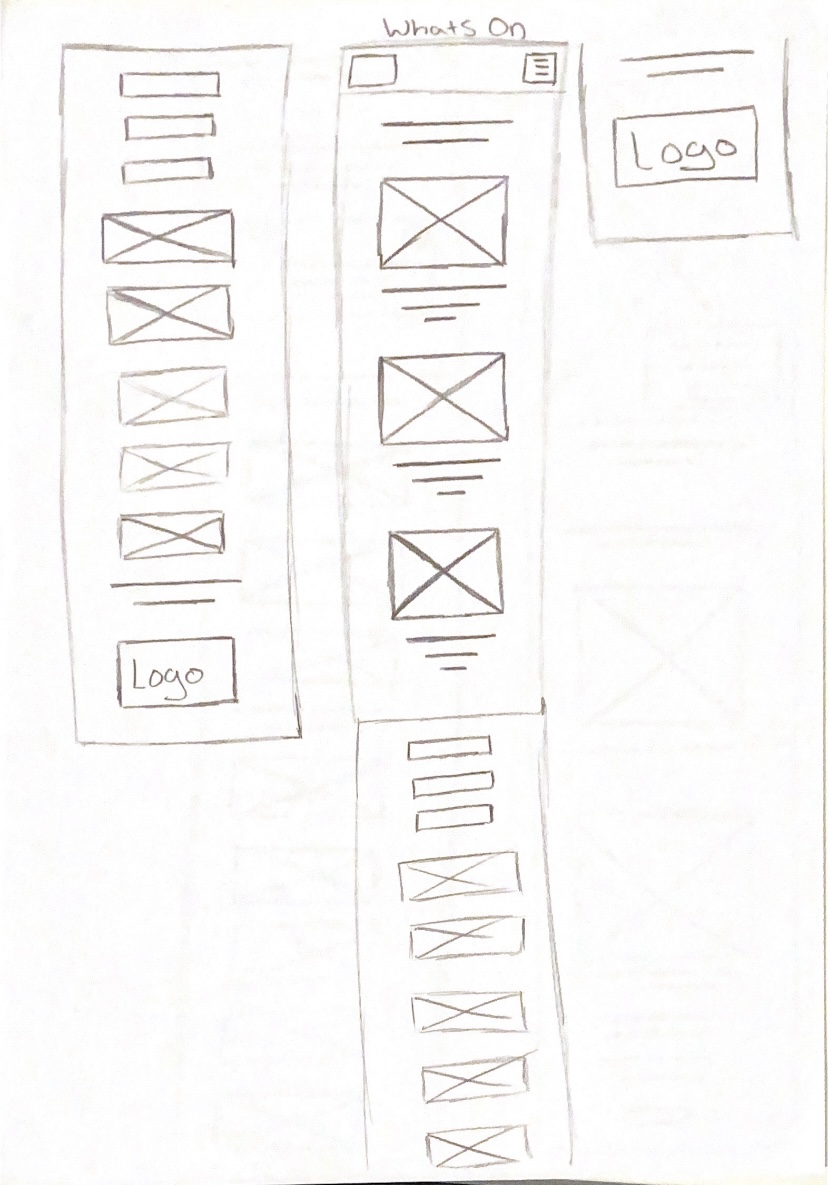
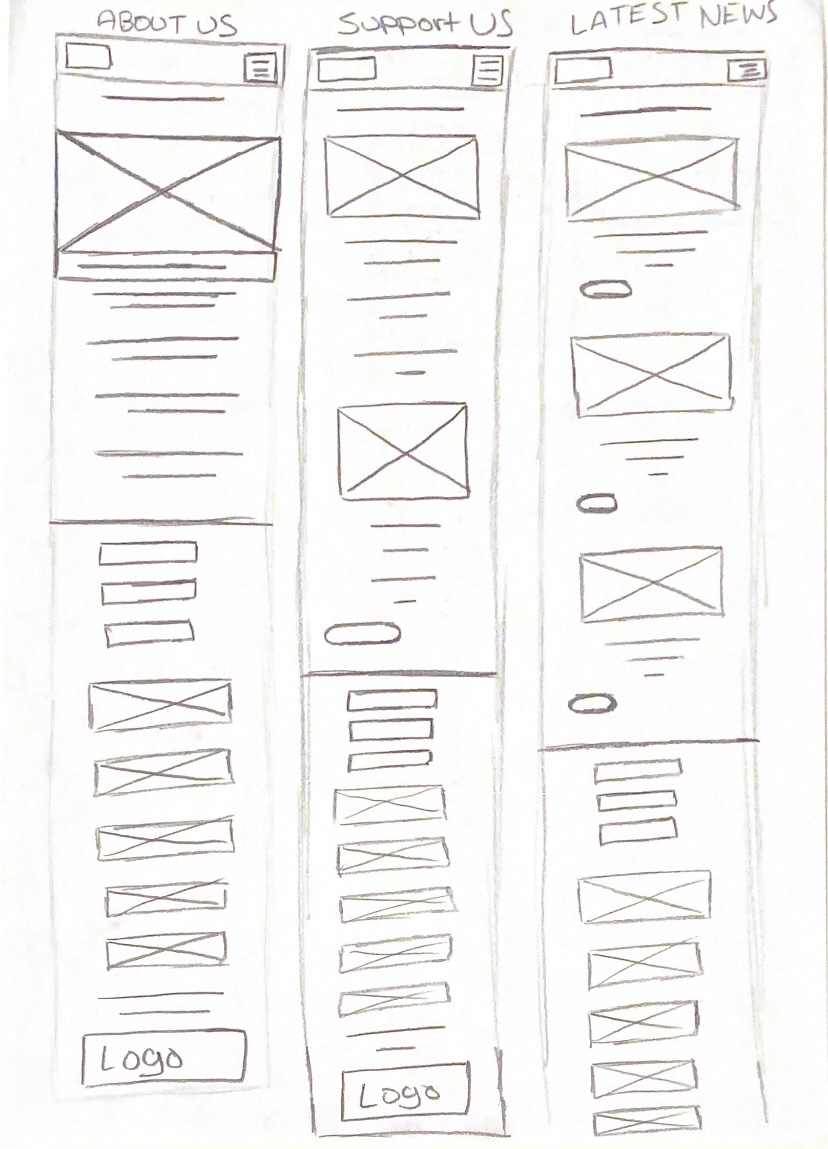
I later came up with a completely different concept for the website design, merging together different ideas from the first set of wireframes. I still wanted to use burger menus and hero images, but I thought that I should reduce the amount of text. I added in more buttons and responsive elements, such as a horizontal image gallery. I now felt that I was ready to consider how the rest of the site will link together to the home page and the user journey on the site.
Final paper wireframe idea for web
Final paper wireframe idea for web (2)
Final Paper Wireframe for Mobile
Final Paper Wireframe for Mobile (2)
Final Paper Wireframe for Mobile (3)
Final Paper Wireframe for Mobile (4)
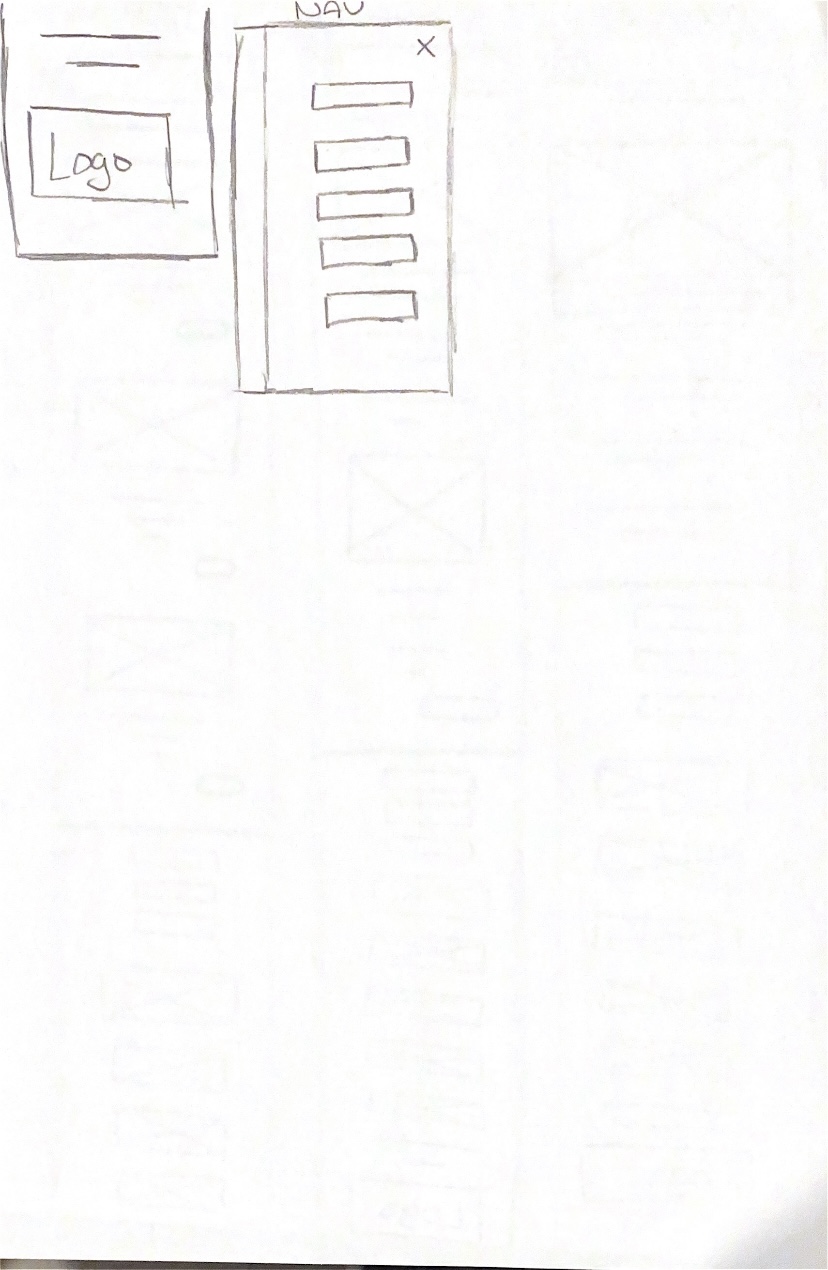
This is my final set of paper wireframes. I have created wireframes for my entire website now and planned layouts for each page and the navigation that links each section to another. Thinking of this now makes it easier later on since I will have the framework to work upon and won’t have as much confusion. I can also focus solely on colour, imagery, typography and other visual elements since I already have my layout decided.
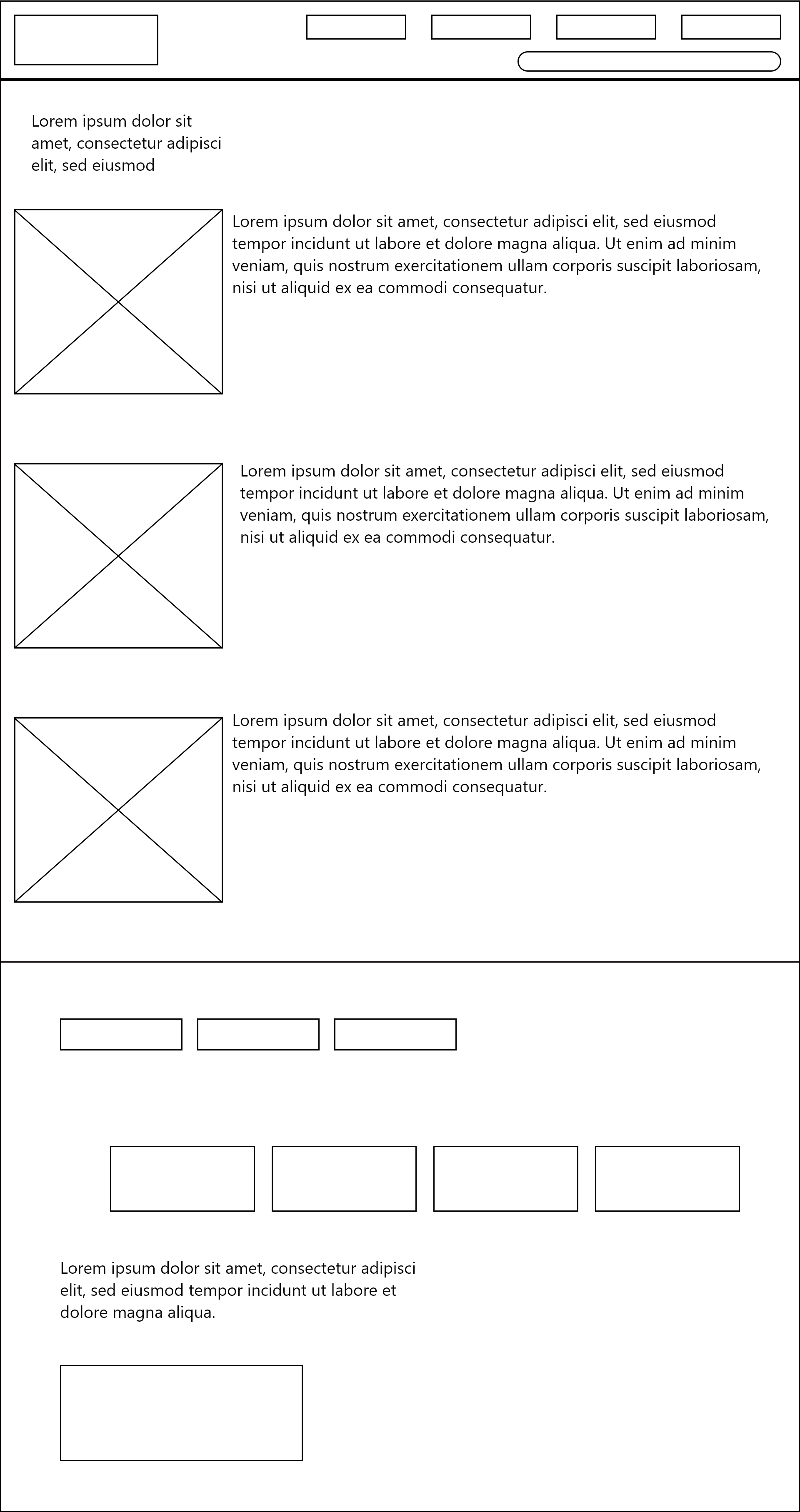
Web Homepage wireframe digital
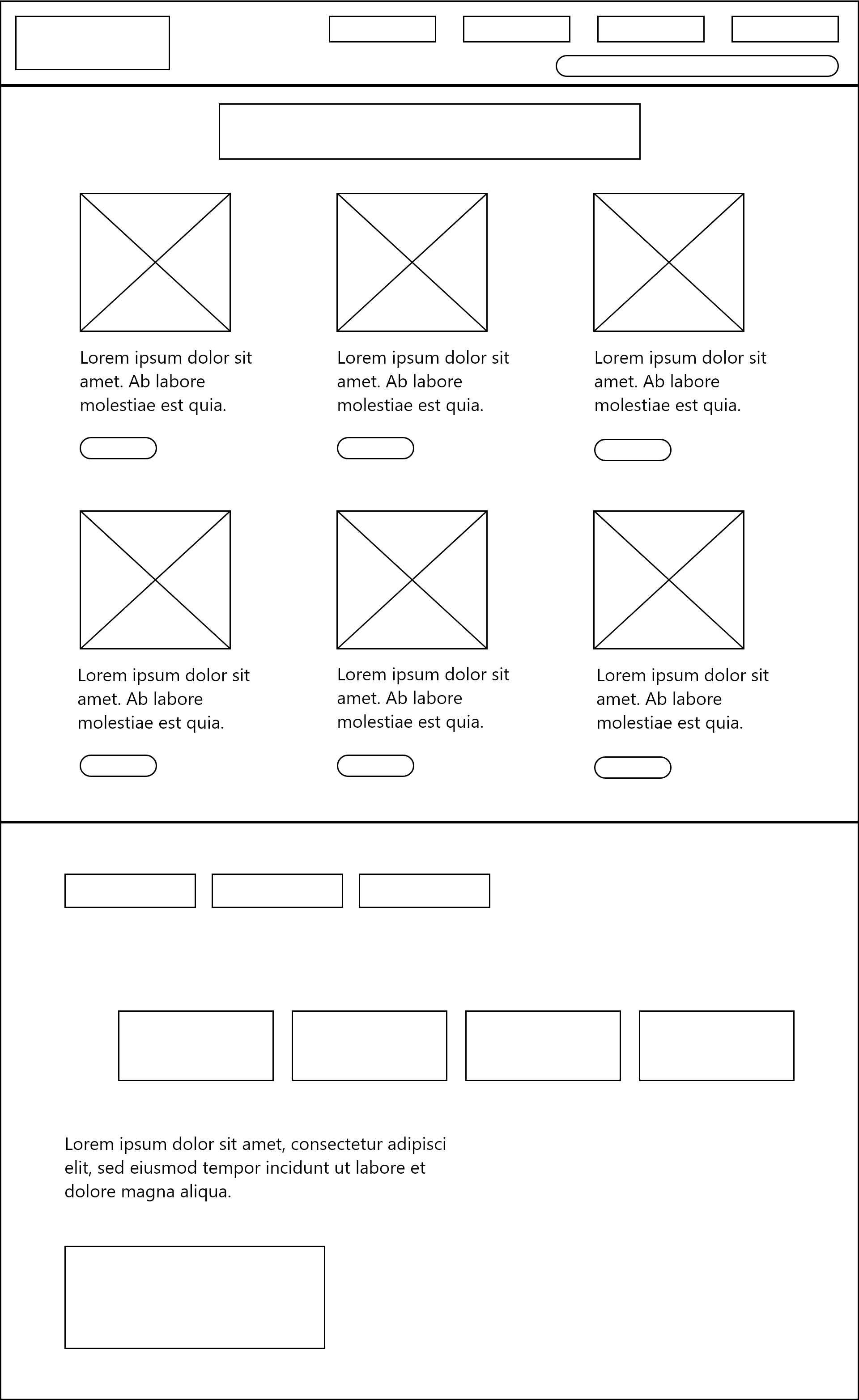
Web What's On wireframe digital
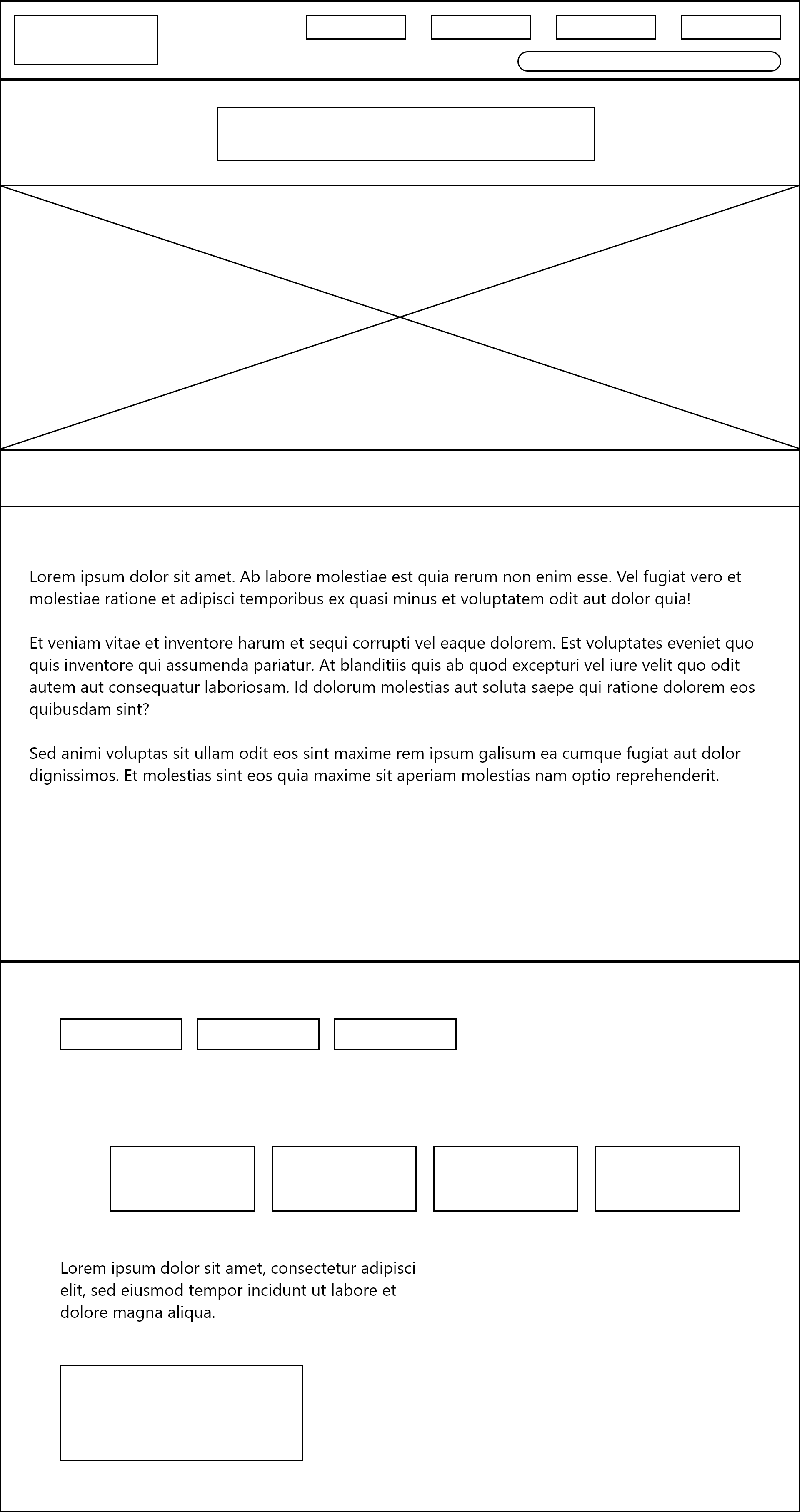
Web about us wireframe digital
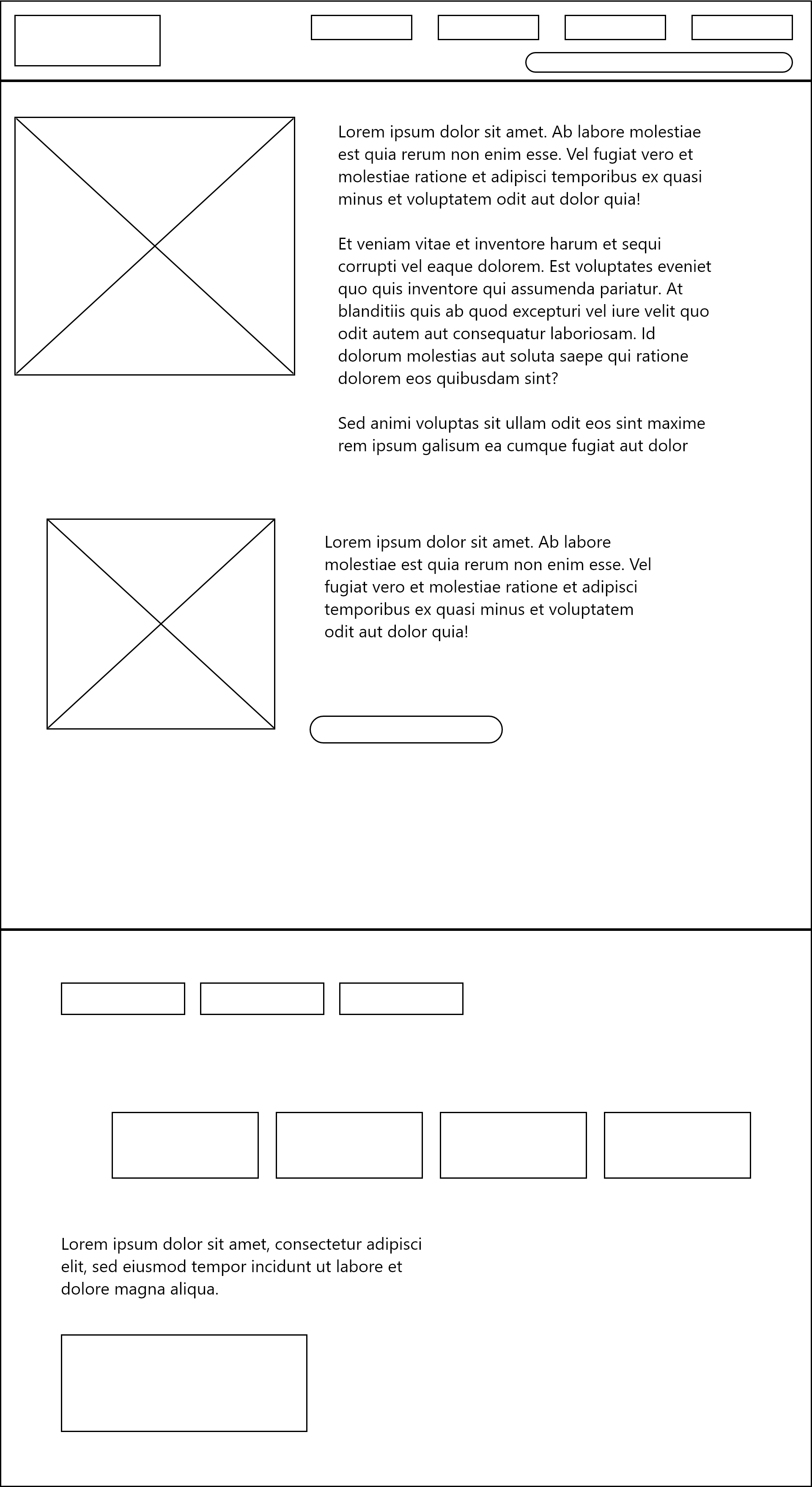
Web latest news wireframe digital
Web support us wireframe digital
App Home Digital Wireframe
App Whats On Digital Wireframe
App About Us Digital Wireframe
App Support Us Digital Wireframe
App Latest News Digital Wireframe
App Navigation Menu Digital Wireframe
This is the digital wireframe made in Adobe XD. I have used lorem ipsum as a placeholder for body text, and crossed boxes to show images. I plan to use this as a reference when I design my final prototype for the Freedom Festival 2024, which will make the designing more straightforward.
Reference List:
Rae, Matte (2021) How to wireframe in Adobe XD. [Article]. Available online: https://www.adobe.com/au/products/xd/learn/design/productivity/how-to-wireframe-xd.html [Accessed: 10/12/2023]