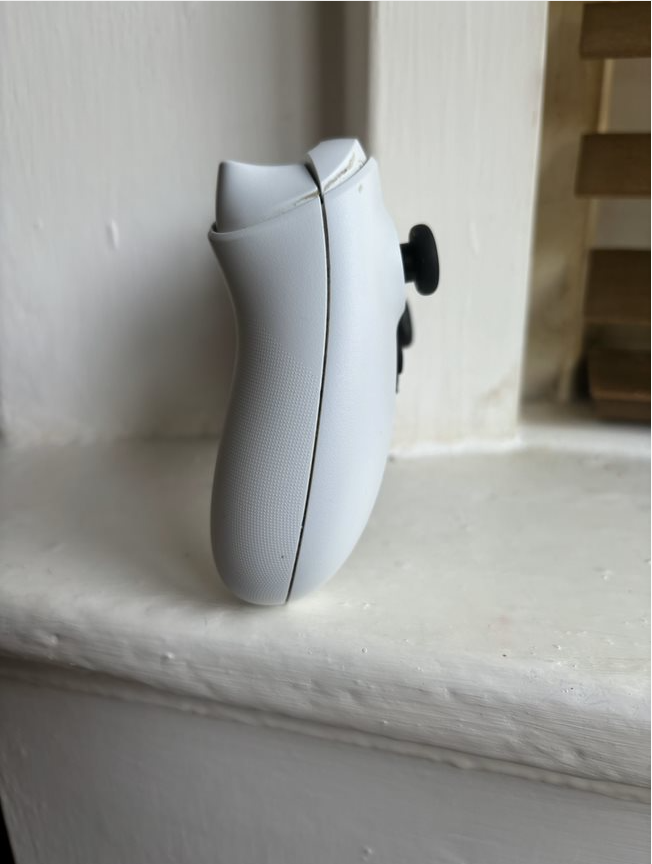
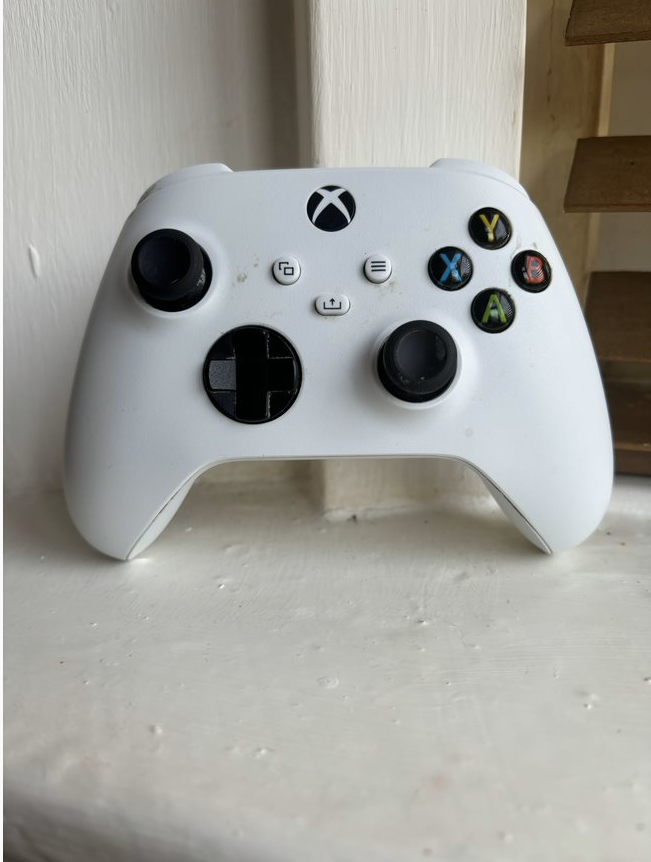
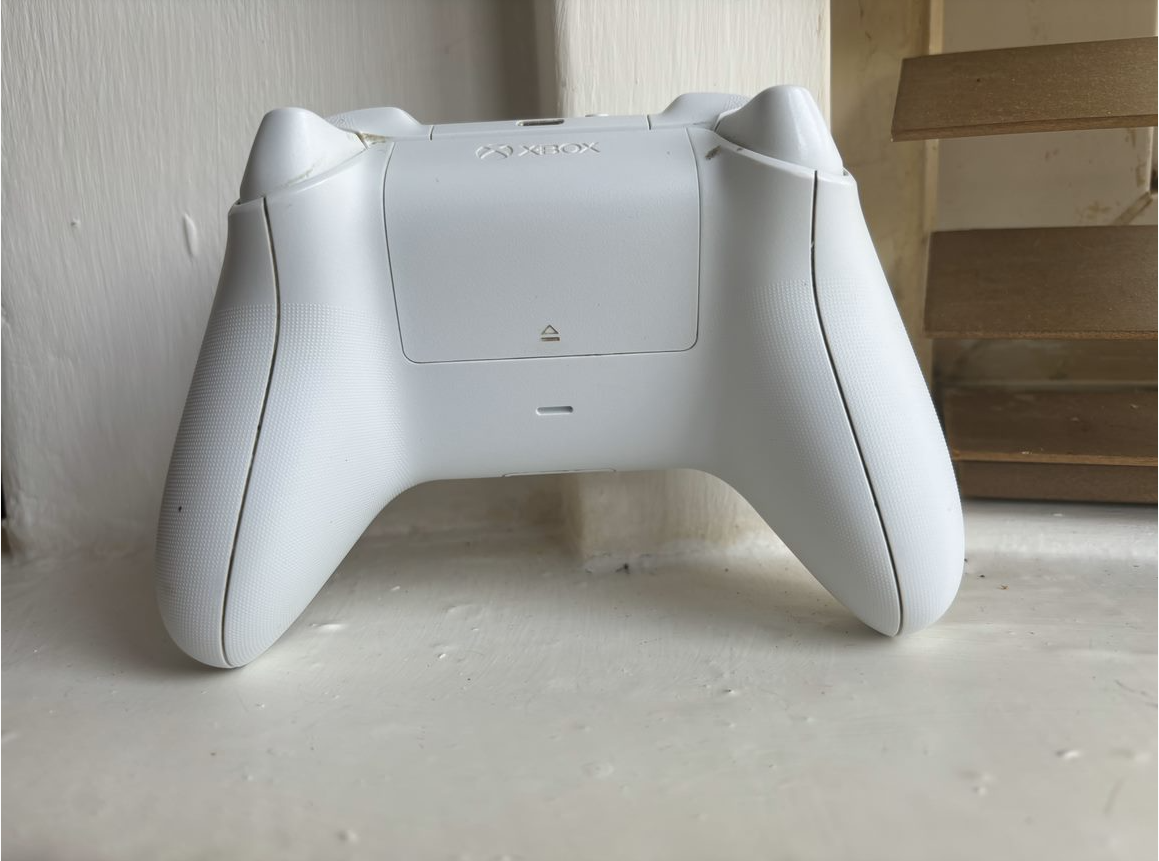
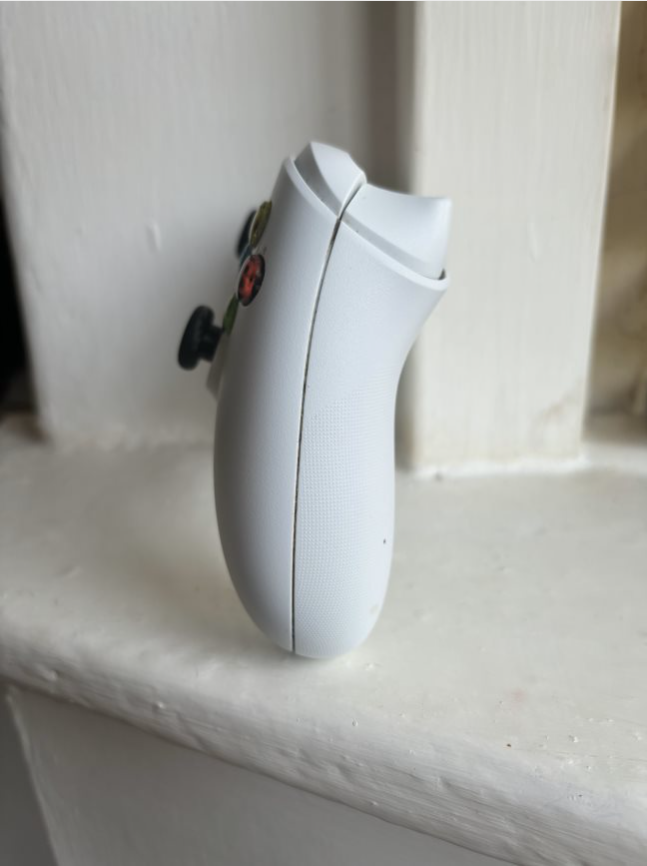
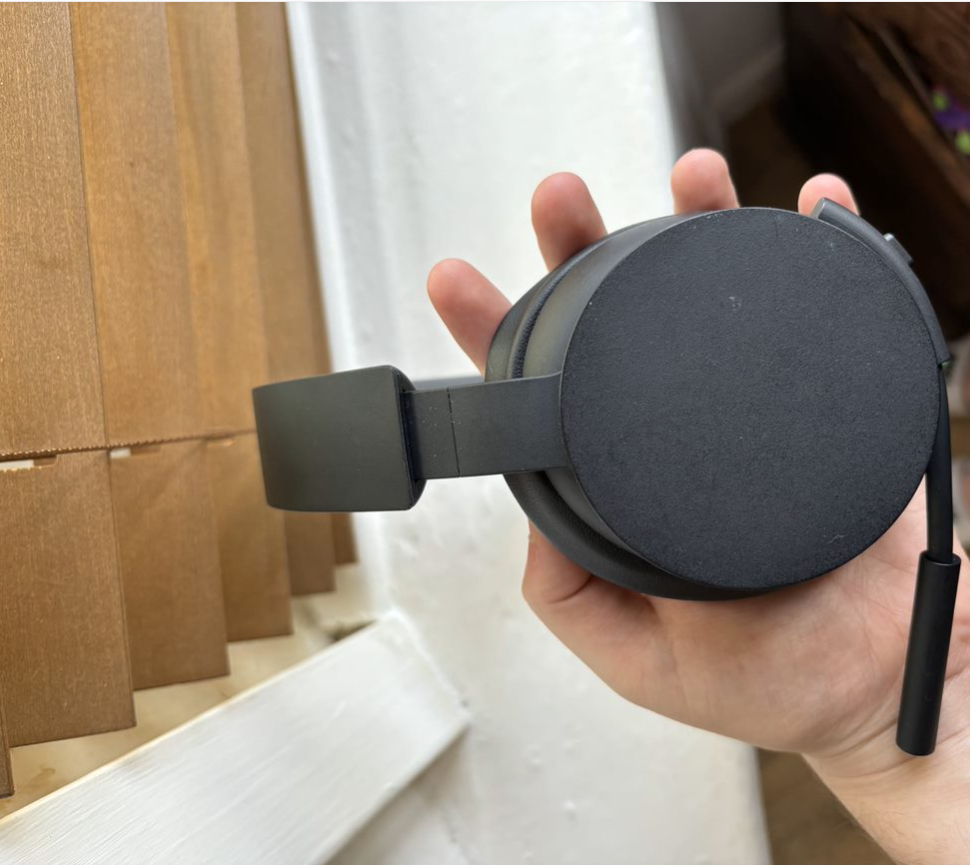
I started off by thinking of what products would link to the theme of my box. The three products I decided on was a controller, a wireless headset and a battery pack. To help model these, I took my own images from different angles to use as reference.
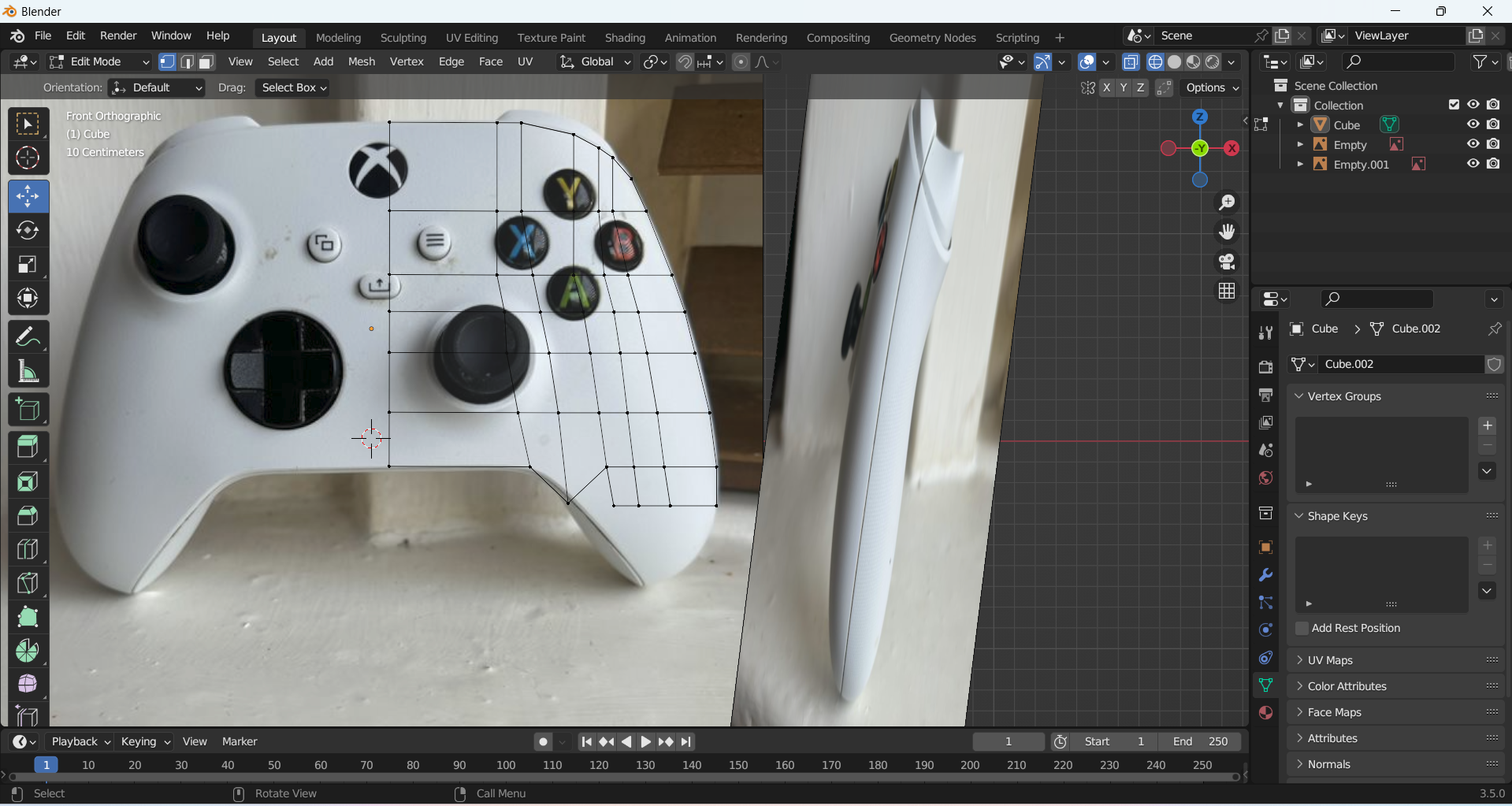
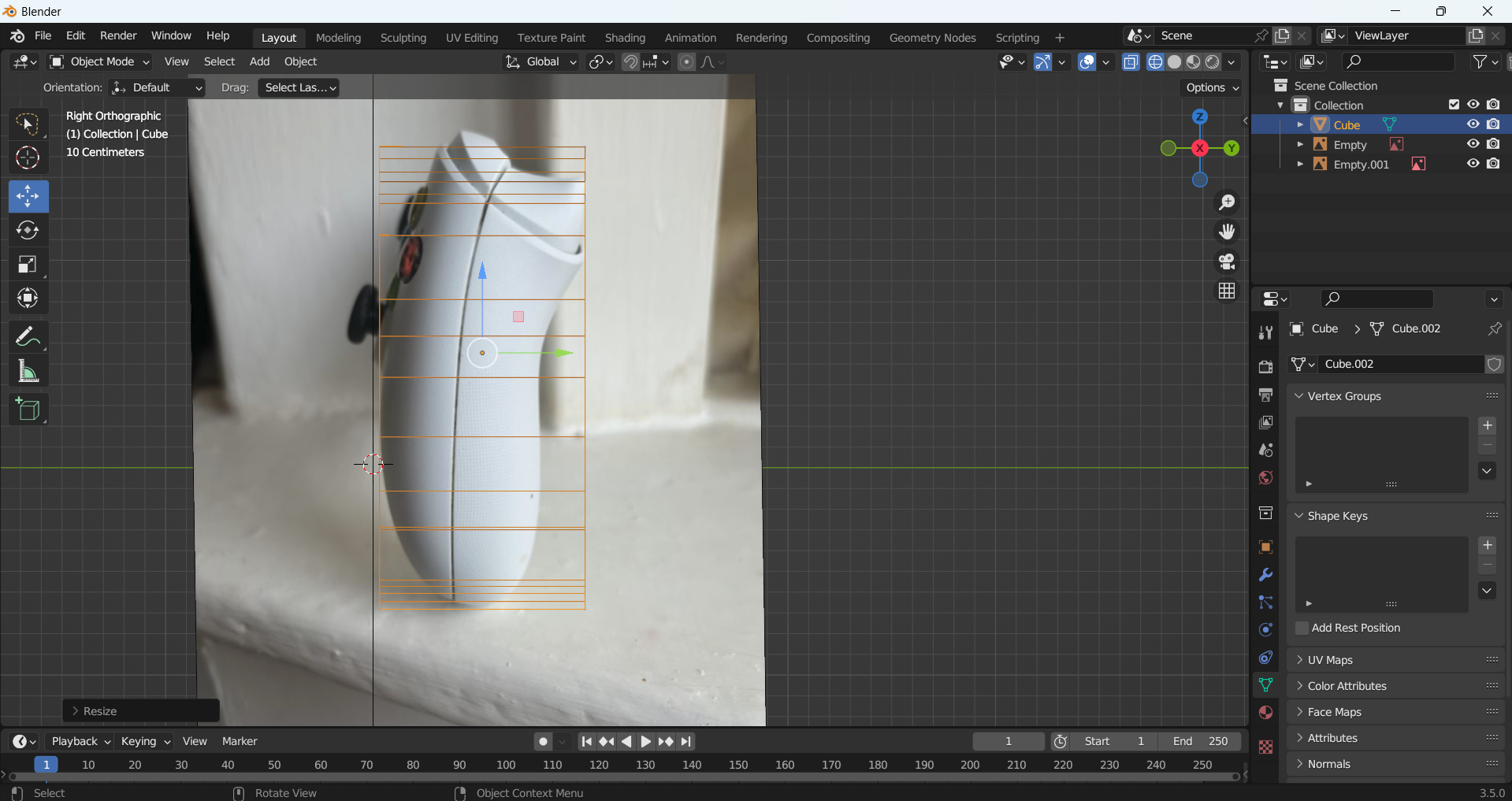
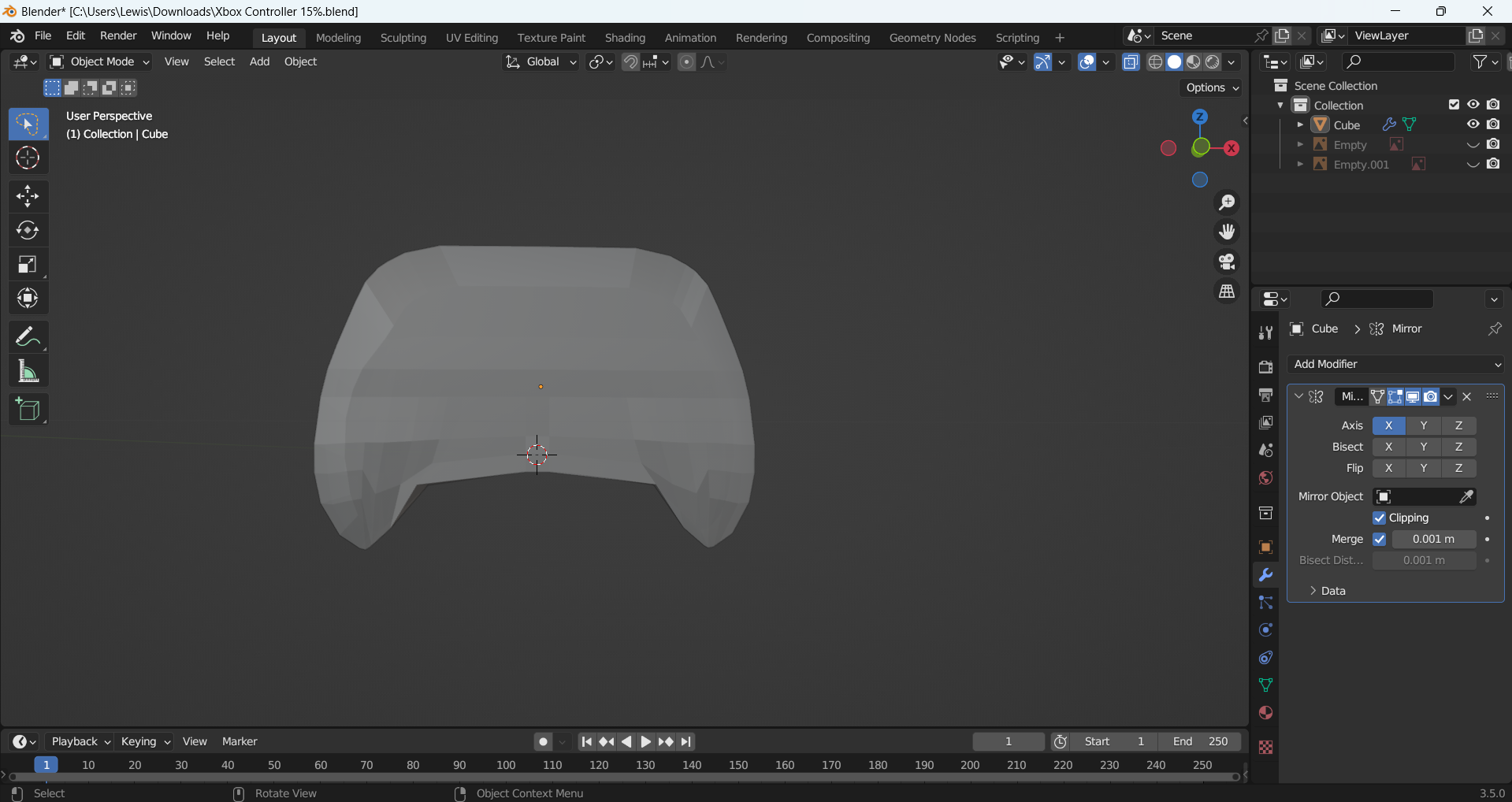
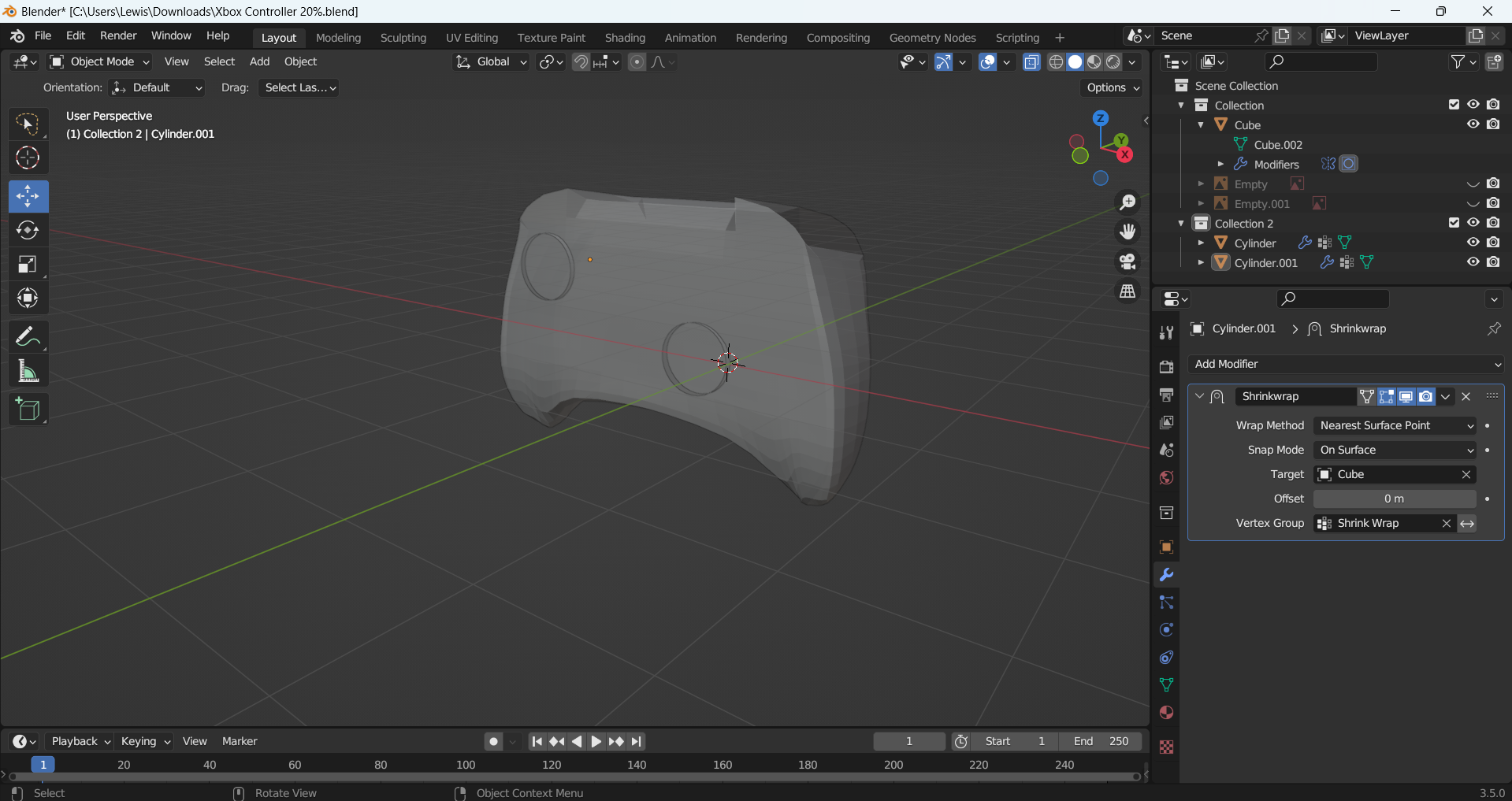
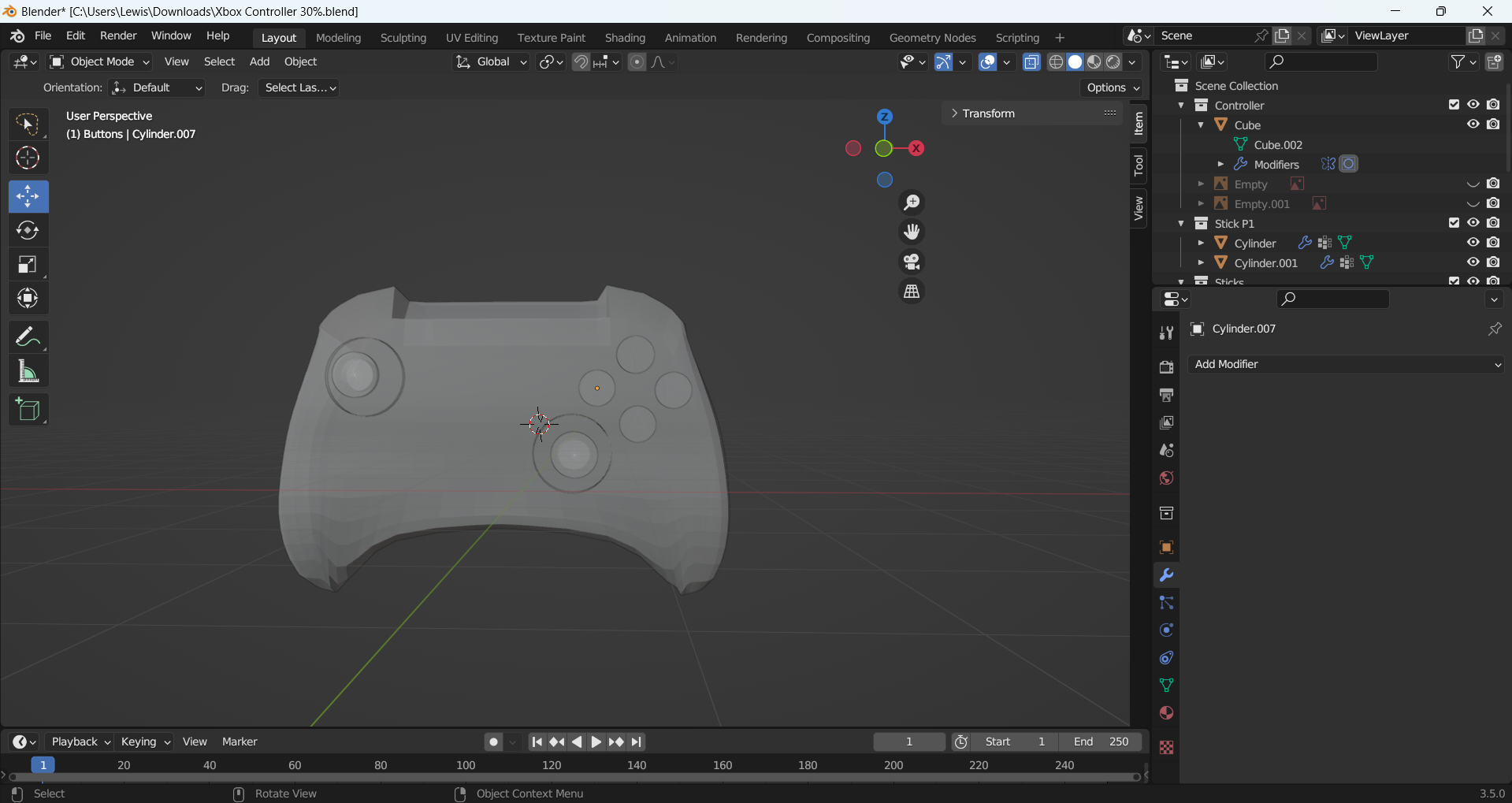
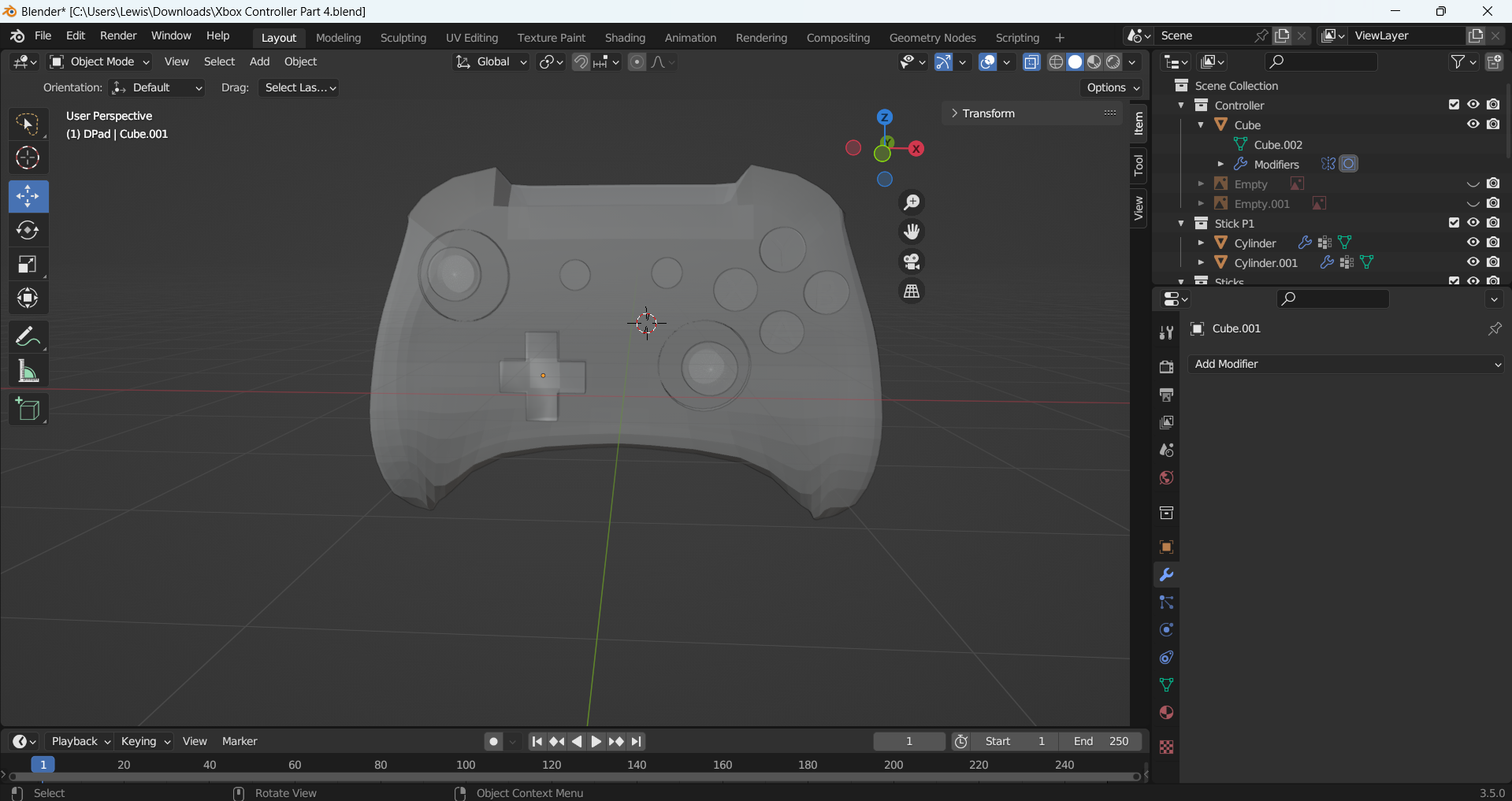
I made the controller first. I added in my reference images and started to model the controller. I was unsure of how to do this at first, so I looked at some tutorials and found one which I followed along with but adjusted to fit my references photos. I made the base of the controller with a cube which I manipulated the shape of. I then mirrored this, so I had a symmetrical shape and added the joysticks and the buttons using circles. I added a sphere for the glass on the buttons and letters to represent the A,B,X,Y .
Controller Left Side Reference Image
Controller Front Reference Image
Controller Back Reference Image
Controller Right Side Reference
Making the shape of my controller
Making the side of my controller
Controller made as a solid
Controller with the joysticks being made
Controller with buttons
Controller with d-pad made
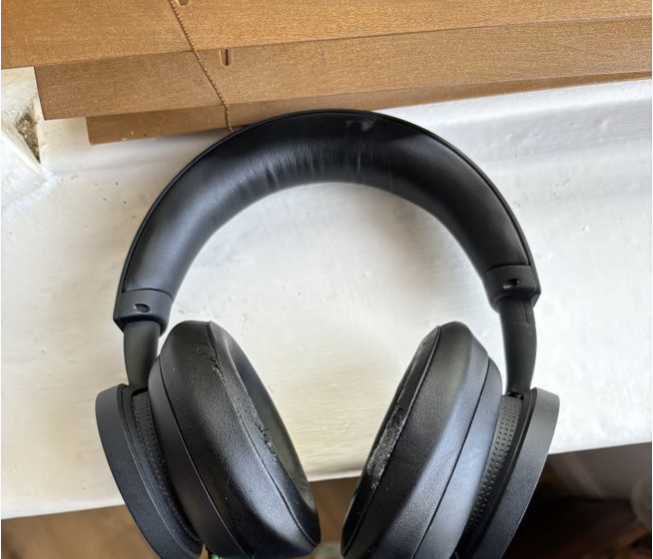
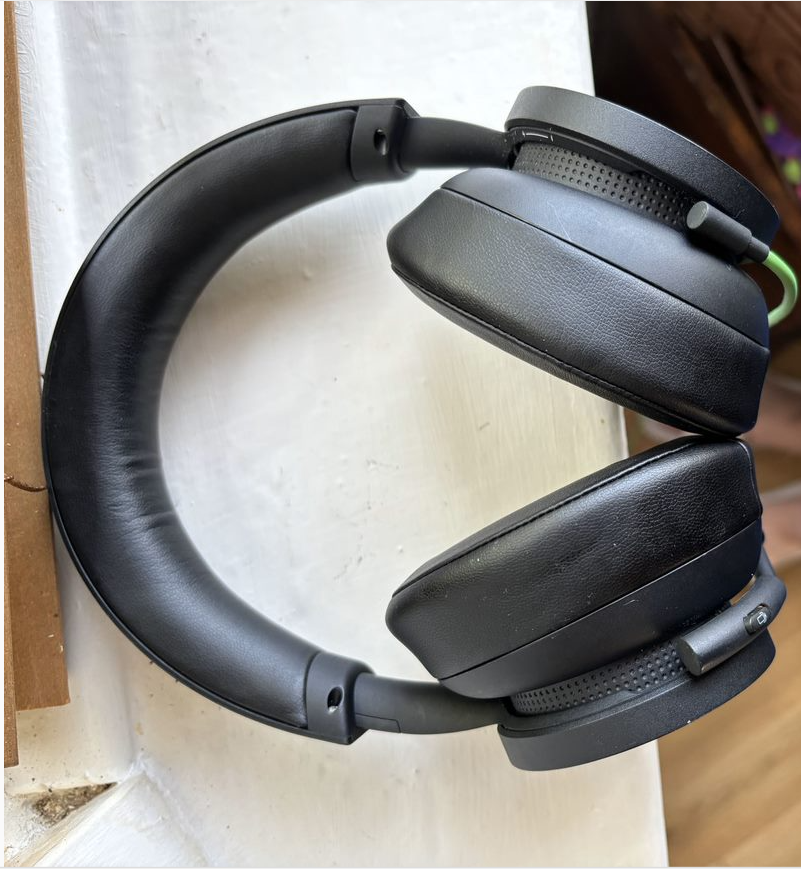
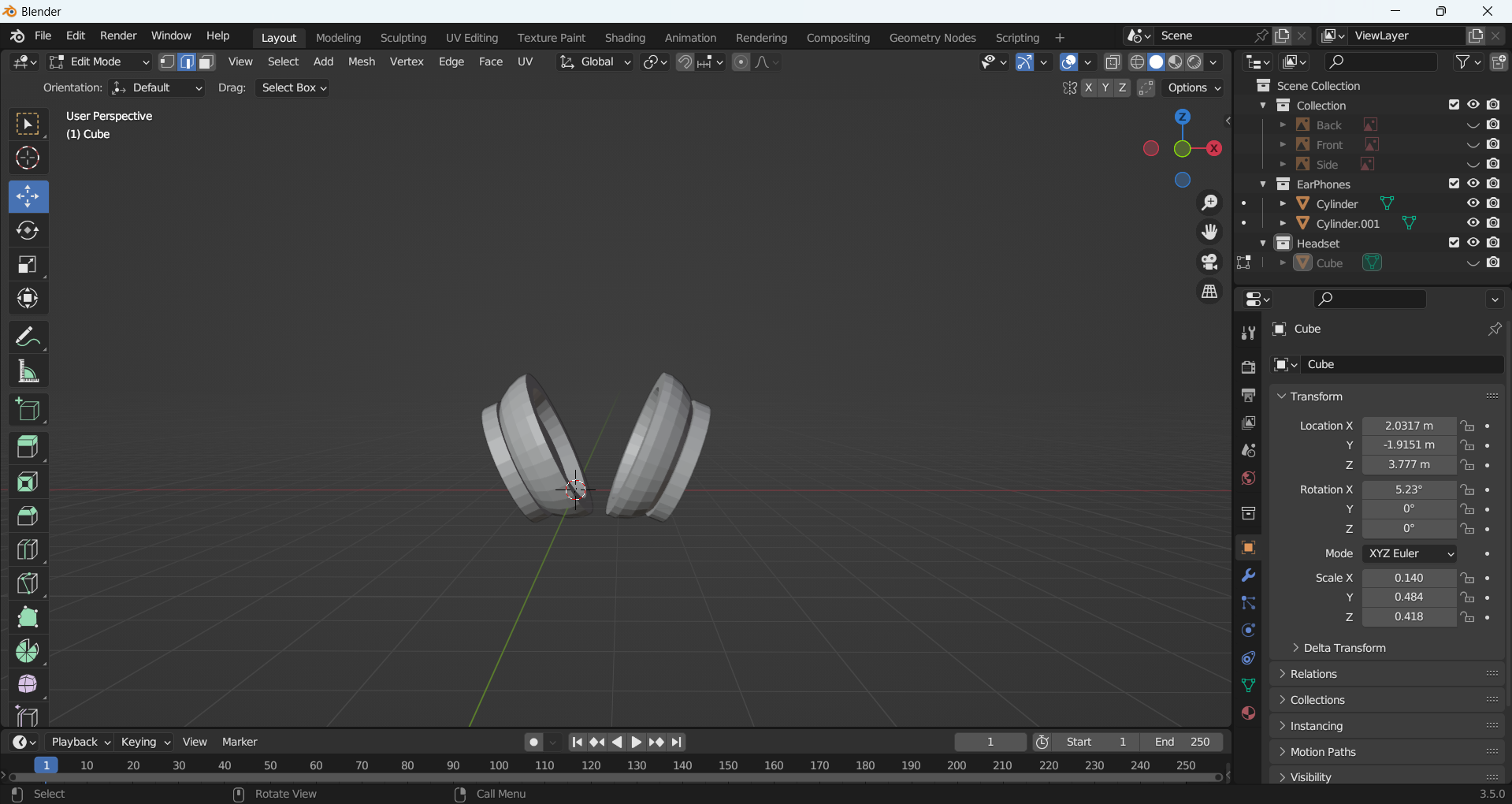
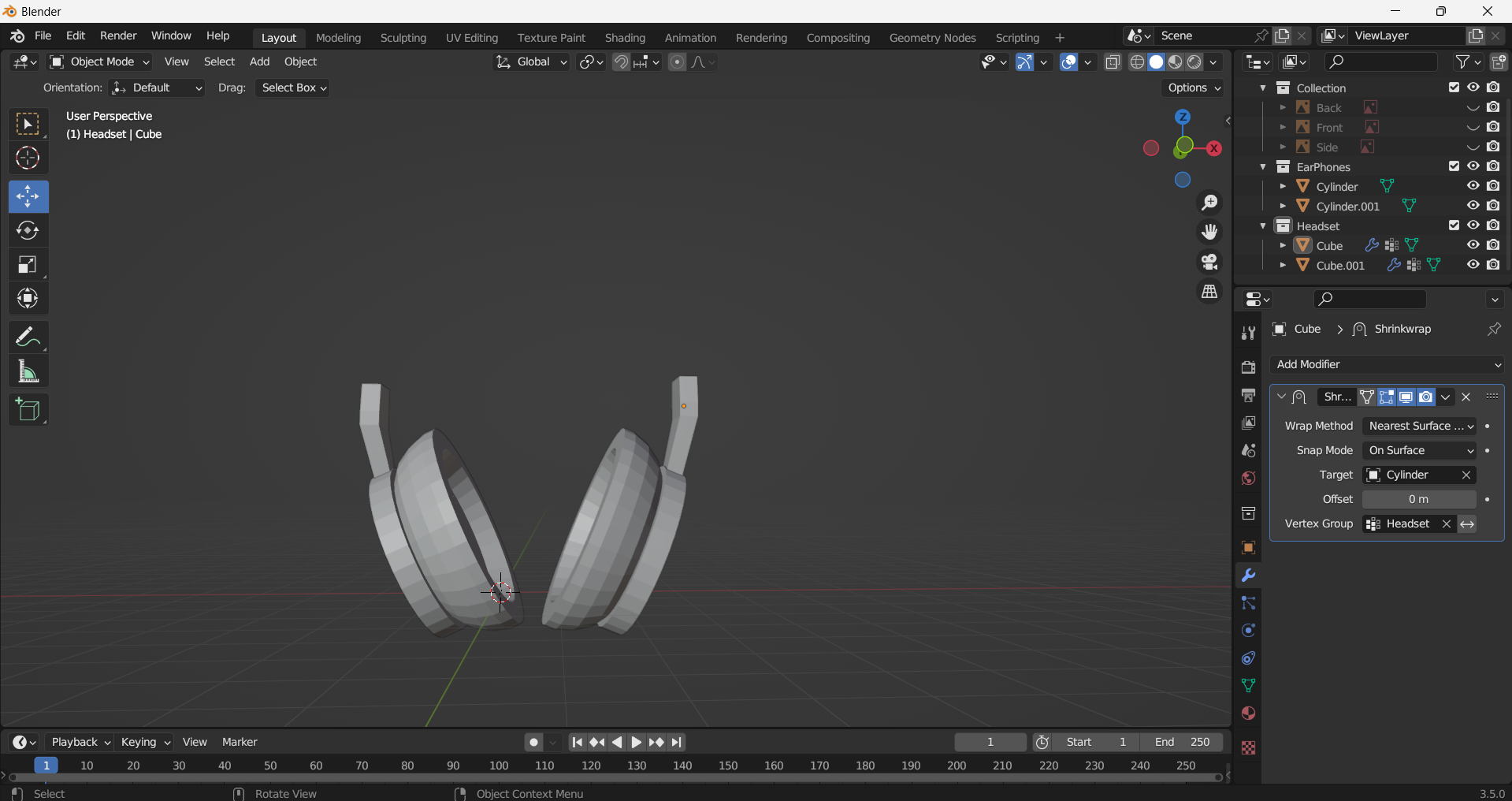
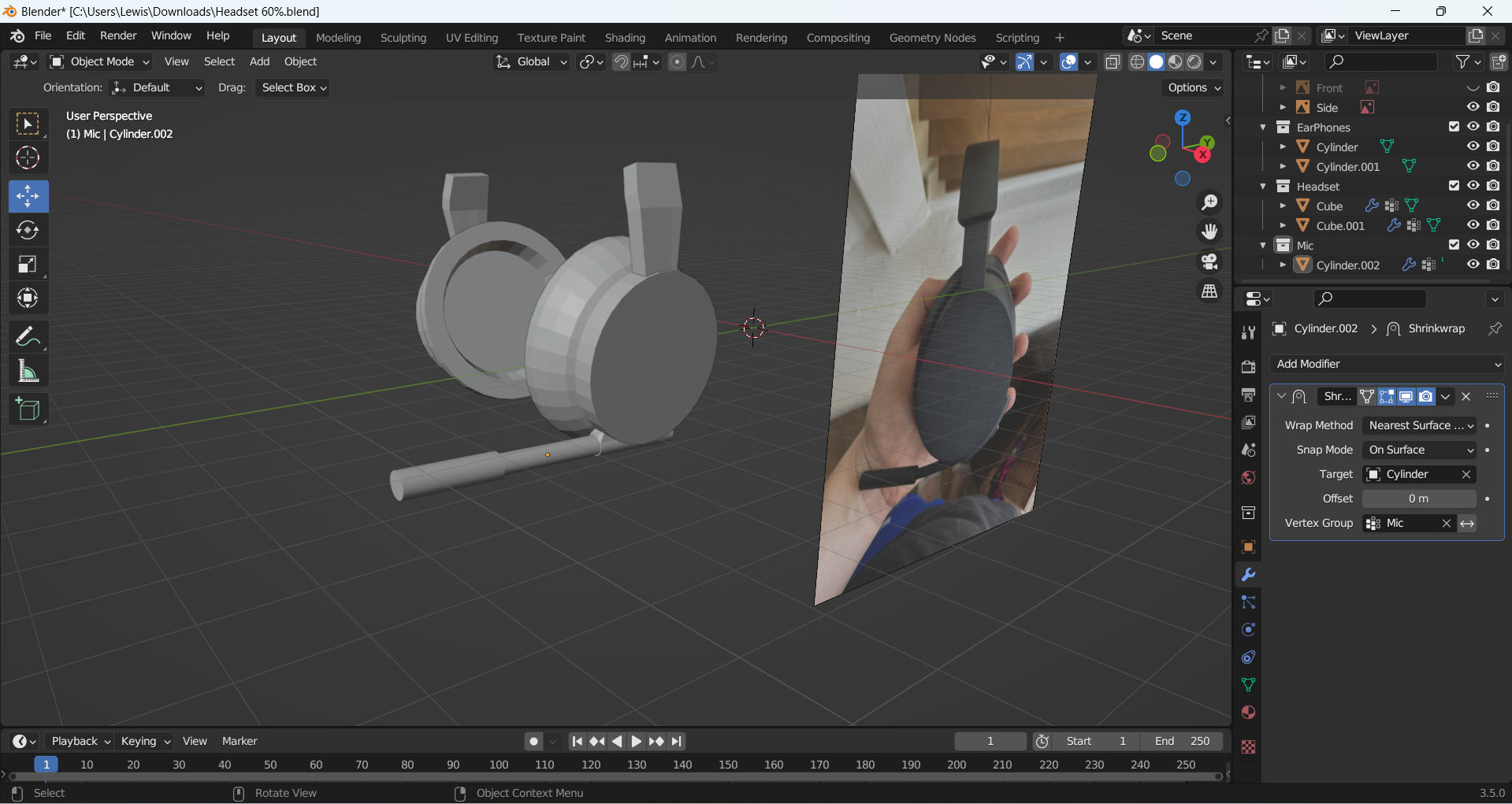
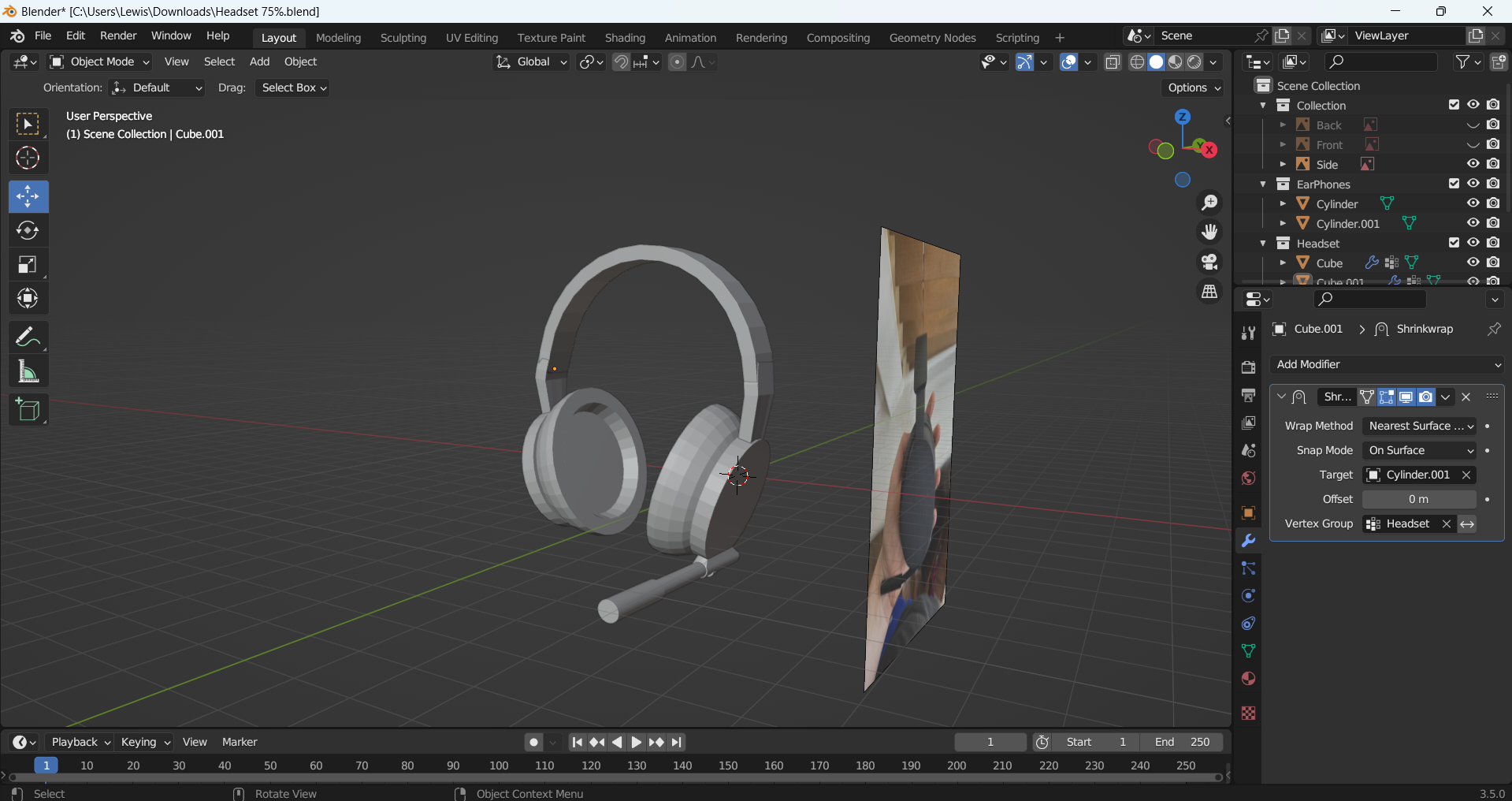
After completing the controller, I then moved on to making a wireless headset. To create the headset, I added in my reference images and then started to model it using a cylinder which I extruded and resized to make the earpads. When I had one earpad created, I was able to duplicate it for efficiency as they are both the same. I then made the headband using a square, which I extruded and rotated to make an arch. I used a cylinder which was scaled and extruded to make the microphone.
Headset Front Reference Image
Headset Back Reference Image
Headset Side Reference Image
Earpads made for my headset
Headband starting to be made
Microphone made for my headset
Headband made for my headset
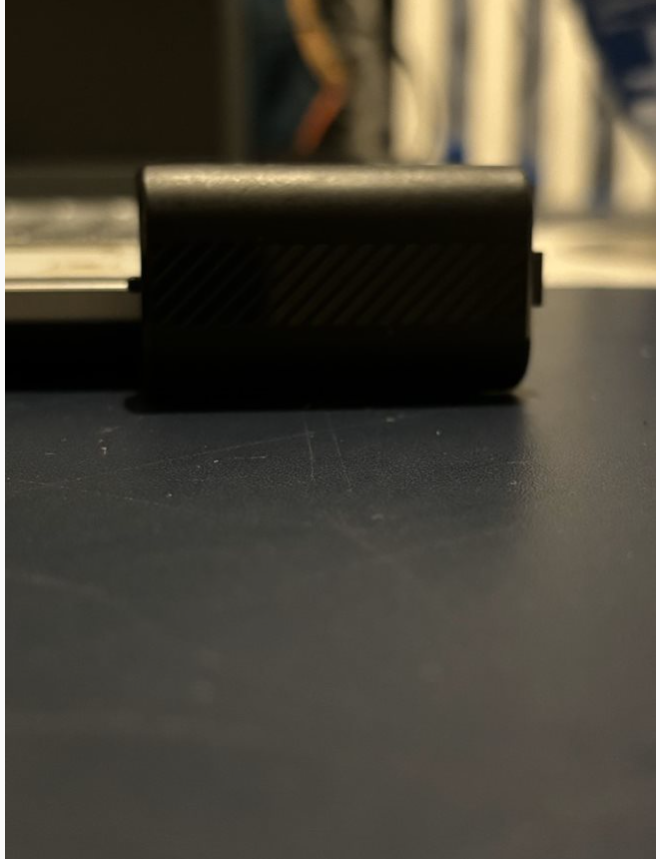
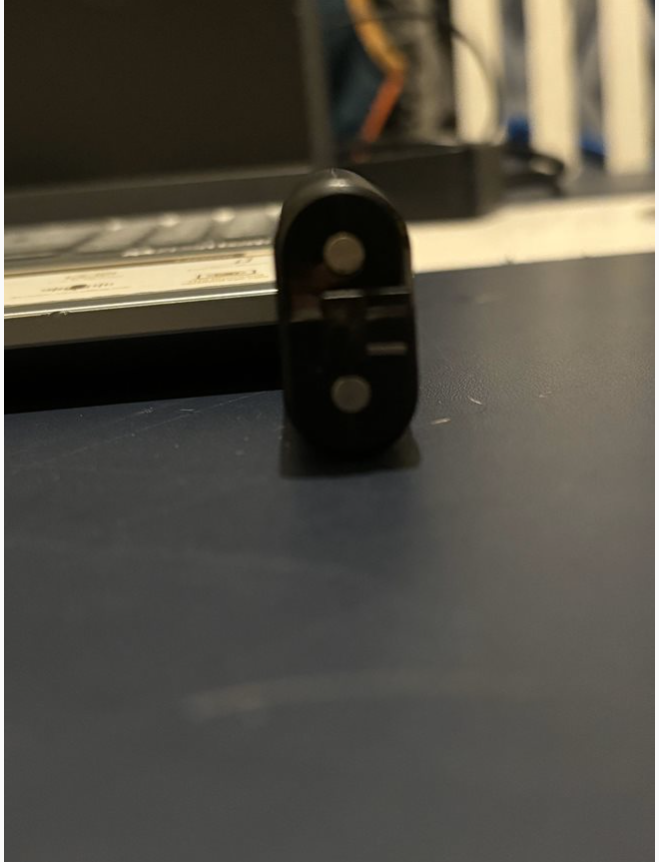
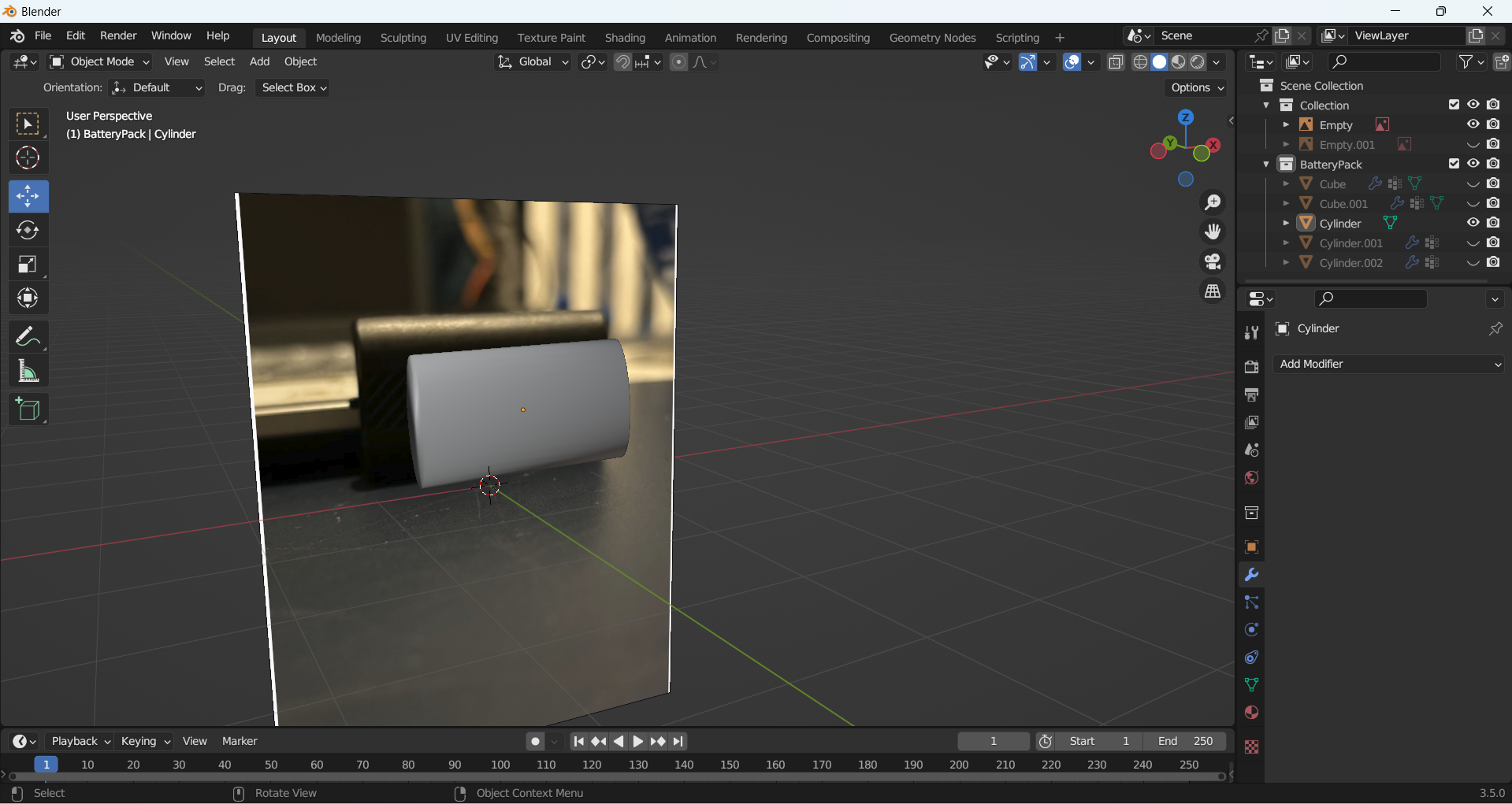
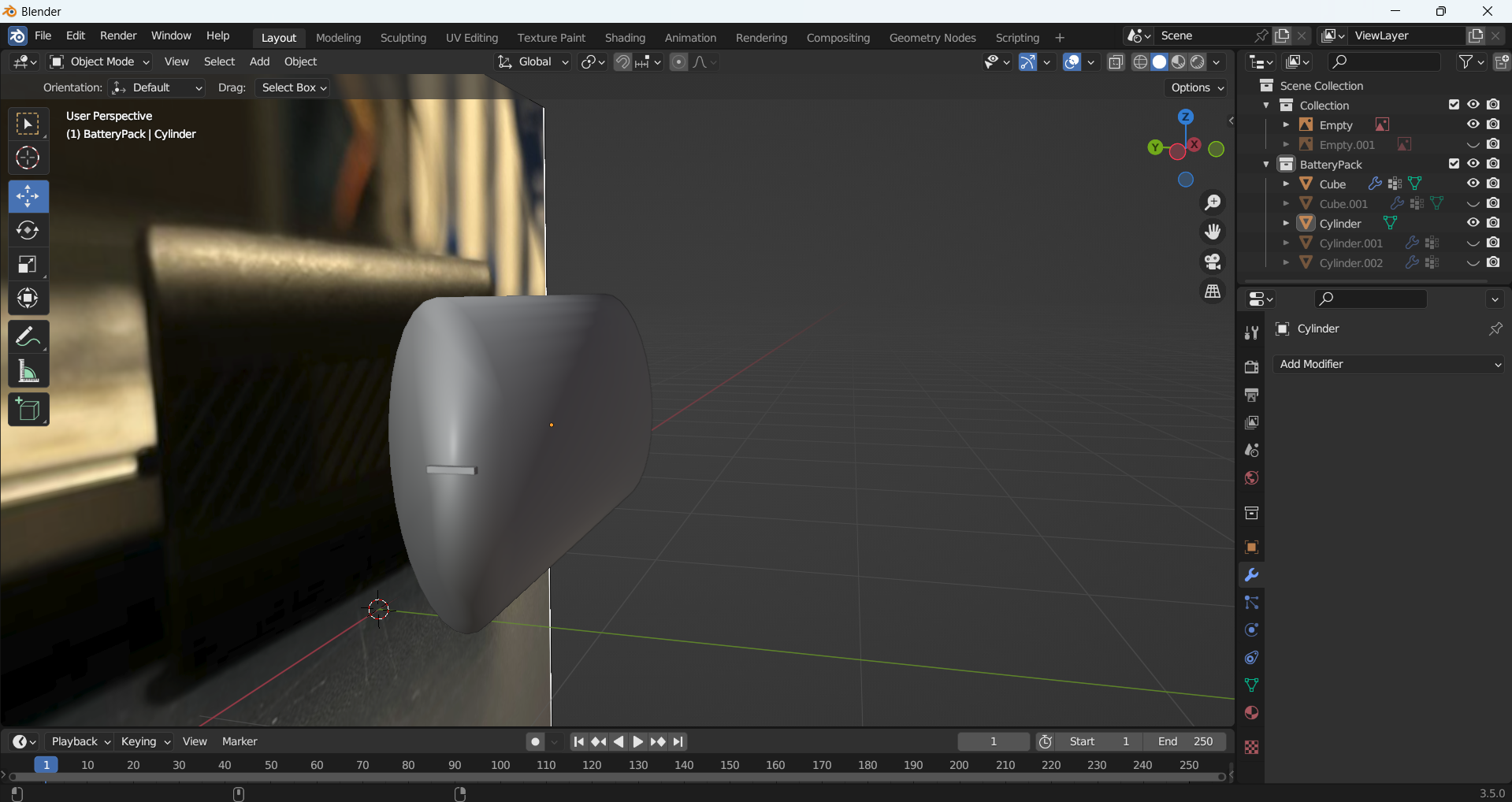
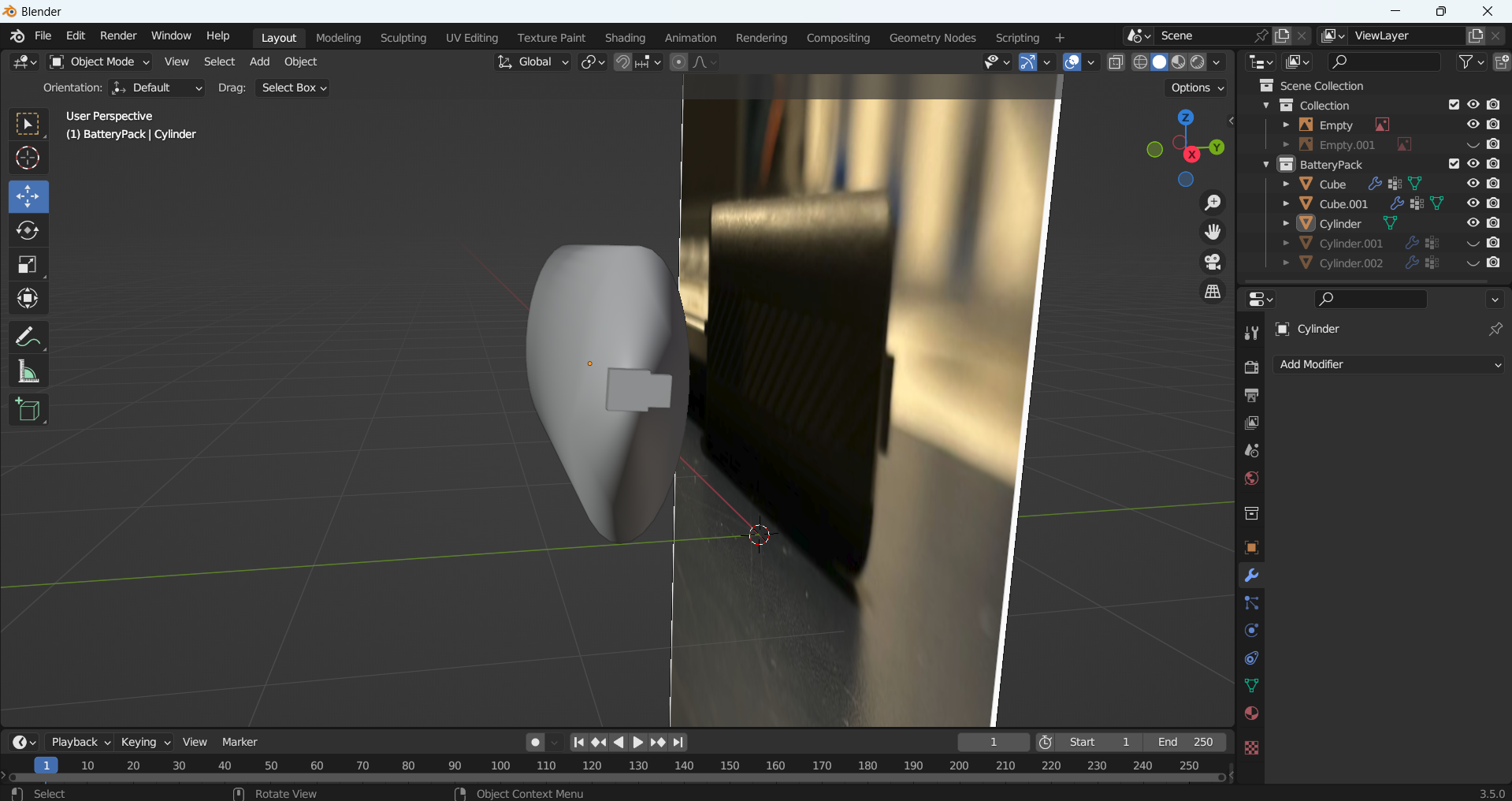
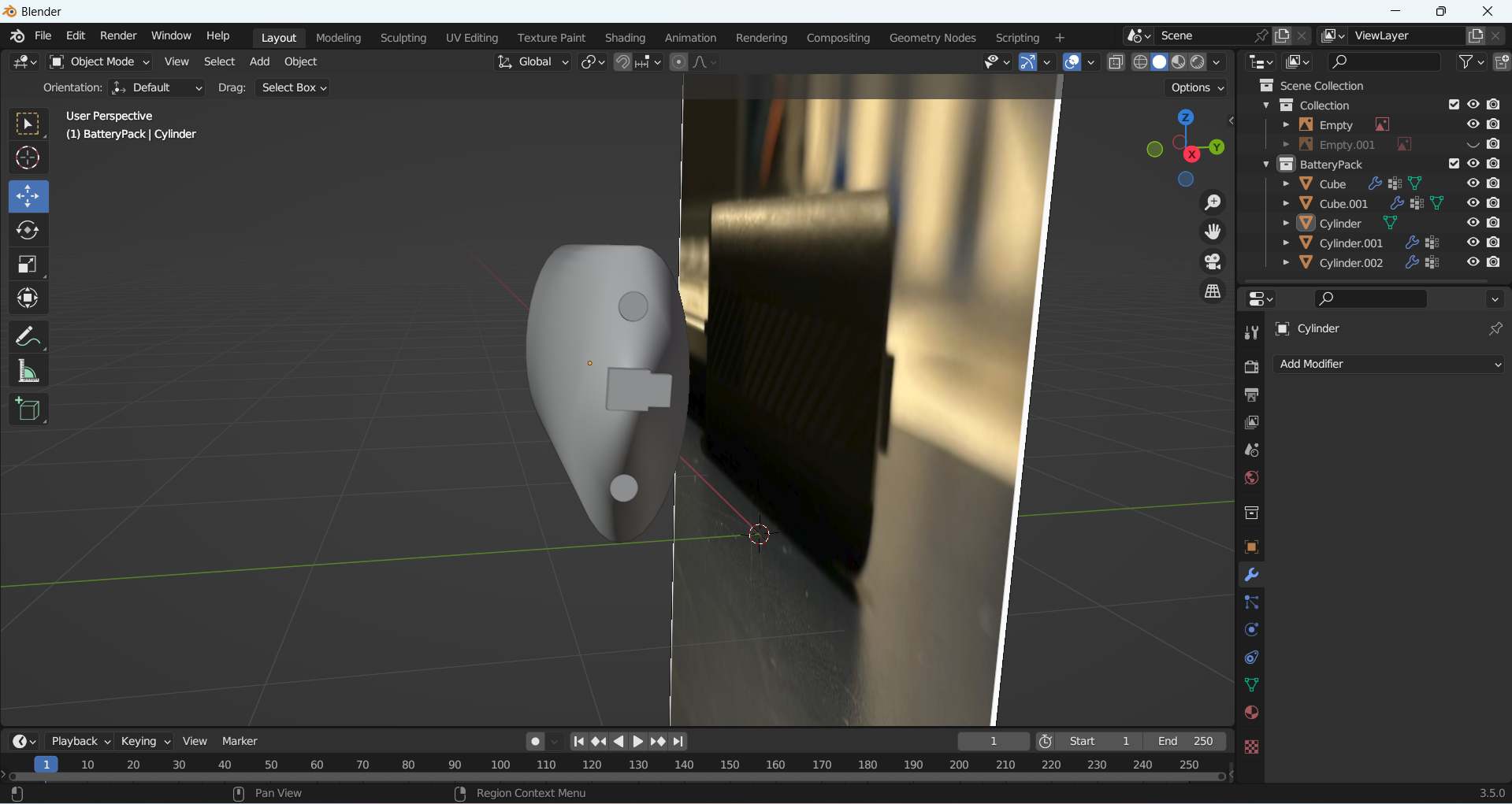
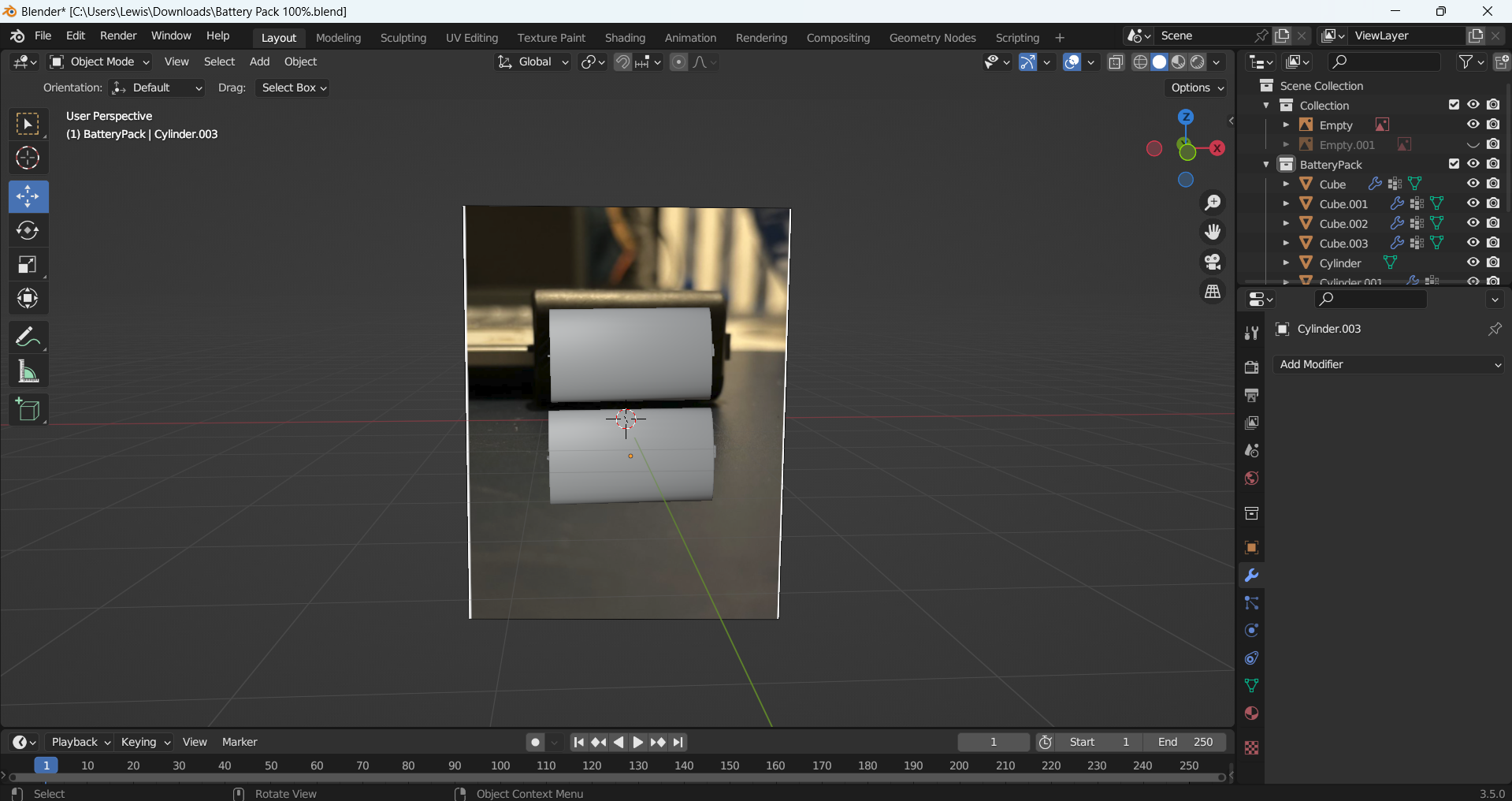
The final product I made was a twin battery pack for the controller. I used my own reference images again and began with a cylinder shape which I resized and scaled down thin for a basic shape. I then added small details such as the polymer batteries using smaller cylinders and a rectangle for the part which attaches to the controller.
Battery Pack Front Reference Image
Batter Pack Side Reference Image
Battery Pack shape being made
Left side part made for battery pack
Right side part being made for battery pack
Polymer parts made for battery pack
Battery pack duplicated
Reference List:
3D Tinkerer (2019) 3D Model an Xbox One Controller in Blender (Blender 2.8) – Part 1 [Video]. Available online: https://www.youtube.com/watch?v=18iZpfHkuhc [04/05/2024]