Production piece and porfolio
Production Video
Production Blog
My project is a 3D billboard that advertises The Deep aquarium in Hull. The purpose of the billboard is to promote The Deep to new customers and visitors to the city and push Hull towards a more modern style like other major cities such as Manchester or London, where you may be likely to find a 3D billboard.
I have chosen to make a 3D billboard as they are a new form of technology appearing in cities all around the world, such as New York, London and Japan. They use impressive design techniques to stand out from the crowd and have had a proven impact on sales for companies such as Nike, which studies revealed had a boost in sales because of a creative 3D advert celebrating 35 years of the Air Max trainer (Fatima, 2023). Some other benefits include enhanced engagement, memorability and increased brand awareness (ClearChannel, nd).
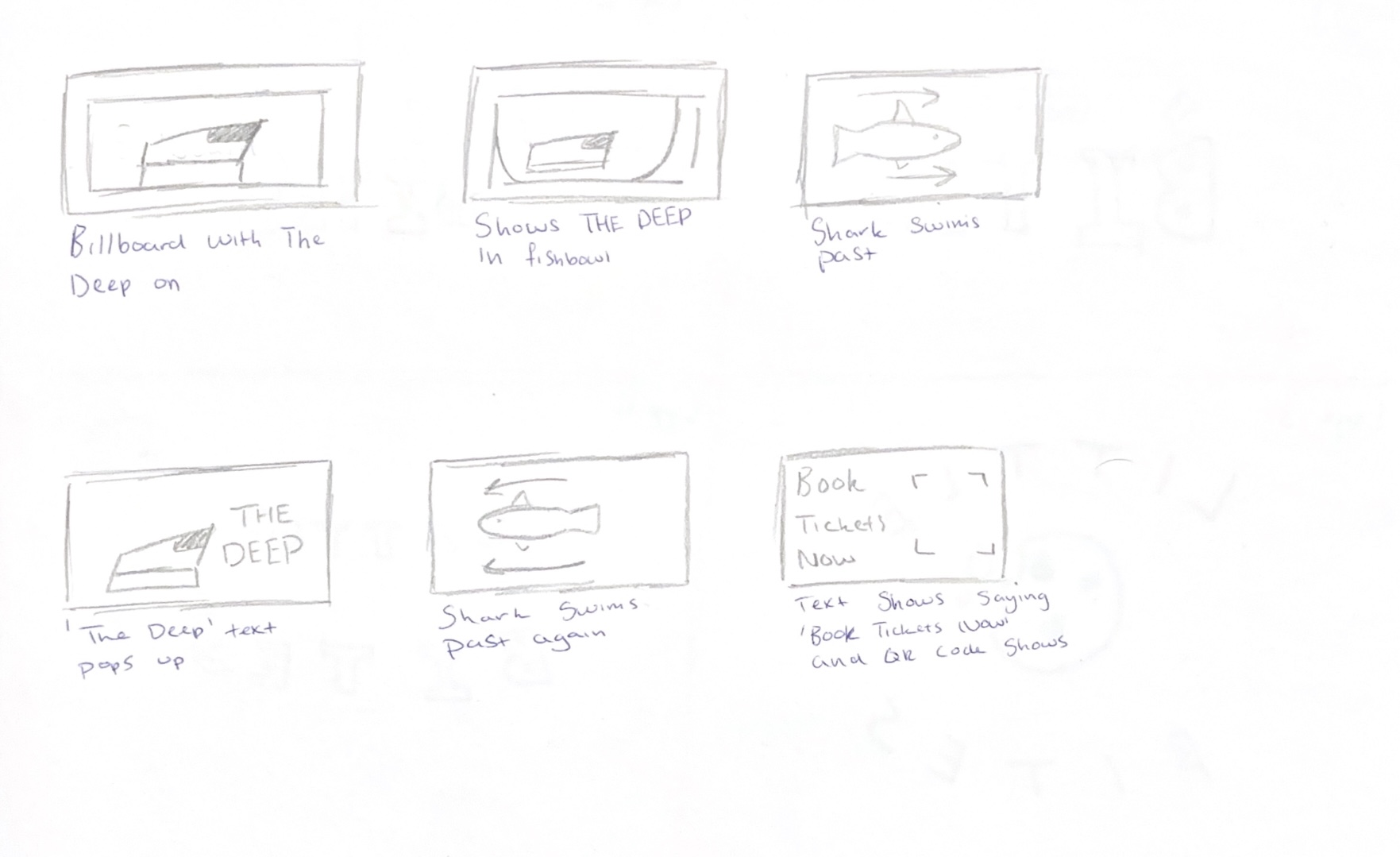
My plan at first was for The Deep to appear zoomed in to take up the full screen, before zooming outwards to reveal that it is inside of a fish tank, and it is just a miniature figure. Fish swim around The Deep as text begins to rise, telling viewers to get their tickets, along with a QR code which leads to the official website.
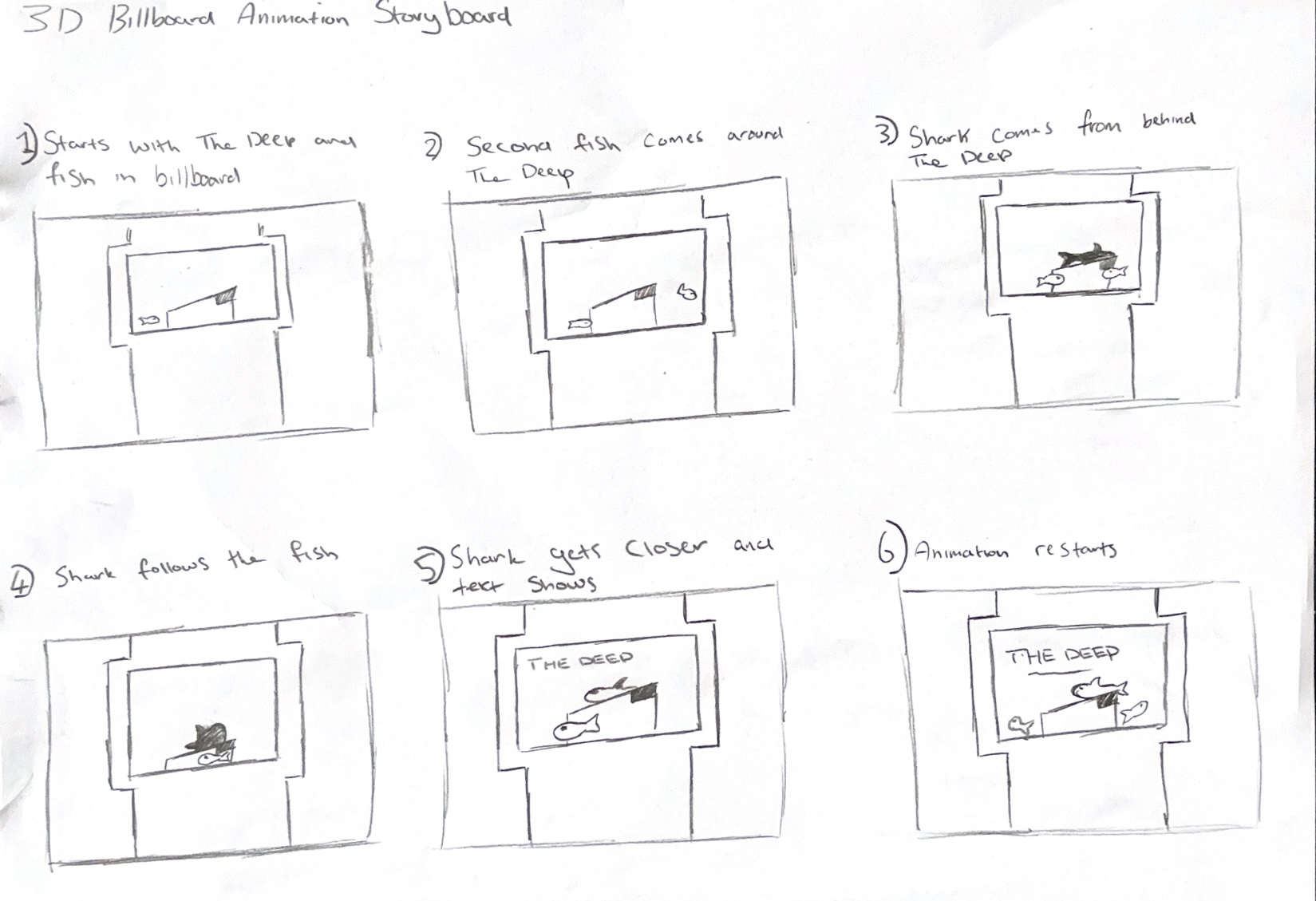
Later, I changed my storyboard because I had some trouble figuring out how to create the zoom out effect. I had to animate all of my objects within the billboard itself, so I couldn’t use the camera to zoom in and out. To save myself time trying to come up with a way around, I made some adjustments to the start of the animation and replaced the zoom-out part with a shark circling The Deep and chasing the fish around the tank.
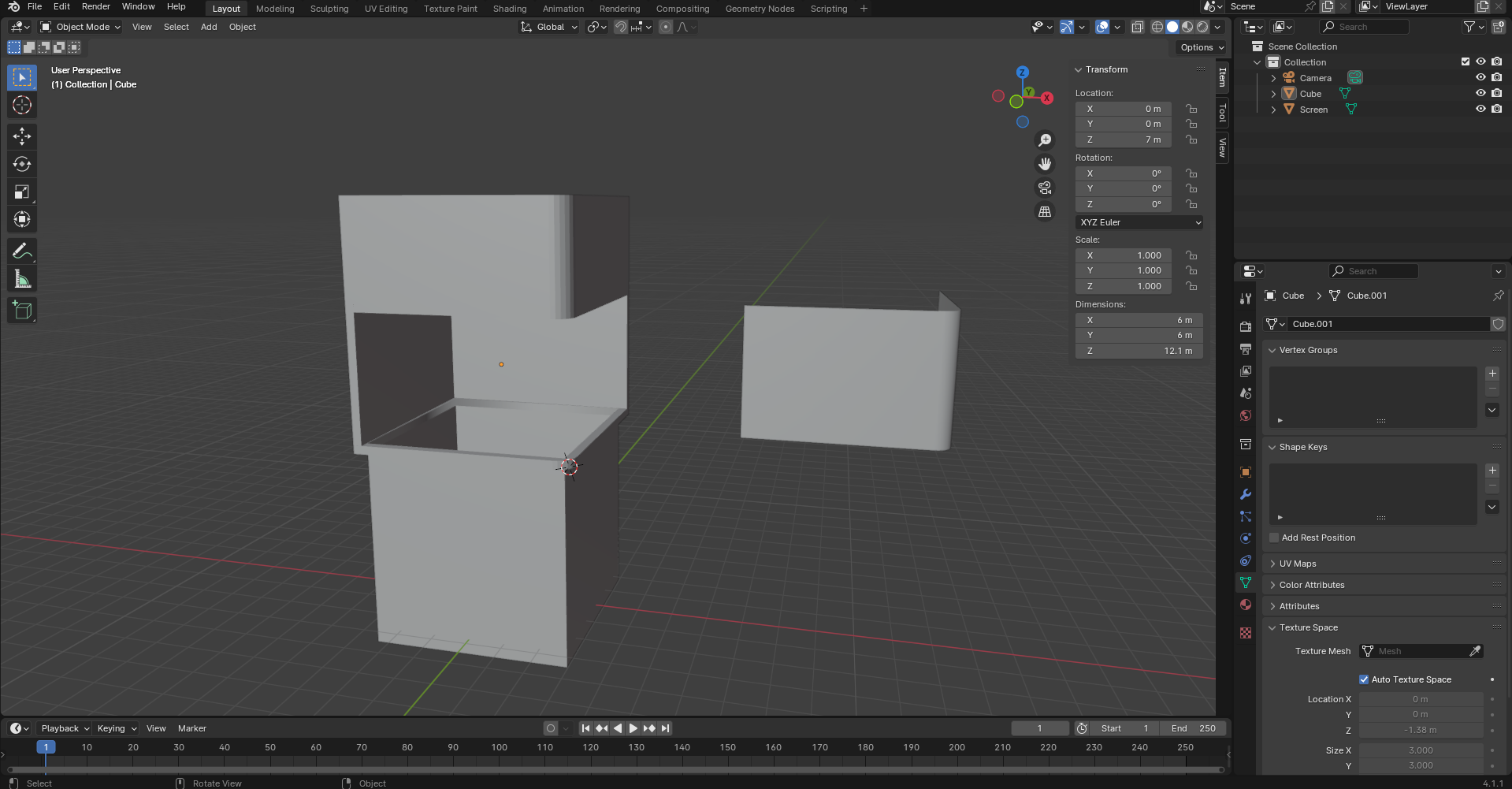
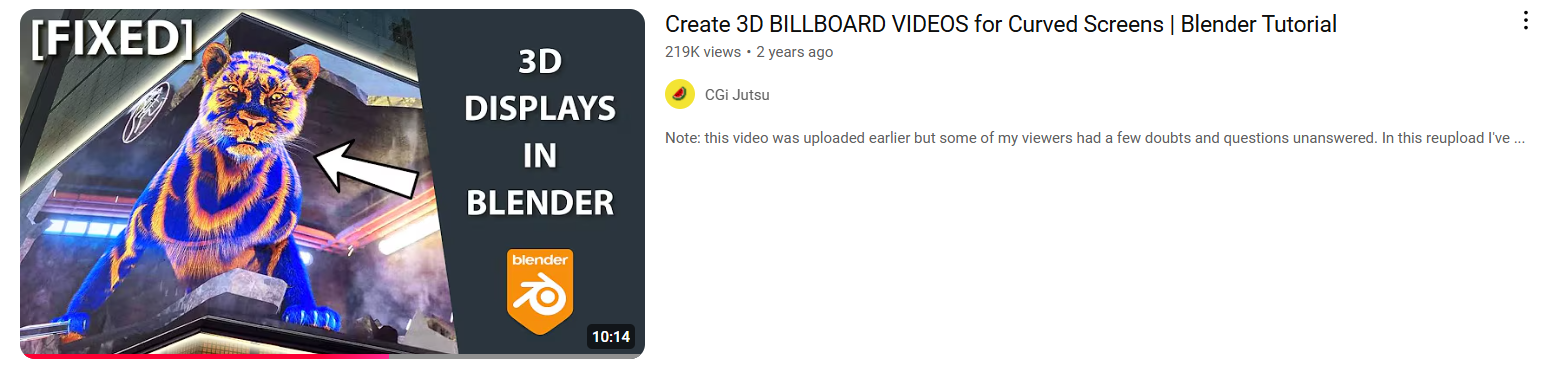
I started off by making the billboard. I modelled it in Blender and followed along to a YouTube tutorial to learn how to create the curved screen to show the animation from two angles at once, making the 3D effect by using a forced perspective and layering. Regular 2D billboards show just one straight-on angle which is less immersive and can be limiting for storytelling.
3D billboards use techniques such as stereoscopy to show two different images to each eye to create a warped perspective. To get a similar effect, I used layering and perspective distortion to create the 3D illusion within Blender. I also keyframed the scale of different objects to become larger as they get closer to the foreground, which creates more depth within the frame.
“These billboards use advanced holographic technology to project high resolution, three-dimensional images into space, creating an illusion of depth and realism without the need for special glasses.” (Nova, 2024)
After I had modelled the frame for the billboard, I then started to work on creating other models such as the fish. I followed some more tutorials and used basic modelling and rigging techniques to make the models and added modifiers such as the mirror modifier to model the items faster as I only had to do one half before mirroring what I had already done. I used EEVEE because it renders faster, and I kept details quite low to also make it render faster as having too much geometry or modifiers applied could make it take longer.
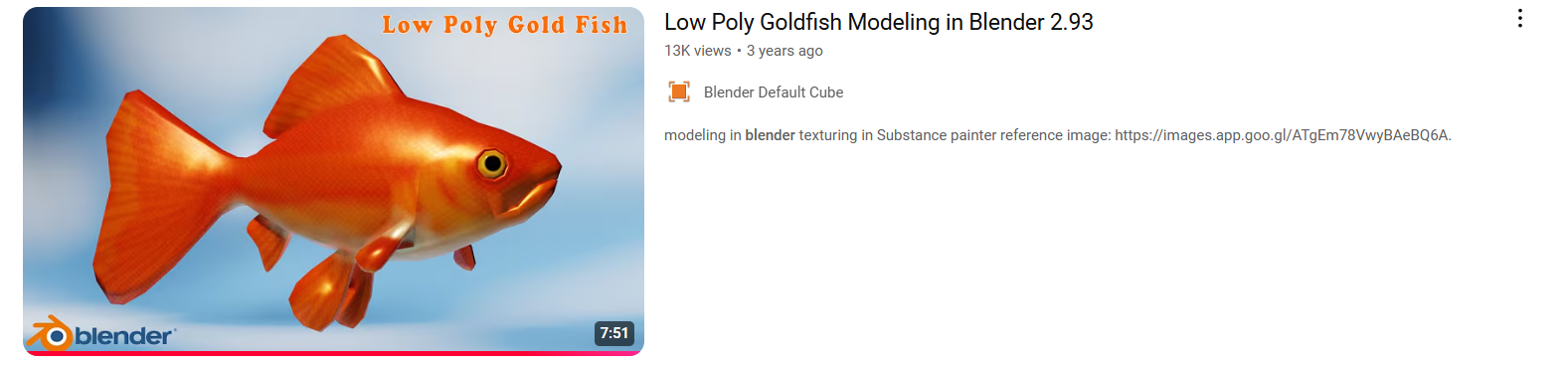
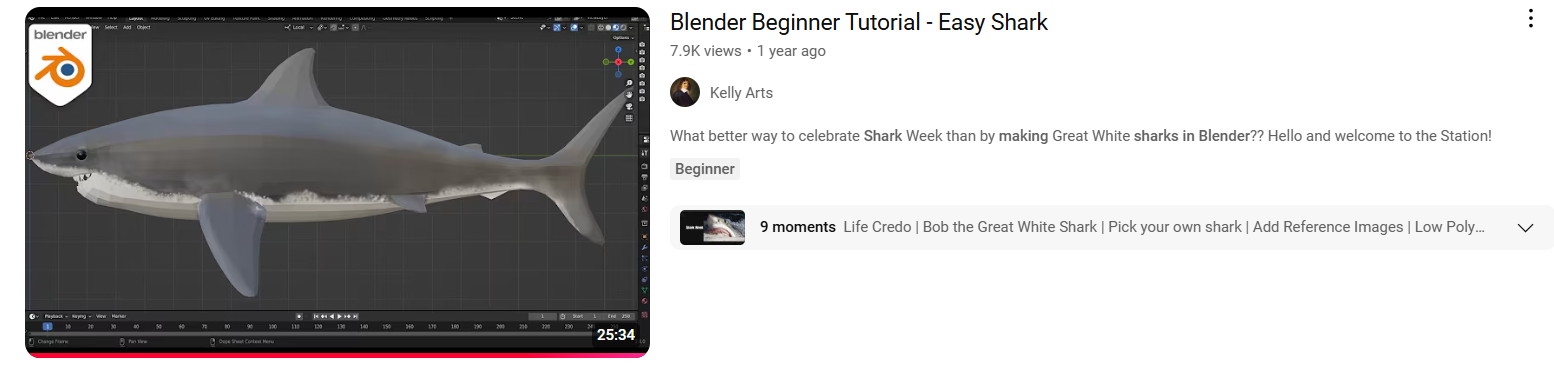
After I made the shark, I began to test if the billboard was effective or not. Originally, I was going to just make an animation in Blender, but one of my teachers suggested using Adobe Aero to place the billboard in real life locations using geo-location tracking. I wanted to see if this was possible, so I did a test file and animated the shark to spin around within the billboard and exported it all as an FBX file. Then I imported the file into Adobe Aero and set the start trigger to play the animated shark on an infinite loop. I placed the billboard outside on campus and asked a classmate to go outside and test if it worked or not, and to take a recording of the billboard. The animation did work but there was one issue which stood out, and it was that the back wall of the billboard was invisible when imported to Adobe Aero, meaning that you could see the sky through the billboard.
After going back and having a look at the Blender file, I learnt that I had to flip the normals for the back faces of the billboard. After I flipped the normals to face correctly I re-exported the model and checked that it was working properly which it was.
The final thing I had to model was The Deep building. This was the most difficult because The Deep is an unusual shape for a building because it is very triangular and has lots of detailing on the windows. There were also no tutorials, so I had to use various images of The Deep at different angles to use as a modelling reference. Because the model was supposed to be a miniature fish tank decoration figure, I didn’t need to add as many details since it wasn’t meant to be fully realistic.
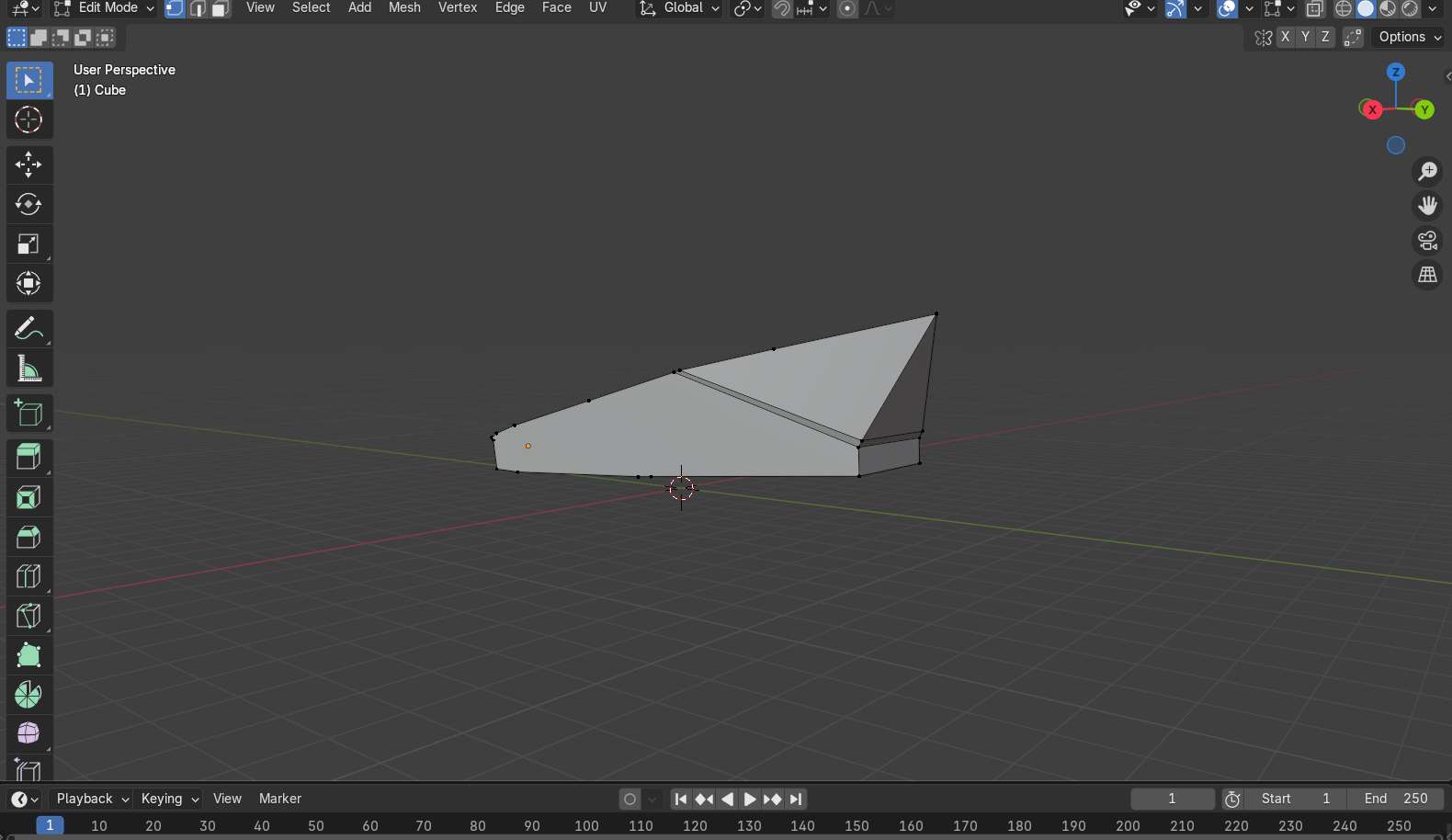
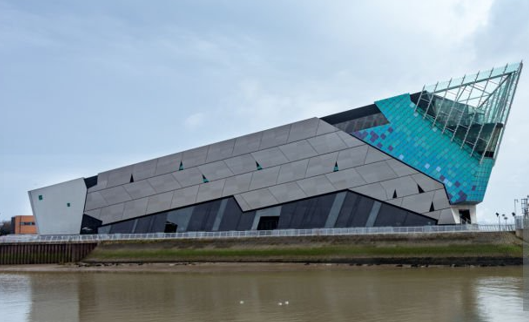
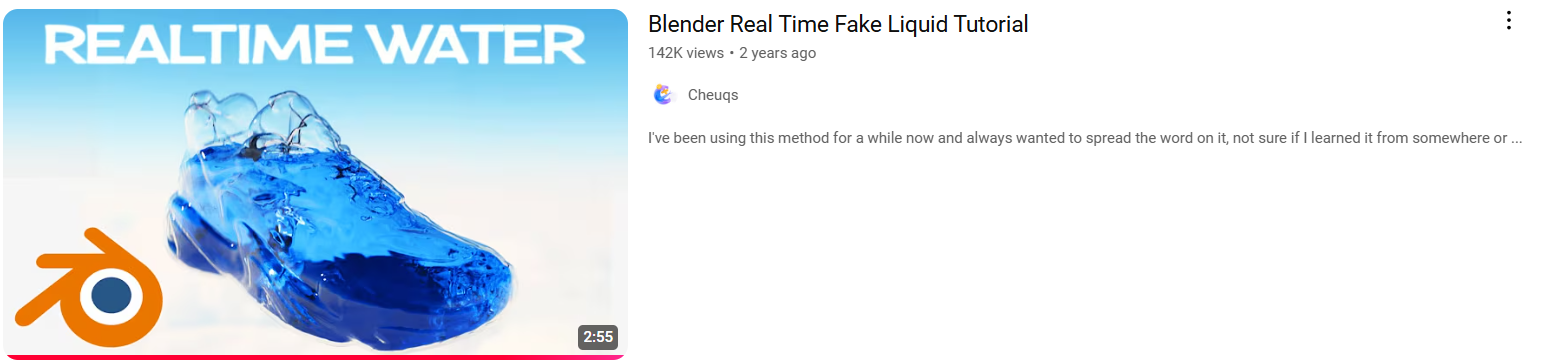
To create the water inside of the tank, I followed another tutorial which shows how to create moving water that is controlled by a plane. I then imported the other models and began keyframing the animations in the scene to create the full sequence.
I then tried to bring the new billboard animation into Adobe Aero again but was having issues with some items not exporting correctly due to modifiers and extra geometry, meaning animations wouldn’t play properly. Some of the objects were imported at a smaller size compared to the Blender animation, which made them look like they weren’t there. Another problem was that some of the objects were appearing in the wrong place, such as outside of the billboard and very low down.
Because of the tight deadline, I decided to create an alternative option of simply creating a rendered video displaying how the billboard would look in a public space. I had considered creating a 360 video but switching to Cycles meant it would take too long to render, and there is no Eevee alternative option to speed up render times. In the meantime, I continued to attempt at fixing the issues with the Aero file, such as trying to export the animation as a GLTF instead of an FBX, fixing geometry in Blender, reanimating the scene and adjusting modifiers and effects in the scene to see if any of these were the cause of the problems.
When the animation was rendered, I used Premiere Pro to create an image sequence from the rendered PNGs. I added a city ambience audio clip to add more immersion and detail to the video and make it feel more realistic because I had used a city HDRI for the background, so the sound matched the environment the billboard was in. I chose to use a city HDRI because the style of the scene complimented the design of the 3D billboard as it was more modern, and you would be more likely to find a billboard like this in popularized areas such as busy cities, where there are more pedestrians to see the billboard each day.
Alternatively, I had successfully managed to re-export the billboard into Adobe Aero as a GLTF. I figured that there were some issues with my geometry and applying all transformations helped to fix the scale and position of my objects, so they appeared the correct size when in Adobe Aero. I made the water still because it wouldn’t play when brought into Adobe Aero and wouldn’t fill the tank evenly. All of this seemed to work, and the file was now working correctly when I previewed it in Adobe Aero.
For the final step, I tested the Adobe Aero file once more. I made two versions, one which used surface tracking and another that used geo-location tracking. The surface tracking version was so I could test and adjust the size of the billboard and make sure there were no issues. It is easier to test this way as I do not need to keep going to the same location to check and I can instead just place it anywhere outdoors. I tested it outdoors because I wanted the billboard to be very large in scale. When I did my research, I noticed that most 3D billboards are around 20 meters high, so to get the correct sizing I had to go outside to check the billboard was the correct size.
For the geo-location-based version, I chose a public place which is quite busy. I did consider somewhere such as Hull city center, but I instead chose to set the location on campus since it was easier for me to quickly adjust the location on one of the University computers nearby if I needed to. The University campus is still effective as it is heavily populated with hundreds of students passing through nearly every day. It would also be a strategic place for an advert for The Deep as there will be a lot of students who are new to Hull and may not be aware of The Deep, leading to more visitors. I had also forgotten to include text in my original animation, so I downloaded a PNG of The Deep logo online and imported it into Adobe Aero. To make the logo fade near the end, I hid the PNG and added a ‘wait’ trigger for 7 seconds before making the logo fade in with the ‘show’ trigger. This lets the viewer know that the advert is for The Deep, leading them to The Deep website where they will hopefully book a visit.
It took me a few attempts to select the right space for the billboard on campus. At first, the tracking location was slightly off from where I had pinned it, so when I went to view it, it was blocking the footpath. I wanted the billboard to be visible but not obstruct the pavement as that would be an issue for people with mobility issues. I chose a large patch of grass just beside the path leading from the campus accommodation towards the library, which is an area many students pass each day but is out of the way from the accommodations and major buildings on campus. I was thinking of placing the billboard closer to the accommodation, but I thought it may not be suitable to have a large billboard in areas of residency because it could be distracting or off-putting for people nearby.
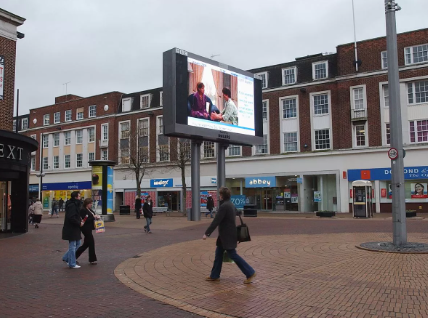
Having 3D billboards brought into Hull could be beneficial as they would push Hull towards technological advancements and make the city feel more modern or progressive. You could also merge the traditional side of Hull with a modernized edge by using 3D billboards to create narratives about Hull’s history. A 3D billboard could be like the BBC Big Screen which used to be in the city center and displayed work created by local artists and designers, only more modernized and trendier with the updated technologies of 3D billboards.
Portfolio
Blender video:
Adobe Aero video:
References
Blender Default Cube (2021) Low Poly Goldfish Modelling in Blender 2.93 [Video]. Available online: https://www.youtube.com/watch?v=S5khzrdH_eM [Accessed: 21/11/2024]
CGI Jujitsu (2022) Create 3D BILLBOARD VIDEOS for Curved Screens | Blender Tutorial [Video]. Available online: https://www.youtube.com/watch?v=xK3q641dd2c&t=367s [Accessed: 15/11/2024]
Cheuqs (2022) Blender Real Time Fake Liquid Tutorial [Video]. Available online: https://www.youtube.com/watch?v=F6KsMr7exCc [Accessed: 5/12/2024]
ClearChannel (nd) Guide to 3D advertising and examples of innovative 3D billboards [Article]. Available online: https://www.clearchannel.co.uk/new-to-out-of-home/make-the-most-of-your-ooh-marketing-campaign/guide-to-3d-advertising-and-examples-of-innovative-3d-billboards [Accessed: 22/12/2024]
Fatima, Maheen (2023) Everything You Need to Know About Nike Air Max 3D Billboard in Japan that surprises the world [Article]. Available online: https://brandingforum.org/general/everything-you-need-to-know-about-nike-air-max-3d-billboard-in-japan-that-surprises-the-world/#:~:text=This%20billboard%20advertising%20kicks%20in,people%20worldwide%20into%20potential%20customers. [Accessed: 01/11/2024]
KellyArts (2023) Blender Beginner Tutorial – Easy Shark [Video]. Available online: https://www.youtube.com/watch?v=LrHqjSEwjHk [Accessed: 18/11/2024]
KM007_ (2021) City Ambience [Audio]. Available online: https://pixabay.com/sound-effects/city-ambience-9272/ [Accessed: 23/12/2024]
Mischok, Andreas (2020) Canary Wharf HDRI [HDRI]. Available online: https://polyhaven.com/a/canary_wharf [Accessed: 23/12/2024]
Nova, Vallerie (2024) Understanding How 3D Billboards Work: The Magic of Naked Eye [Quote]. Available online: https://www.ubunzo.com/blog-posts/understanding-how-3d-billboards-work-the-magic-of-naked-eye [Accessed: 22/12/2024]
The Deep (2024) The Deep Logo [Image]. Available online: https://www.thedeep.co.uk/sites/default/files/logos/thedeep.png [Accessed: 23/12/2024]
Unknown (nd) BBC Big Screen in Hull [Image]. Available online: https://i2-prod.hulldailymail.co.uk/news/history/article1606753.ece/ALTERNATES/s1200b/0_big-screenJPG.jpg [Accessed: 22/12/2024]
Unknown (nd) The Deep [Image]. Available online: https://media.istockphoto.com/id/939236112/photo/the-deep-an-aquarium-in-hull-england-exterior-view.jpg?s=612×612&w=0&k=20&c=qDl43YZU9uMpBB4Eaa8NUh2RMC3JXqAI0oqzCqMuJ6c= [Accessed: 14/12/2024]