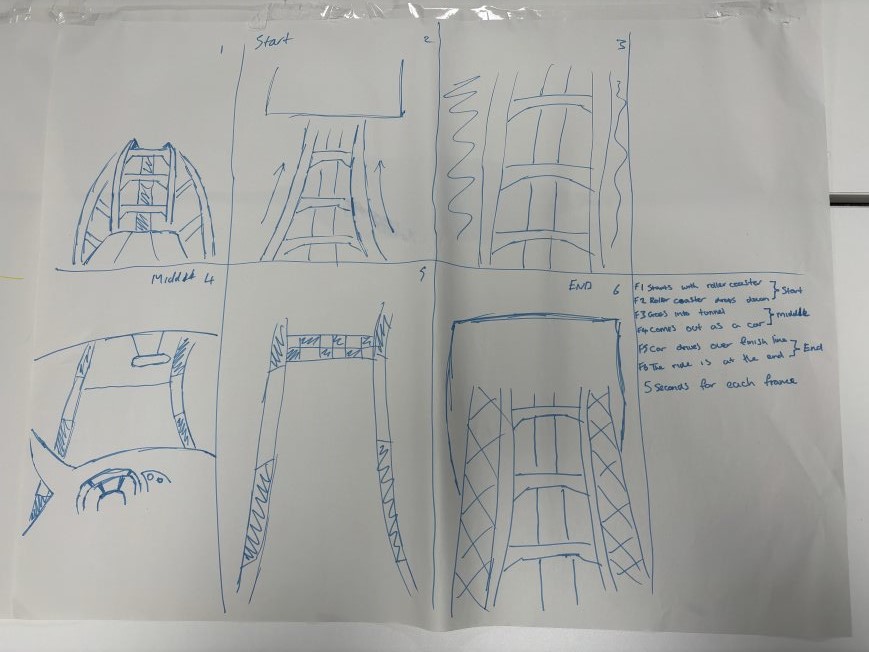
In lesson, we were given six sheets of A3 paper and told to stick them together to make one big storyboard. Everyone had their own sheet and had to sit in groups based on what animation topic they had chosen. We were then asked to create storyboards and talk to each other about our ideas for the animation.
Class storyboard (my section)
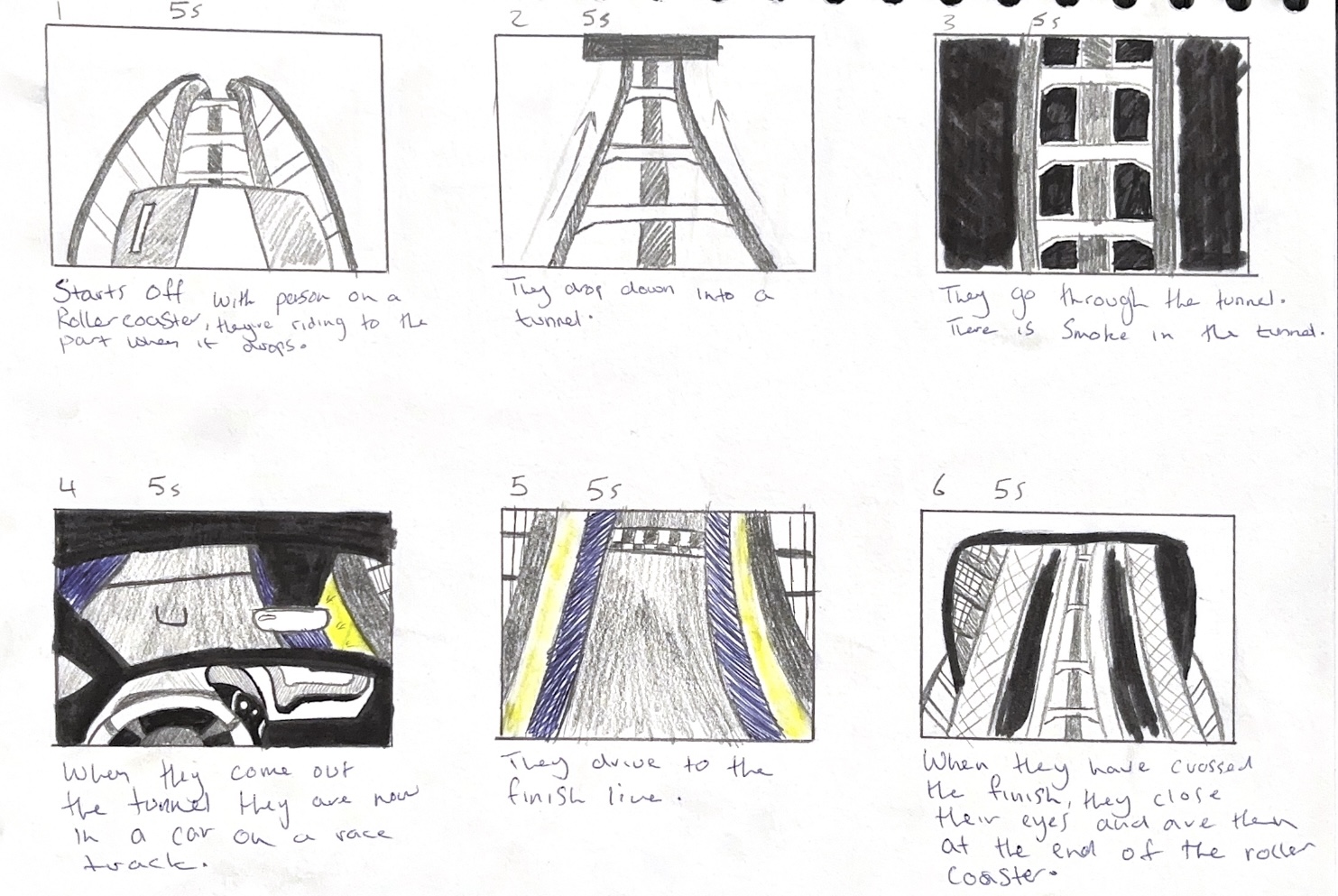
For my storyboard, I made six boxes. The animation must be 30 seconds long, so I did six boxes to equal every five seconds of the animation. My first idea in class was to make a rollercoaster transform into a racing car and then back to the rollercoaster as the theme of the coaster was a racing one, with the carts designed to look like race cars. I did end up having to change my idea after I realised that modelling and rigging the animation would be too complicated and I wasn’t sure if I could do it in the time I had.
First Storyboard that I made
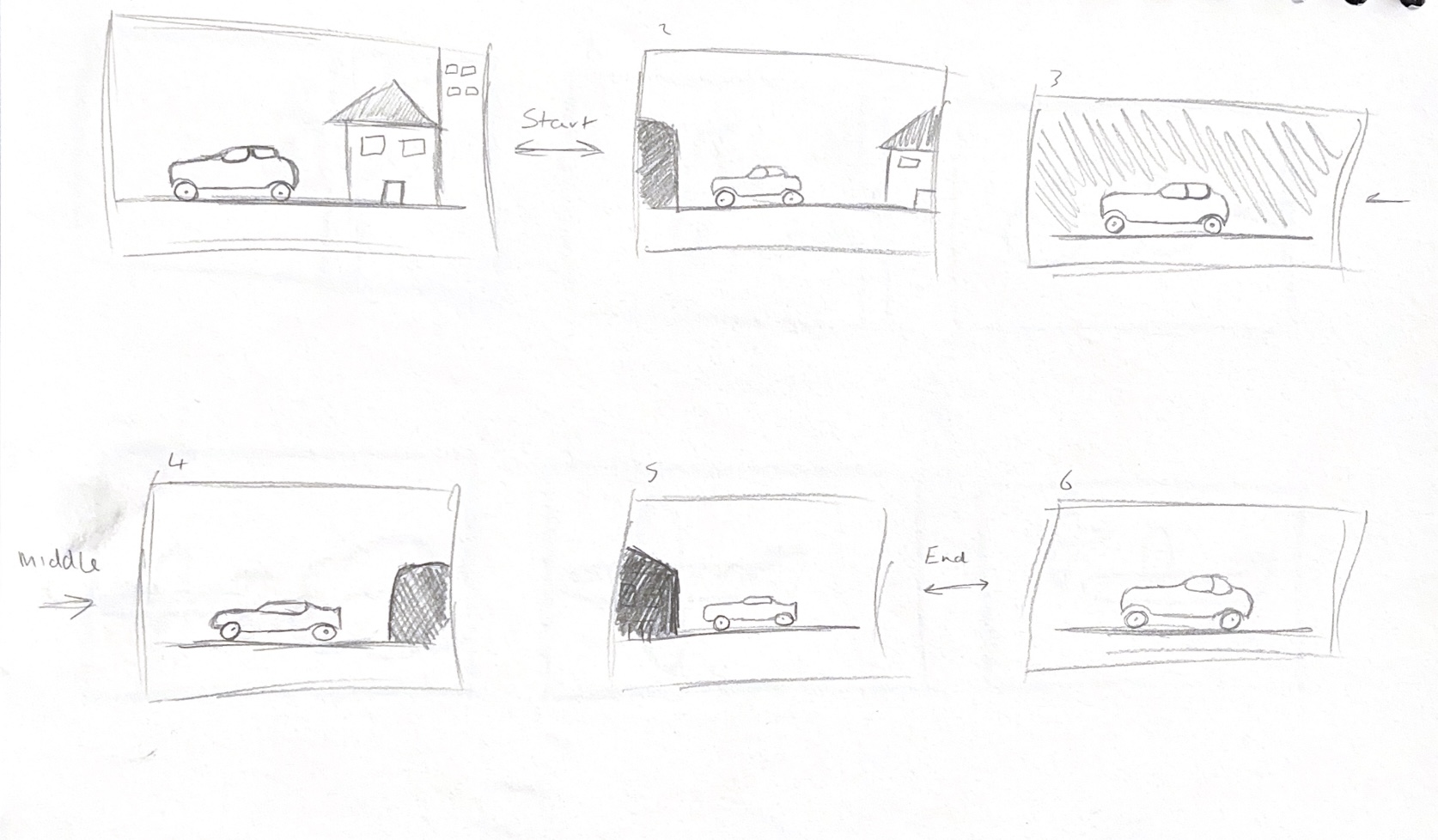
I had two other ideas which I storyboarded. The first idea was an old car driving through an old city, but would then go through a tunnel and come out in a newer car model in a more modern city.
Car Storyboard which was a different option
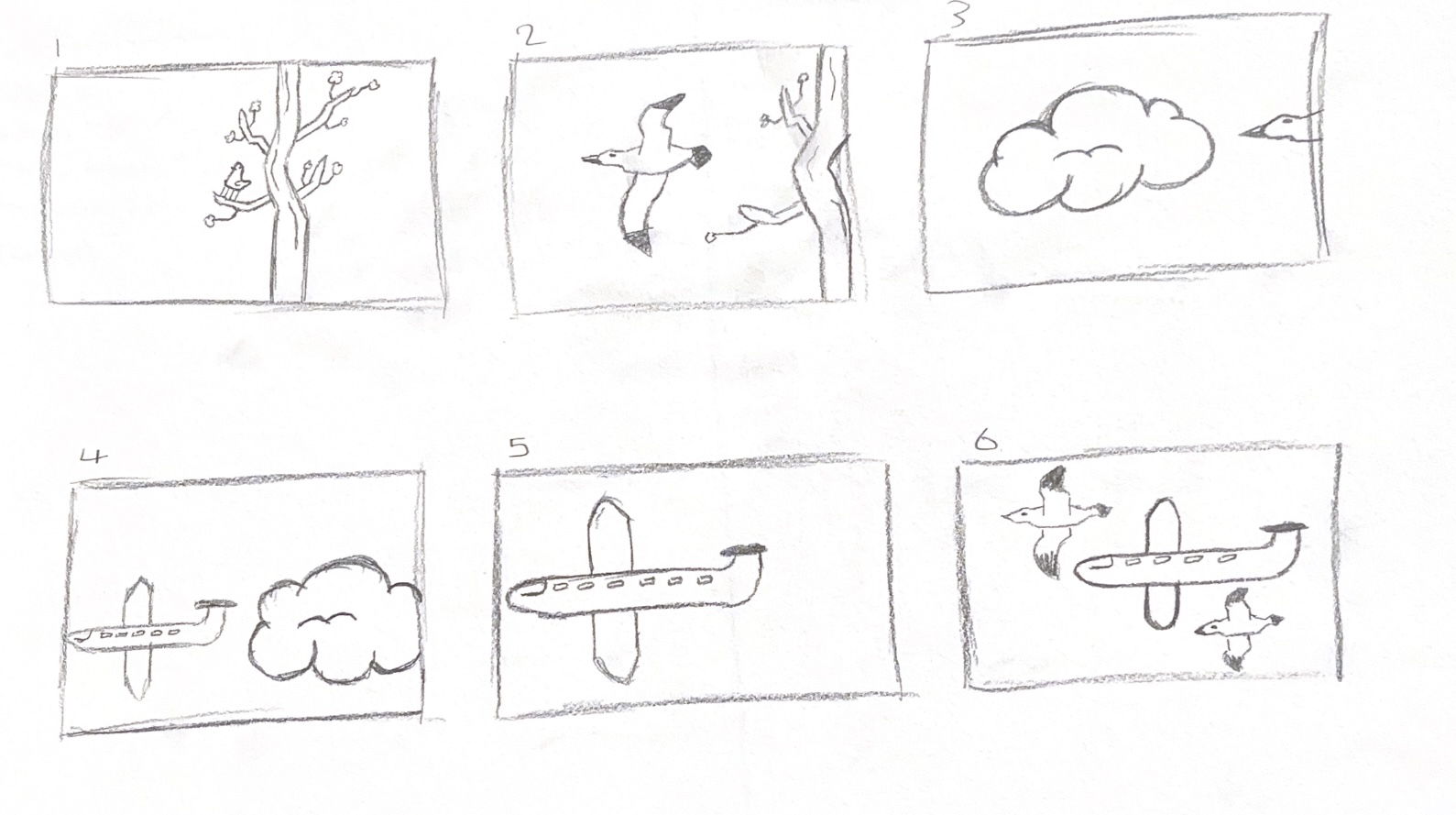
The other idea was of a bird flying out of a tree and into the clouds, but then coming out from the clouds as a plane. I chose this option as it wasn’t as complicated and I felt more confident with my 3D animation skills to create this instead of the other two.
Bird Storyboard which was another option
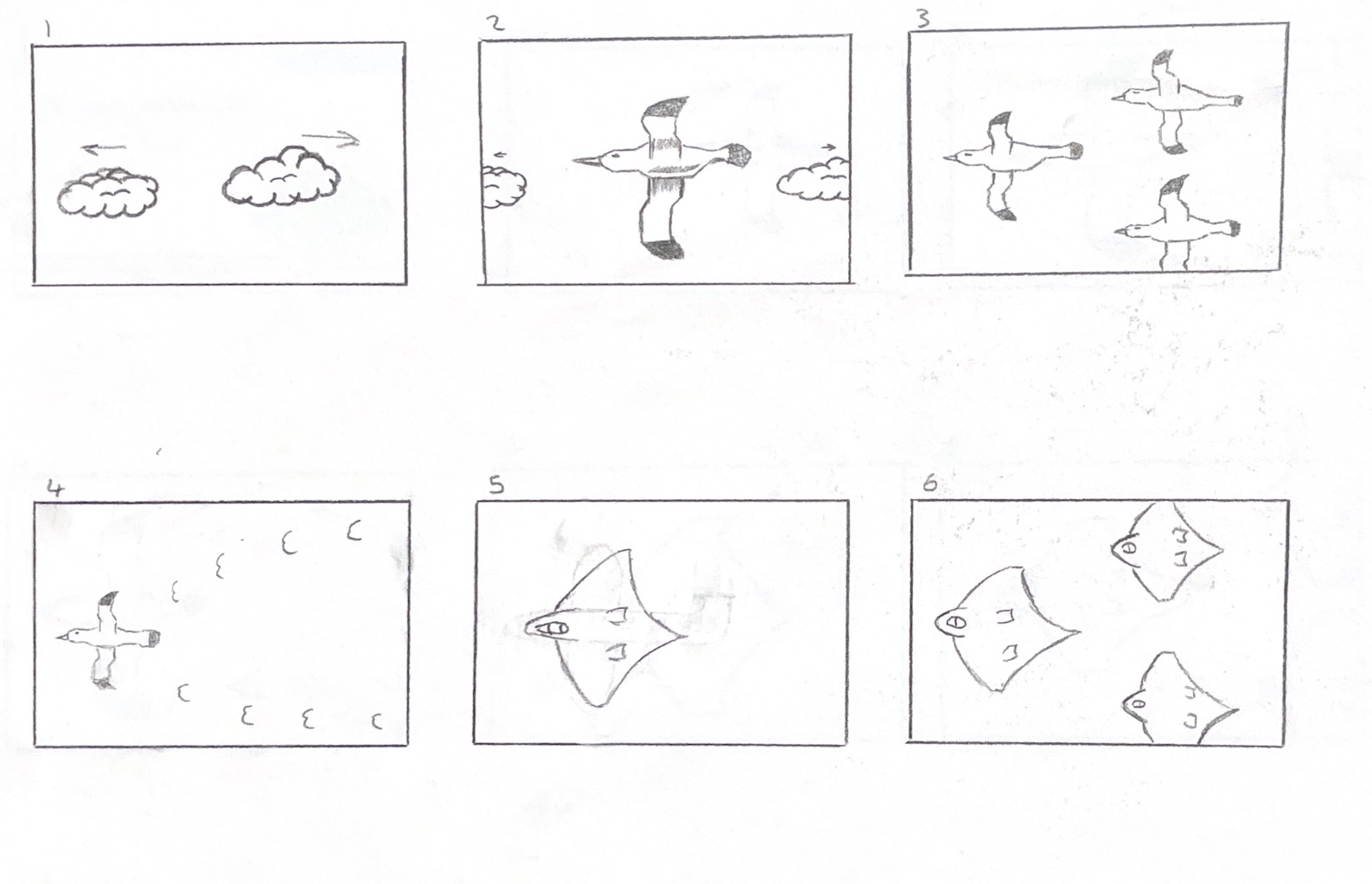
I developed my idea more and changed the ending do that there would be more birds, which fly into a v-shape and then change into a plane of a similar shape. I made a new storyboard to show my new idea.
Improved Bird Storyboard that I chose
To make the birds in my animation, I will be following a tutorial on YouTube which shows how to model and rig the birds so that their wings will move and can be animated. For the plane, I will use simplified shapes to make a basic military style plane that is similar to the shape of the birds wings. This is linked in the reference section.
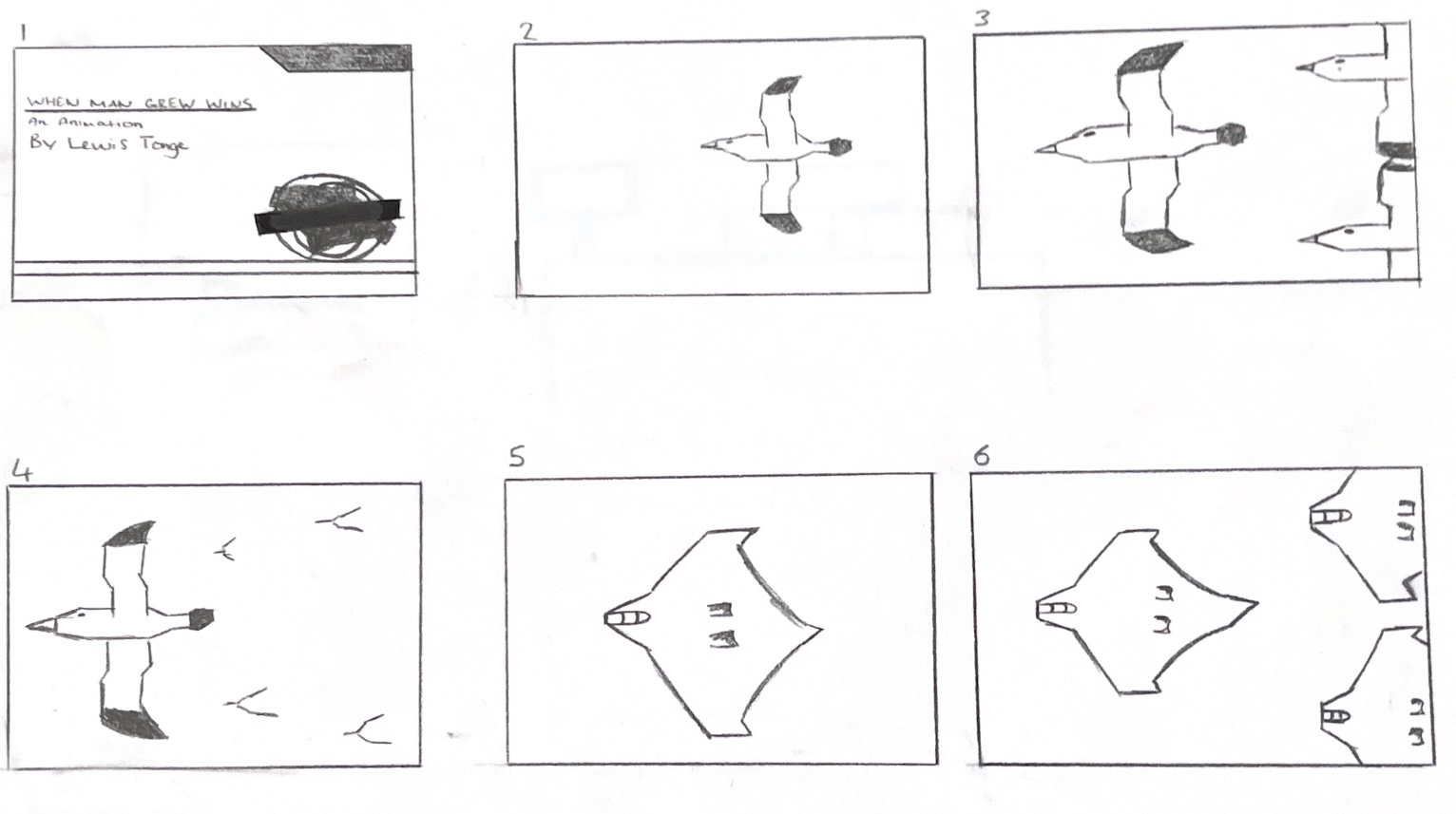
As I was making my animation, I had a problem with the clouds not showing, which affected the start of my animation. To solve this problem I decided to change the beginning of my animation to now have a title card which shows for the first five seconds instead of the clouds. The animation would then start with one bird flying across the screen before more birds appear behind. I made another storyboard to show this. I also changed the ending so that the planes fly off and up out of view.
Updated Storyboard with title card added in
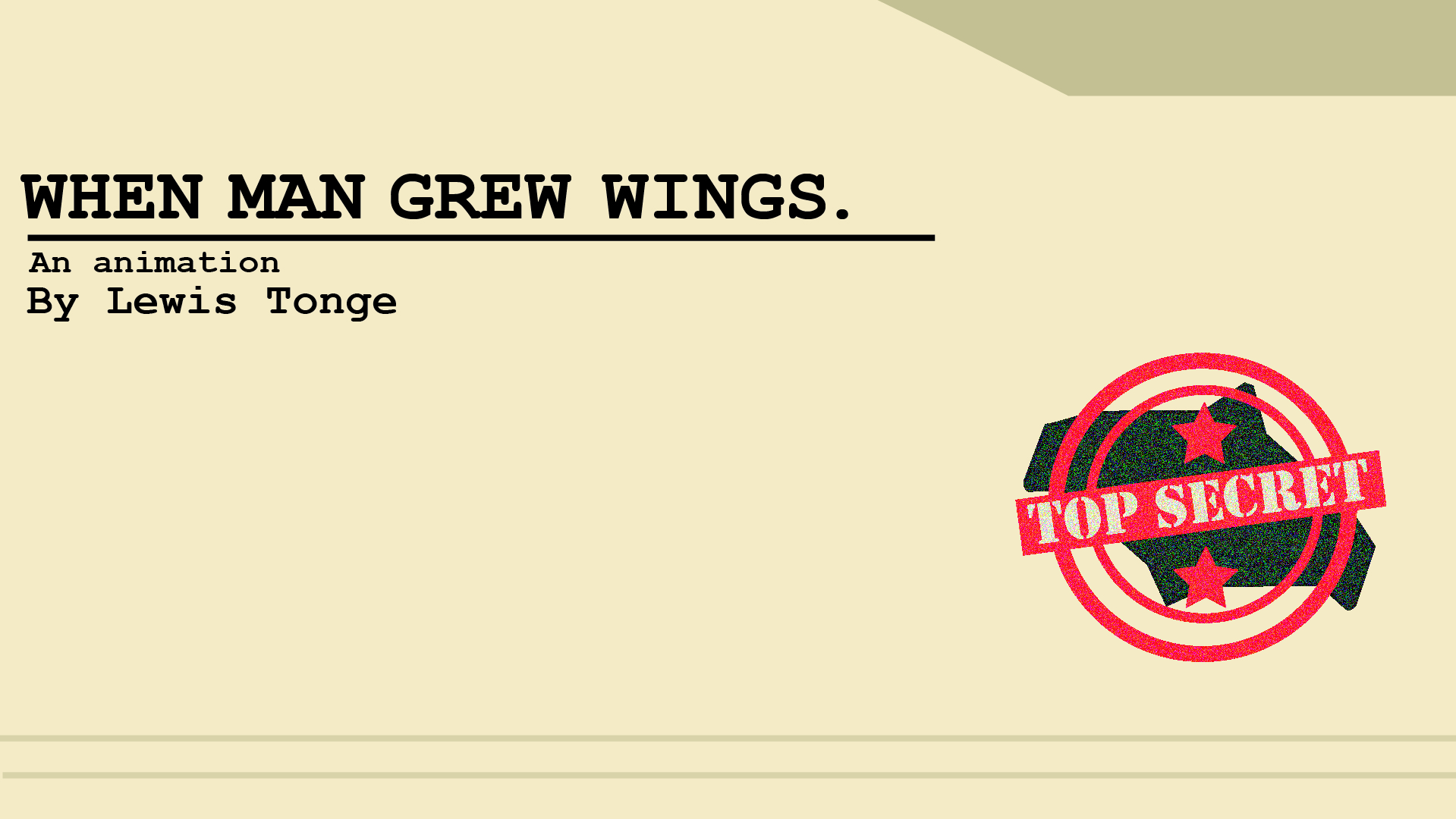
To make the title card, I used Illustrator to design it in the style of a classified file to make it link to the military theme of the plane design and add conceptual design. I made a stamp design with the plane and two stars to represent military ranks and to relate to the research I had done on my topic. The font used was Courier, which looks like a typewriter and also links to the army style.