Ethical or Sustainable Subject

Ethical or Sustainable Subject

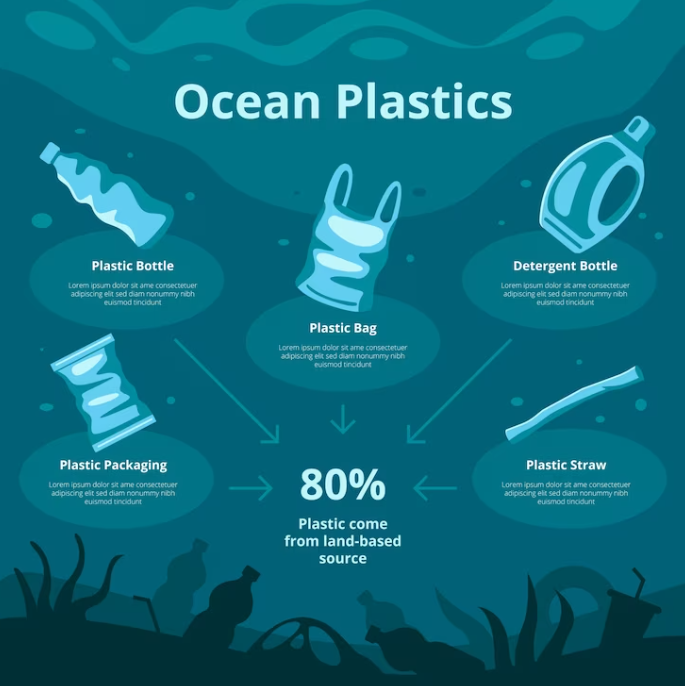
For my classical animation piece, the topic I have chosen is plastic pollution in the ocean, I have chosen this topic because not enough people are informed on where the waste ends up and the damage it is causing to the environment and wildlife in the ocean. The target audience I am trying to reach is young children aged 7-10 years old, as I think everyone can play their part in helping the ocean, and teaching children from an early age means it is more likely to carry this information down for generations and to slow down the pollution in the ocean. The purpose of my animation is to get people to realize the damage they are causing and to show them slight changes can make a difference in the long run such as making sure that their plastic is being disposed of properly and in a sustainable way.  
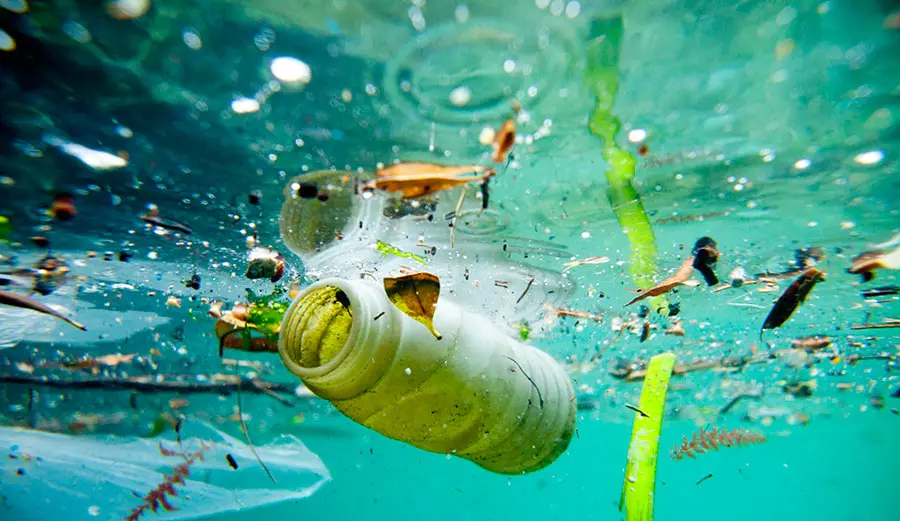
Plastic litter in the ocean

Statistics have shown that 80% of all marine pollution is made up of plastic waste and that around 8 to 10 million metric tons of plastic end up in the ocean each year. (Fava, 2022) this is worrying because the plastic debris has been proven to harm and kill marine animals such as fish and seabirds, for example the sea turtle species and at least 266 other species. Sea animals are at risk of ingestion, suffocation, and entanglement, to name a few of the deadly consequences of plastic pollution (Clean water action, ND). Plastic items such as straws and six pack drink holders are some of the most common culprits for the death of sea wildlife. 100 million marine animals die each year from plastic waste alone (Condor, ND). 

Ocean plastics statistics

 Another major problem plastic causes to wildlife is that once plastic is in the ocean it can take hundreds of years to degrade and then becomes microplastics. Microplastics are tiny particles of plastic that are eaten by marine animals and end up in their bodies and tissues leading to consequences for the health of the planet and all wildlife. (Fava, 2022) Microplastics are also harmful to humans, and if we consume fish who have consumed microplastics we are also at risk because microplastics release toxic chemicals and can cause cancer (Yuan, 2022) 

Some companies are trying to contribute to the cause by swapping to different packaging. One of the companies that have done this is McDonald’s, who swapped out their plastic straws in 2018 for paper ones. McDonald’s did get backlash for this as the new paper straws were not recyclable ‘Since the straws cannot be recycled, this may end up being more harmful than helpful’ (Giaquinto, NA) In 2017, Tesco introduced bags for life, encouraging shoppers to reuse bags and charging 30p to convince them to bring a bag with them so they do not have to pay extra. 
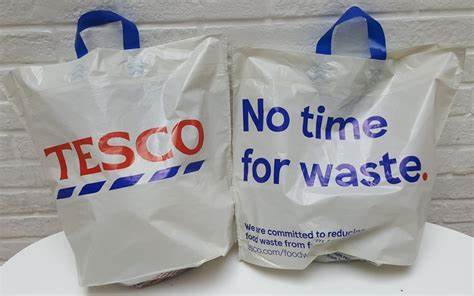
Tesco reusable bag for life's

Plastic pollution in the ocean is an issue which affects all of us, and it is important to raise awareness from an early age, so the next generation know to be more sustainable to help the planet out. 

Reference List:

Clean Water Action (ND) The Problem of Marine Plastic Pollution [Article] Available online: https://cleanwater.org/problem-marine-plastic-pollution#:~:text=In%20the%20ocean%2C%20plastic%20debris,of%20all%20marine%20mammal%20species. [Accessed: 04/02/2024]

Condor [ND] Shocking Ocean Plastic Statistics: The Threat to Marine life, The Ocean & Humanity [Article] Available online: https://www.condorferries.co.uk/plastic-in-the-ocean-statistics [Accessed: 04/02/2024]

Fava, Marta (2022) Ocean plastic pollution an overview: data and statistics [Article] Available online: https://oceanliteracy.unesco.org/plastic-pollution-ocean/

[Accessed: 04/02/2024]

FreePik (ND) Hand Drawn Ocean Plastic Pollution Infographic [Image] Available online: https://www.freepik.com/free-vector/hand-drawn-ocean-plastic-pollution-infographic_41775458.htm [Accessed: 04/02/2024]


Giaquinto, Robert (ND) McDonald’s Switch to Paper Straws, but They Aren’t Recyclable [Article] Available online: https://www.greengeeks.com/blog/mcdonalds-switch-to-paper-straws-but-they-arent-recyclable/ [Accessed: 04/02/2024]

Unknown (2021) Ocean Pollution Plastics [Image]. Available online: https://www.reusethisbag.com/wp-content/uploads/2021/08/ocean-pollution-plastics.jpg.webp [Accessed: 04/02/2024]


Unknown (2017) Tesco Bags [Image] Available online: https://www.thegrocer.co.uk/tesco/conservation-charity-cautiously-backs-tesco-scrapping-5p-bags/556292.article [Accessed: 04/02/2024]

Yuan, Zhihao (2022) Human health concerns regarding microplastics in the aquatic environment – From marine to food systems [Journal] Available online: https://www.sciencedirect.com/science/article/pii/S0048969722008221#:~:text=MPs%20may%20pollute%20drinking%20water%2C%20accumulate%20in%20the,%28sub%29%20chronic%20toxicity%2C%20carcinogenicity%2C%20genotoxicity%2C%20and%20developmental%20toxicity. [Accessed: 04/02/2024]
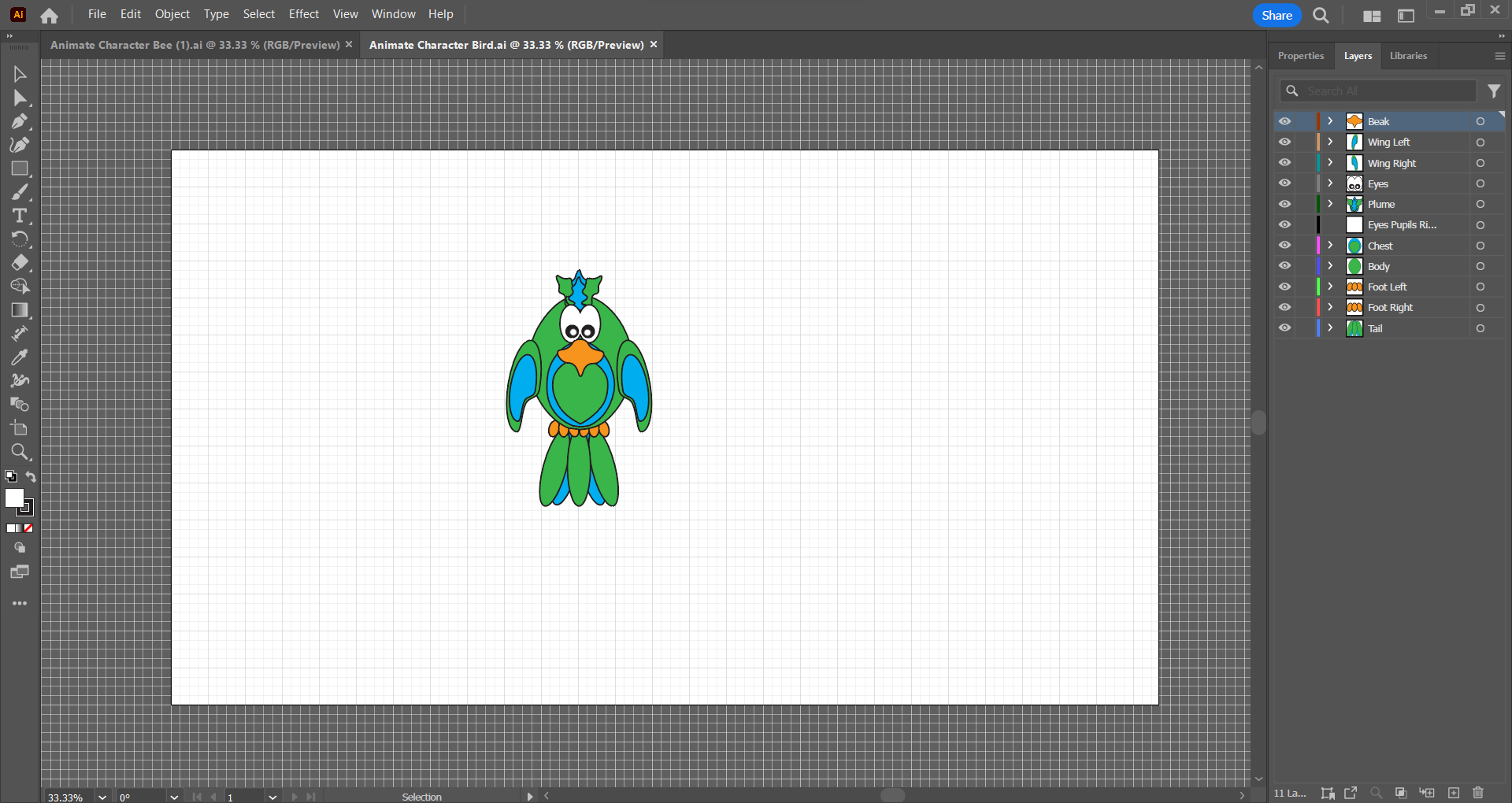
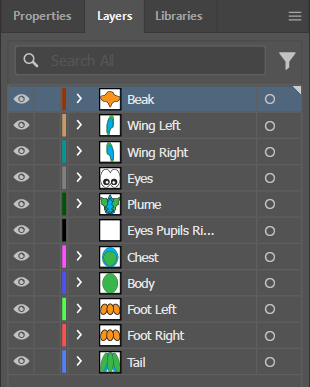
Session 1: Importing Adobe Illustrator Files Into Adobe Animate

Session 1: Importing Adobe Illustrator Files Into Adobe Animate

Creating characters in Adobe Illustrator

Design a bird in Illustrator
Creating Bird in Illustrator
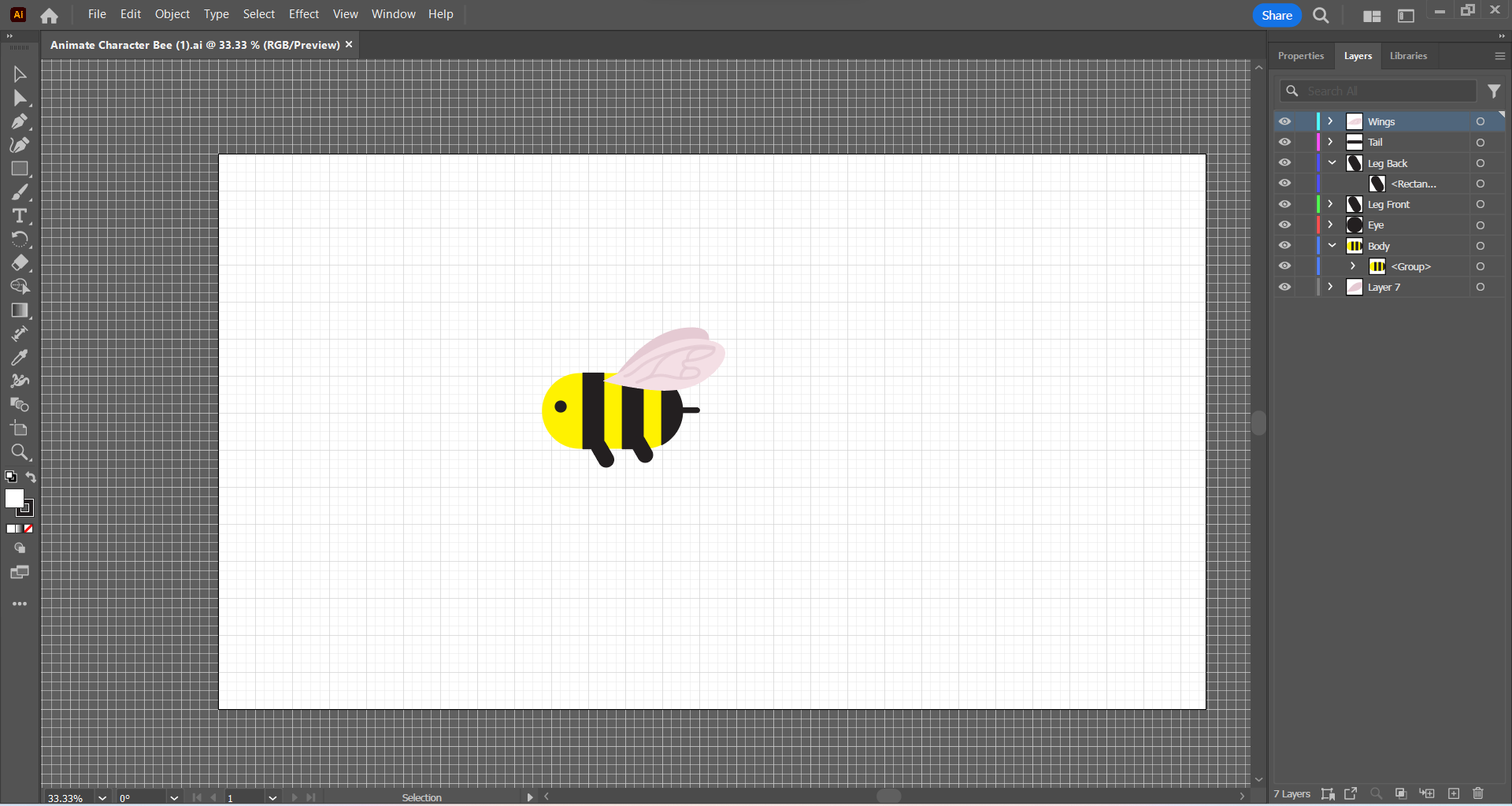
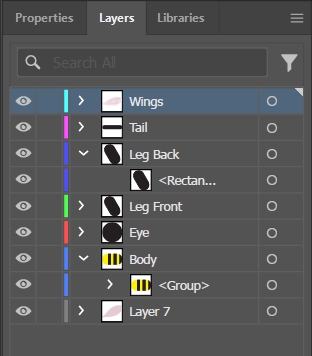
Design a bee in Illustrator
Creating bee in Illustrator

Importing characters into Adobe Animate

Importing characters
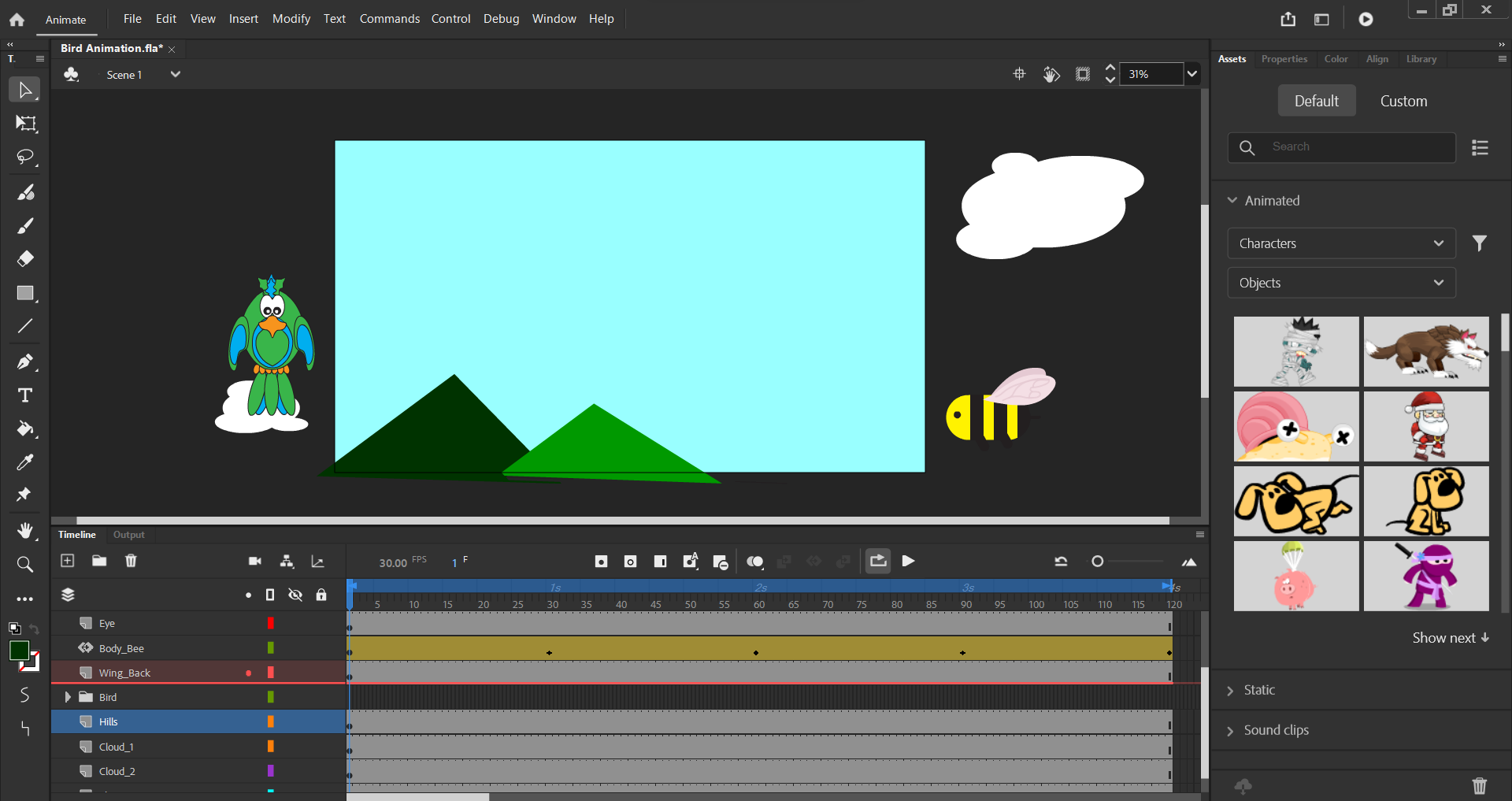
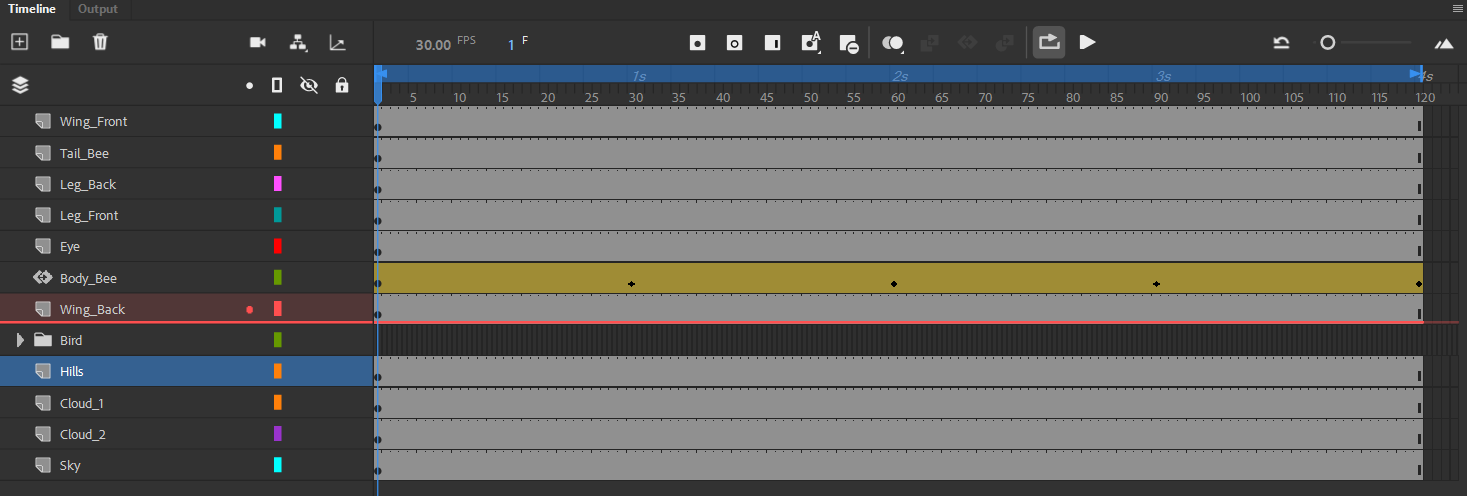
Adobe Animate timeline using layers

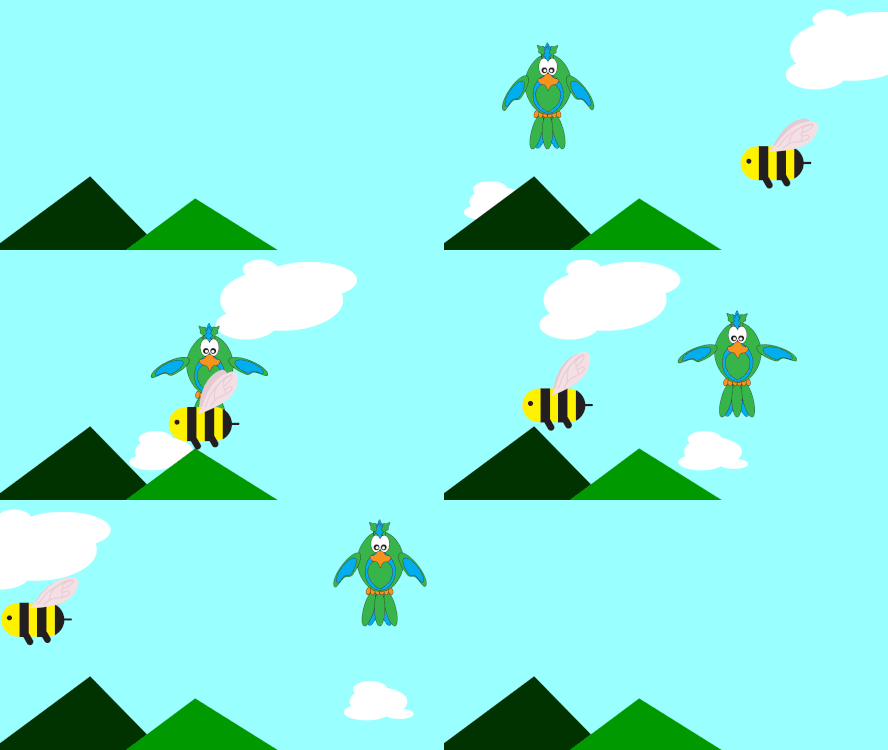
Finished Gif

Finished Gif

Design Portfolio

Design Portfolio

Logo

Cream on Blue Logo 1
Cream on Blue Logo 2
Blue on Cream Logo 1
Blue on Cream Logo 2
Orange on Yellow Logo 1
Orange on Yellow Logo 2

Social Media Elements

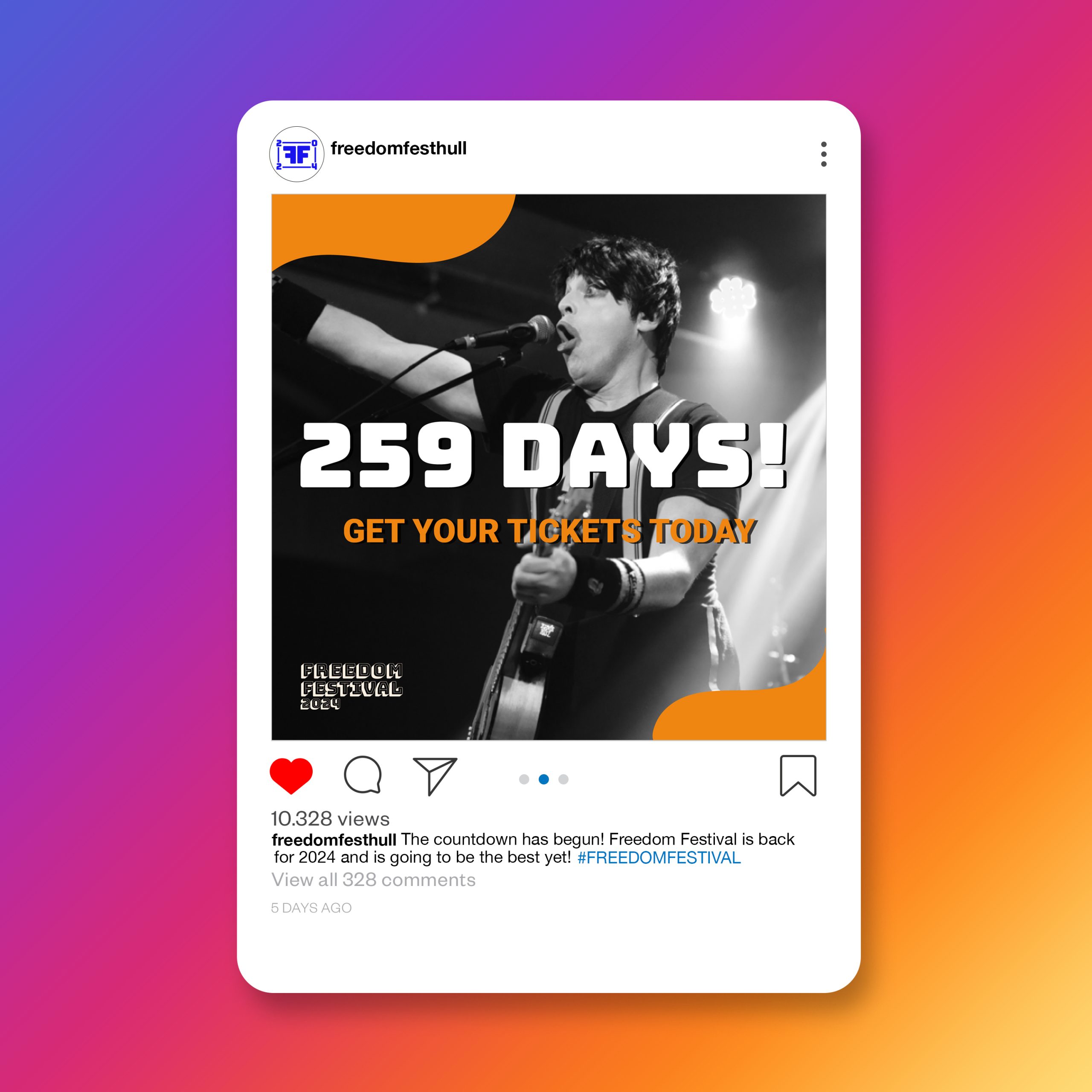
Instagram Post Mockup
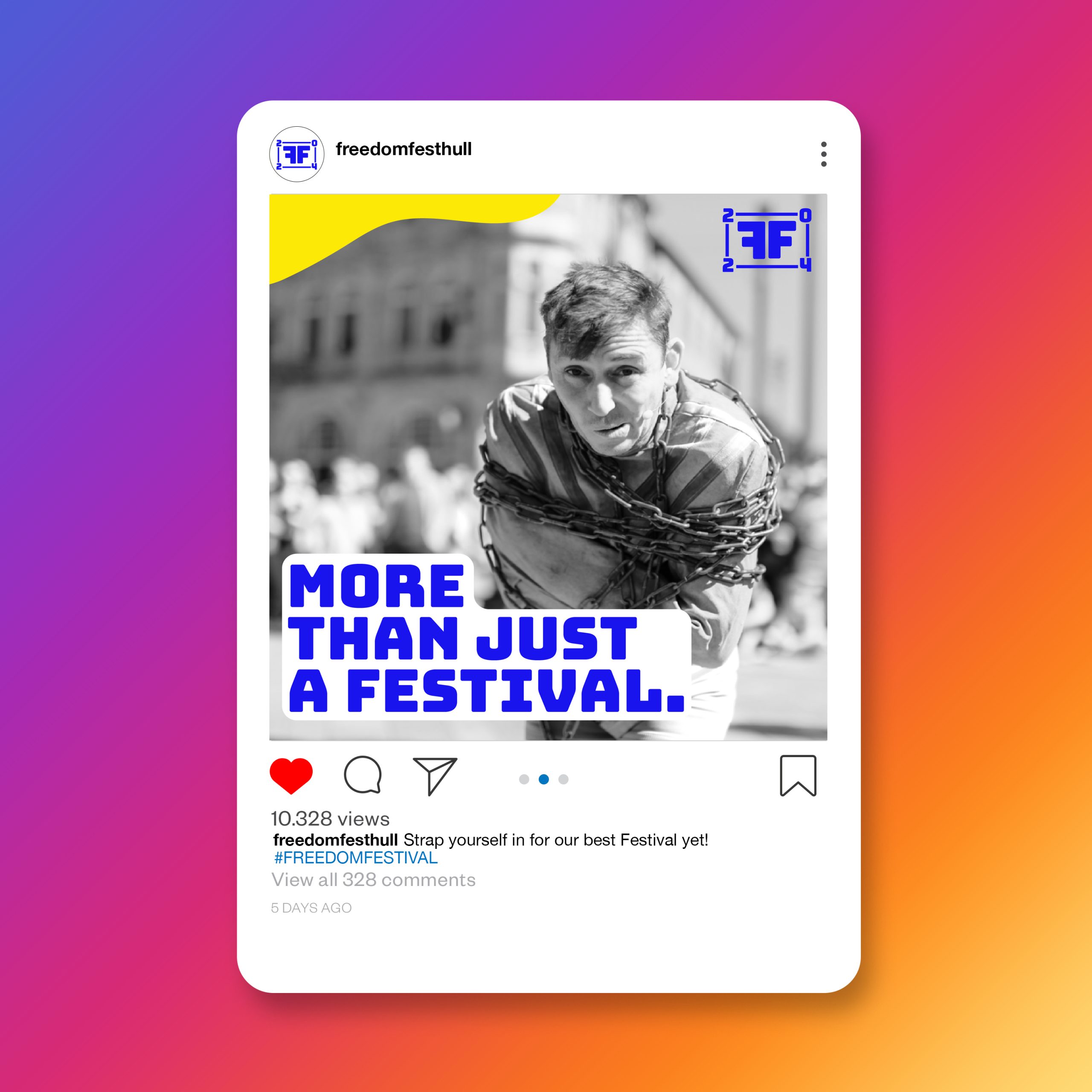
Instagram Post Mockup 2
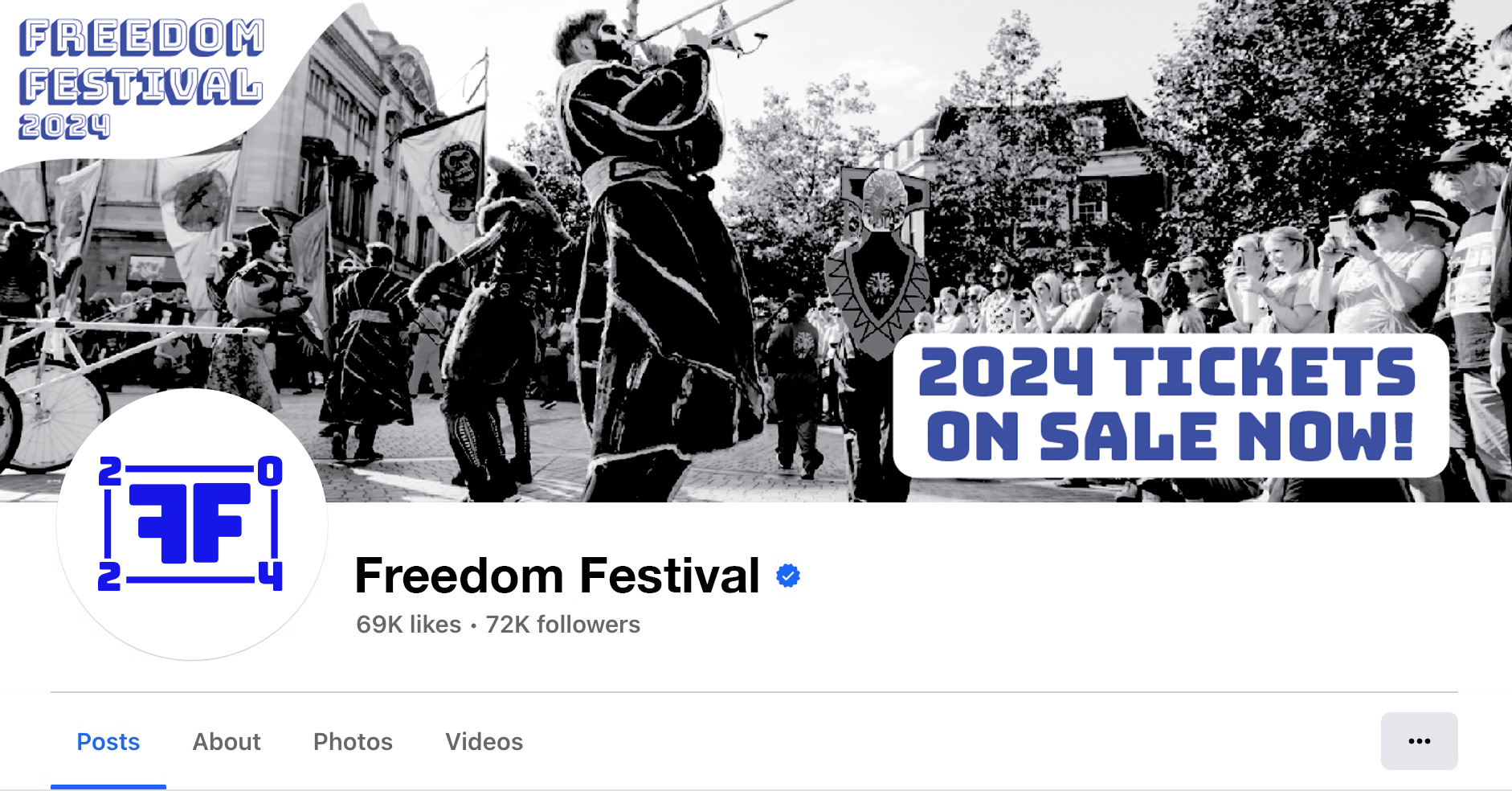
Facebook Page Mockup (mockup image is my own original image)
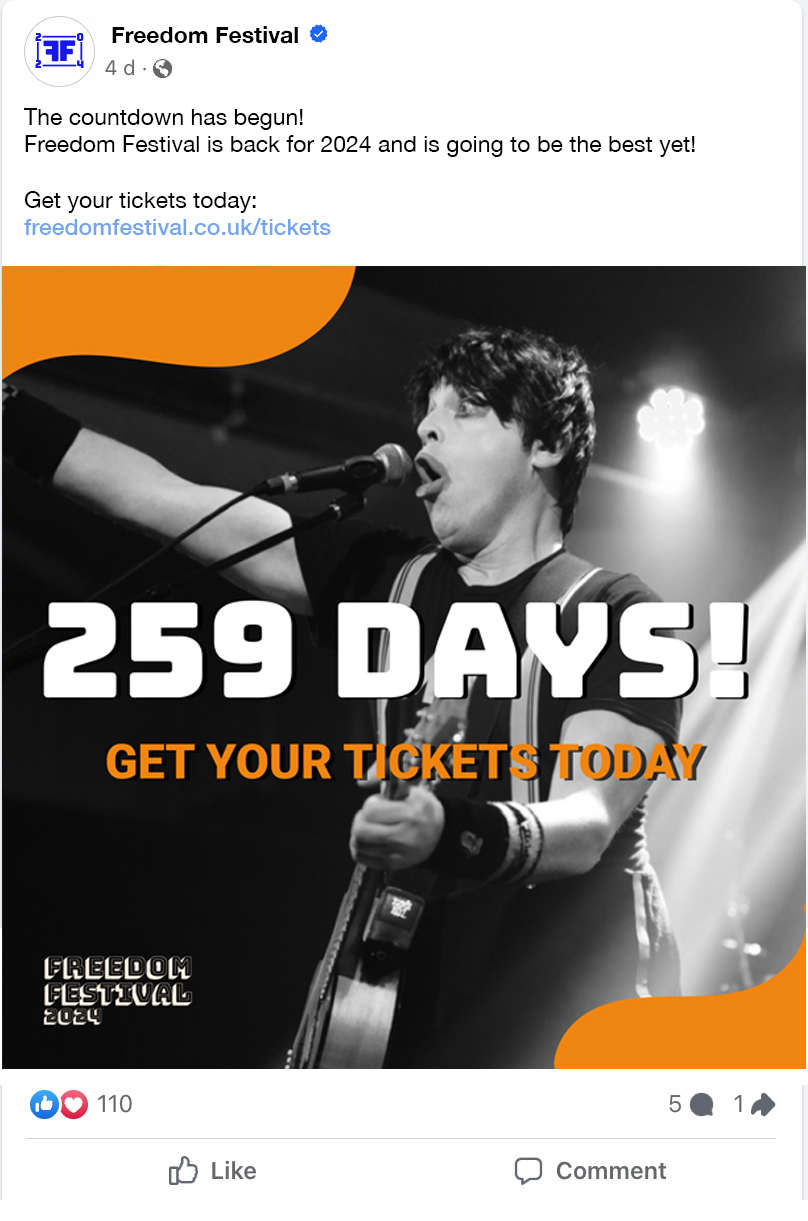
Facebook Post Mockup (mockup image is my own original image)
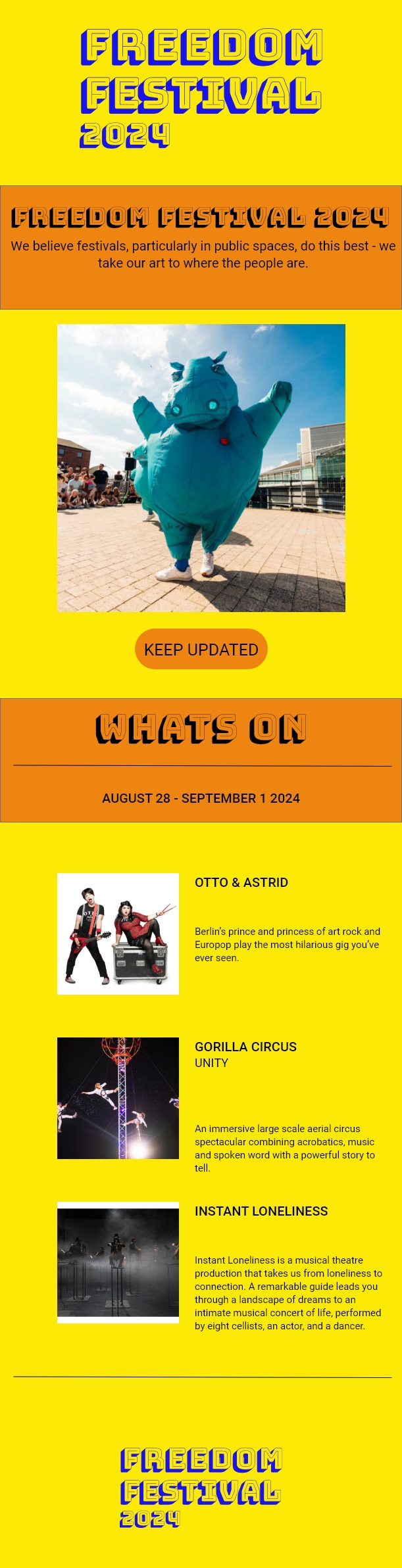
Email Newsletter

Printed Material

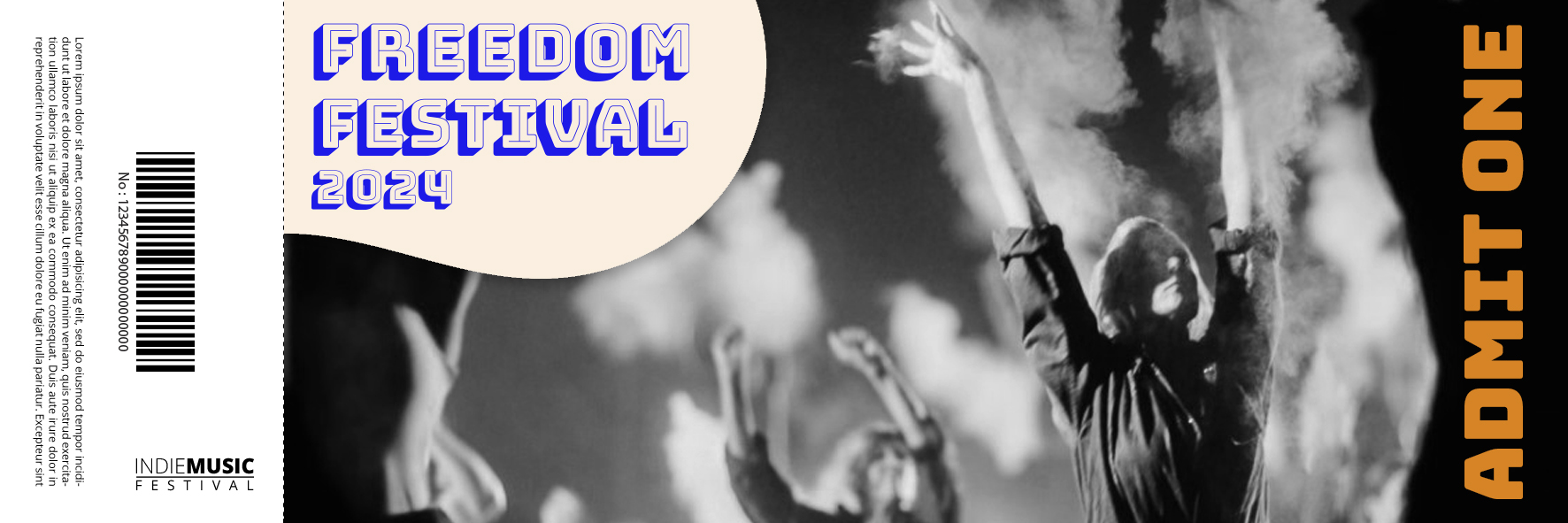
Freedom Festival Ticket
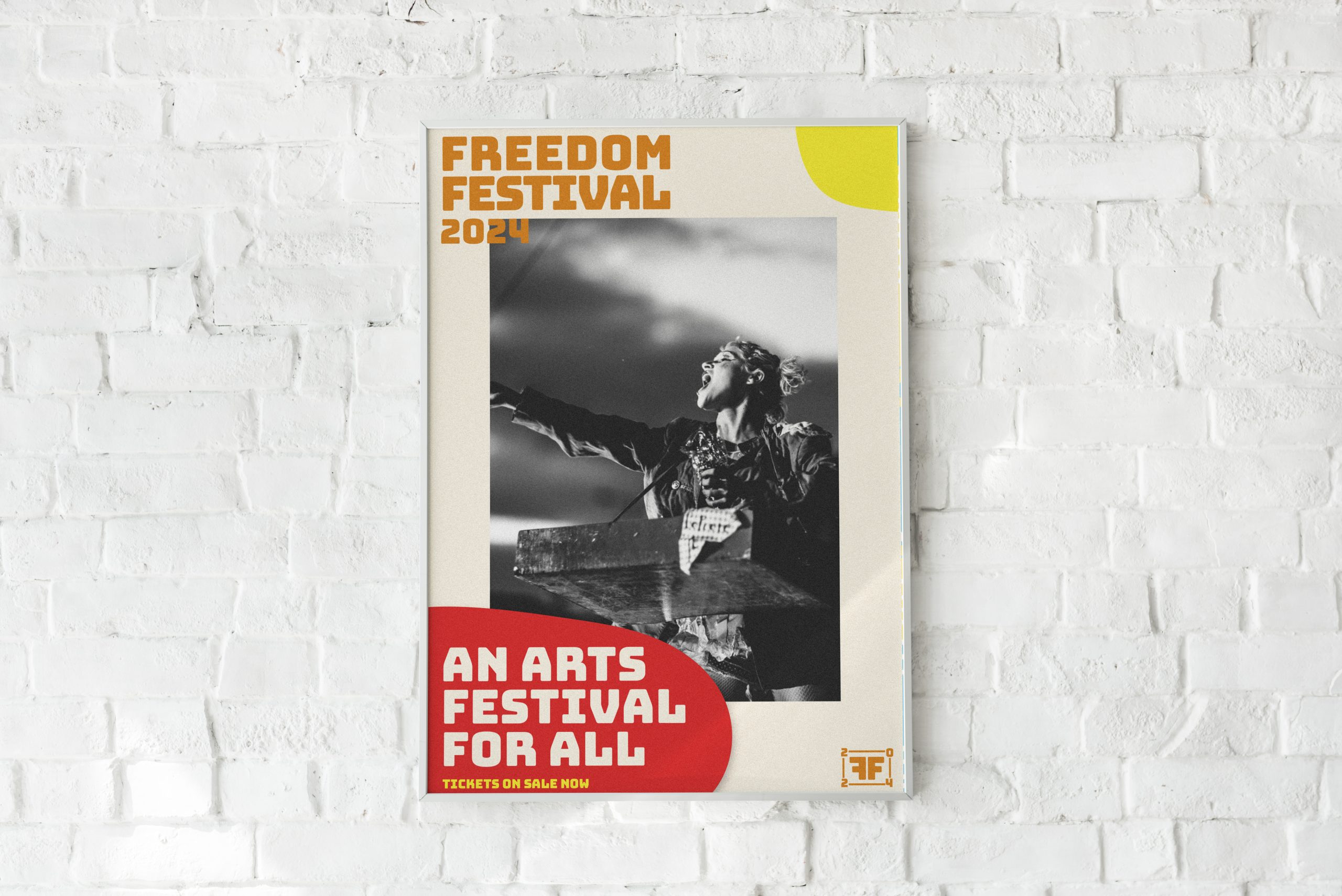
Freedom Festival Poster Mockup

Merchandise

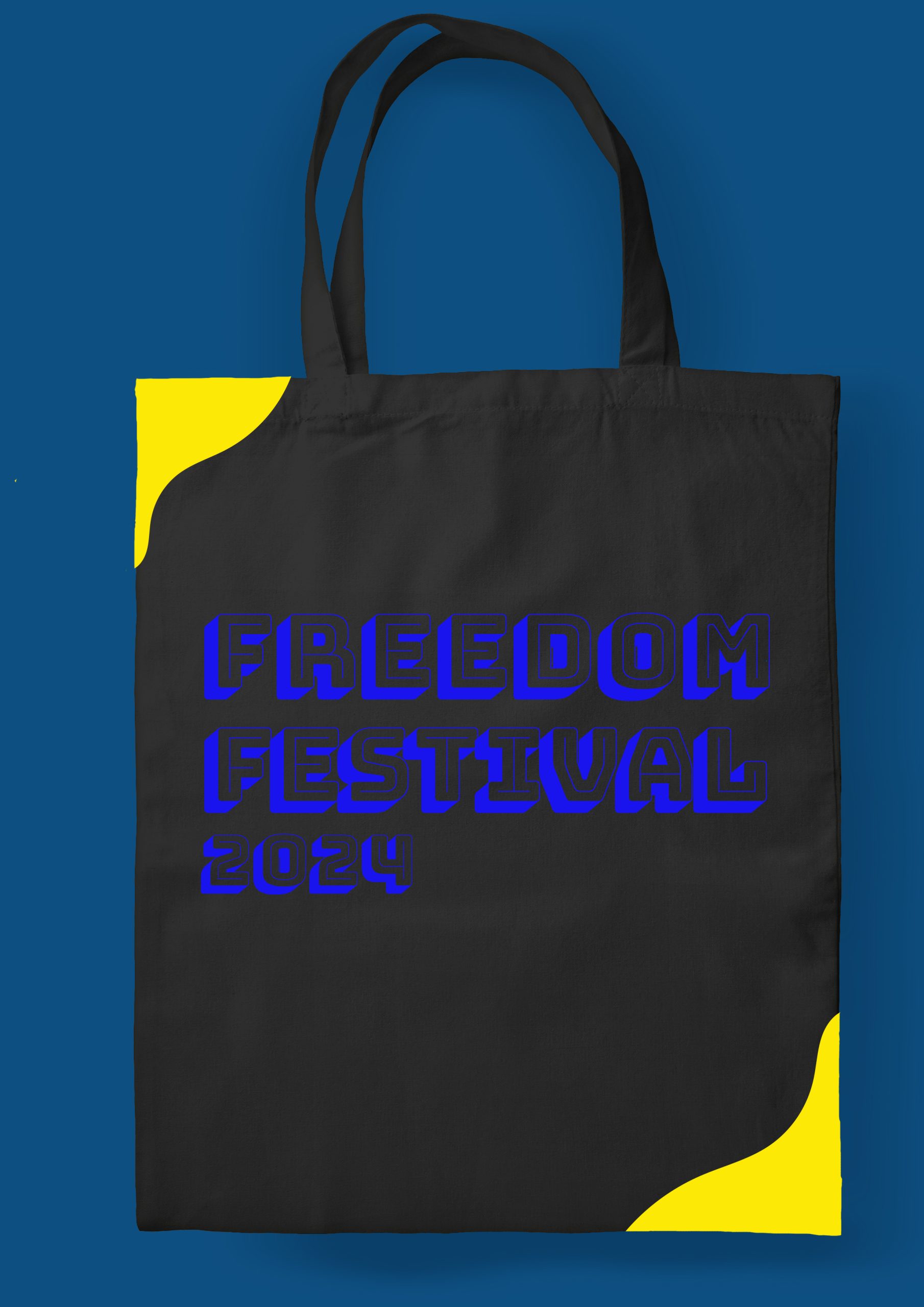
Freedom Festival Bag
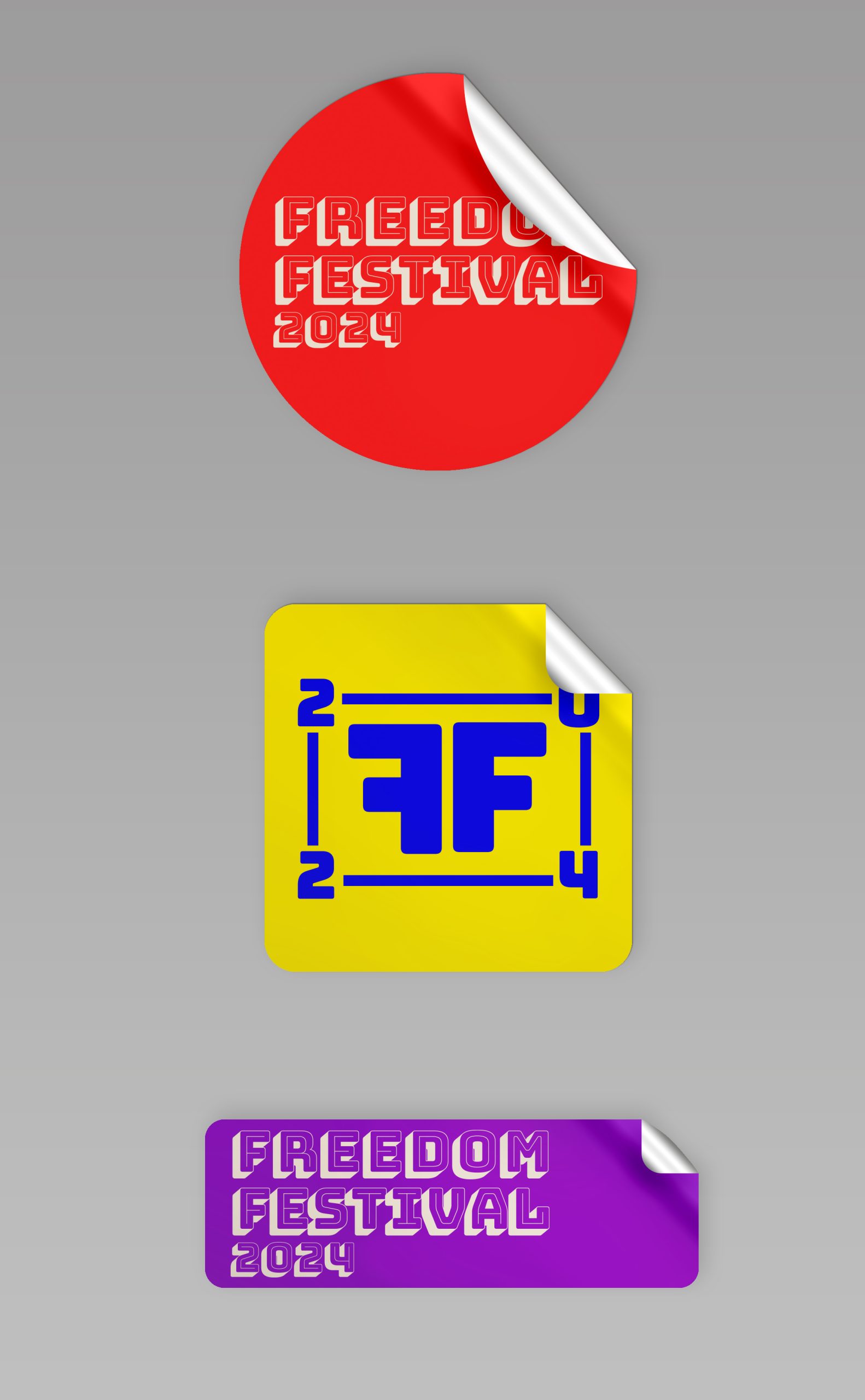
Freedom Festival Stickers
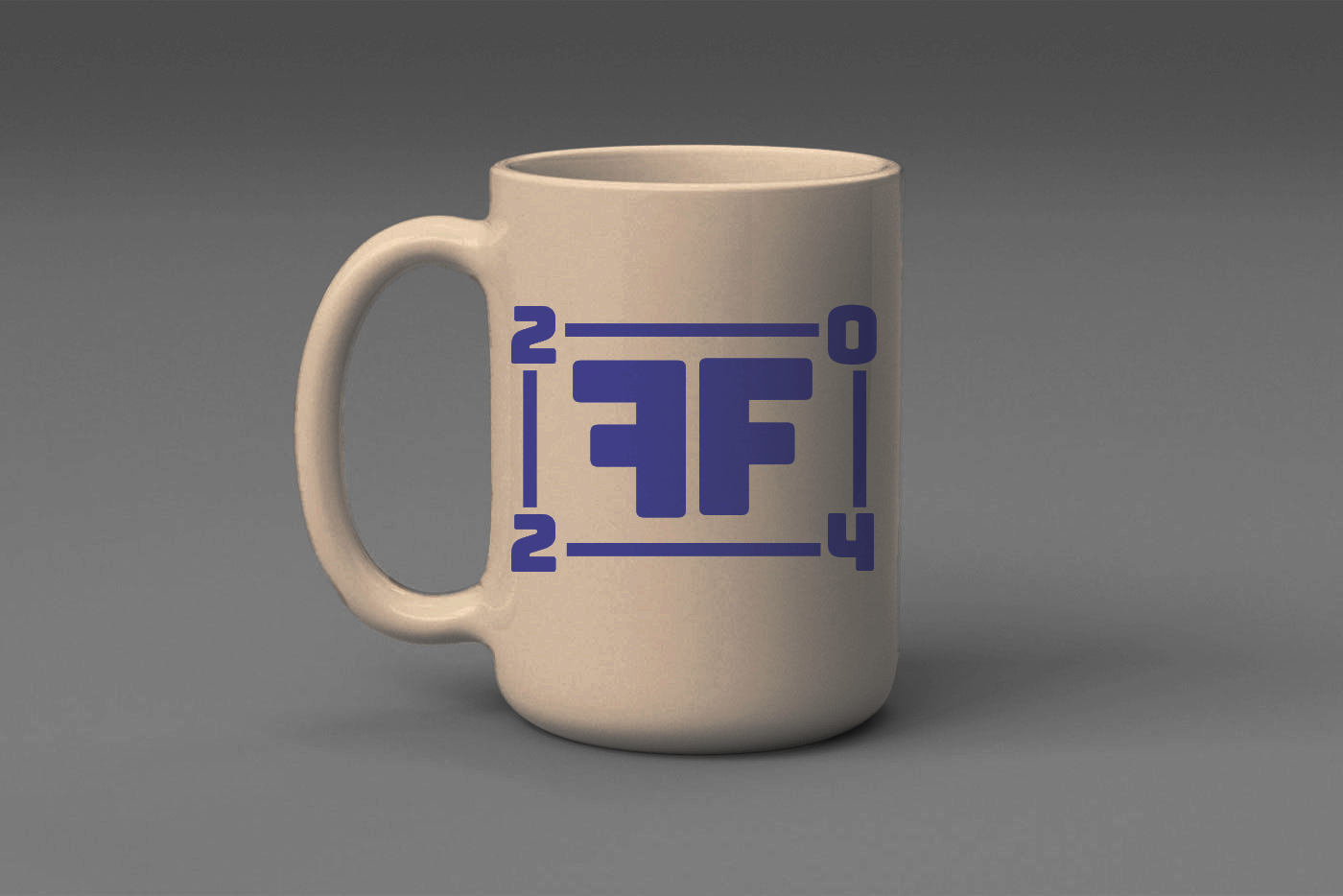
Freedom Festival Mug

Promotional Video

Video of Campaign

References: 


Antonioli (nd) Instagram Post Mockup [Image]. Available online: Free PSD | Free PSD social media instagram post template (freepik.com) [Accessed: 02/01/2024]
 

FreePik (nd) Admission Ticket Mockup [Image]. Available online: Free PSD | Free PSD admission ticket template with spring festival concept (freepik.com) [Accessed: 04/01/2024]
 

RawPixel (nd) Poster Mockup [image]. Available online: Free PSD | Free PSD colorful poster template on a white brick wall (freepik.com) [Accessed: 03/01/2024]
 

ResourceBoy (nd) Front View of Realistic Ceramic Mug Mockup (free) [Image]. Available online:https://www.google.co.uk/url?sa=i&url=https%3A%2F%2Fresourceboy.com%2Fmockups%2Ffront-view-of-realistic-ceramic-mug-mockup%2F&psig=AOvVaw1biAl-7IVyJq4nnd95cZp3&ust=1705342997045000&source=images&cd=vfe&opi=89978449&ved=0CBUQjhxqFwoTCNC1le-_3YMDFQAAAAAdAAAAABAH [Accessed: 02/01/2024]
Vectonauta (nd) Bag Mockup [Image]. Available online: Free PSD | Free PSD isolated black tote bag (freepik.com) [Accessed: 03/01/2024]

Vectonauta (nd) Stickers Mockup [Image]. Available online:  Free PSD | Free PSD stickers mock up (freepik.com) [Accessed: 02/01/2024]
EX5: Design prototyping, testing and evaluation

EX5: Design prototyping, testing and evaluation


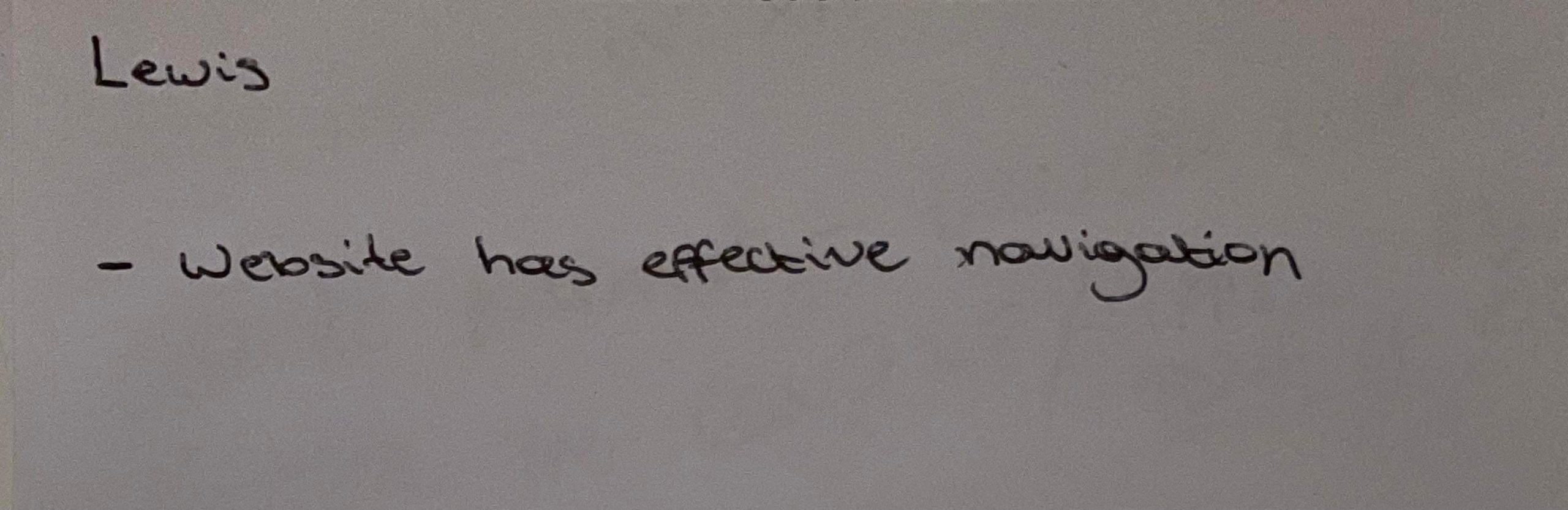
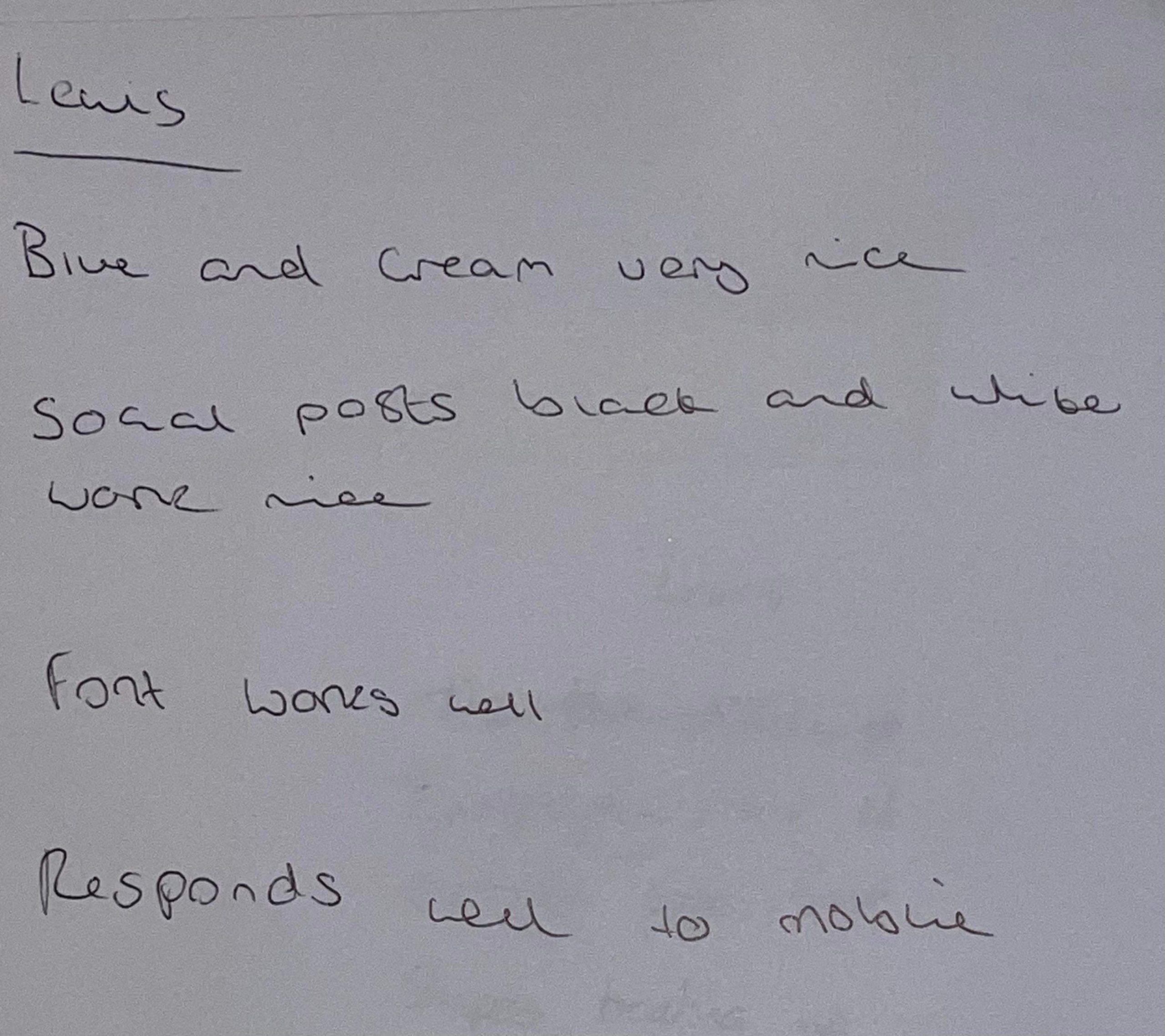
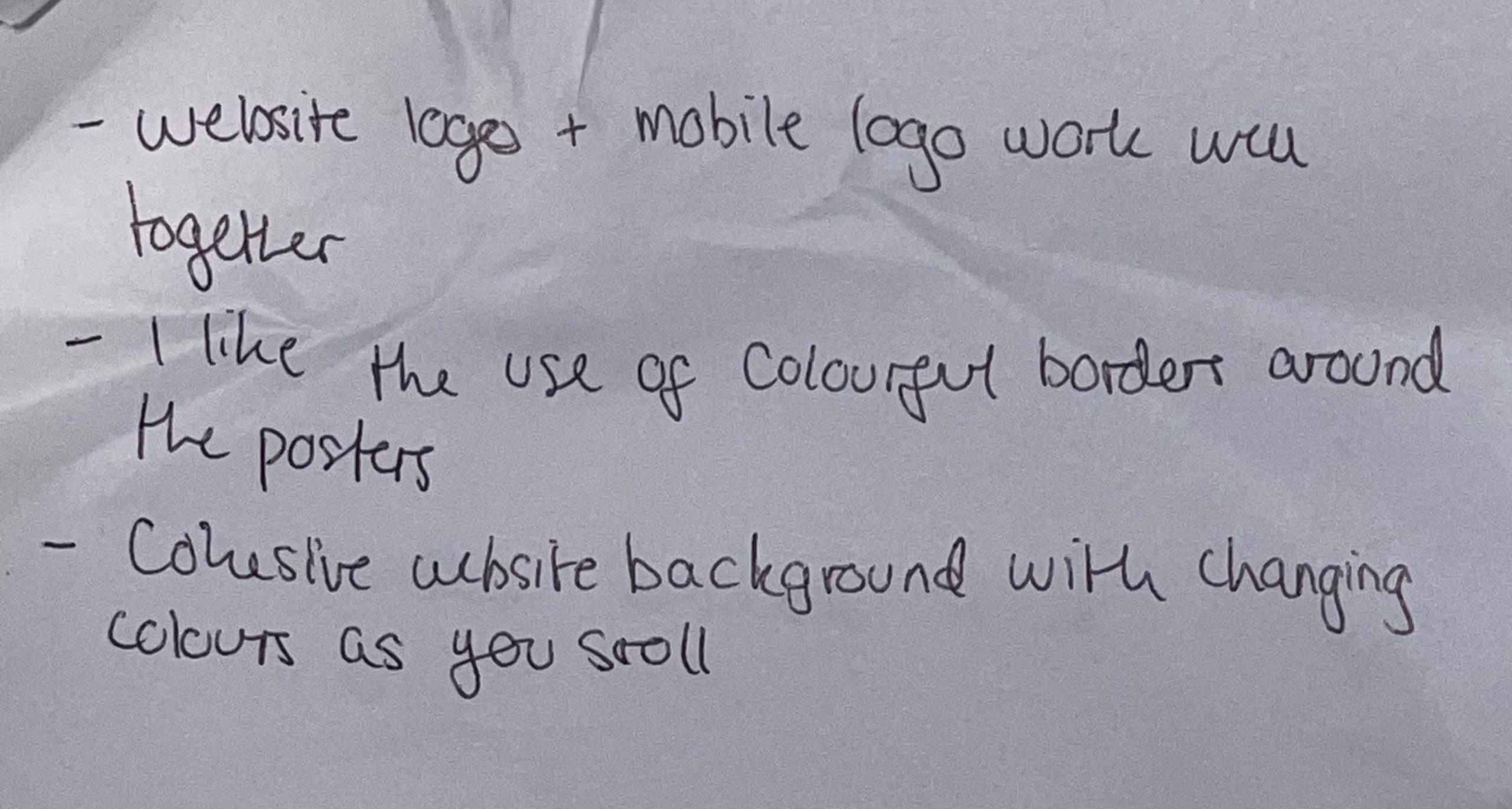
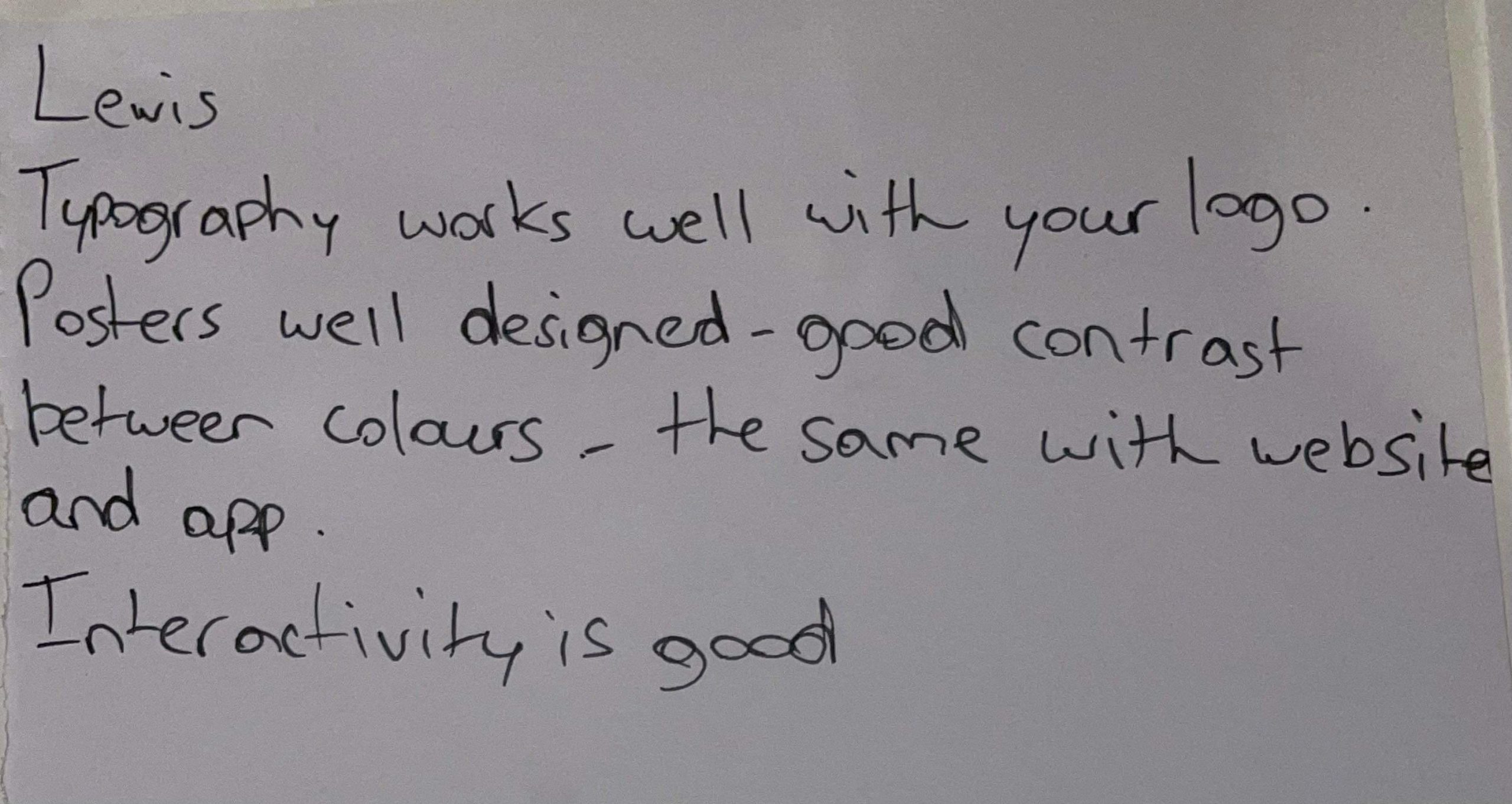
I am at the stage in my process of designing an updated Freedom Festival website and mobile application where I am ready to present my work as a prototype to others for testing and evaluation, To get an outside opinion for my work I have asked a peer to navigate through my prototypes and test the website as a whole to give me feedback on what works well, what isn’t working and what could be done to better the user experience when using the website or app. After spending weeks designing, I am familiar with how the prototype works and I understand it more than someone coming and experiencing the design for the first time. What I personally thought made sense could be confusing to someone else, or they might pick up on errors or mistakes that I haven’t. I have provided my peer with questions about the website and app, including what they liked, what they would change, their thoughts on the navigation element and accessibility. If there is a part of the design that isn’t clear, I will change it and evidence what I have done and why.

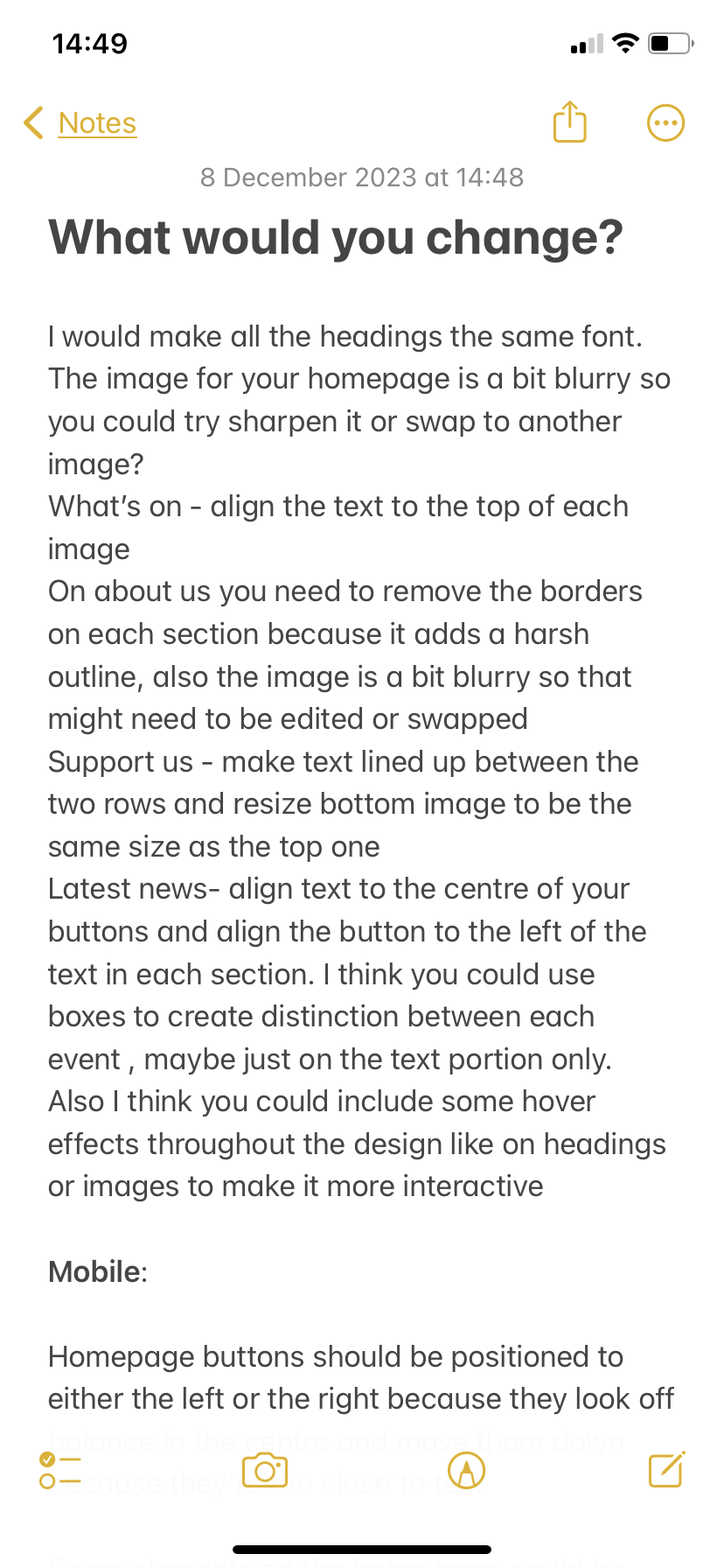
Feedback Q&A 1
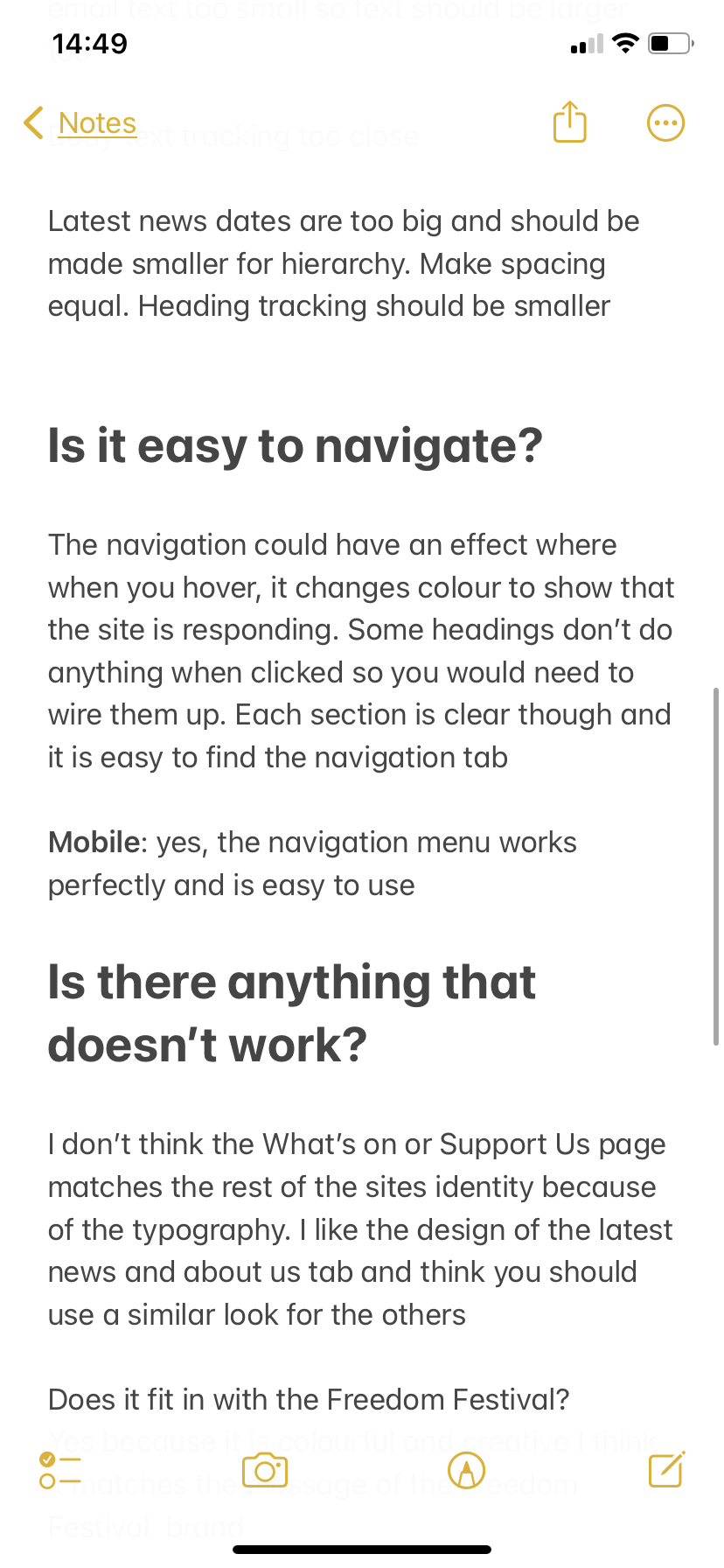
Feedback Q&A 2
Feedback Q&A 3

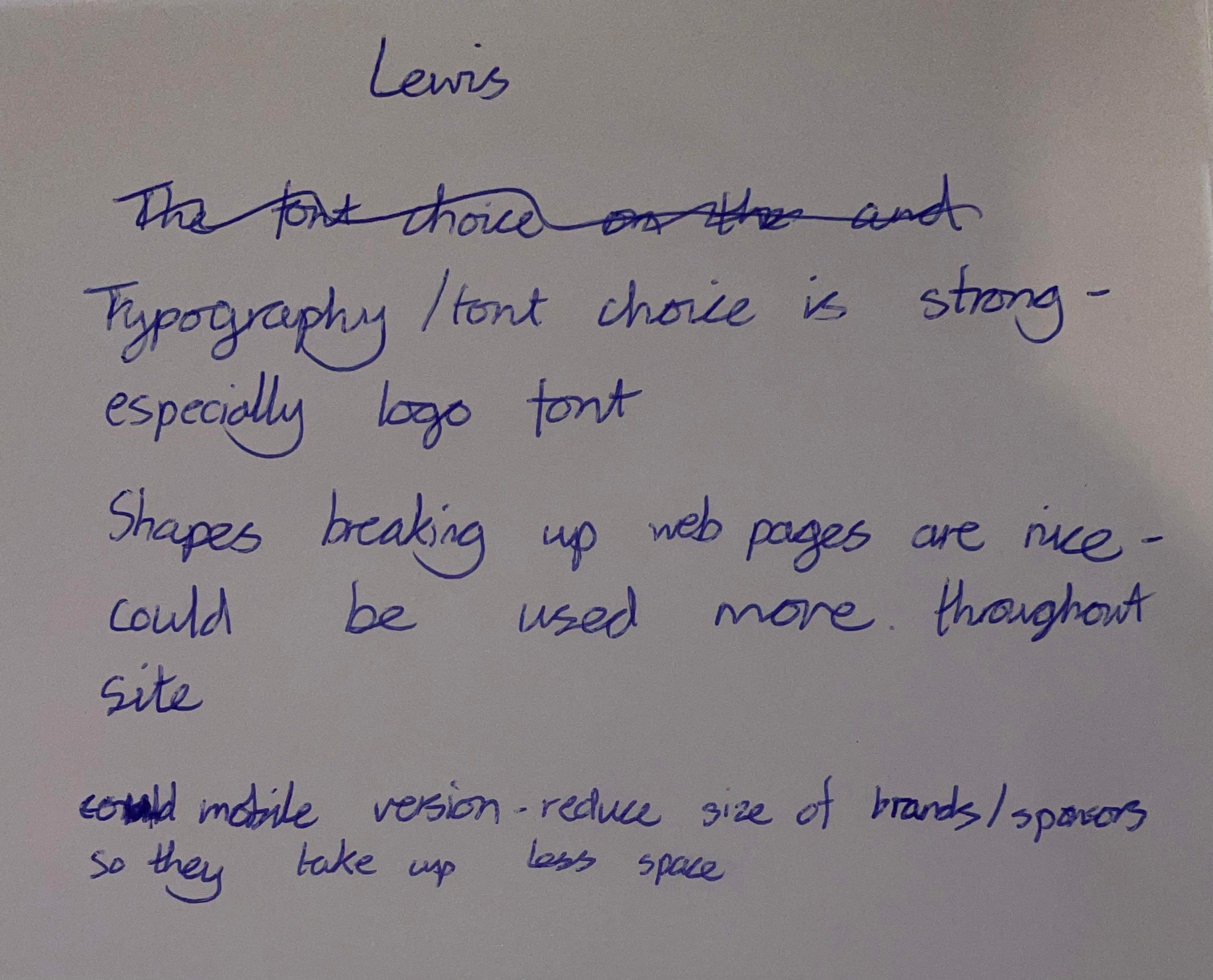
There is a mixture of positive and constructive feedback in this reply. The website seems to function properly and my links work as they should do. Most of the critiques are about the look and appearance and will be easier to make changes to as I don’t have to re wire, etc. The web and mobile designs are responsive to each other and the information crosses over well to different screens, a part from some things such as size and positioning. 

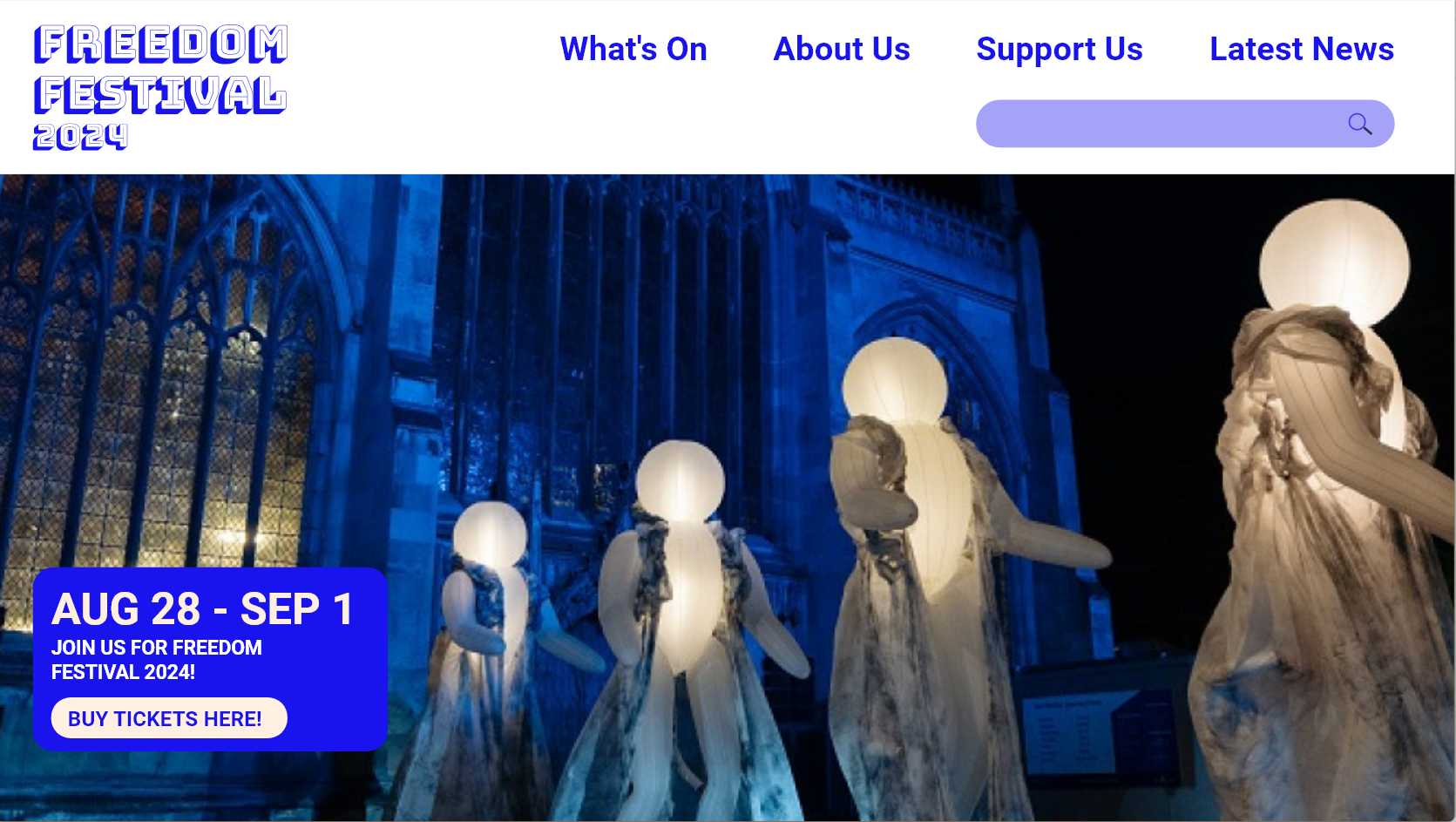
Home screen previously
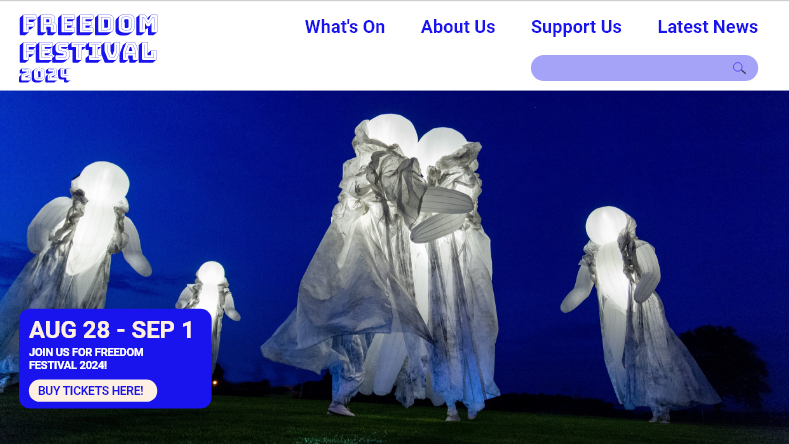
Home screen now

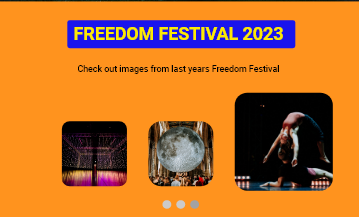
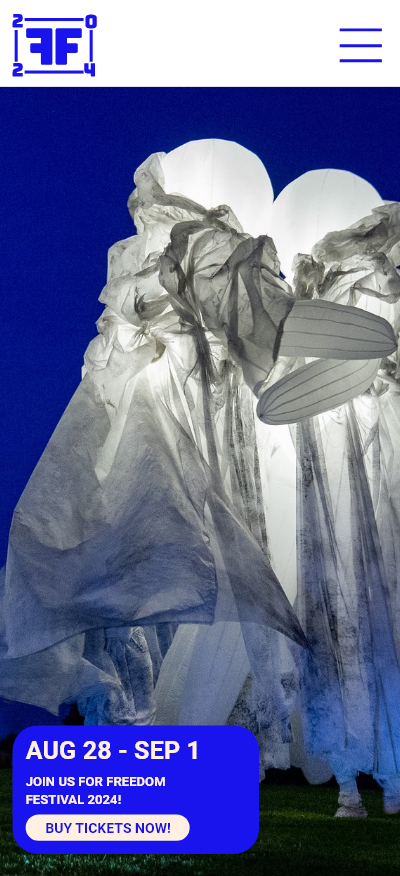
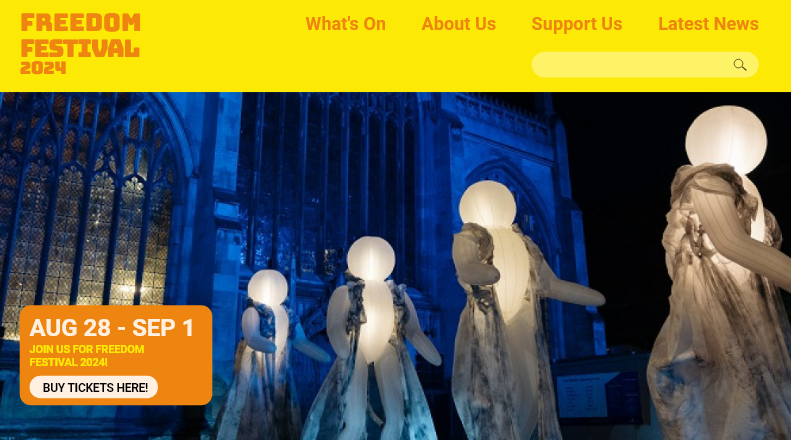
One thing mentioned was that the image on the home screen was a bit blurry, so I swapped it for a similar image that is a higher resolution. I noticed that some of the text wasn’t aligned properly in the box over the image, and it ruined some of the hierarchy and balance so I decided to fix this by spacing them better and using the align tool to make each element line up to the left. I used another image from the same performance with the glowing orb people because I liked the style of the original image and the colours in it matched the navigation which felt nice and joint together.

Latest News
What's On
Support Us

I have also made all headers the same typeface which is called Bungee Shade and is the same one used for my logos across all of the visual identity. I had used it in a few pages on the website for headings, but changing all the headings to this typeface created a hierarchy and consistency across the website. This typeface works well for headings specifically because it is very impacting and visually strong, there is also added depth with the shadow which makes this really stand out first among everything else on screen. Not only this but it also links back to the logo design and creates a more solid brand as it is now a recurring element that is integrated across platforms. 

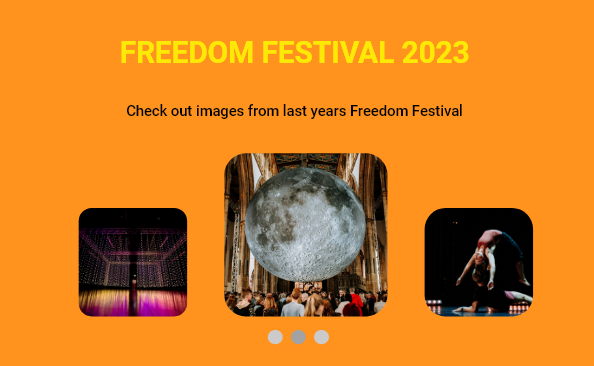
Yellow on orange typography

Class feedback

Class feedback 1
Class feedback 4
Class feedback 2
Class feedback 5
Class feedback 3
Class feedback 6

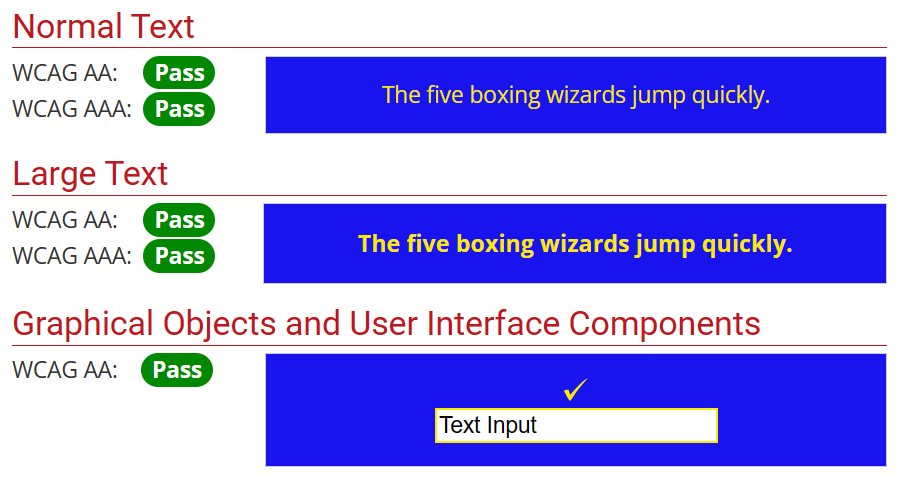
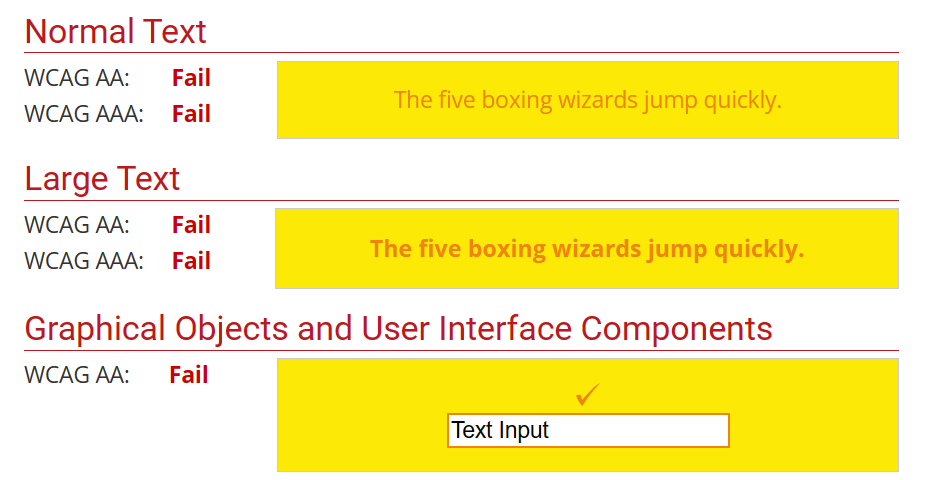
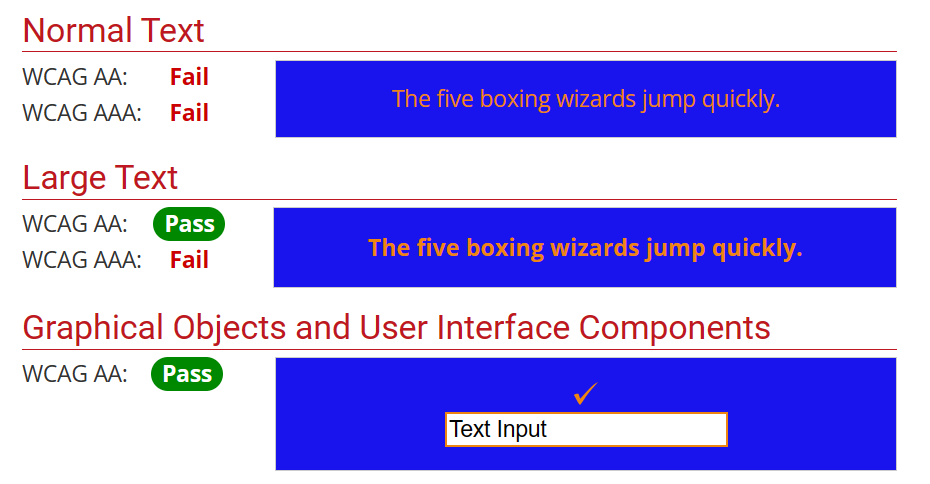
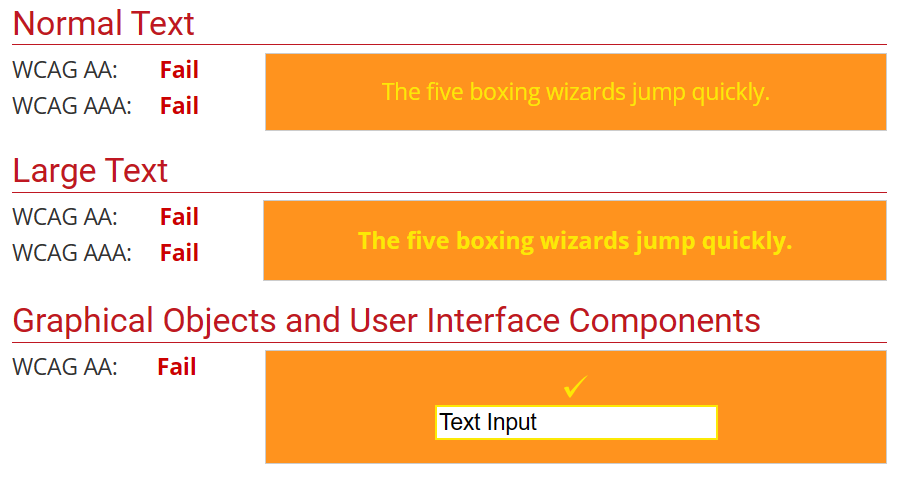
I received further feedback in class session when presenting my design portfolio, which included by prototypes. Some of my classmates gave me helpful feedback on the web and app design which I have taken onboard to improve further. One comment was about colour accessibility of the site, with the yellow on orange maybe not being accessible to the colourblind. I have used a colour contrast checker to double check this and it failed the contrast test, which has lead me to reconsider this colour combination. I have wondered if the Bungee Shade typeface could make it easier to see the text, but I might add a background shape to create separation but still stay with these colours. The WCAG guideline says that the contrast should meet a certain ratio to be classed as accessible and suitable for web: “

WCAG 2.0 level AA requires a contrast ratio of at least 4.5:1 for normal text and 3:1 for large text. WCAG 2.1 requires a contrast ratio of at least 3:1 for graphics and user interface components (such as form input borders). WCAG Level AAA requires a contrast ratio of at least 7:1 for normal text and 4.5:1 for large text.

Large text is defined as 14 point (typically 18.66px) and bold or larger, or 18 point (typically 24px) or larger.” (Webaim, 2023)

Failed colour contrast test

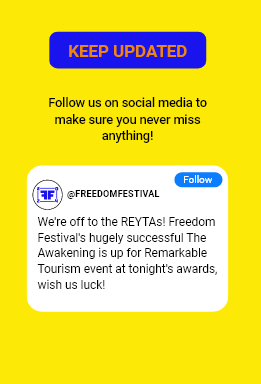
Some other people’s feedback said they like the use of the blue colour, and someone else wanted to see it more throughout the design, so I used a blue border to keep the yellow separate from the orange. When I tested the contrast for yellow on blue, I passed the test for contrast. 

Passed colour contrast test
Improved colour contrast with blue

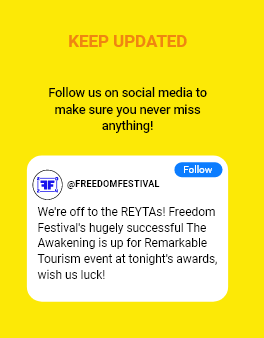
I tested other areas on my website too. I had a part which was orange on yellow, that also failed the test. I did the same by adding the blue background, and it passed two of the tests out of six. I felt this was fine though as the guides on the site state that large text (18px plus and bold) passes as long as the ratio is above 3:1. The ratio for mine is 3:39 so it passes text for large text and my text is 27px and bold on mobile and 95px and bold on web. 

Orange on yellow colour contrast test failed
Orange on blue pass colour contrast for large text
Orange on yellow
Orange on blue

When showing my work in the presentation I showed my animated logo. A lot of people said they wanted to see it on my website design in their feedback so I made an opening screen that used the animation. There is a bit of feedback to work through so I will keep going through and making changes and then I will test my prototype again to see if it has improved.

Videos of my website and app for Freedom Festival 2024.

Reference List: 

WebAIM (2023) WebAIM: Contrast Checker [Quote] Available online: https://webaim.org/resources/contrastchecker/ [Accessed: 15/12/2023]
EX4: Creating and incorporating moving image / video with Adobe Aftereffects & Adobe XD

EX4: Creating and incorporating moving images / videos with Adobe Aftereffects and Adobe XD

After Effects is an Adobe software which allows you to make detailed motion graphics and animations using text, shapes, images and icons. After Effects also comes with a library of visual effects that can be applied to videos, or you can download effects plug ins also. 

After Effects uses key frames to set states for elements and to allow them to transform through the duration of the video. There are many keyboard shortcuts that can let you access properties such as opacity (t), scale (s), position (p), rotation (r) and effects (e). These keyboard shortcuts are handy as they let you jump in and out of different groups within your timeline.

“Motion Design is in very high demand at the moment, and the popularity of video means it’s likely that demand will only increase. Whether it be explainer videos, or animated adverts – Motion Design is very valuable. It increases engagement, creates conversation, and drives traffic through multiple communication channels. ” (Orchard, 2021)

As a graphic designer, knowing how to create motion graphics is a useful skill as a lot of design skills are transferable to motion design. I have been learning how to use After Effects by following along with tutorials before attempting to create my own motion graphics for the Freedom Festival website and social media. 


This video I have created shows some of the skills that I’ve explored in After Effects. I have learnt how to combine images over videos and then developed this further by having an image fade in followed by text. I also looked at the effects panel to form a repeat pattern, and used scale to zoom in onto an icon, blurring the background in the process. All of these techniques were achieved by using key frames to make transformations to properties such as position, opacity and scale. I learnt how to edit keyframes using keyframe assistant to add easy-ease and other adjustments to add fluidity to transitions for a more professional appearance. 

Typography can also be manipulated in After Effects. I have learnt some ways to add movement to typography and shown the results in this video. Adjusting typography is a bit trickier and requires more time, but the results are very fun and add edge to text which feels more engaging to watch. I have learnt how to create a mask effect with the stroke effect, so text appears to be drawn in. I used different colour layers to have the colour of the stroke change throughout the video. I found out how to make text follow a shape for a scrolling effect, and used duplicates of each layer and adjusted the scale property to create an endless loop of text. Then I created tracking text which appeared to move out and move back in, using keyframe assist to create more of a bouncy look to the text as it hits the side of the frame.

As I began to feel a bit more confident with the software, I started applying some of this skills to my own work and created my own animations. 

I first created a simple animation showing my logo for the Freedom Festival 2024 rising up from the middle of the frame. At first, it was hard to figure out how to make this effect happen, as I was unsure of how to get the text to rise from the middle rather than the bottom, but I watched some tutorials and learnt how to use a shape mask layer to hide the text behind. I used the position tool to have the text rise up from behind this shape, and used ease effects to have it rise up in a smooth motion. I like how the logo becomes revealed and how it has a slight bounce to add a life-like quality to the text which feels more playful and light.

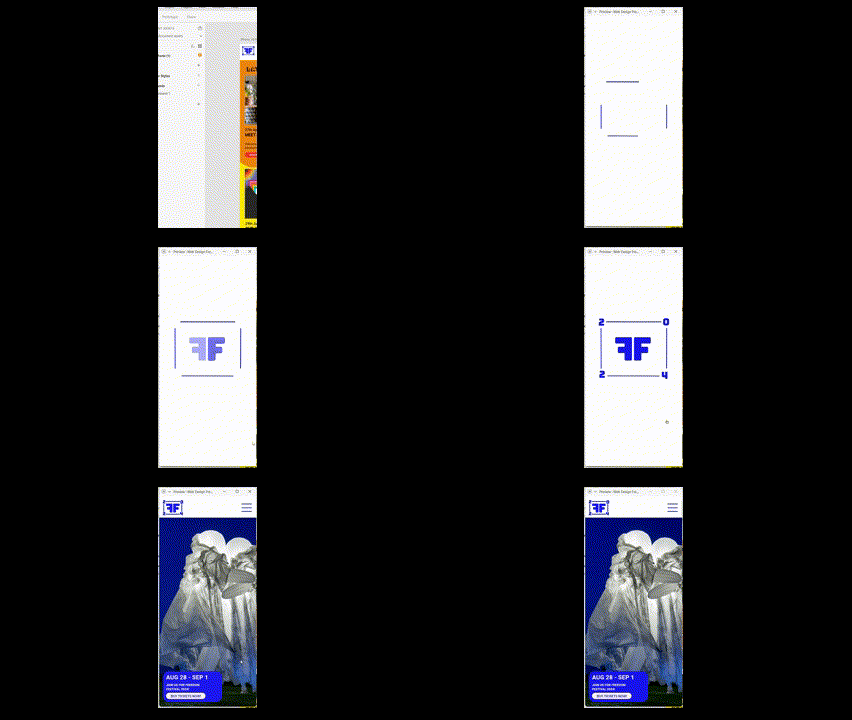
For my shorthand logo, I wanted to create a more detailed animation which animates different elements at different points. Something that is useful about After Effects is that you can use other Adobe files like Illustrator or Photoshop, and you can access the file layers to animate individually. That is what I have done here, bringing in the illustrator file and individually animating layer by layer to create a one-by-one sequence of events. First, the four lines begin to rise and stretch in unison – an effect I made by using shape masks to create the reveal. Then the two F’s fade in one after the other, which I did by using the opacity keyframe. Then the 2024 numbers rise in and drop down to the space in each corner of the square, finishing the animation. The animation only takes five seconds but feels a lot more interesting than just having the whole logo fade in as one. The introduction of each element one by one feels more fluid and keeps the viewers interest and attention throughout.

Importing videos into Xd and cropping
incorporating moving image into Adobe Xd (GIF, click to play)

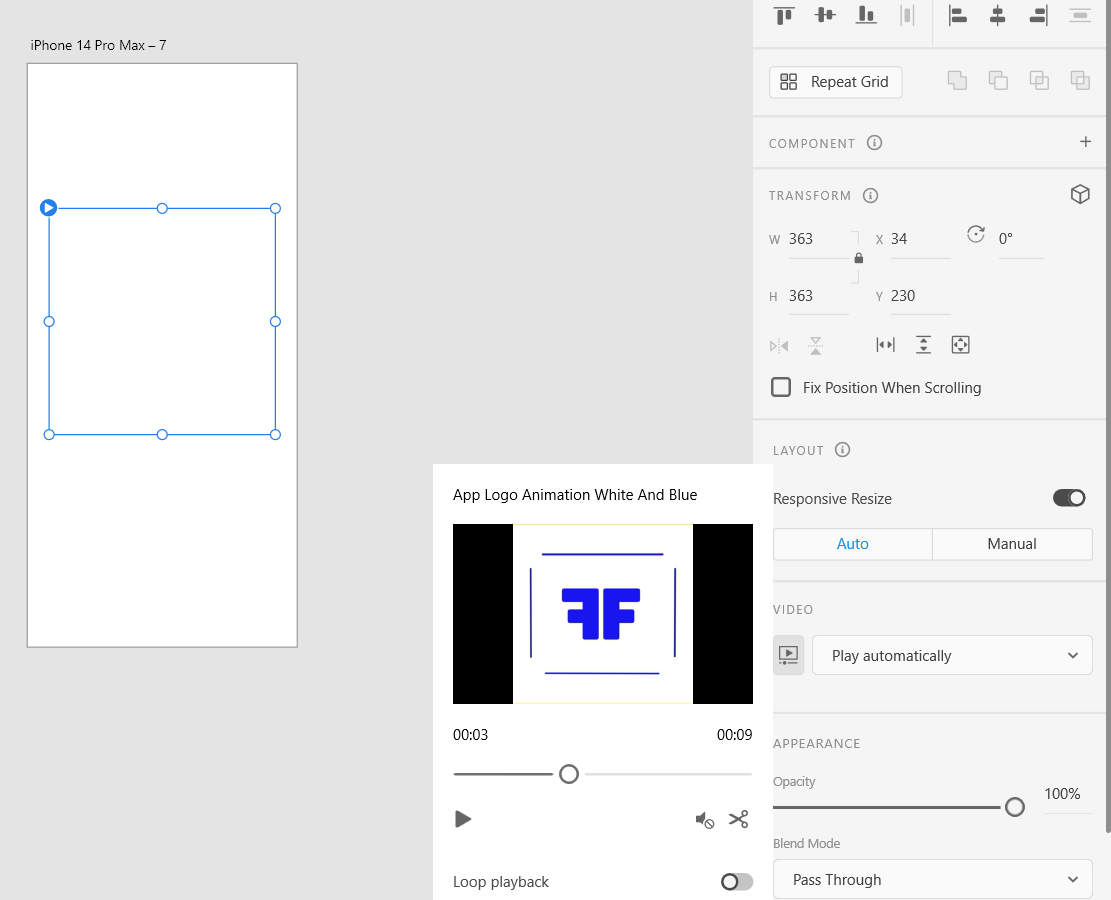
Incoporating video into Adobe Xd is quite easy. You just import your video and position it in your artboard. You can leave it like this or you can crop the video, make it loop and change it so that it plays automatically. I have used my secondary logo to create an animated loading screen which plays automatically before fading to the mobile home page using a tap animation to prototype this.


Reference List: 

Orchard (2021) Why you should add Motion Design to your skillset [Article]. Available online: https://www.orchard.co.uk/blog/why-you-should-add-motion-design-to-your-skillset–20906.aspx#:~:text=Whether%20it%20be%20explainer%20videos%2C%20or%20animated%20adverts,to%20life%20and%20helps%20to%20make%20them%20compelling. [Accessed: 12/12/2023]

EX3: Incorporating principles of UI/UX design and user-friendly interfaces with Adobe XD

EX3: Incorporating principles of UI/UX design and user-friendly interfaces with Adobe XD

“Give visual cues to users that facilitate easy navigation with reference points across the interface to seamless navigation. Never leave users guessing or wondering which screen he is or how he landed on the screen. Instead, users should be provided with cues or power of predictability to help predict the result of an action” (HiddenBrains, 2021)


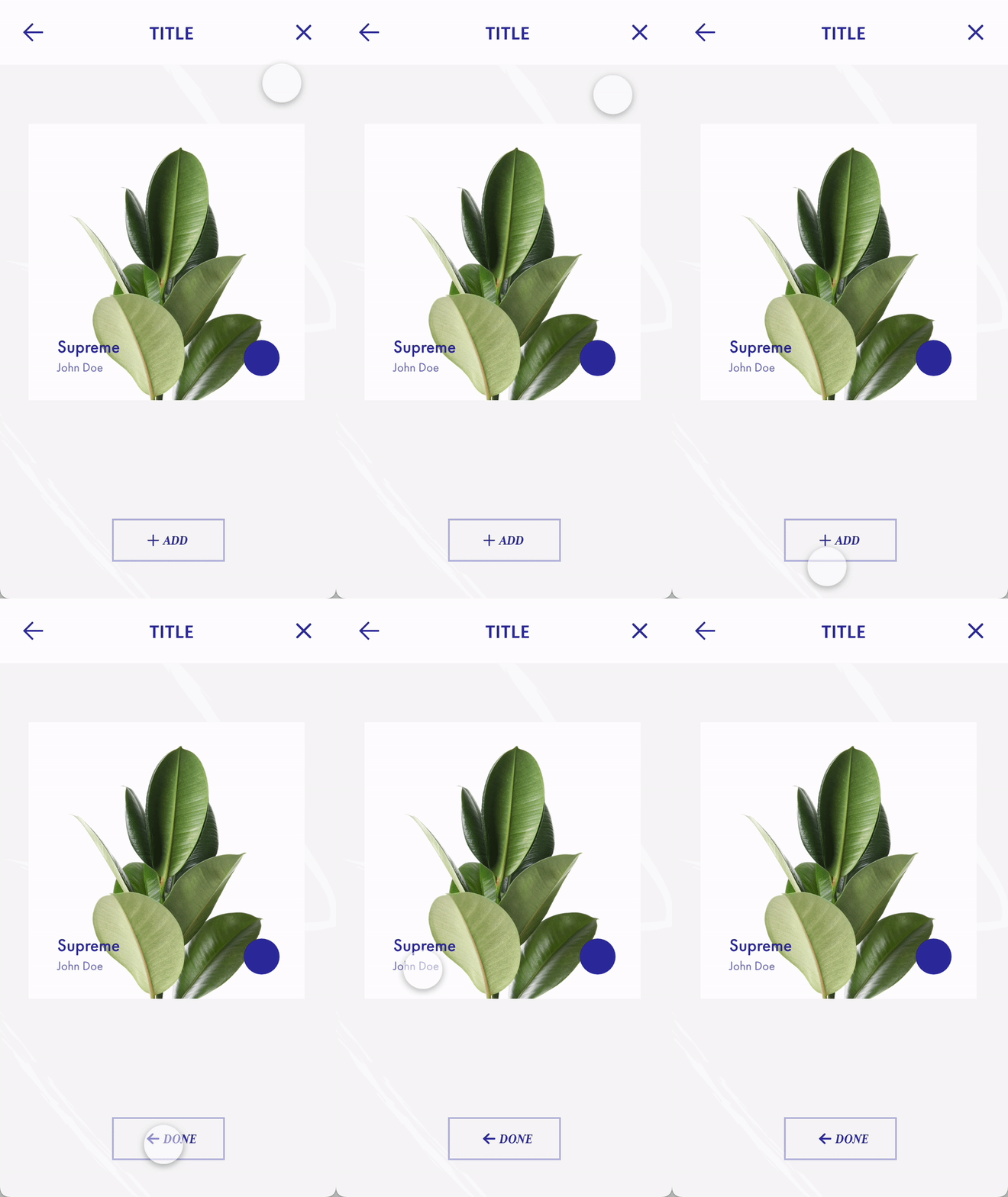
One principle of UX/UI design is predictability. Users should be able to understand what each button / action will do and they should feel assured after doing something like clicking a button. In this GIF, I show how using component states in XD can create clarity by changing the state of a button when clicked on to tell the user that the result of their action has processed. This stops them from constantly clicking which can crash the website or app. 

Component states show users that their action has gone through (click image if the GIF isn't working)

The user clicks the ‘add’ button, and the app responds by changing the button to now say ‘done’, with an arrow pointing back to take them to the previous page. This tells them the plant has been added and they can go back to add more plants. Adding icons for a back button or a cross button at the top of the interface also instills predictability as they will know that this will take them off of this screen. Because it uses icons and not words, it is made more accessible to people who don’t understand English or may have a condition like dyslexia that causes them to struggle reading certain words.

Less choices lead to faster response times and makes the interface easier to navigate

Hick’s Law states that “The time it takes to make a decision increases with the number and complexity of choices” (LawsofUX, nd) Too many options can overload users with too much information and means they may find it harder to navigate the website or give up looking for information. For the Freedom Festival 2024 website I have chosen four important sections for the navigation, so the user doesn’t feel as overwhelmed. This means their experience navigating the website will be much easier, and they can also utilize the search button to look for a specific keyword or term if they wish to.

Hierarchy shown by text size and styles

“A visual hierarchy is a way that designers help users navigate more easily within a section or page. To create a visual hierarchy, more important content should stand out.” (Grass, 2021)


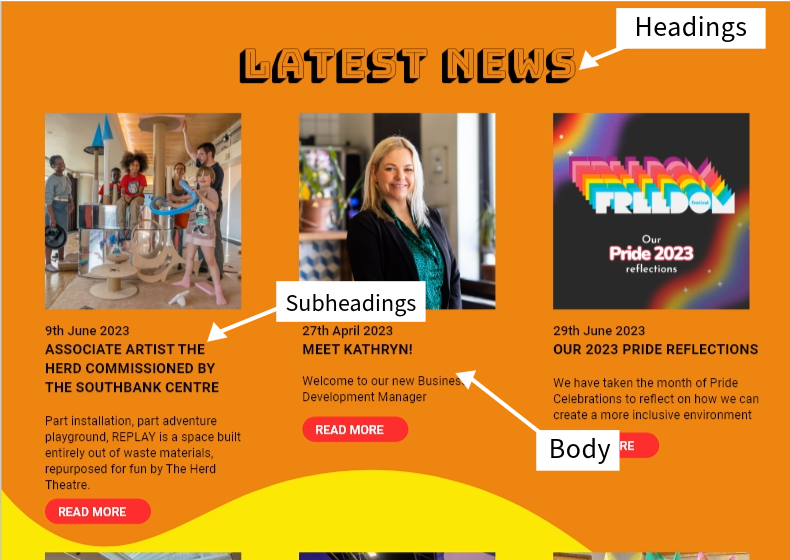
Visual hierarchy helps to direct users to information quickly as they can skim through important information and find sections faster. For the latest news section in my Freedom Festival website, I use different fonts and text sizes to direct users to sections based on their order of importance. The heading uses its own typeface and is the largest, as it tells the user where they are on the site. The Headings for each news article are the second largest and use a bold font so users can quickly skim through each title, and if they are interested can read the body text beneath each section, which is a regular font that is lighter in weight as it is not as important.

Desktop Landing
Mobile landing

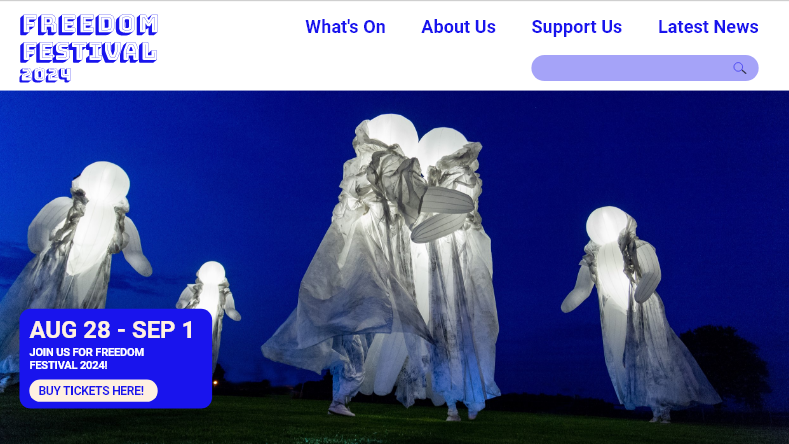
Consistency across platforms is another principle of UX and UI design as it helps keep the user familiar with both the interface and your brand itself. For my web and app designs I have tried to keep them as similar as possible to prioritise the user experience and make it feel as familiar as possible. This is done by using the same imagery, logo, colours and by having the navigation at the top of the screen still. The only difference is that the navigation is presented as a burger menu on the mobile version as it works better for the smaller format. It would be impossible to comfortably fit the navigation onto one line like the desktop, which is why I have instead done this, it is in the same place though so users will be able to predict that this is the navigation, even if they aren’t familiar with burger menus from other apps.

Reference List:


Grass, Jonny (2021) The 5 Key UX Design Principles You Need to Know [Article]. Available online: https://careerfoundry.com/en/blog/ux-design/5-key-principles-for-new-ux-designers/ [Accessed: 11/12/2023]


HiddenBrains (2021) Essential Principles of UI/UX Designing [Article]. Available online: https://www.hiddenbrains.com/blog/ui-ux-design-principles-best-practices.html [Accessed: 11/12/2023]


LawsofUX (nd) Hick’s Law [Article]. Available online: https://lawsofux.com/hicks-law/ [Accessed: 11/12/2023]


EX2: Detailed web wireframes using Adobe XD

EX2: Detailed web wireframes using Adobe XD

When designing for UX and UI, wireframes are used to plan and map out the layout of a website or mobile app. They are one of the earliest stages of creating an interface and are very important because they act as a baseline for your ideas to branch from. 

“Designing digital experiences involves continual iteration, exploration and testing to ensure the solution you’re designing is solving the needs of your target audience. Due to the dynamic nature of this process, the early stages of the design process are focused on research and concepting ideas before finer details are brought into the mix. As part of that early process, wireframes can be an invaluable tool in visualising a user journey or flow and testing it to ensure the designed approach will address user needs.” (Rae, 2021)

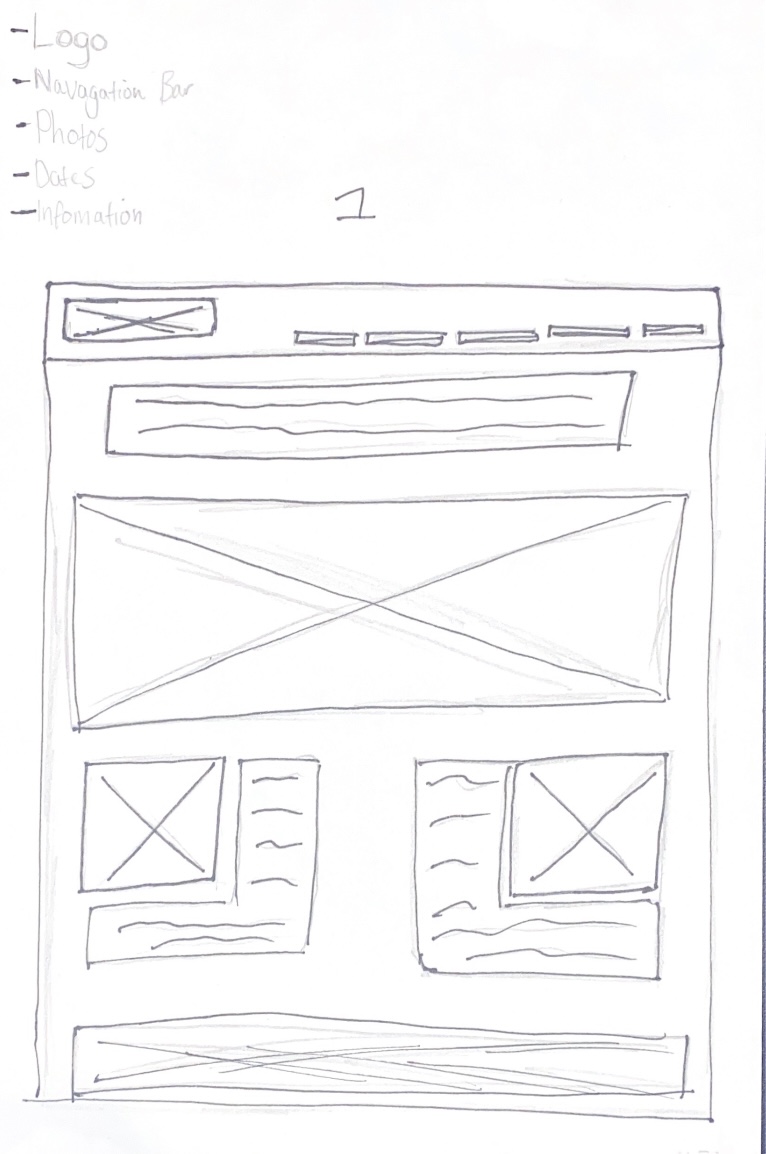
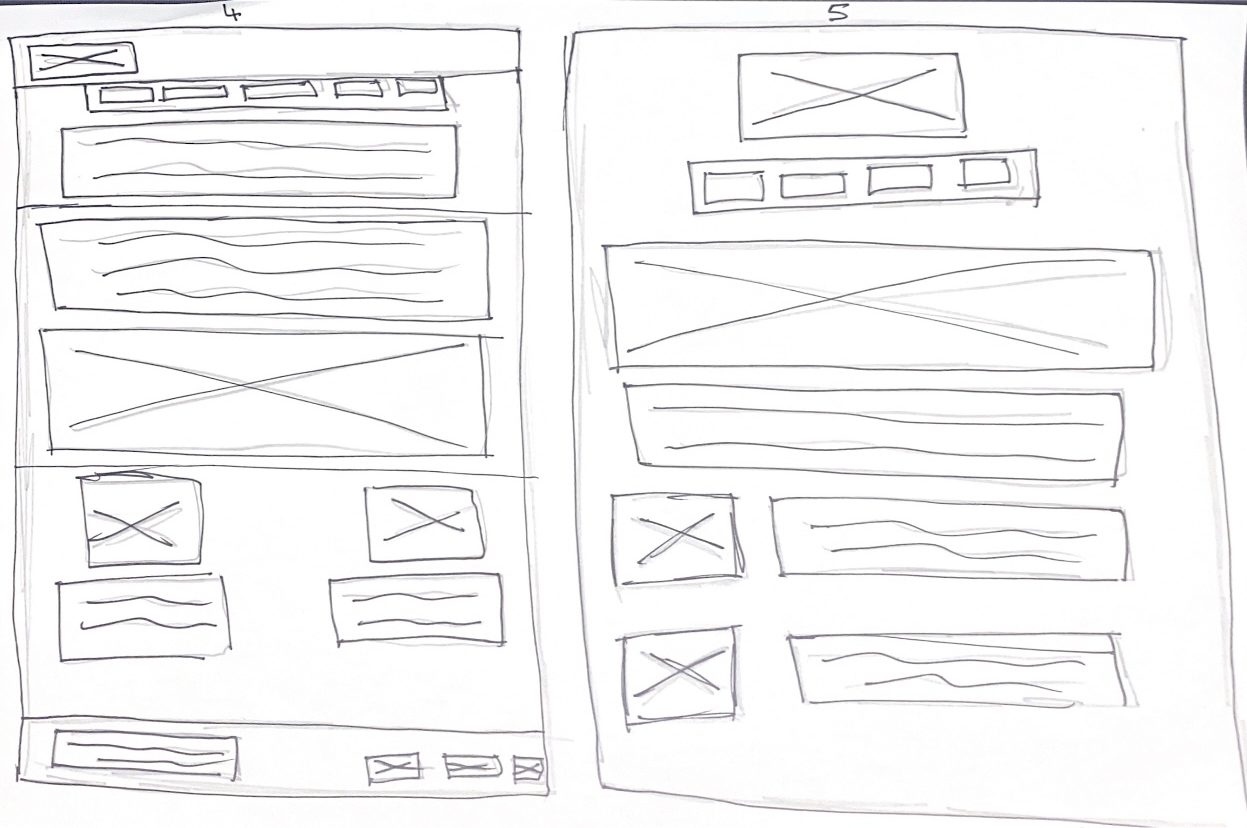
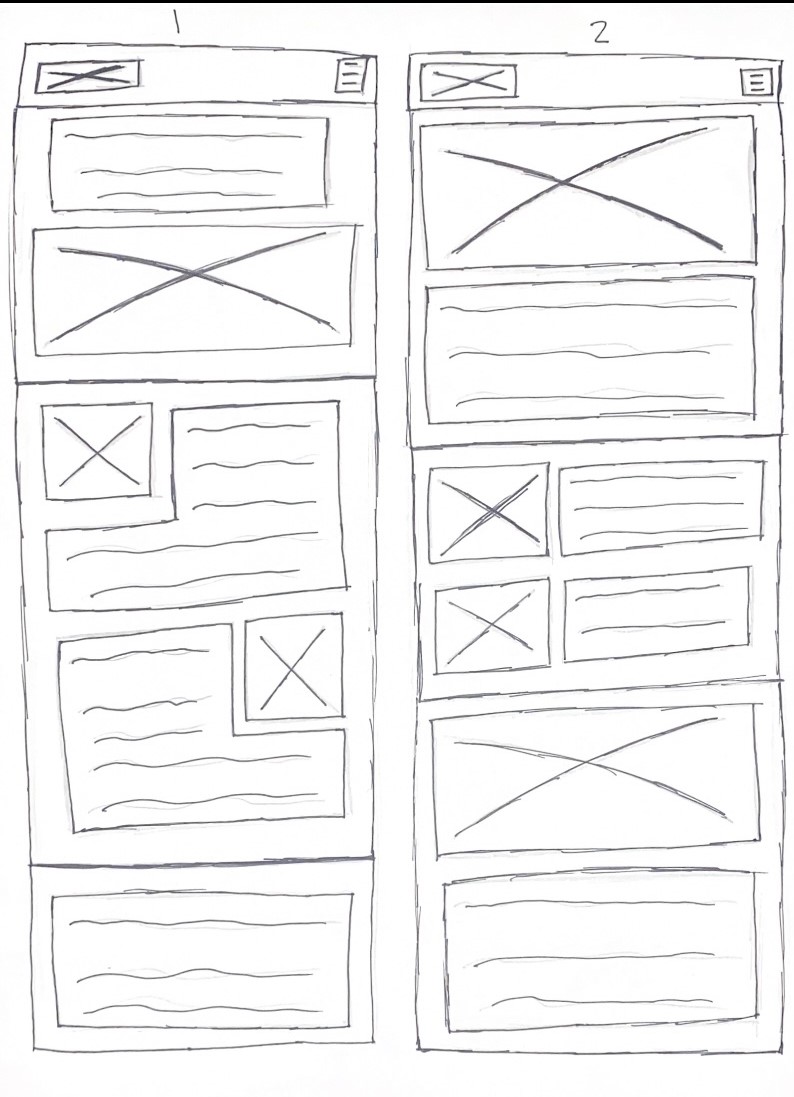
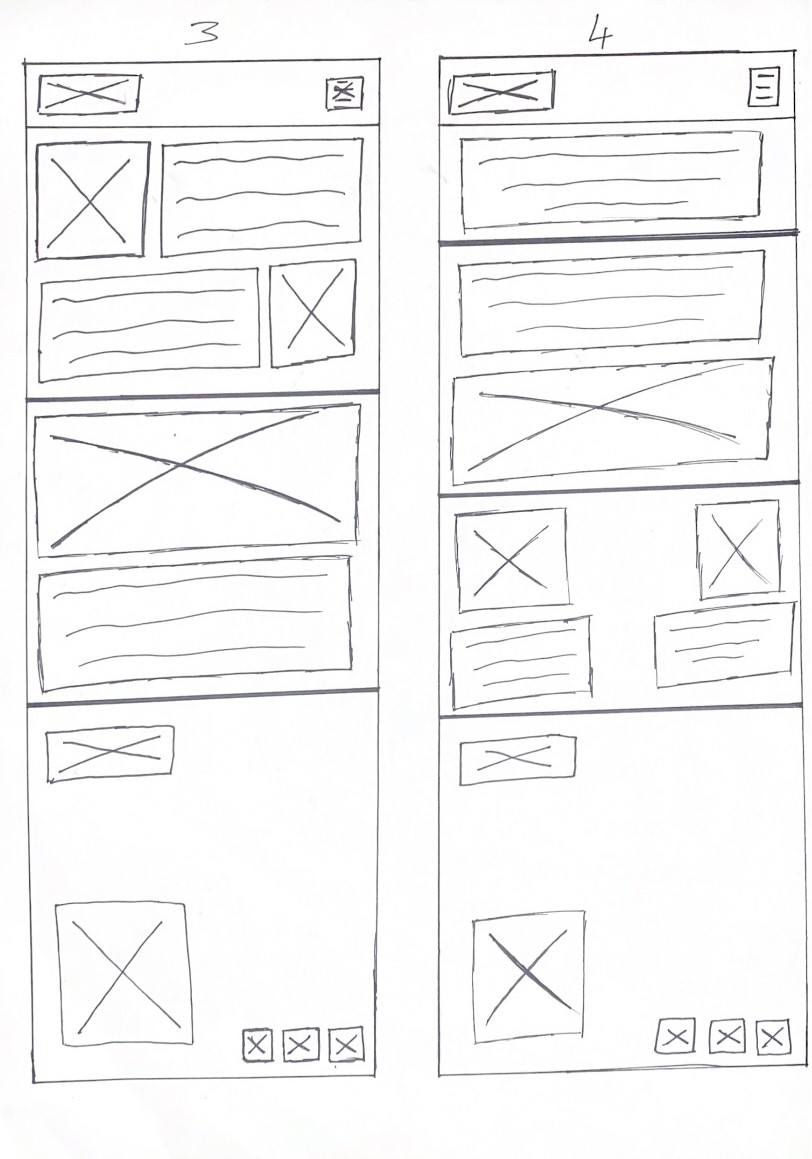
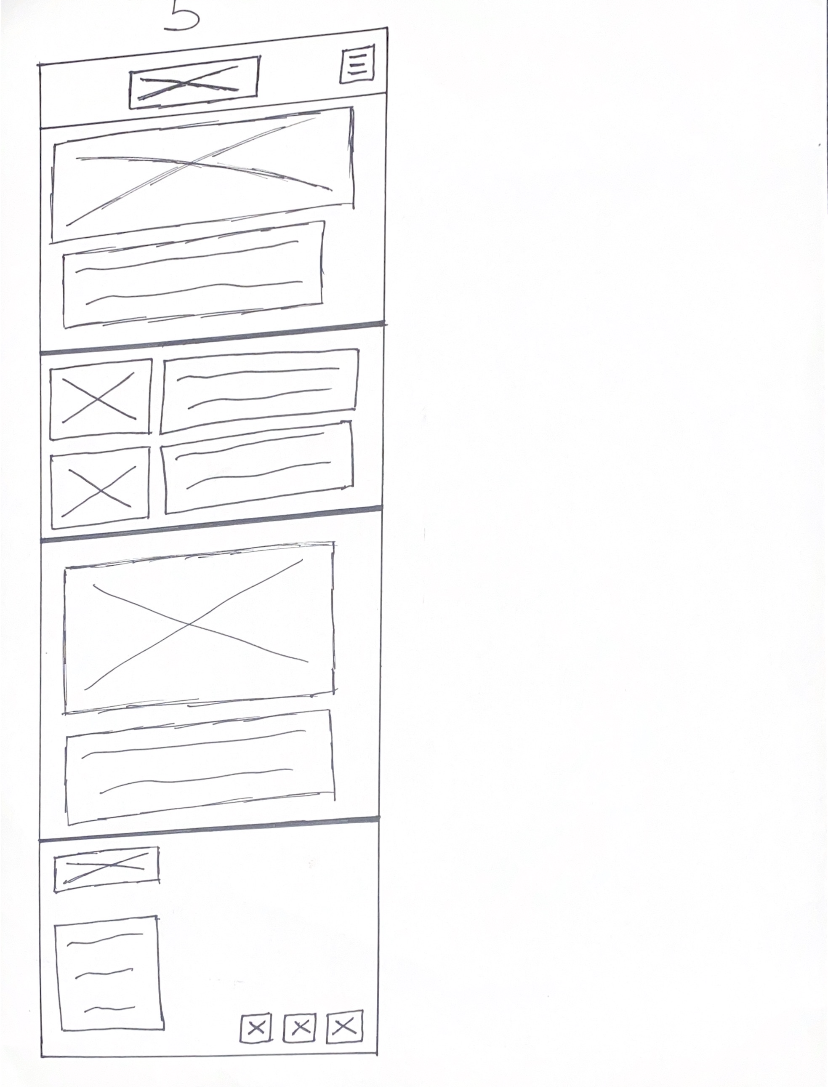
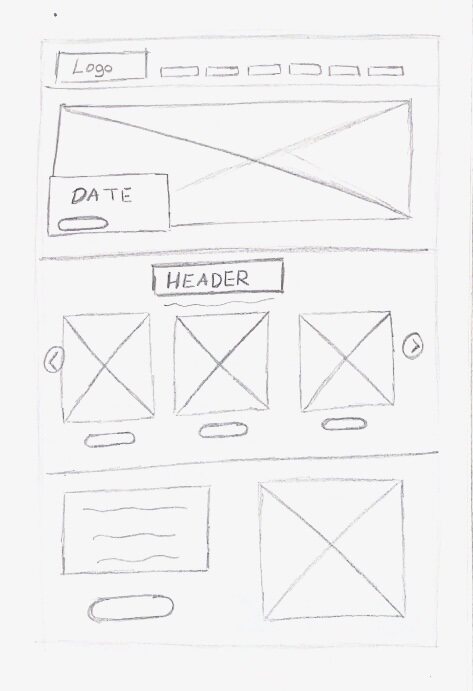
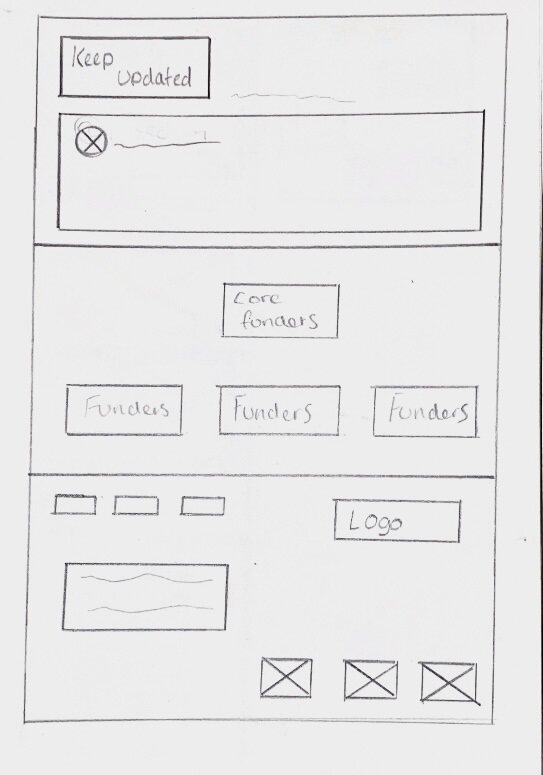
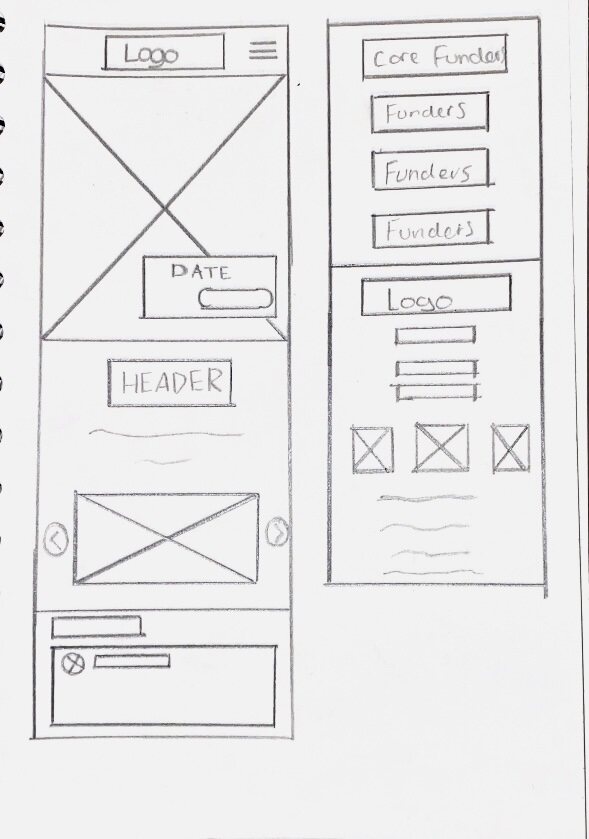
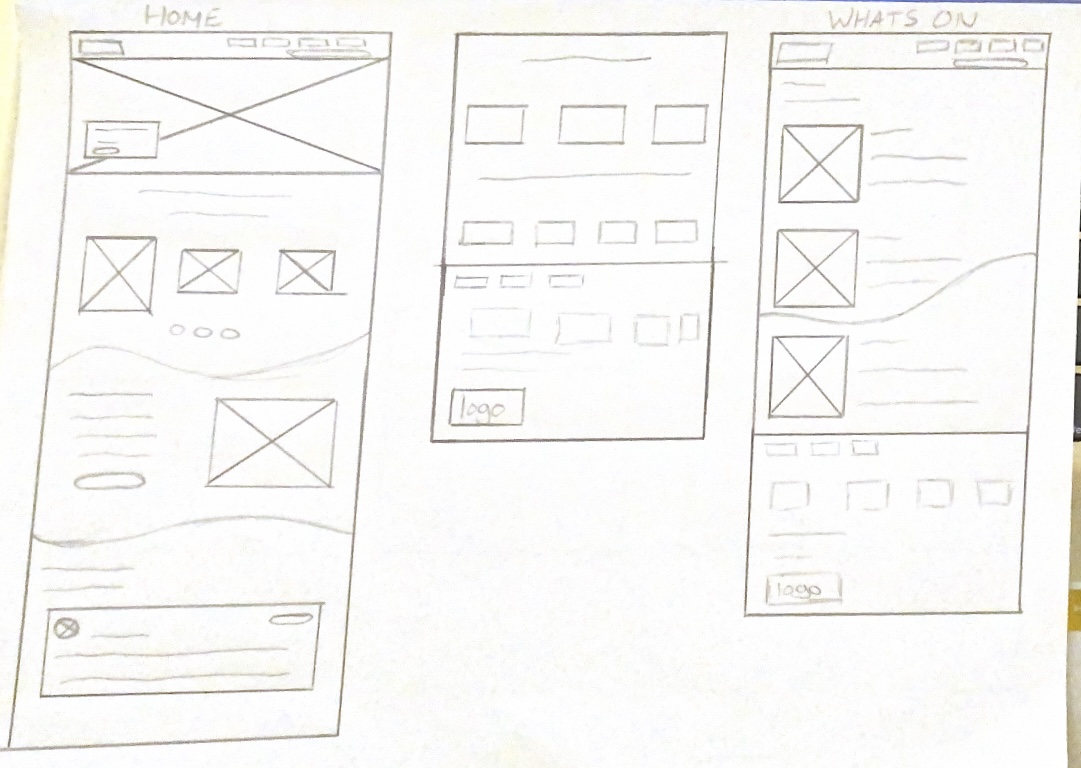
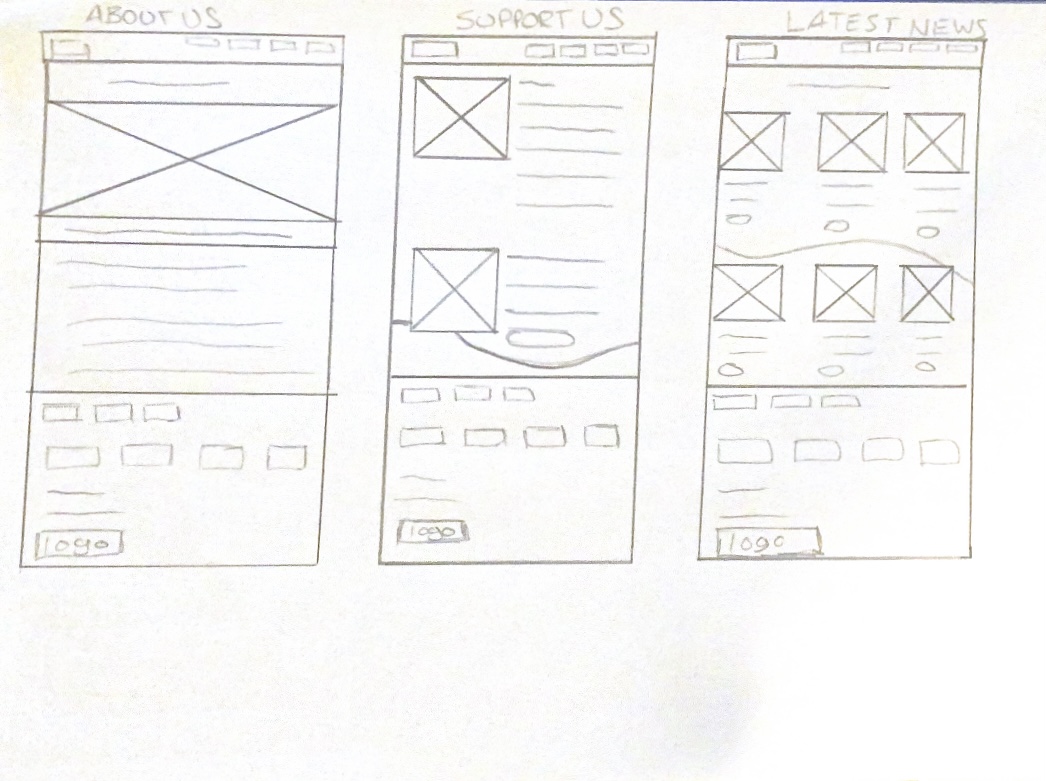
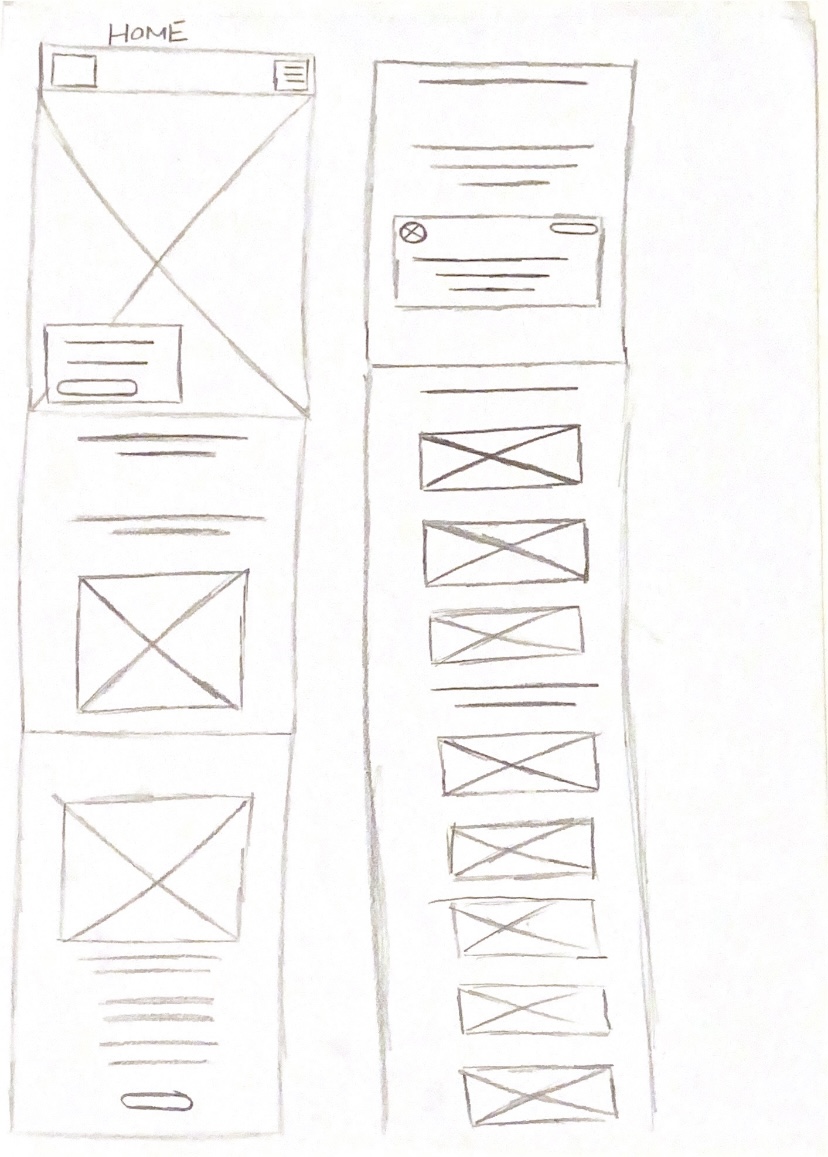
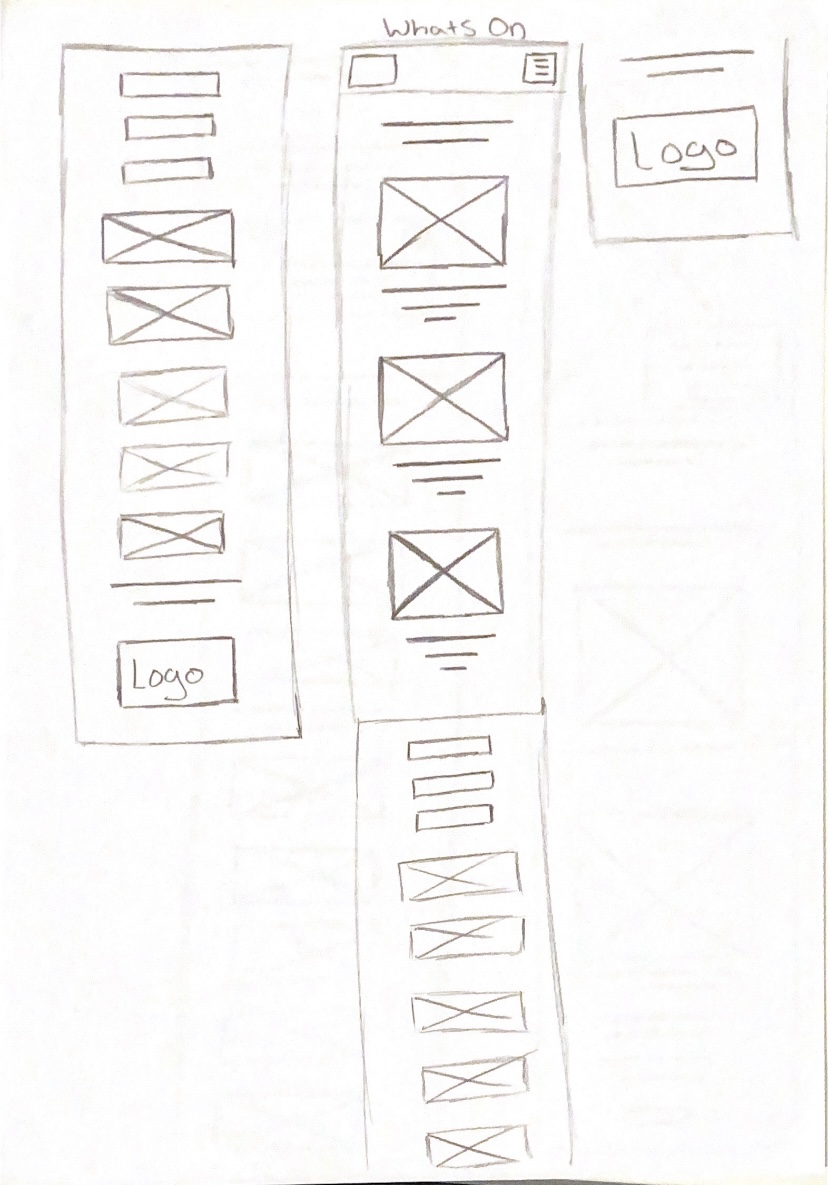
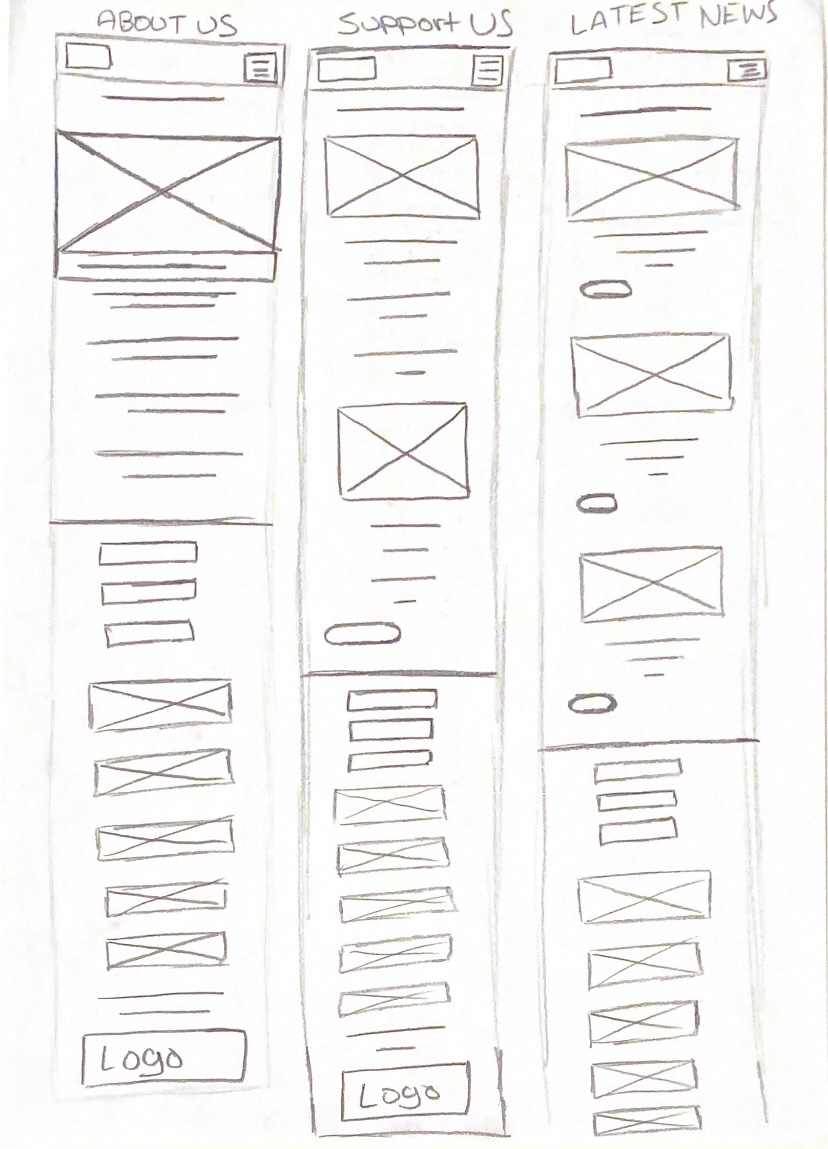
I have started off by creating mobile and web wireframes on paper for the Freedom Festival. Paper wireframing is a quick and sketchy method which can be used to quickly process ideas and get them down without having to worry about detail and precision. 

Web Paper Wireframe 1
Web Paper Wireframe 2 and 3
Web Paper Wireframe 4 and 5
App Paper Wireframe 1 and 2
App Paper Wireframe 3 and 4
App Paper Wireframe 5

These were my first set ideas for the interface of the Freedom Festival website. You can see I explored different layouts and tried different compositions. I included every idea, even ones that weren’t as strong because it could still be developed into a stronger idea. It is important to consider everything at this stage because ideas tend to change quickly and morph into new concepts.

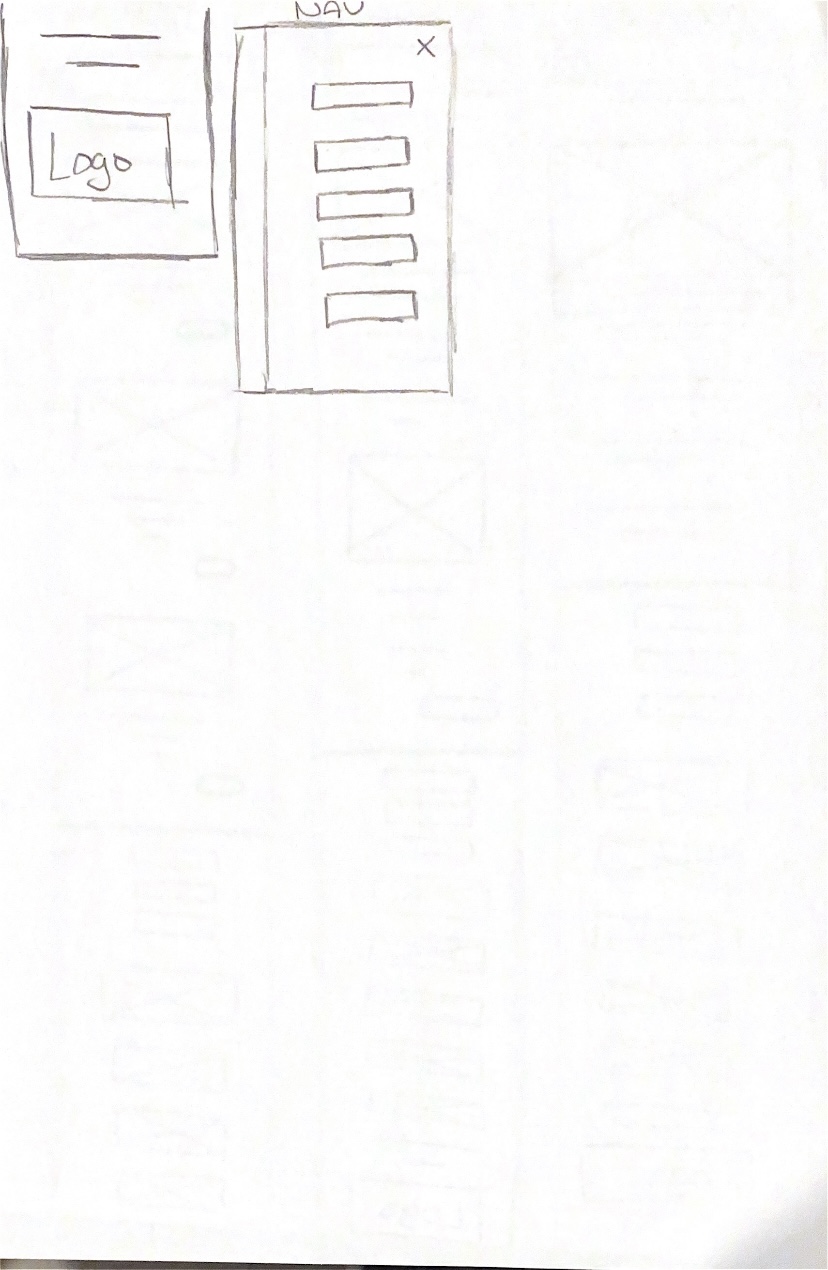
I made corresponding app wireframes, where I took the website wireframe and made them more accustomed to a smaller screen size. This meant that some elements had to become stacked or flex into new positions to become responsive on mobile. 

Web Wireframe 1
Web Wireframe 2
Web Wireframe 3
Web Wireframe 4
Web Wireframe 5
App Wireframe 1
App Wireframe 2
App Wireframe 3
App Wireframe 4
App Wireframe 5

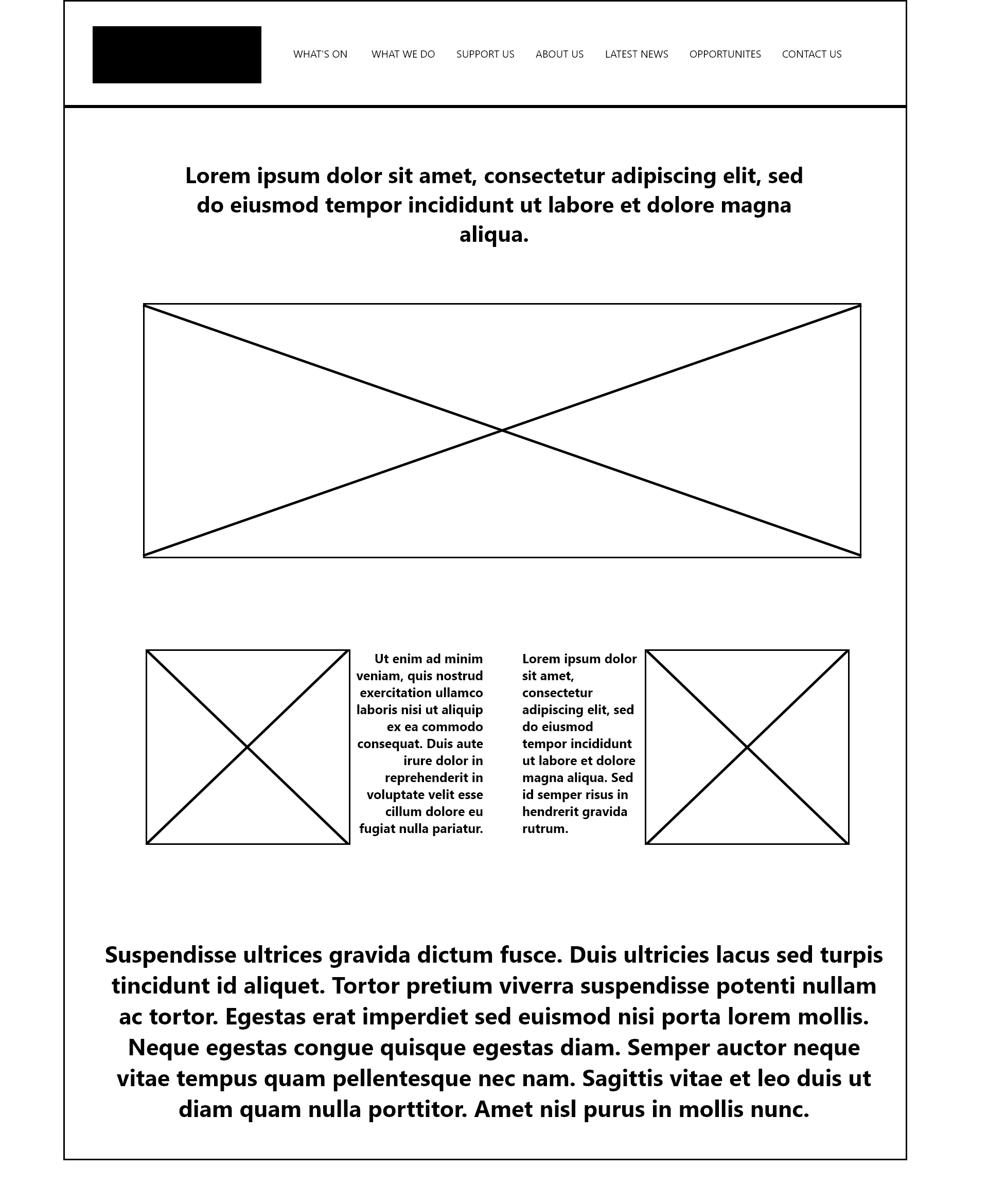
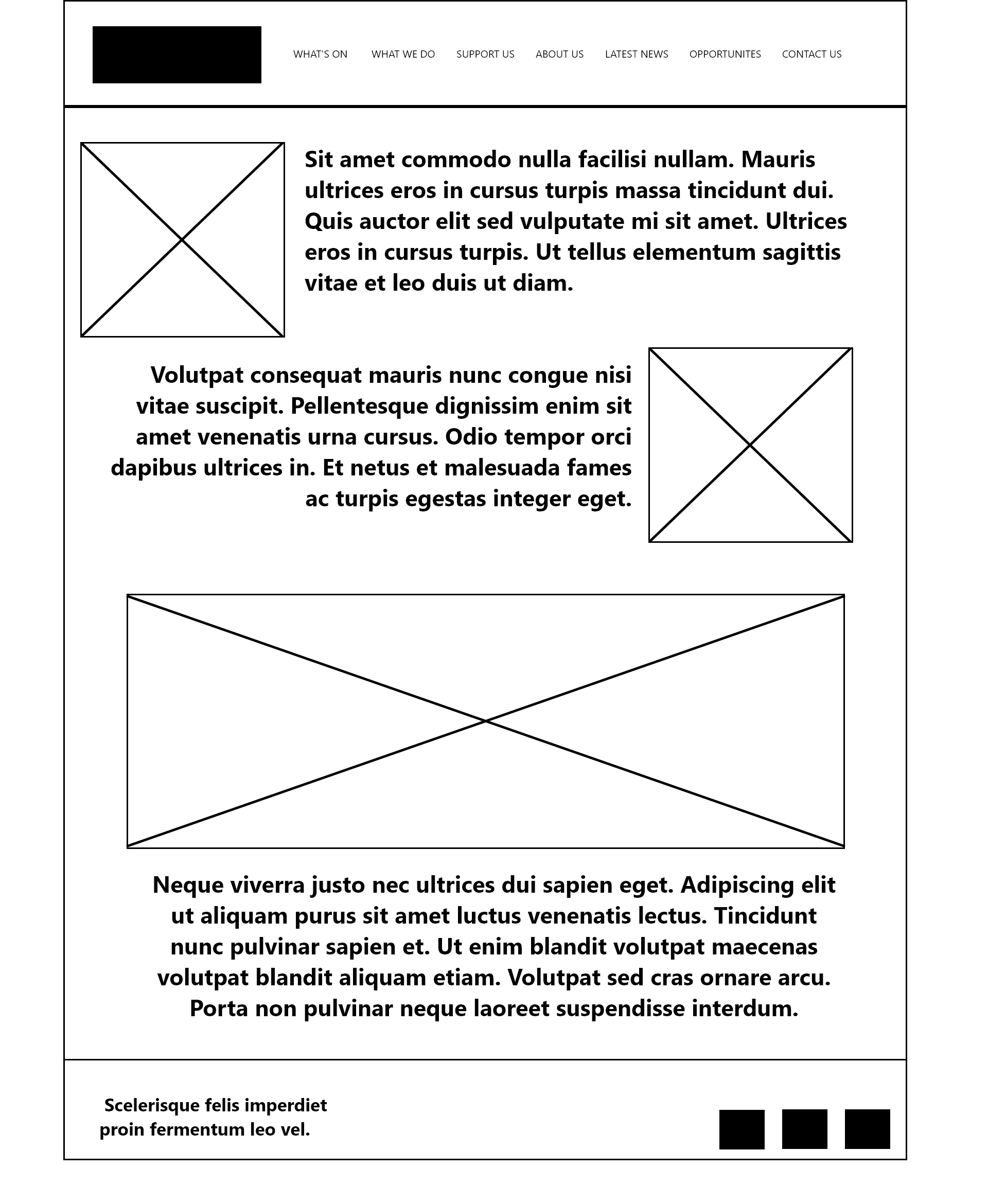
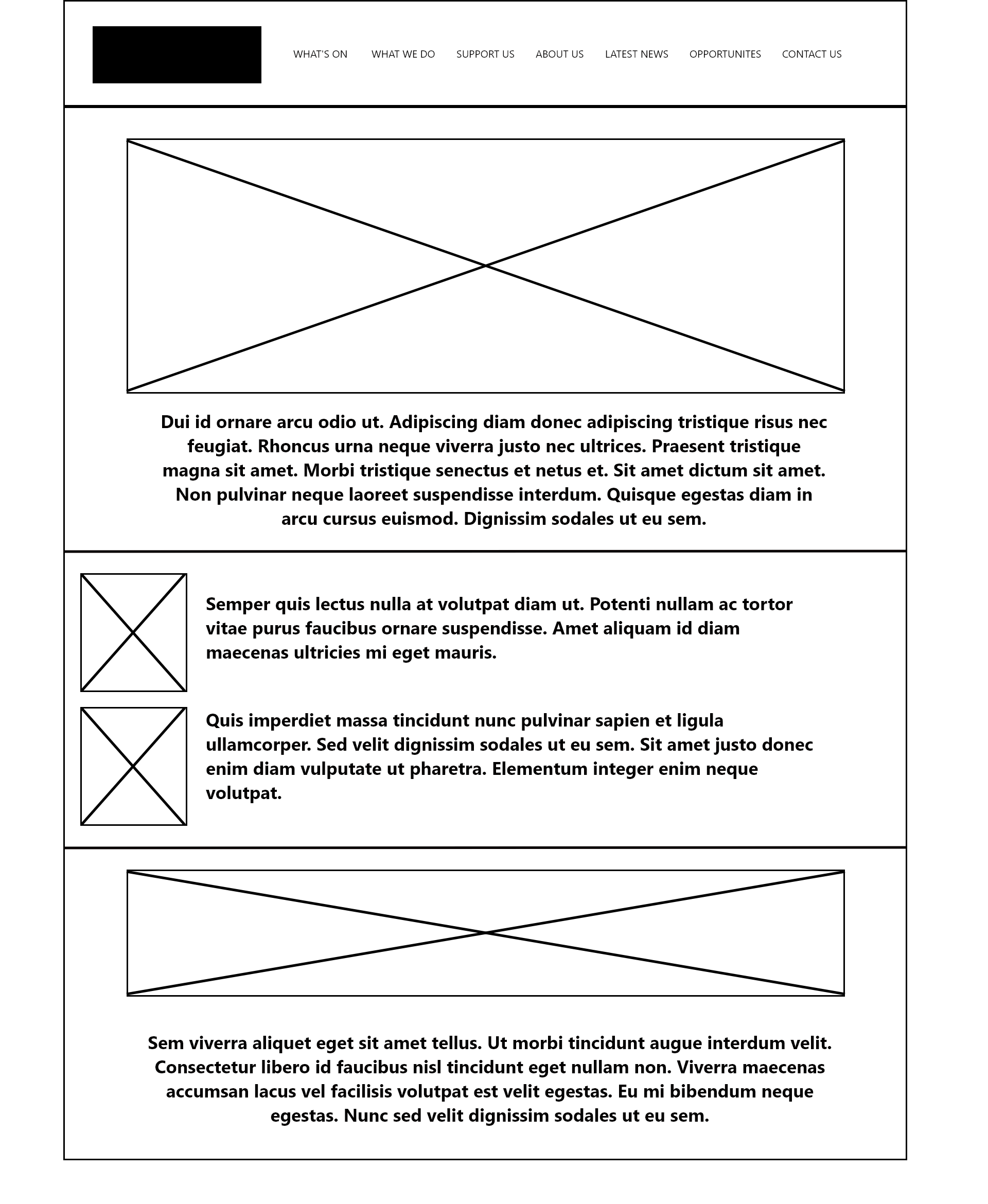
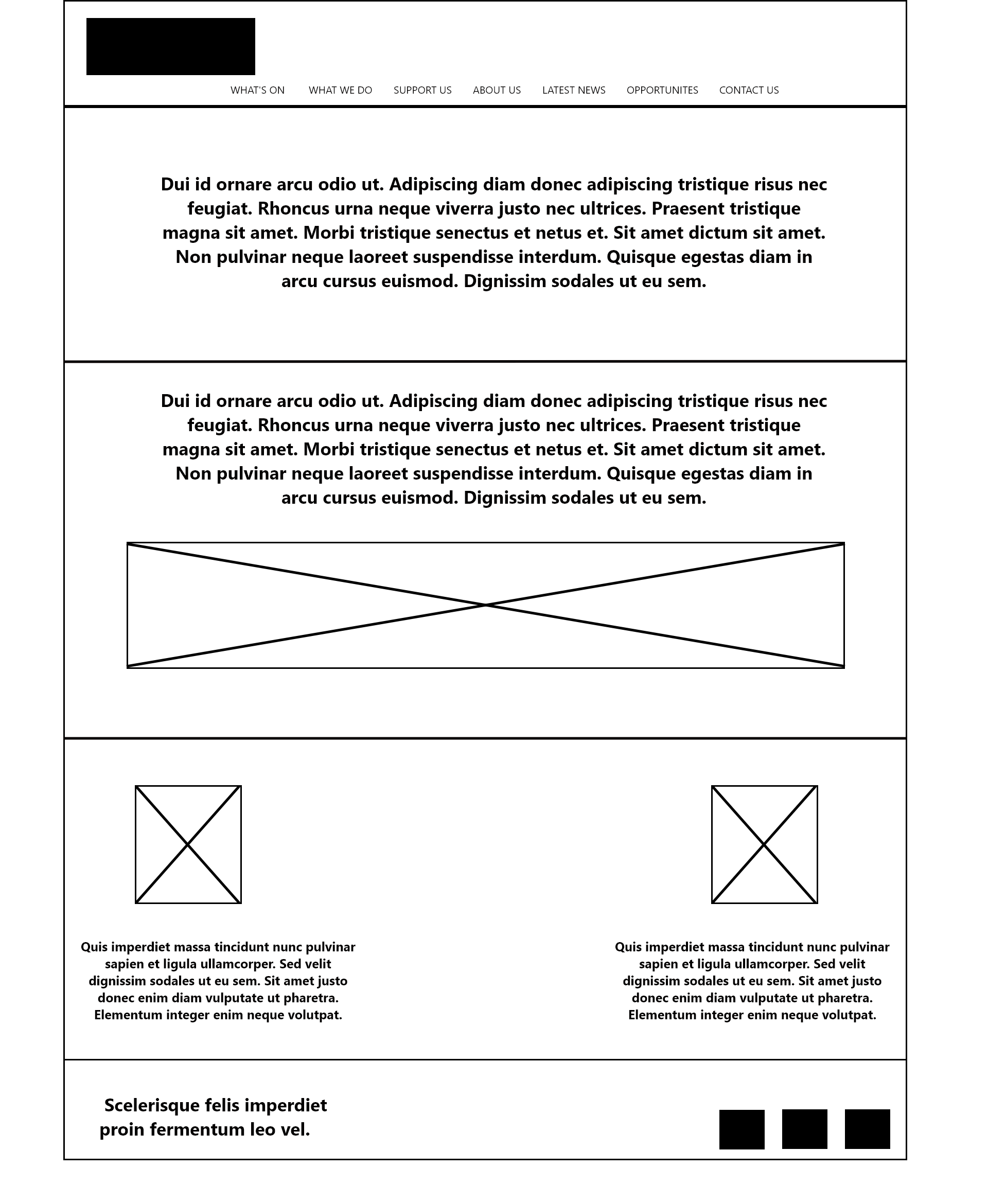
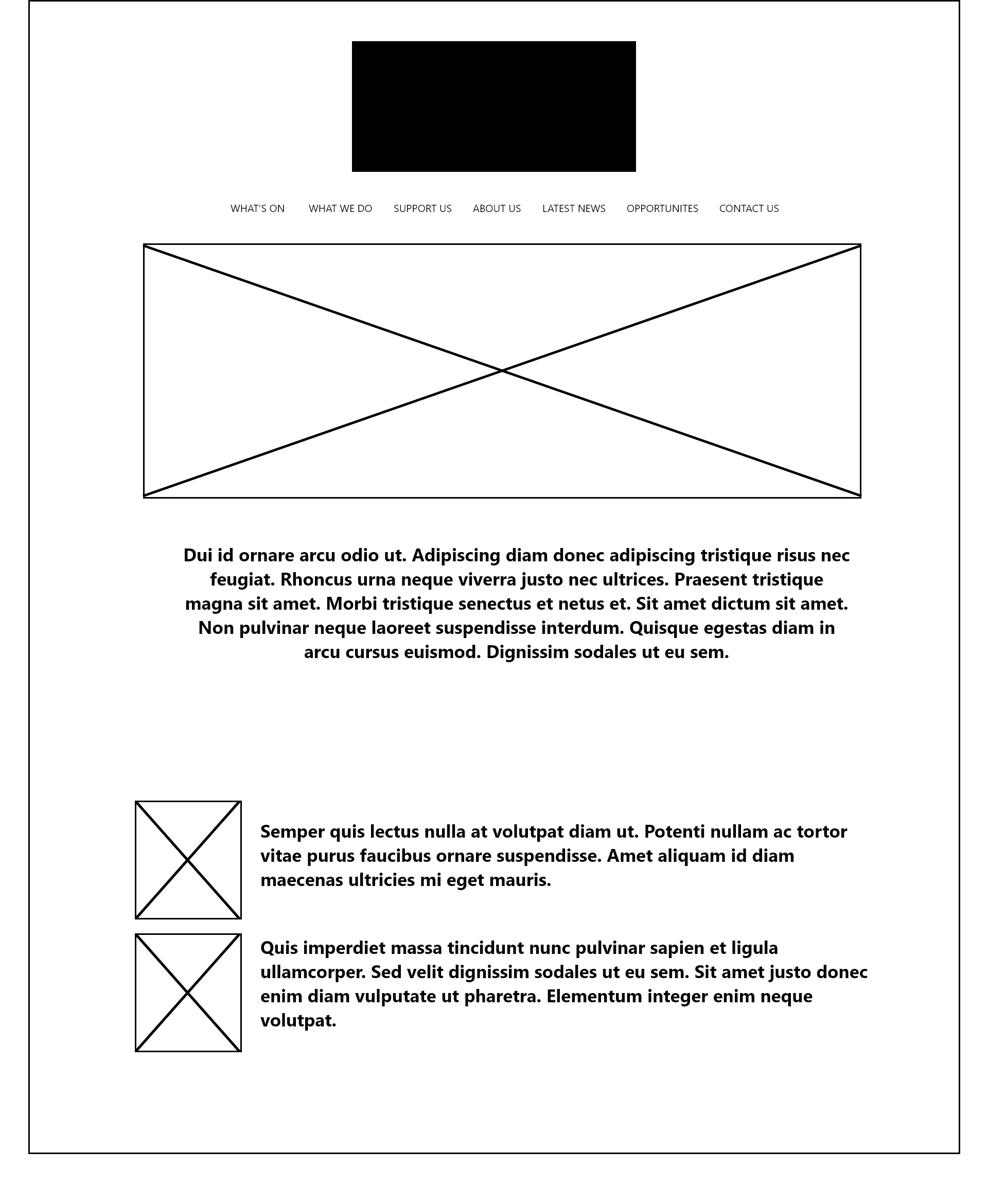
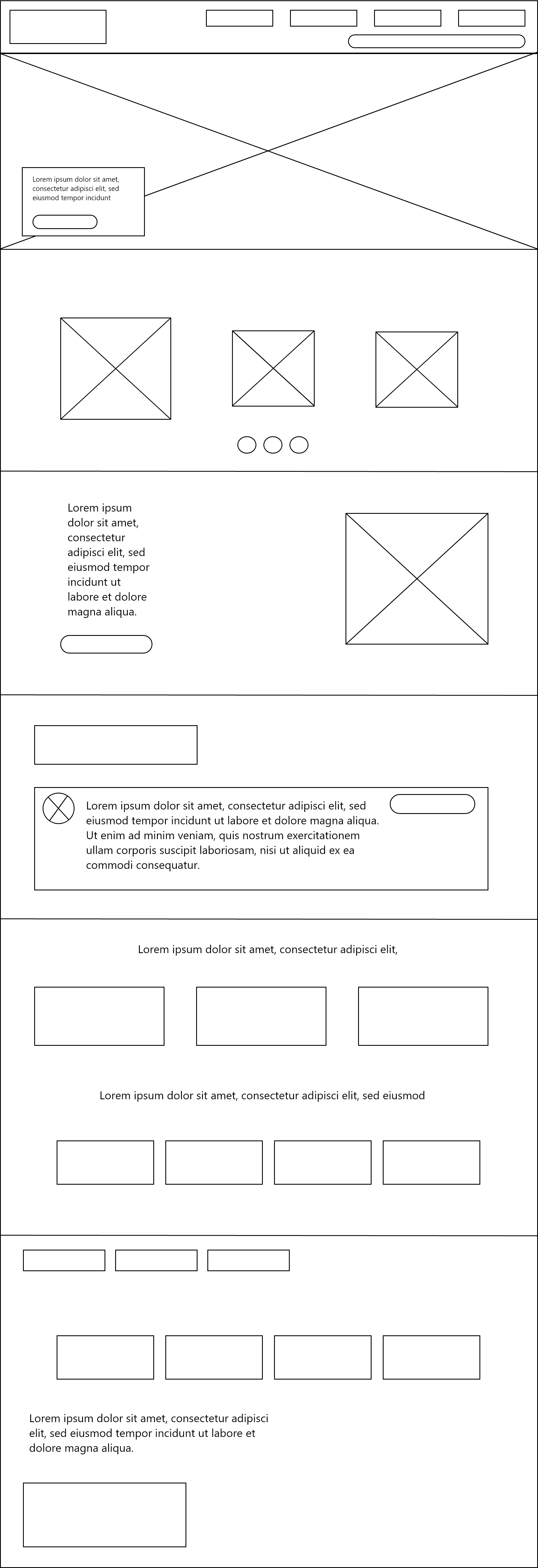
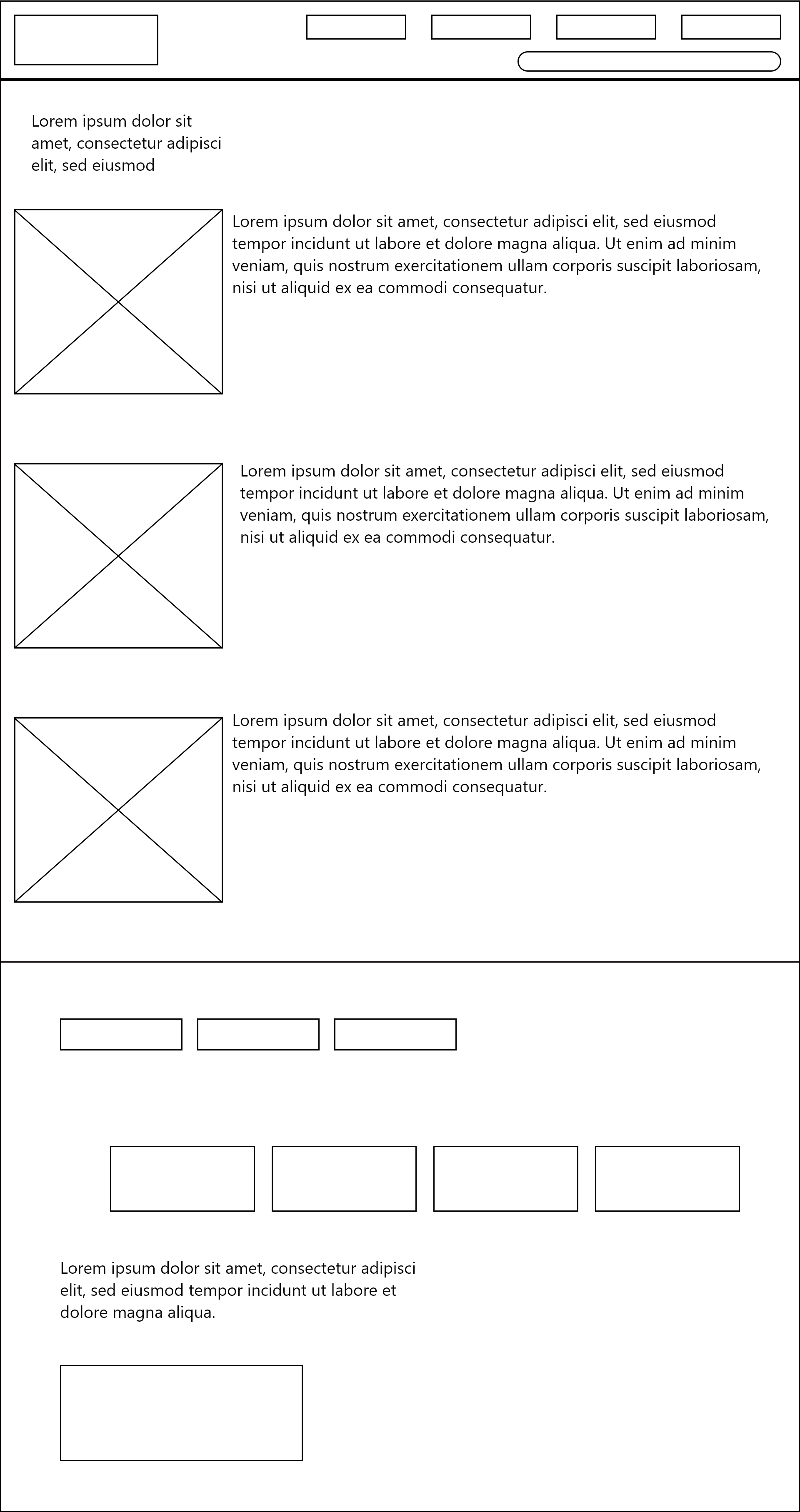
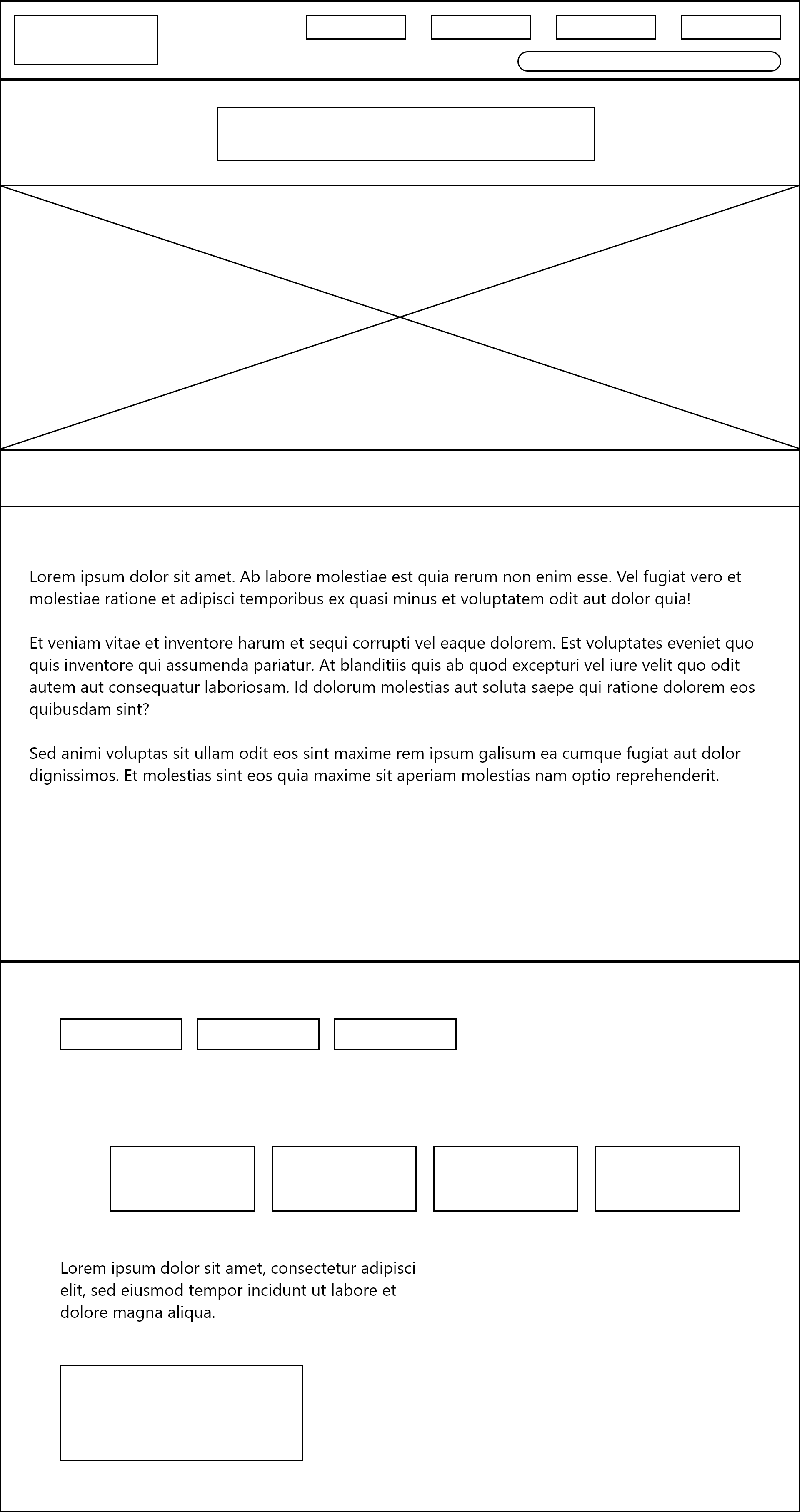
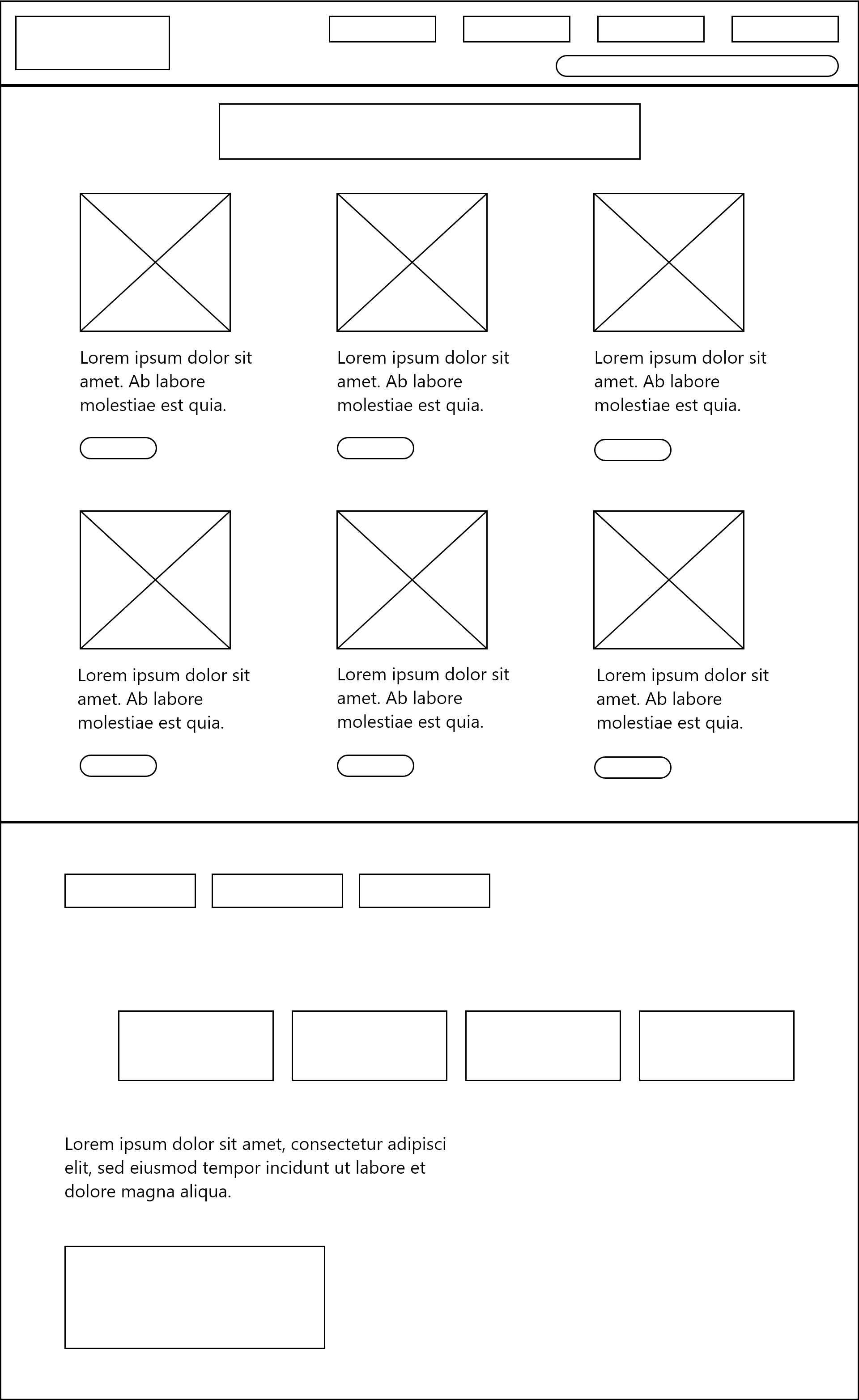
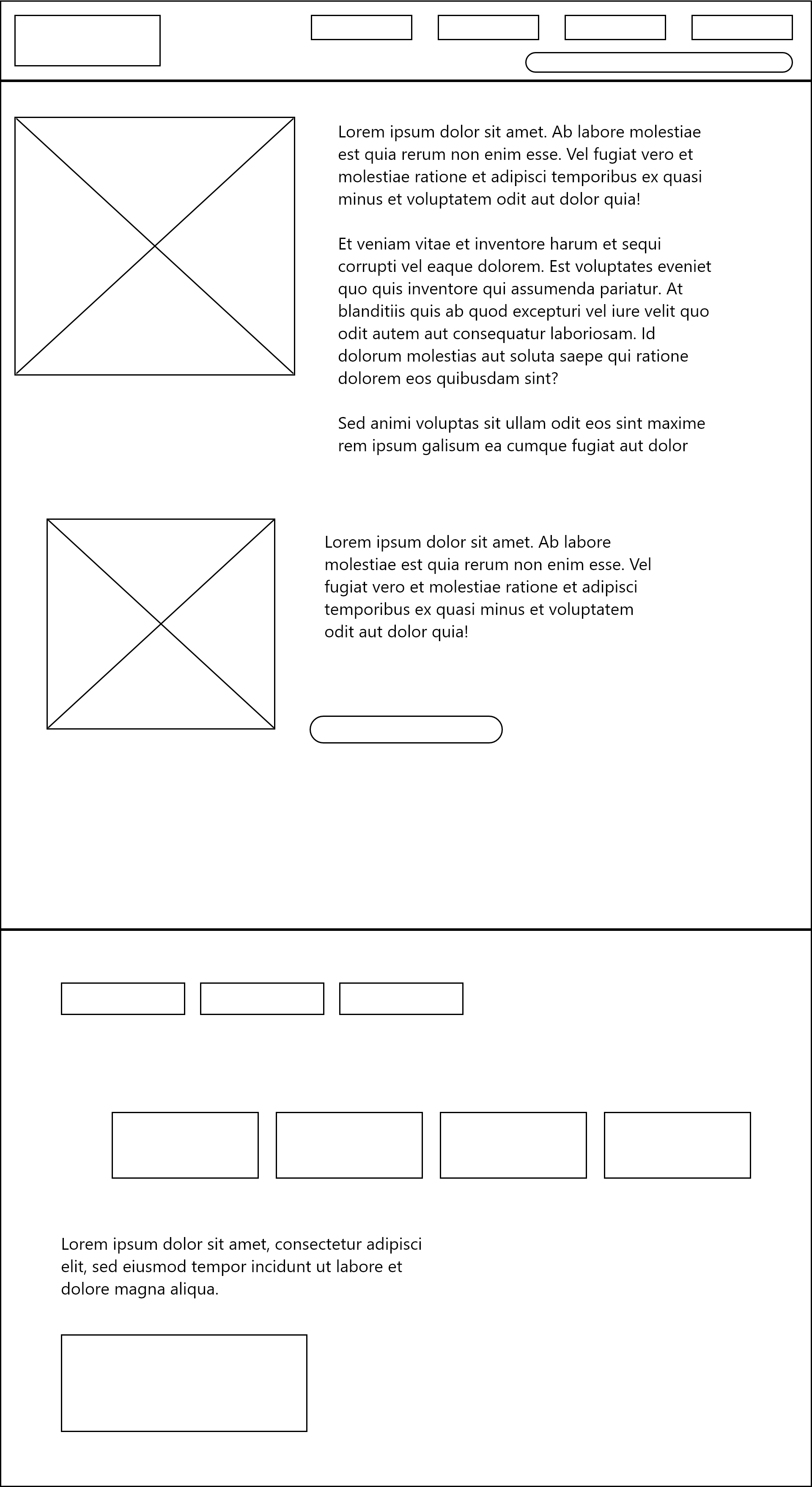
I then moved into Adobe XD, where I began to create neater, more detailed versions of the paper wireframes. Using Adobe XD to create digital wireframes allows you to use artboards specified to web and mobile, so you can preview your wireframes realistically. I replaced my text lines with lorem ipsum as a way of previewing text size, though I didn’t add imagery or colour at this stage as I had yet to consider them.

Paper wireframe for web
Paper wireframe for web continued
Paper wireframe for mobile

I later came up with a completely different concept for the website design, merging together different ideas from the first set of wireframes. I still wanted to use burger menus and hero images, but I thought that I should reduce the amount of text. I added in more buttons and responsive elements, such as a horizontal image gallery. I now felt that I was ready to consider how the rest of the site will link together to the home page and the user journey on the site.

Final paper wireframe idea for web
Final paper wireframe idea for web (2)
Final Paper Wireframe for Mobile
Final Paper Wireframe for Mobile (2)
Final Paper Wireframe for Mobile (3)
Final Paper Wireframe for Mobile (4)

This is my final set of paper wireframes. I have created wireframes for my entire website now and planned layouts for each page and the navigation that links each section to another. Thinking of this now makes it easier later on since I will have the framework to work upon and won’t have as much confusion. I can also focus solely on colour, imagery, typography and other visual elements since I already have my layout decided.

Web Homepage wireframe digital
Web What's On wireframe digital
Web about us wireframe digital
Web latest news wireframe digital
Web support us wireframe digital
App Home Digital Wireframe
App Whats On Digital Wireframe
App About Us Digital Wireframe
App Support Us Digital Wireframe
App Latest News Digital Wireframe
App Navigation Menu Digital Wireframe

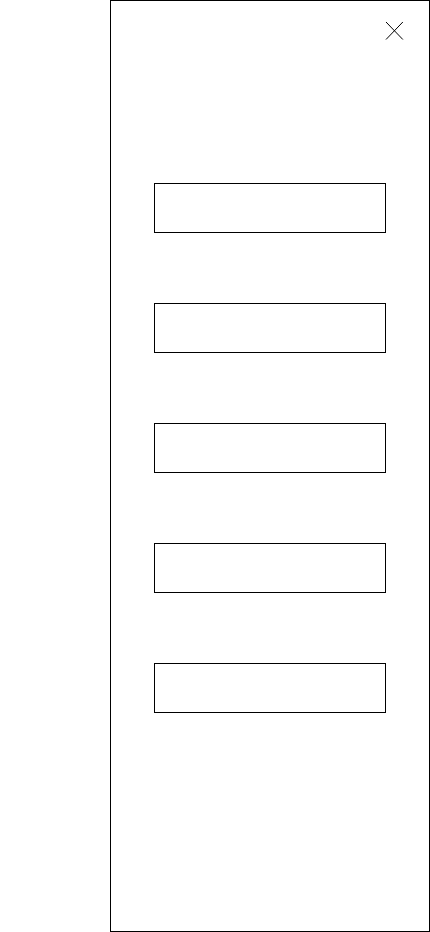
This is the digital wireframe made in Adobe XD. I have used lorem ipsum as a placeholder for body text, and crossed boxes to show images. I plan to use this as a reference when I design my final prototype for the Freedom Festival 2024, which will make the designing more straightforward.

Reference List:

Rae, Matte (2021) How to wireframe in Adobe XD. [Article]. Available online: https://www.adobe.com/au/products/xd/learn/design/productivity/how-to-wireframe-xd.html [Accessed: 10/12/2023]

EX1: Adobe XD Prototyping

EX1: Adobe XD Prototyping

“Prototyping in Adobe XD allows you to quickly validate your concepts before actually taking your time to engineer them” (Beaumont, 2019)

I have followed a series of tutorials which show how to use prototypes in Adobe XD to express ideas and concepts for web and mobile designs, including how the design should be navigated and how it is intended to be used.

Tutorial One - Welcome To XD

Loading Screen
Home Screen
Article Post
Adventure Post Scrolling
Gear Guide

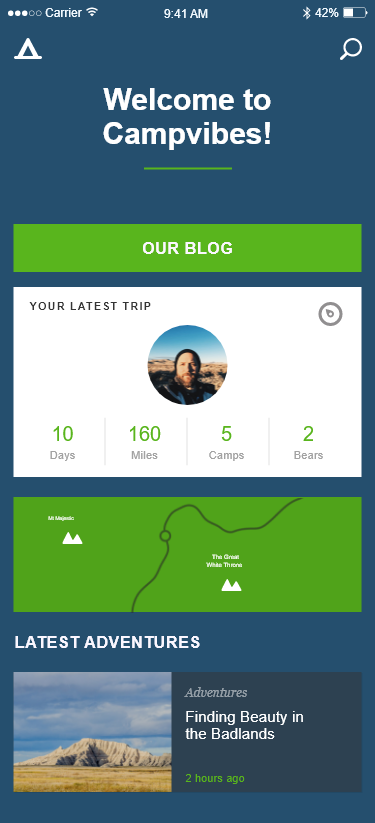
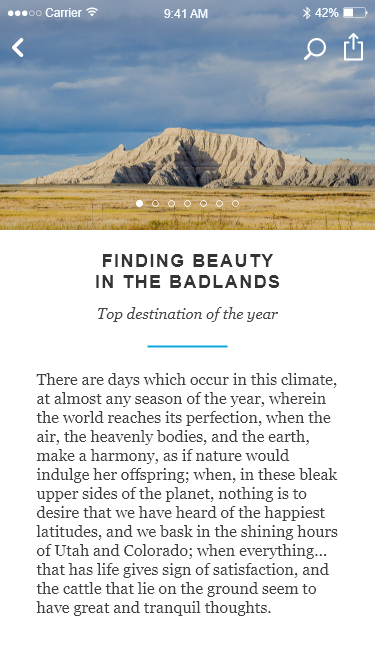
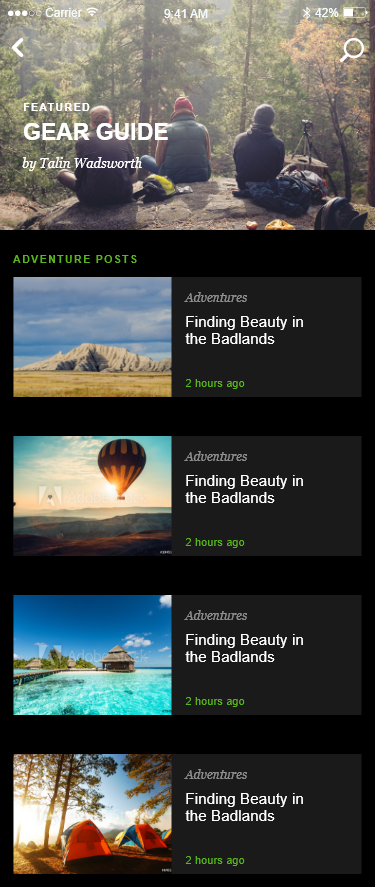
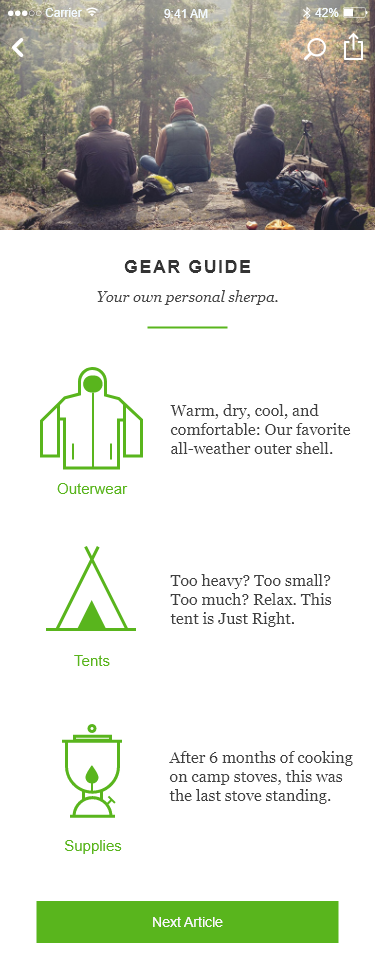
I have created a prototype after following this tutorial which leads you through the steps to customizing and wiring an app for travelling and camping. A lot of the content is already provided, but the tutorial shows how to edit things such as the colour of an element or how to make headers sticky so that they stay visible when scrolling down. The tutorial shows how you can use wires to prototype the app and connect the featured post in the home screen to a page dedicated to that article. The transition used is just a tap one, which takes you directly to the new page. It is a simple transition but works effectively and directs the user straight to the article they want to read more on. 

Tutorial Two - XD Some Basics In Five Steps

Step 1
Step 2
Step 3
Step 4
Step 5

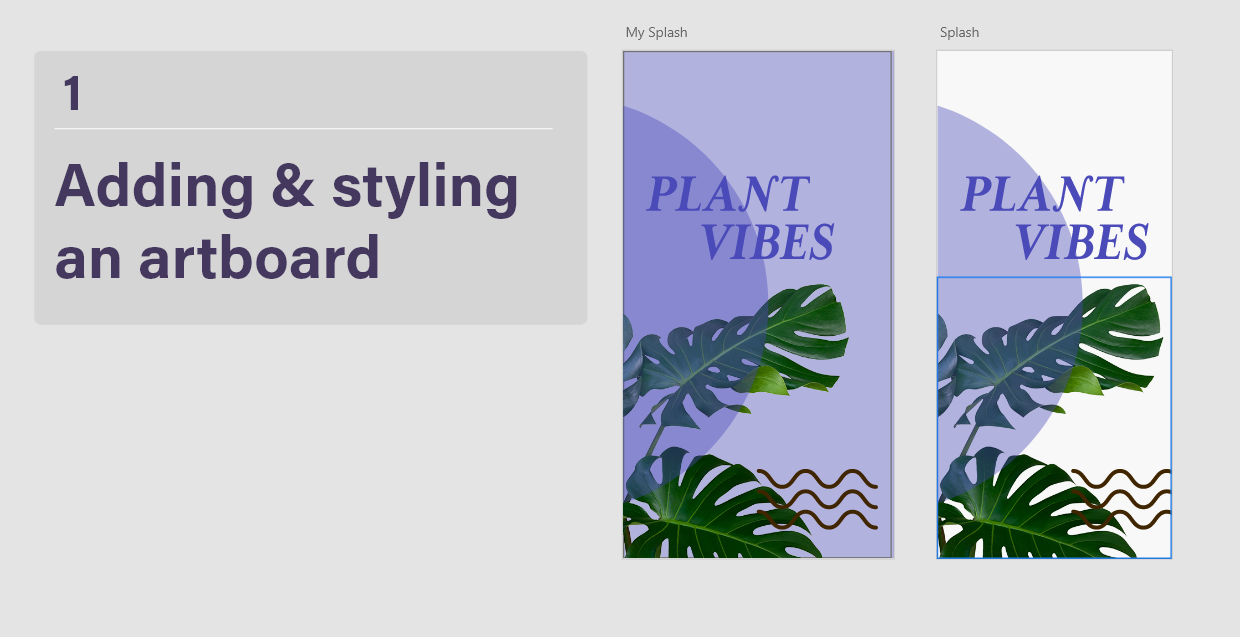
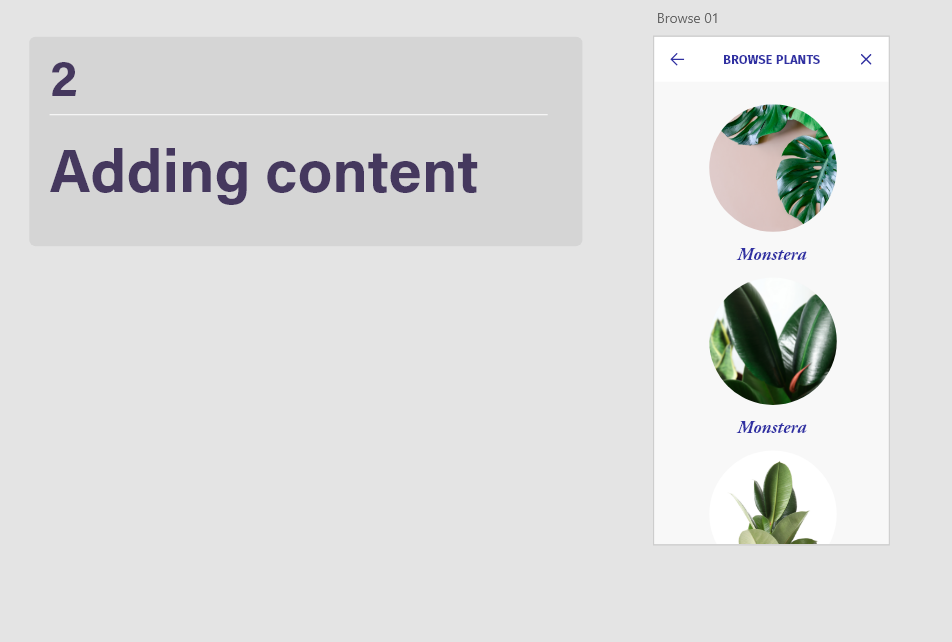
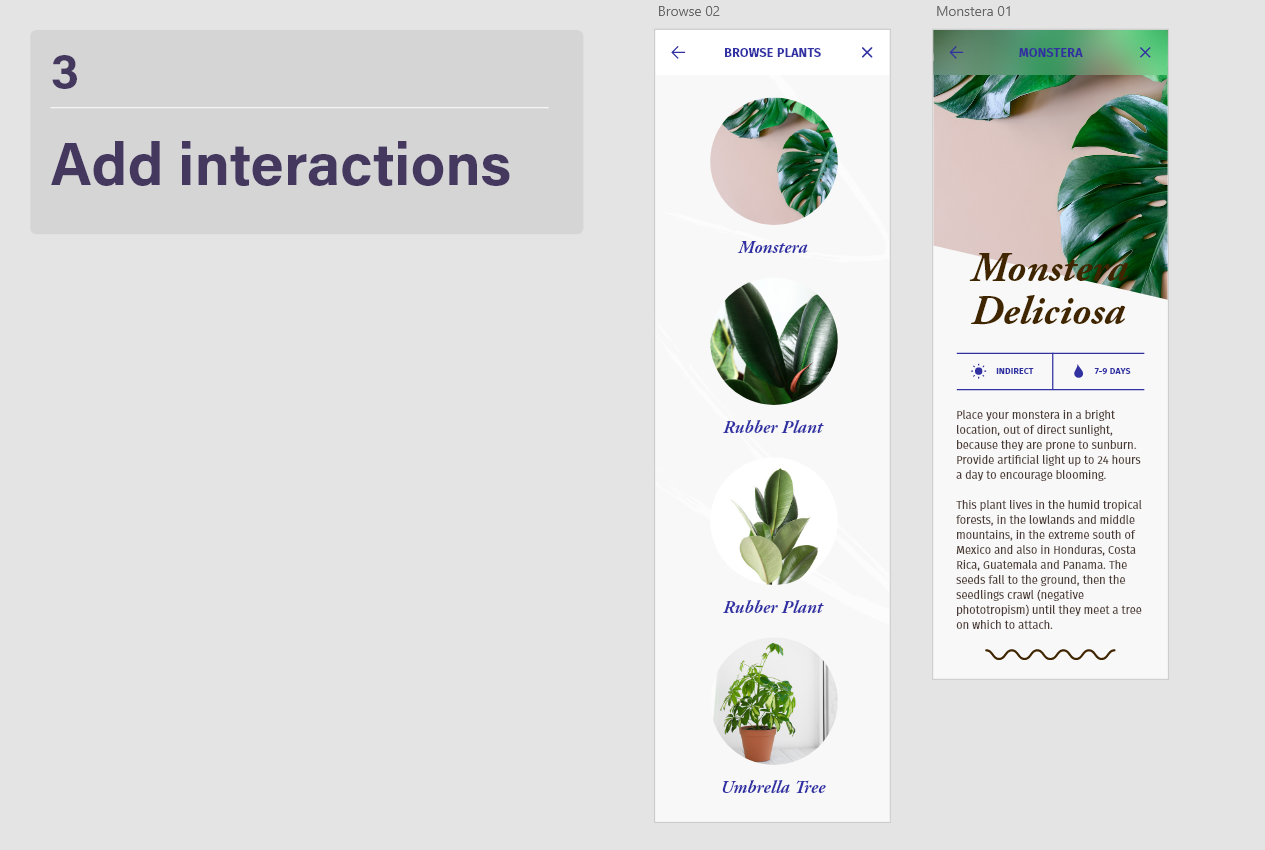
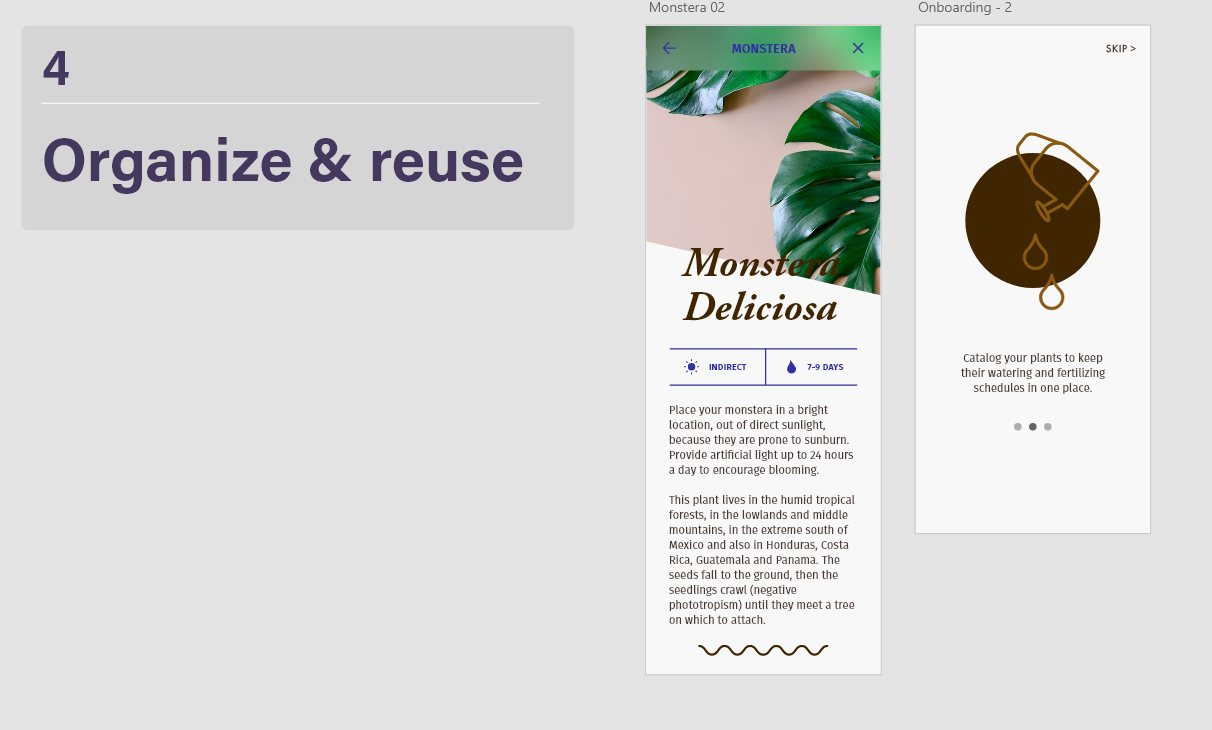
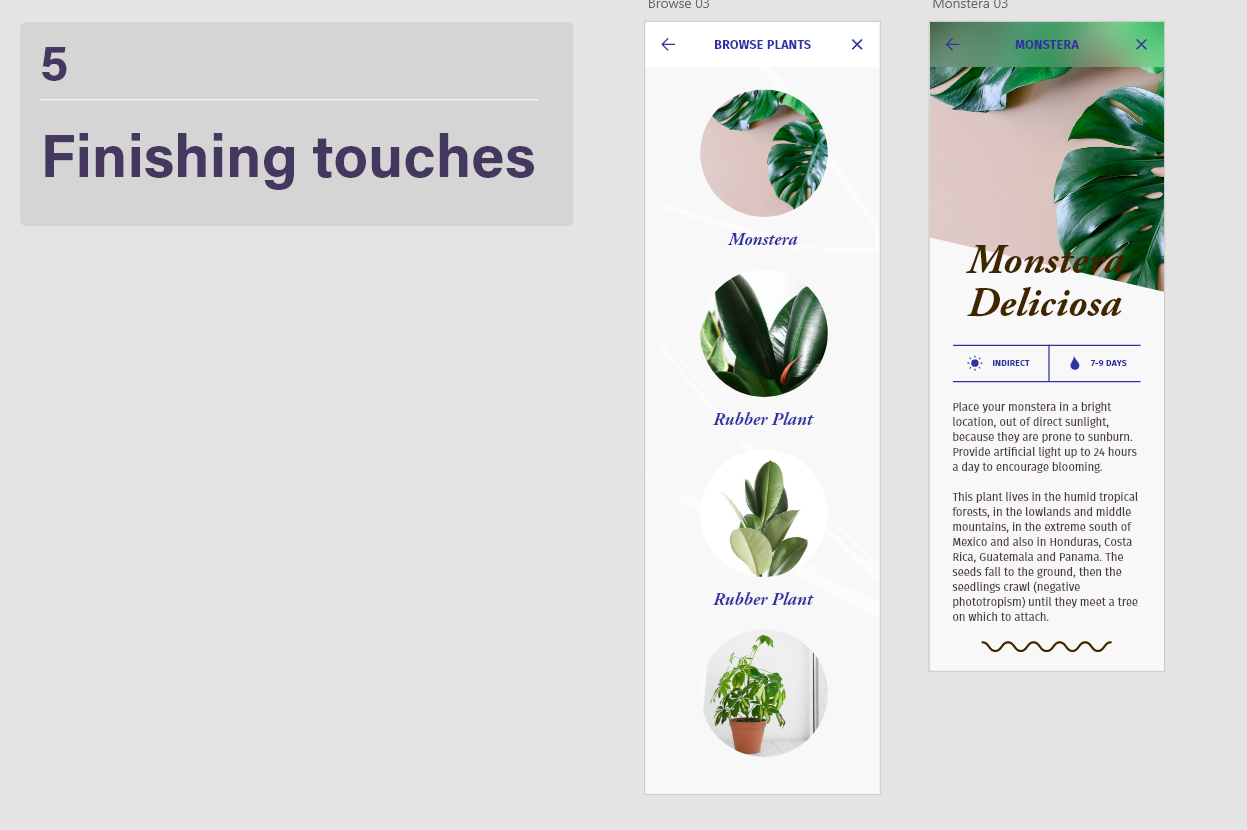
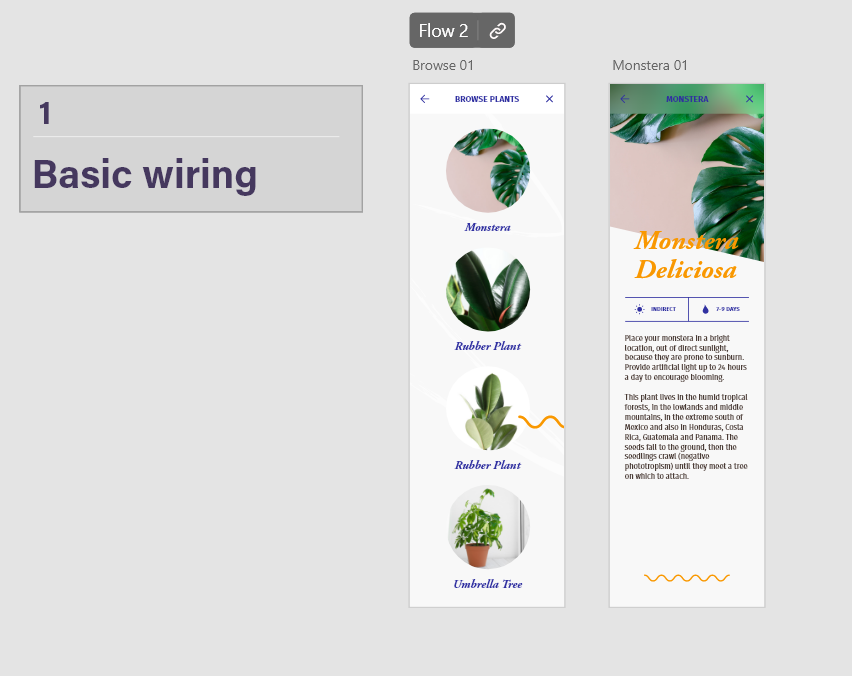
This next tutorial is from Dani Beaumont’s YouTube tutorial series for Adobe XD. In this tutorial, she shows how to create new artboards and add content onto them, such as images. She shows how to quickly drag images onto the artboard and mask them into shapes, and how to use repeat grids to create a scroll-able gallery quickly. The repeat grid effect is really helpful because it lets you space items evenly in an order just by dragging down on the grid, which saves you time and effort making sure things are properly spaced out. She shows how to use tap animations to prototype a plant app where a user can browse plants and click each one to find out more information about that plant. Like the first tutorial, this is a simple yet straight-forward transition which is easy to understand. The tutorial also shows how to use assets and how you can save your prototype as a video recording, or how to share it as a link that lets other people test it out within XD.

Tutorial Three - XD Creating A Prototype In Five Steps

Basic Wiring
Auto Animate
Drag
Overlay
Voice

Here is another tutorial I have followed by Dani Beaumont, which follows up from the last tutorial with the plant app. This tutorial goes more into detail about prototyping and how different animations and triggers can be used to add effects to a prototype. The first is a basic tap animation again, which was already shown before.

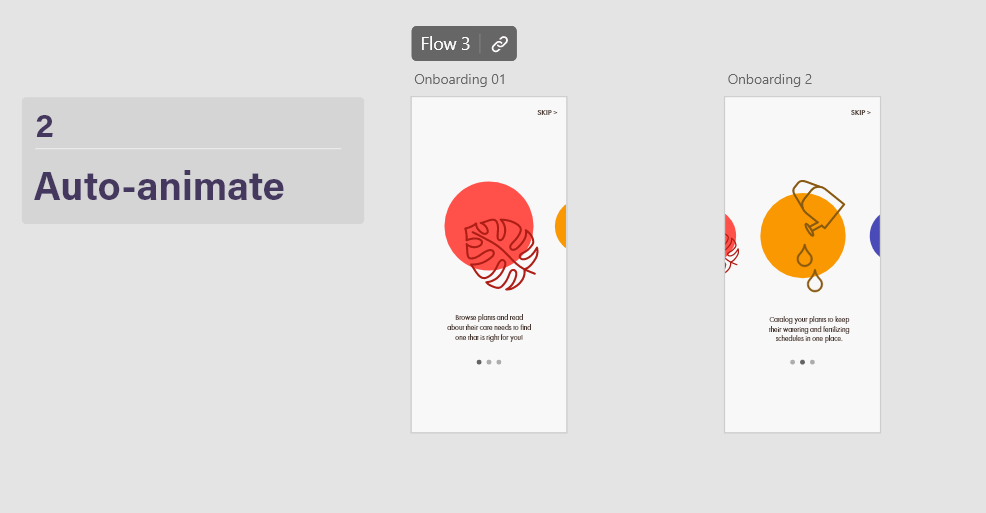
The second uses auto animate to smoothly transition between elements that are the same yet different sizes. Here, auto-animate is used to click through a gallery horizontally, making the selected element larger and move to the center of the screen. Even though the prototype is moving between two art boards, the auto-animate setting makes it appear as if the action is happening all on one screen because of how smooth it is. 

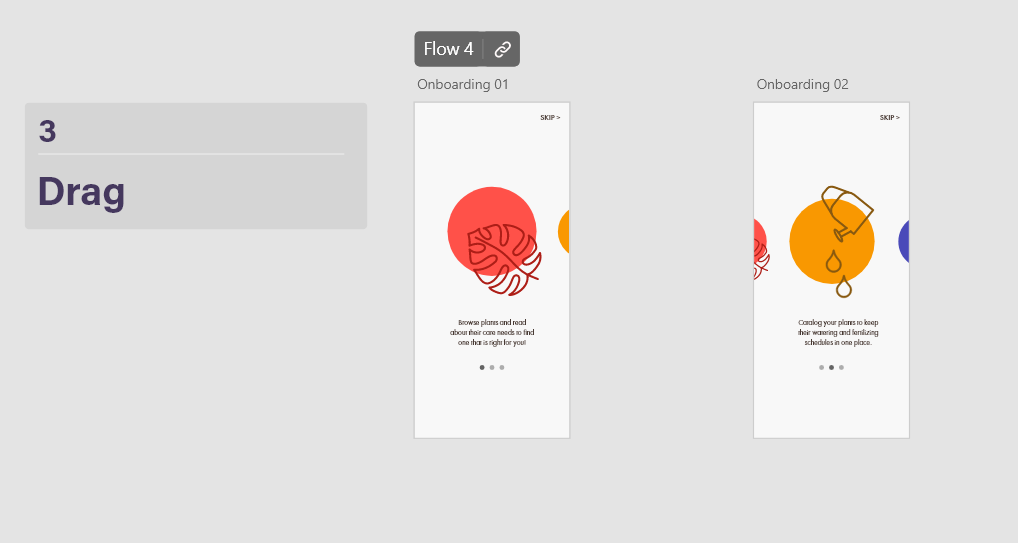
For the third, the drag trigger is used to create a similar effect with elements becoming larger when they are selected. This is a lot like the second step except users are able to drag through the screen instead of tap. The drag feature is more useful for mobile screens since it works with one quick swipe, and is easier than tapping a small area, which may be harder to do for some users.

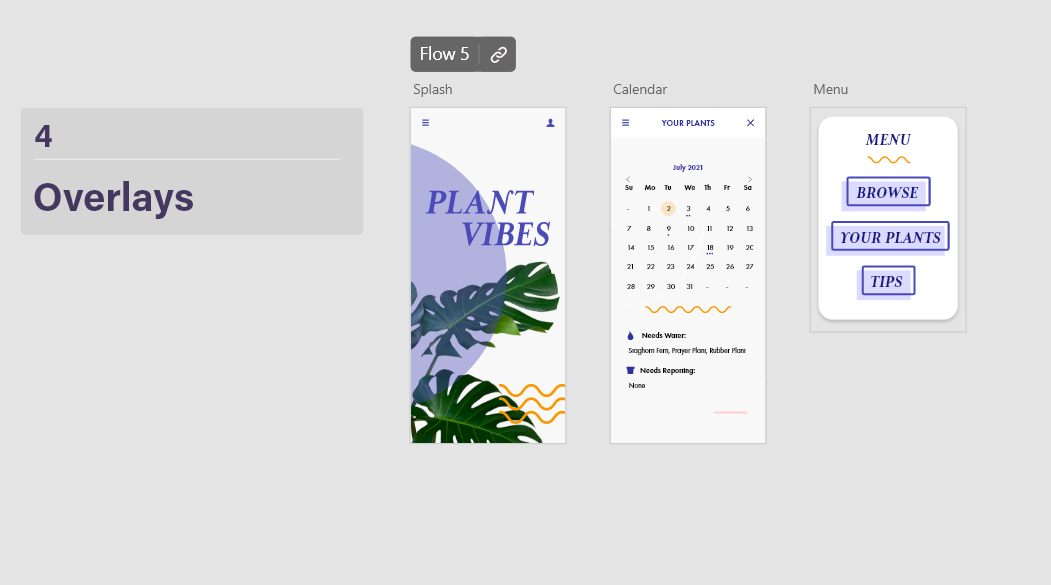
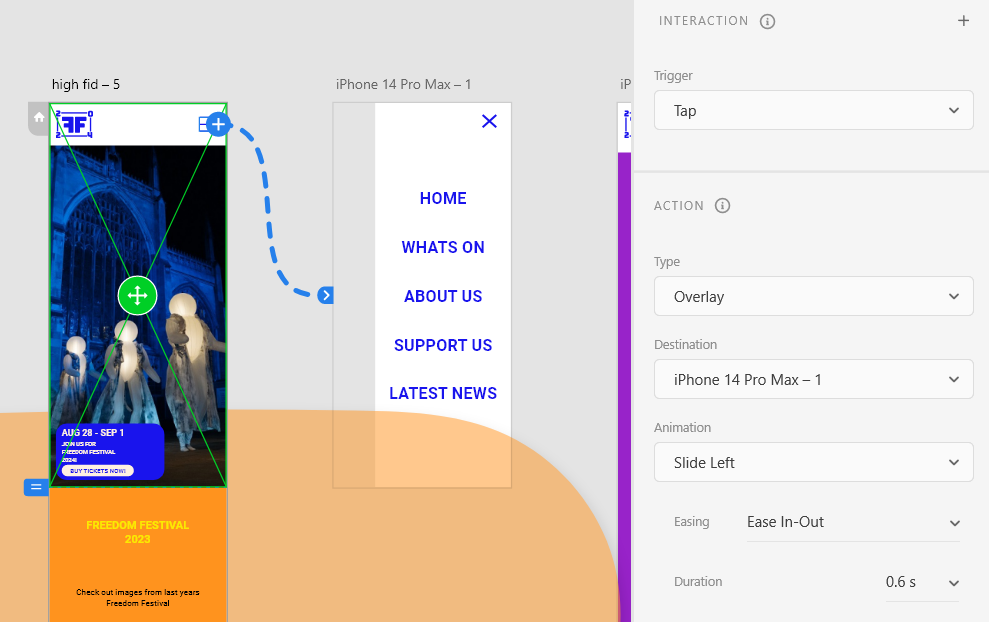
The fourth is an overlay. An overlay action uses a separate art board that has a transparent background, so that elements look like their hovering over the original art board. The overlay animation is good for displaying menus, which is what it has been used for here, after clicking on a burger menu to trigger the animation. 

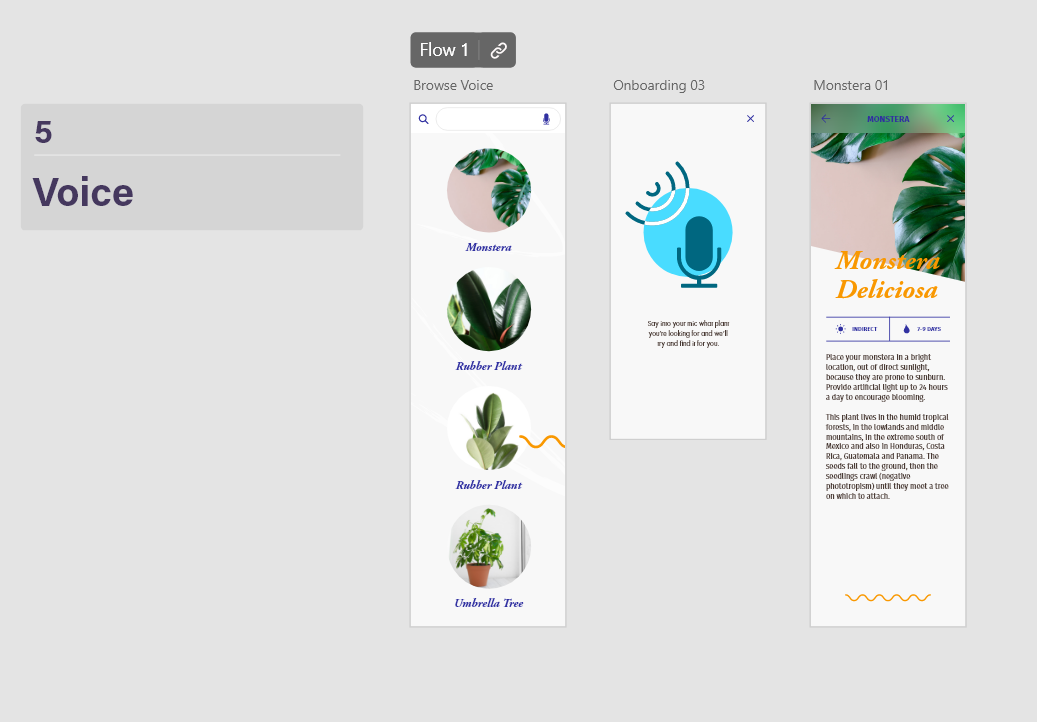
The last uses voice activated commands. It is triggered by clicking the microphone icon, which then takes you to a screen which gets you to press the space bar and say what plant you are looking for. This feature is helpful because it is accessible to people who may have a harder time reading, or cant see the text very well and aren’t sure where the plant they are looking for is. 

All of these methods are helpful and I have applied some into my own work for the Freedom Festival 2024 project. For example, I have used the overlay animation to make a navigation slide in over the screen, so users can easily navigate the mobile version of the site. I have also experimented with the animation tab to make the overlay slide in from the left, where the burger menu icon is positioned.

Use of overlay in my Freedom Festival mobile prototype

References:


Beaumont, Dani (2019) Get Started with Adobe XD: Creating a Prototype [Quote]. Available online: Step 00 creating a prototype introduction – YouTube [Accessed: 09/12/2023]

Visual Identity Across Channels and Accessibility

Visual Identity Across Channels and Accessibility

“Once a brand is established, it needs to become a recognizable identity that the external world can perceive. This recognition comes with consistency, and achieving that consistency requires a strong visual identity system.” (Gregory, 2022)


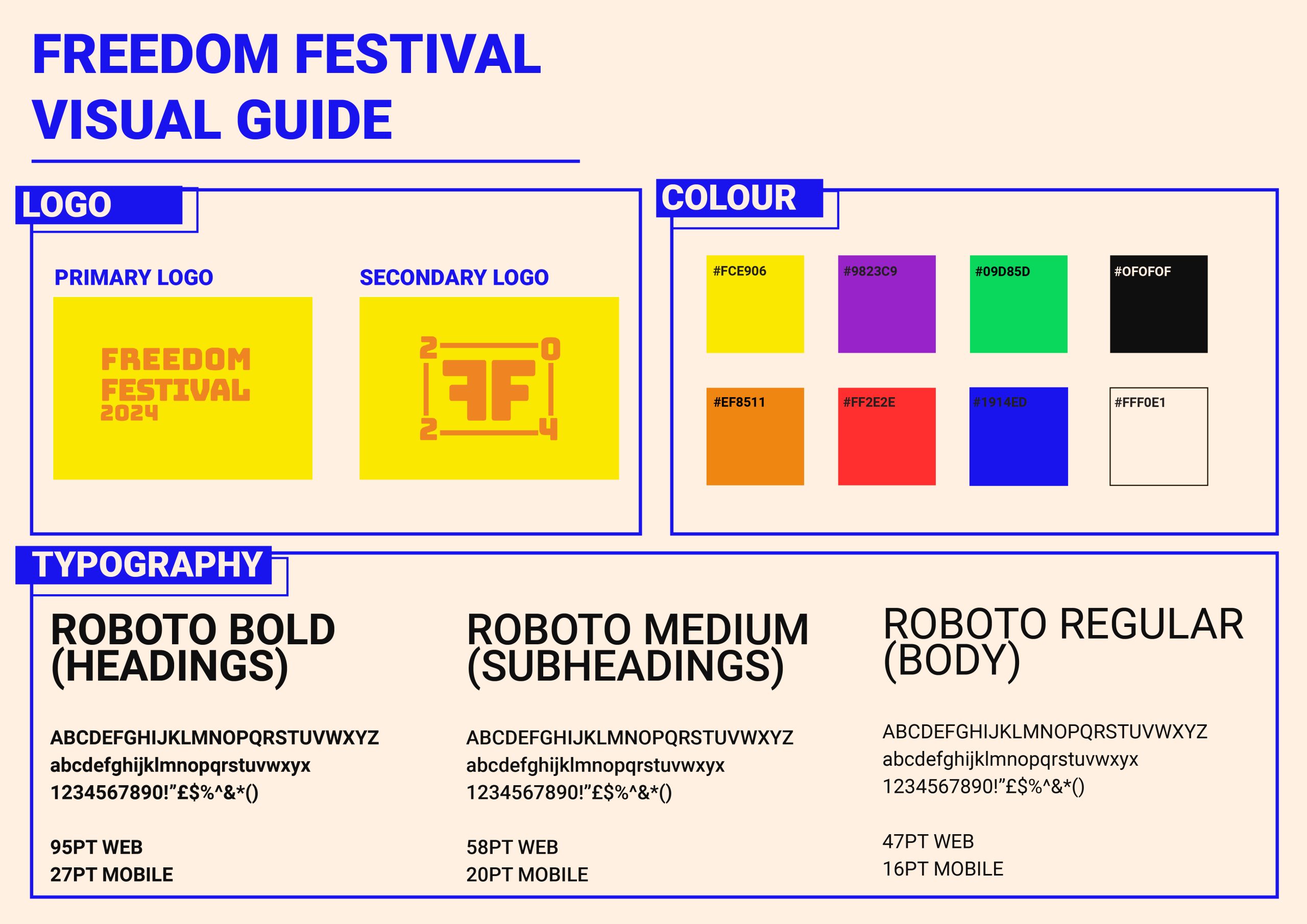
Throughout my development log I have been working on a collective visual identity that I can use across all channels, including web and app devices. It was important for my visual identity to translate across platforms and be responsive to different factors such as screen size, device compatibility and user intuition. I have done this by using things such as web safe typography that can scale up and down but still be readable and clear, HEX value colours that are screen accurate, and various logo forms that can be used interchangeably depending on the display sizes. 

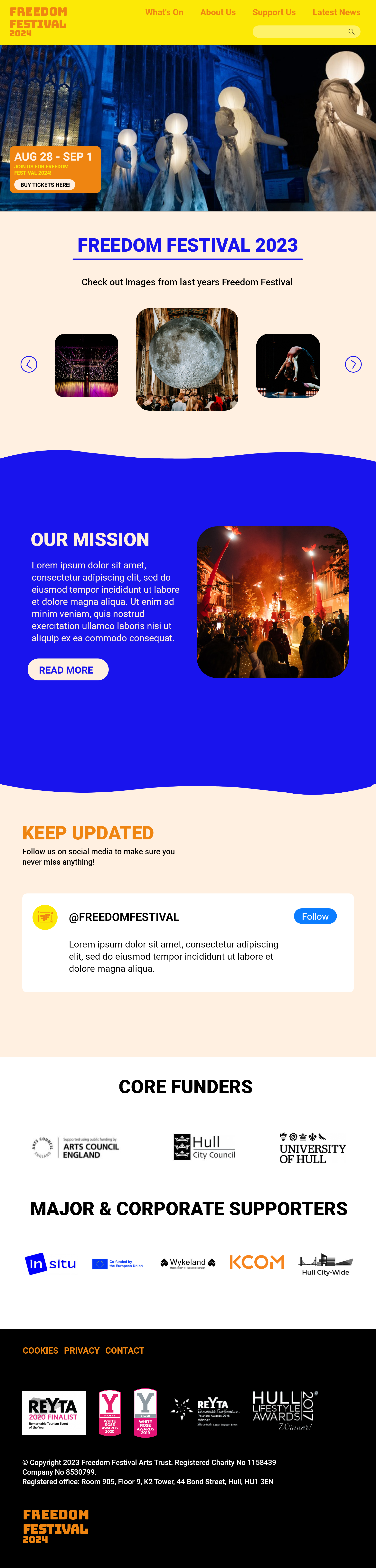
I have also considered the layout of my website for both a desktop screen and a mobile screen. I have created mockups that demonstrate how the website can still be used on smaller screens, and I have used different methods to apply responsive design.  

I have put all this information onto one document, where I can show other people the brands visual identity and so that myself and others can understand how the identity should look.

The visual identity for the Freedom Festival 2024

I have also considered the point size of the text to make sure it is always at a suitable size that is readable and clear to users. Accessibility is important to consider in UX and one thing to consider when designing accessibly is if typography is legible on a range of screens and devices. It is also important to consider how older display models may make it harder to view some typefaces, which is why I purposely chose a font that is web safe. Web safe fonts also reduce loading times as they are pre-installed and that is something to think about especially with older, slower devices. 

I have also made sure text isn’t smaller than 16pt, because this means users can view text comfortably, whilst some exceptions may be made for captions, which are usually smaller (Patti, 2023).


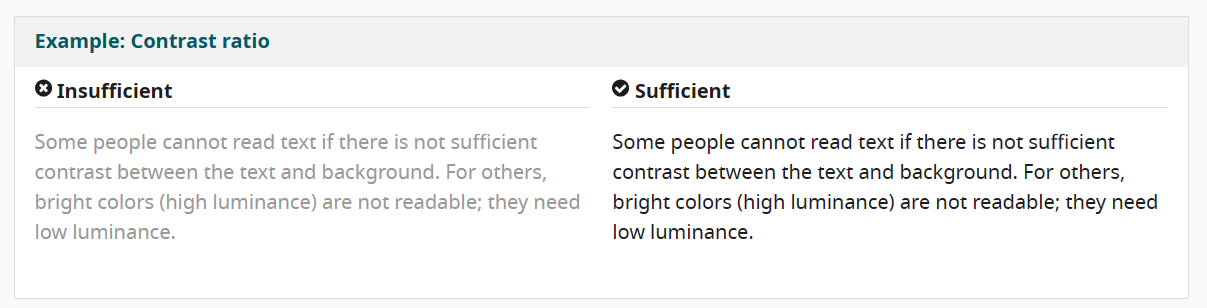
I have chosen colours with a higher contrast against each other so that users with poor eyesight can comfortably see the content. Although the logo is low contrast, the weight of the logo creates clear distinction. It becomes an issue with things such as smaller text sizes.  

I have applied accessible design practices to allow all users to use the website comfortably. One of the practices I've applied is contrast for visual aid.

All of this has been applied to my mockups. I will continue to apply accessible and responsive design as I progress towards my final outcome. You can see how I have also applied the visual identity aspects into my mockup, showing how it spans across multiple channels. I can also take this visual identity into things such as print, social media and motion design as part of my final presentation.

Mockup of my website design, showing how I have implemented accessible and responsive design.
Mockup of my mobile design, showing how I have implemented accessible and responsive design.

Reference List:


Gregory, Lauren (2022) Visual Identity Systems: What They Are & Why They Matter [Article]. Available online: https://blog.hubspot.com/marketing/visual-identity-systems [Accessed: 19.11.2023]


Patti, John (2023) The Role of Typography in Designing for Accessibility [Article]. Available online: https://www.hyphadev.io/blog/the-role-of-typography-in-designing-for-accessibility#:~:text=Best%20Practices%20for%20Ensuring%20Accessible%20Typography%201%201.,5.%20Do%20Not%20Use%20Images%20of%20Text%20 [Accessed: 19.11.2023]


W3 (2019) Designing for Web Accessibility [Article]. Available online: https://www.w3.org/WAI/tips/designing/#use-headings-and-spacing-to-group-related-content [Accessed: 19.11.2023]

Interactive Elements and Storyboarding

Interactive Elements and Storyboarding

“An interactive web design is a design for websites which uses other inbuilt software, modules or features aimed at creating an environment for a website or web application user to be actively engaged during visit or use as the case may be, thereby improving his or her user experience (UX).” (Study.com, ND)


Human interactions can enhance website design and allow an engaging user experience. Benefits of interactive web design include: Better engagement, Increased time spent on your website, creative approaches and easier intuitive navigation. 

Some simple forms of interactive design include search bars, navigation links, buttons, scroll effects and videos. Interactive elements add a responsive and personalized user experience (WebFX, ND)

Storyboards

To make the website more interactive, I would like to include animations and moving elements as a way to engage the user and present visuals in a dynamic manner. I have made storyboards to display ideas on how I may achieve this and to plan the order of my animation.

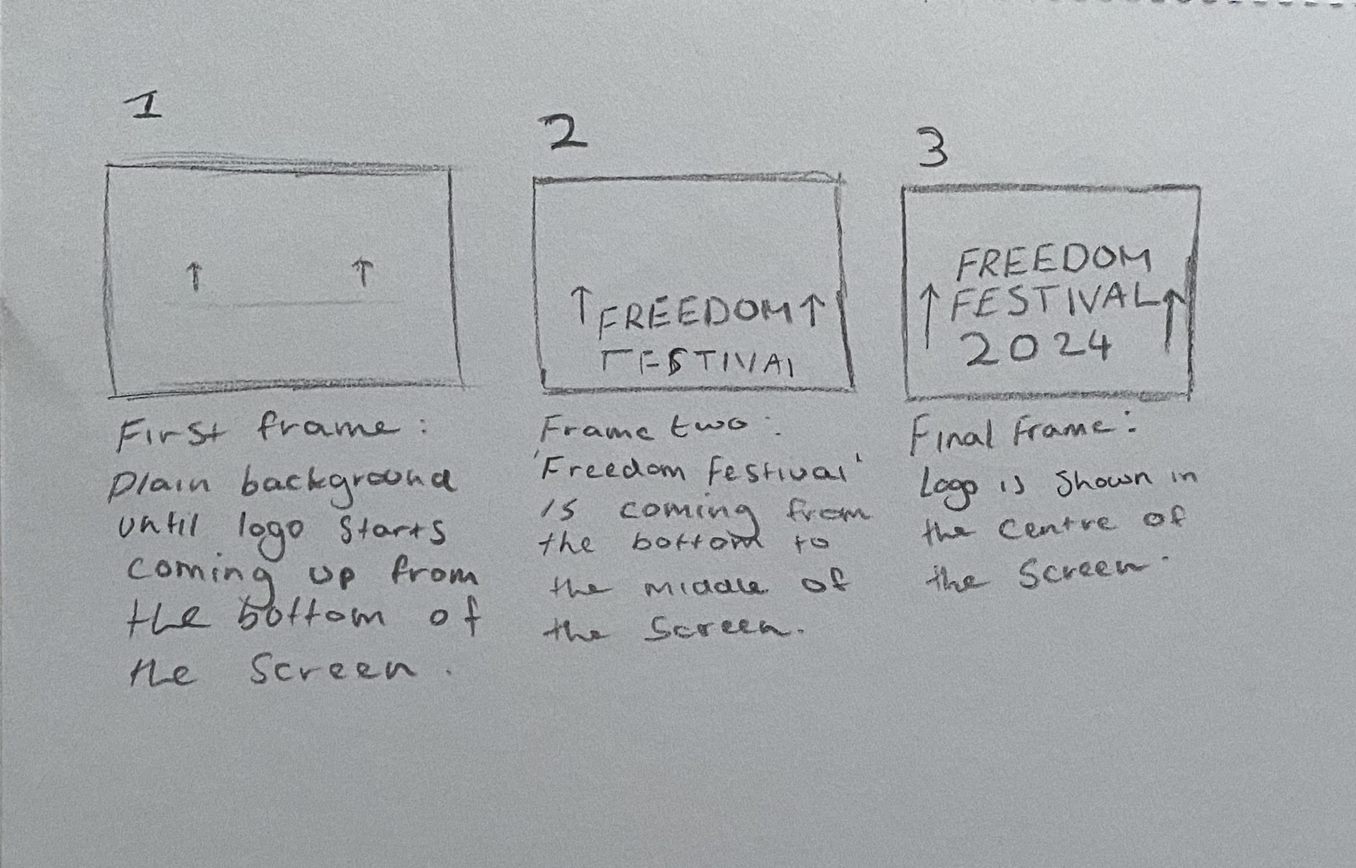
A simple animation of my logo rising up

Here is a simple storyboard detailing an animation for my logo. The sequence is short but adds dynamism to the logo by having it float into the frame before settling into position. I have chosen to animate my logo because it could be an animation that happens when entering the website, creating fluidity and intrigue in the user as soon as they are on the website.


Using After Effects, I took the concept from my storyboard and made it into an animation. The process was fairly simple and just included a shape mask for the text to come out from under to create the effect of it sliding up. I used the ease-in and ease-out tools to create some bounce and energy to the text when it rises before settling into a fixed position. I think this would be effective on my website design as it is a subtle animation which doesn’t feel distracting. 

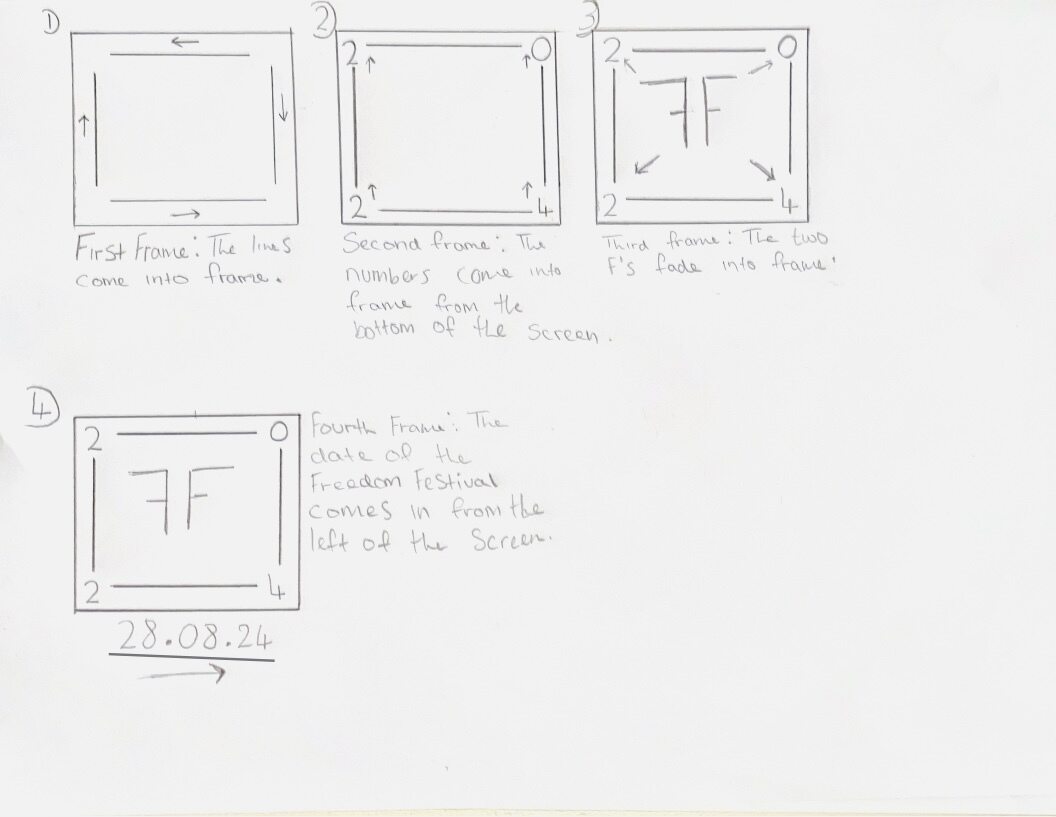
A second storyboard for an animation of my secondary logo

I made another storyboard for my secondary logo, similar to how I did one for my primary logo.

Because my secondary logo has more elements, I was able to create a more sophisticated sequence which takes the user through more of a visual journey. The first step is the lines extending from each corner in different directions. Then the numbers float up in sync, using the same technique as my first animation. The animation ends with the two F’s floating into the frame, and the date of the festival sliding in from the left, underneath the logo.

Though I haven’t had chance to properly animate this in After Effects yet, it is something that I would like to include in my website or on social media. Because it uses more steps and takes the user through a process, I think it would be highly engaging and beneficial to the user experience.

Search Bar

I have added a search bar to my website mockup

I would like to add a search bar to my website because it is a good way to add some user interaction and can be helpful when users are trying to navigate the website. I have added one in to the navigation on my high fidelity mockup to demonstrate how it may look. To make this even more interactive, I could add a toggle effect so the search bar can be made bigger and smaller when clicked on. 

Some other ideas I have are sections of the website which fade in as the user scrolls down. This will be something that I test out when I begin to wire up the site for my final version, so that the animation can be seen as part of a functional prototype.


Reference List:

Study.com (ND) Interactive Web Design [Quote]. Available online: https://devrix.com/tutorial/how-to-use-interactive-design-website/#:~:text=The%20benefits%20of%20good%20website%20interaction%20design%20are,the%20site%20and%20about%20your%20business.%20More%20items [Accessed: 19.11.2023]


WebFX (ND) How to Make Website More Interactive in 13 Steps [Article]. Available online: https://www.webfx.com/web-design/learn/how-to-make-website-more-interactive/#:~:text=13%20elements%20of%20a%20successful%20interactive%20website%20design,tools%20…%208%208.%20Feedback%20…%20More%20items [Accessed: 19.11.2023]